BigCommerce Connector — Configuration and Settings
Field Mapping
Navigate to BigCommerce > Field Mappings.
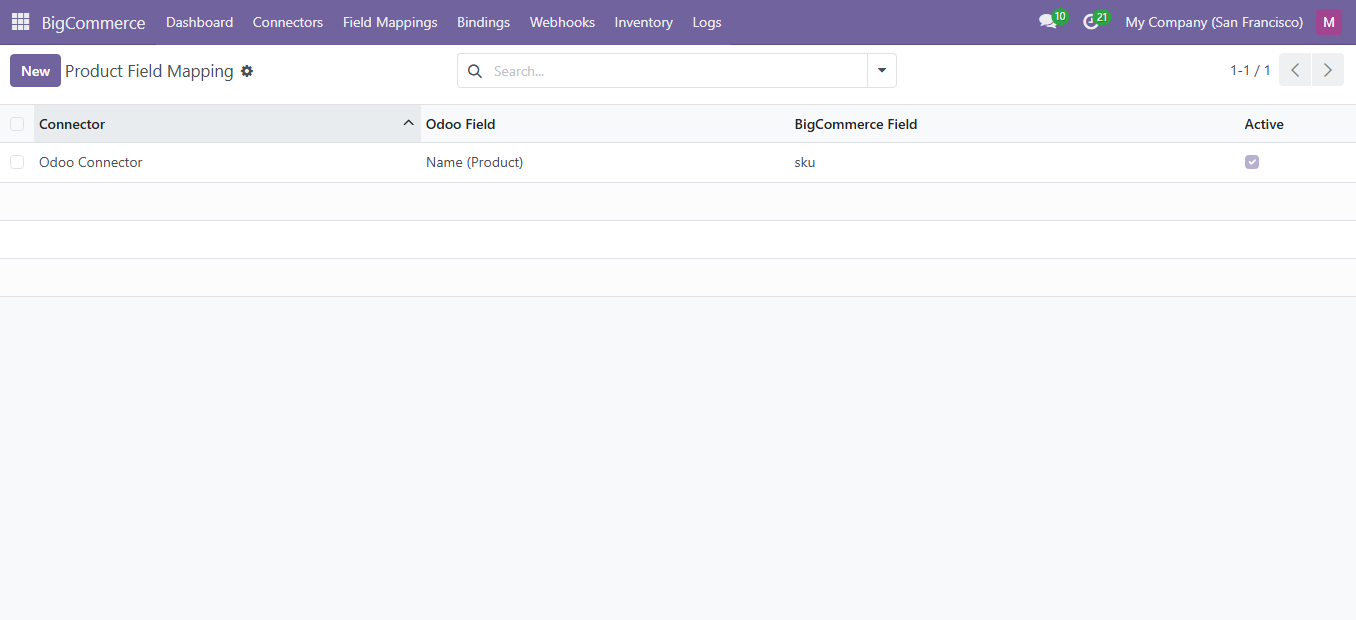
Mapping Types
| Type | Description |
|---|---|
| Product Mapping | Map Odoo product fields to BigCommerce product fields |
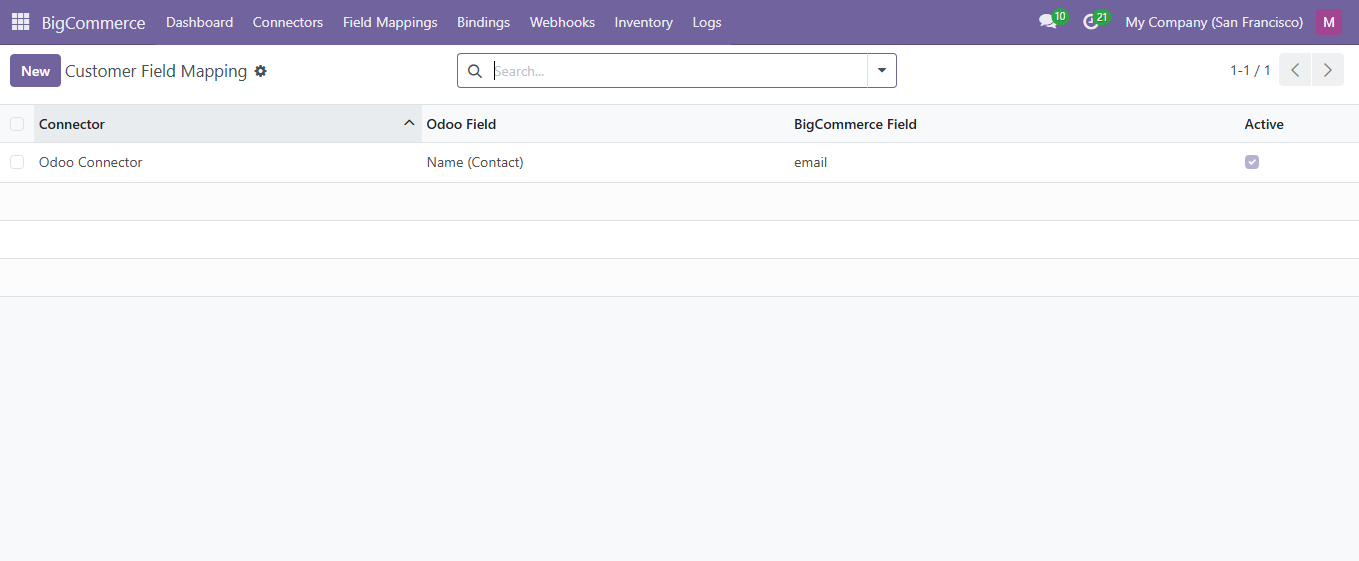
| Customer Mapping | Map Odoo partner fields to BigCommerce customer fields |
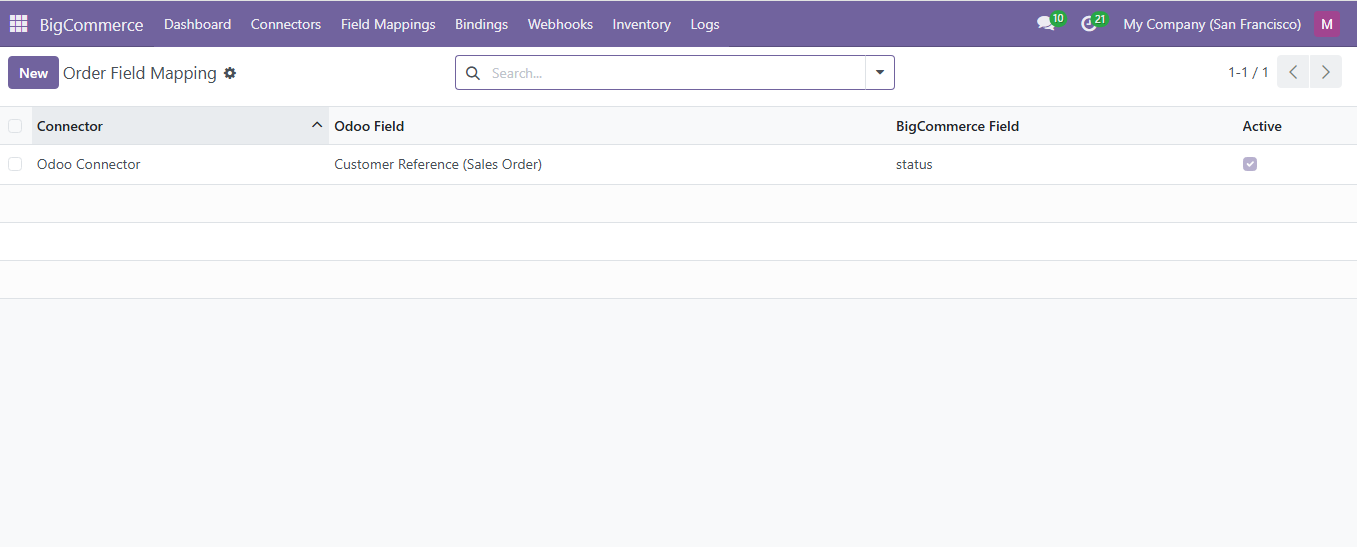
| Order Mapping | Map Odoo sale order fields to BigCommerce order fields |
| Category Mapping | Map Odoo category fields to BigCommerce category fields |
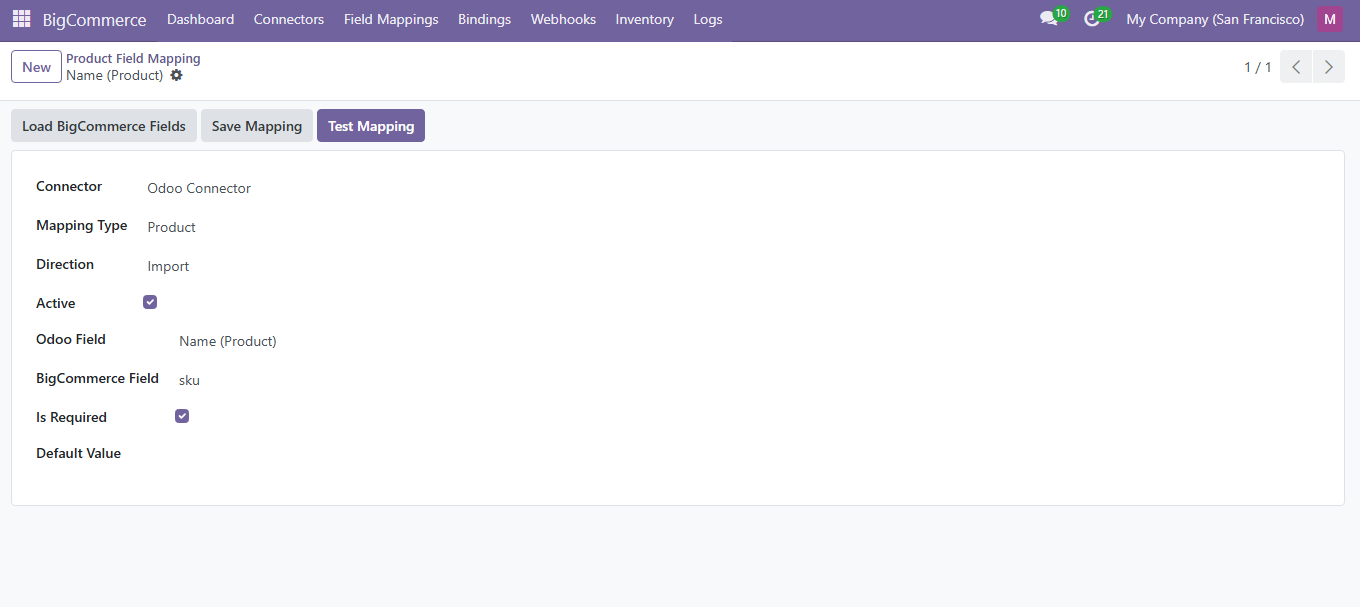
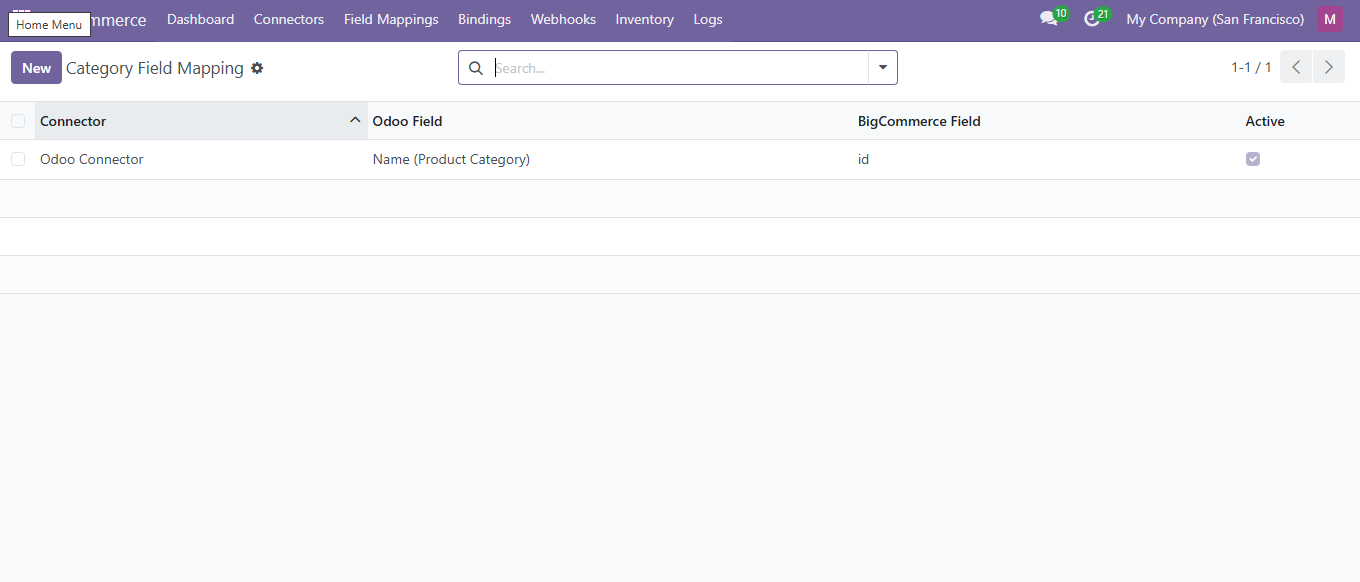
Test Wizard
The Field Mapping Test Wizard lets you validate mappings before sync. Select a mapping type and instance, provide a sample JSON payload, and click Test to see the resulting Odoo values.
AI Dashboard Assistant
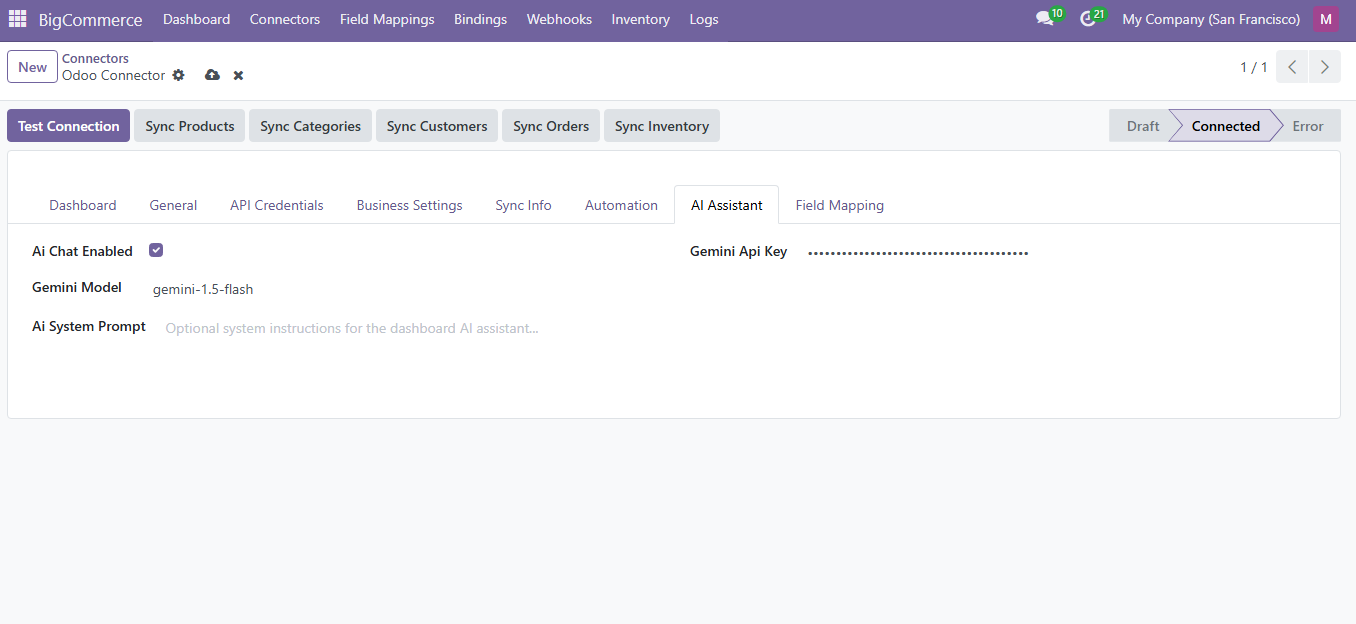
The dashboard includes a Google Gemini-powered AI assistant that can:
- Answer questions about your sync data and operations
- Provide business insights from order and product trends
- Suggest actions to resolve sync issues
Automation Rules
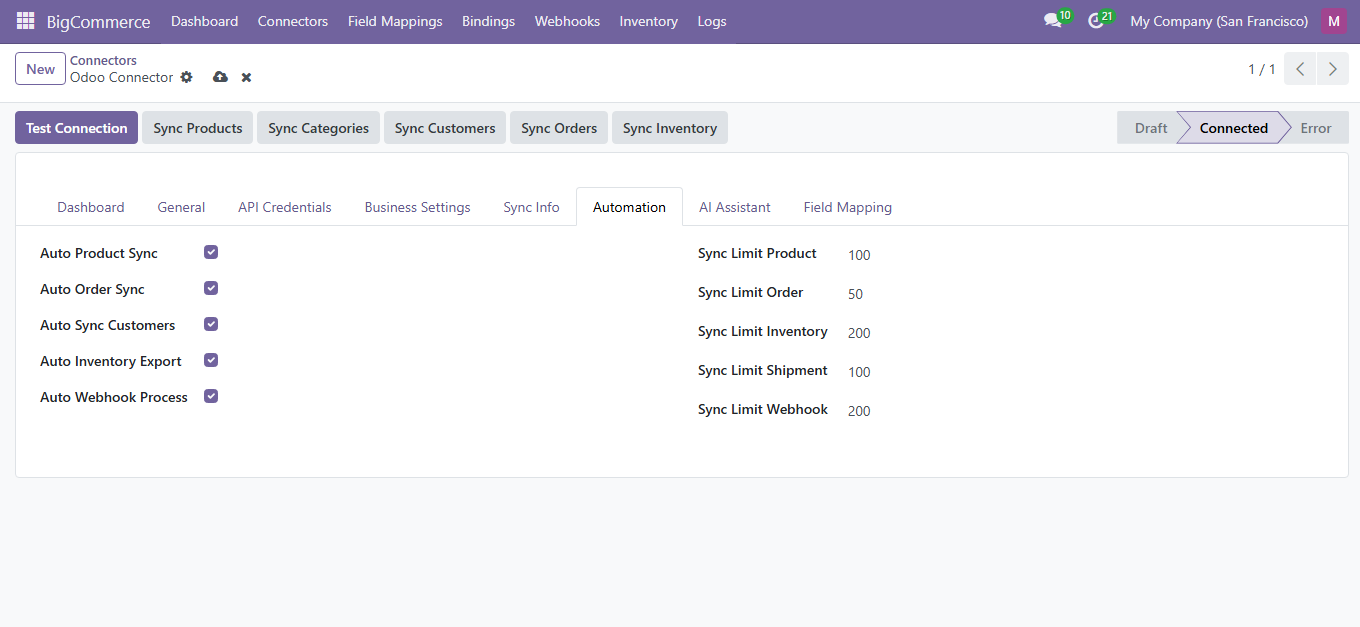
Auto-assign warehouses, carriers, and sales teams based on order conditions.
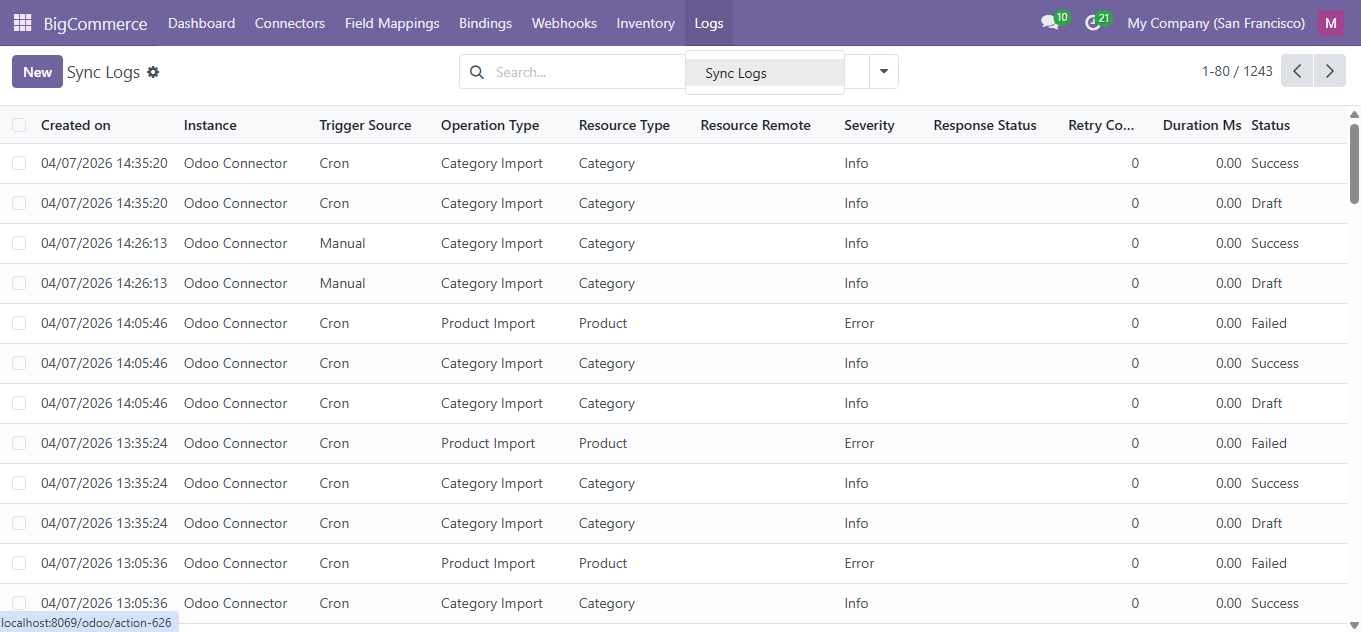
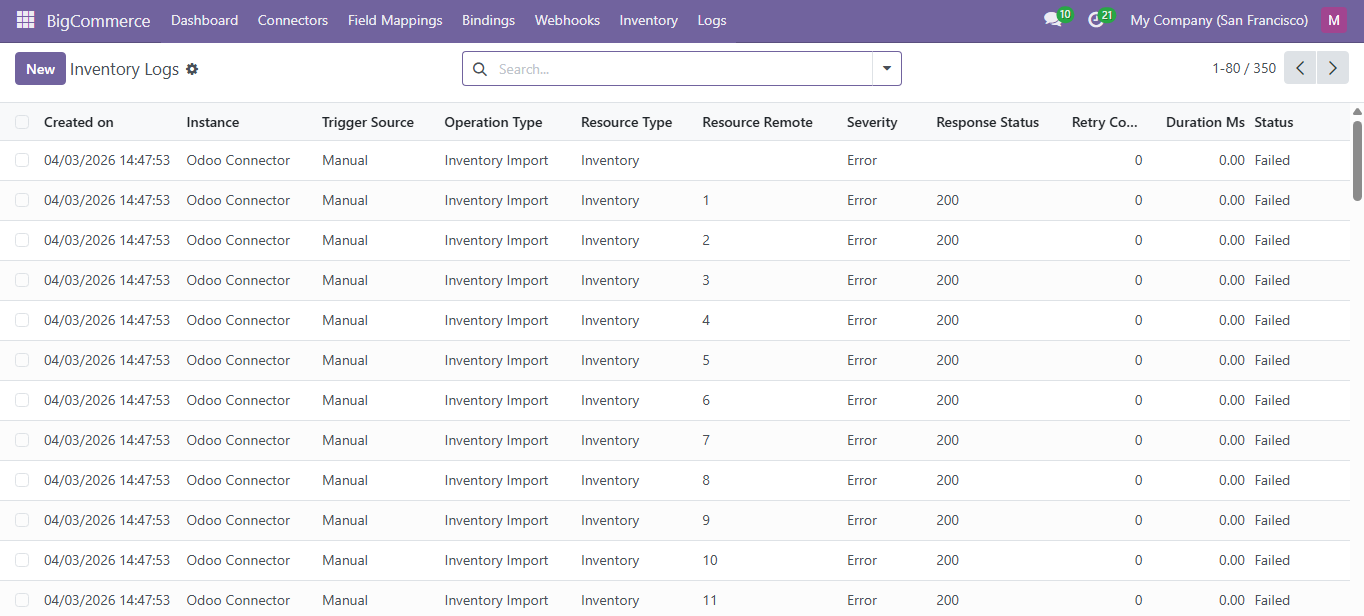
Reports and Sync Logs
Navigate to BigCommerce > Logs > Sync Logs.
Cron Jobs
| Cron Job | Interval | Description |
|---|---|---|
| Product Sync | Every 30 min | Syncs product catalog changes |
| Order Sync | Every 15 min | Pulls new/updated orders |
| Customer Sync | Every 30 min | Imports customer data |
| Inventory Sync | Every 20 min | Refreshes stock levels |
| Process Webhooks | Every 5 min | Processes queued webhook events |
Global Settings
Navigate to Settings > BigCommerce:
- Default Instance: Select the default BigCommerce instance
- Gemini API Key: Configure Google Gemini for AI assistant
- Webhook Processing: Enable/disable automatic processing
- Sync Log Retention: Days to keep sync logs
Need Help?
Contact SDLC Corp at sdlccorp.com/contact-us or email sales@sdlccorp.com