BigCommerce Connector — Data Synchronization
Product Bindings
Navigate to BigCommerce > Bindings > Product Bindings.
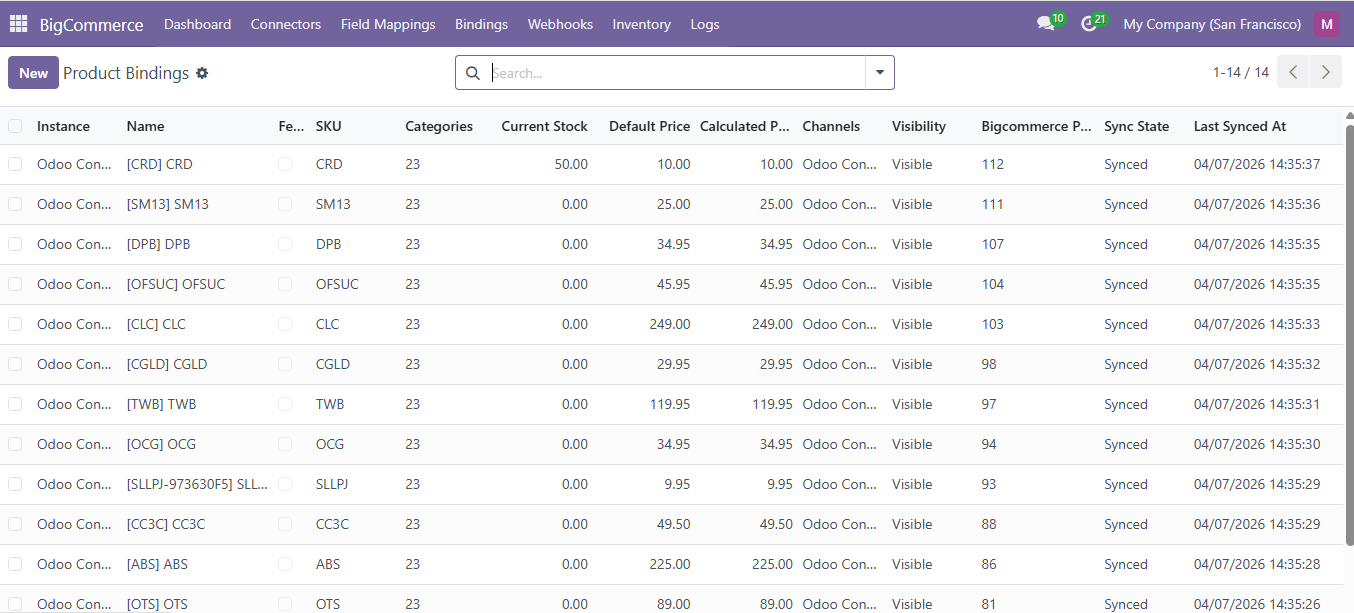
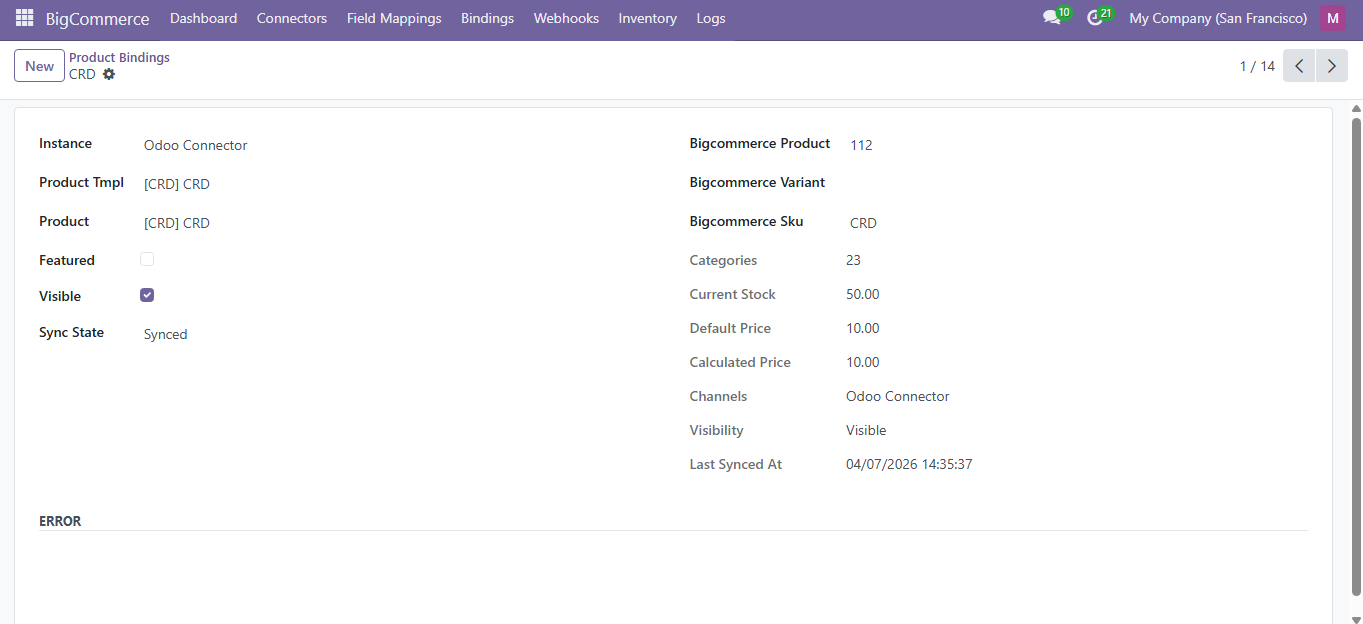
- Each binding links one Odoo product to one BigCommerce product by ID
- Products sync with name, SKU, price, description, weight, and dimensions
- Images are downloaded and stored in Odoo
- Click Push to BigCommerce to create or update products in your store
Order Bindings
Navigate to BigCommerce > Bindings > Order Bindings.
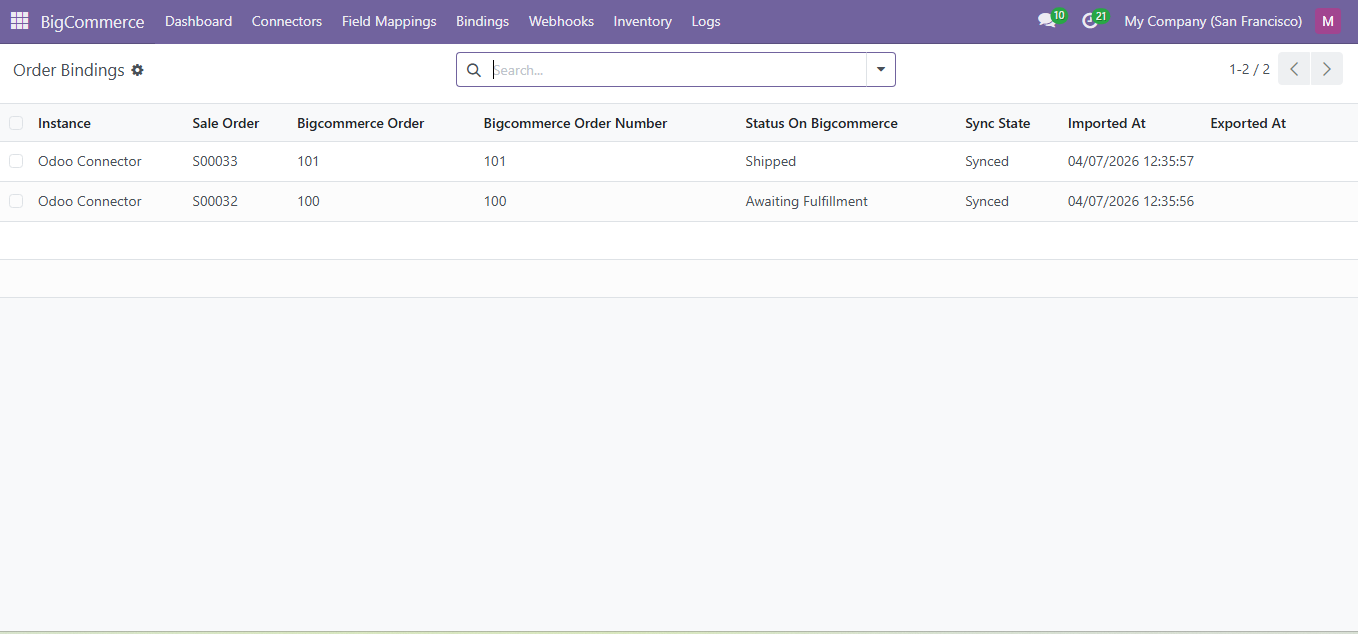
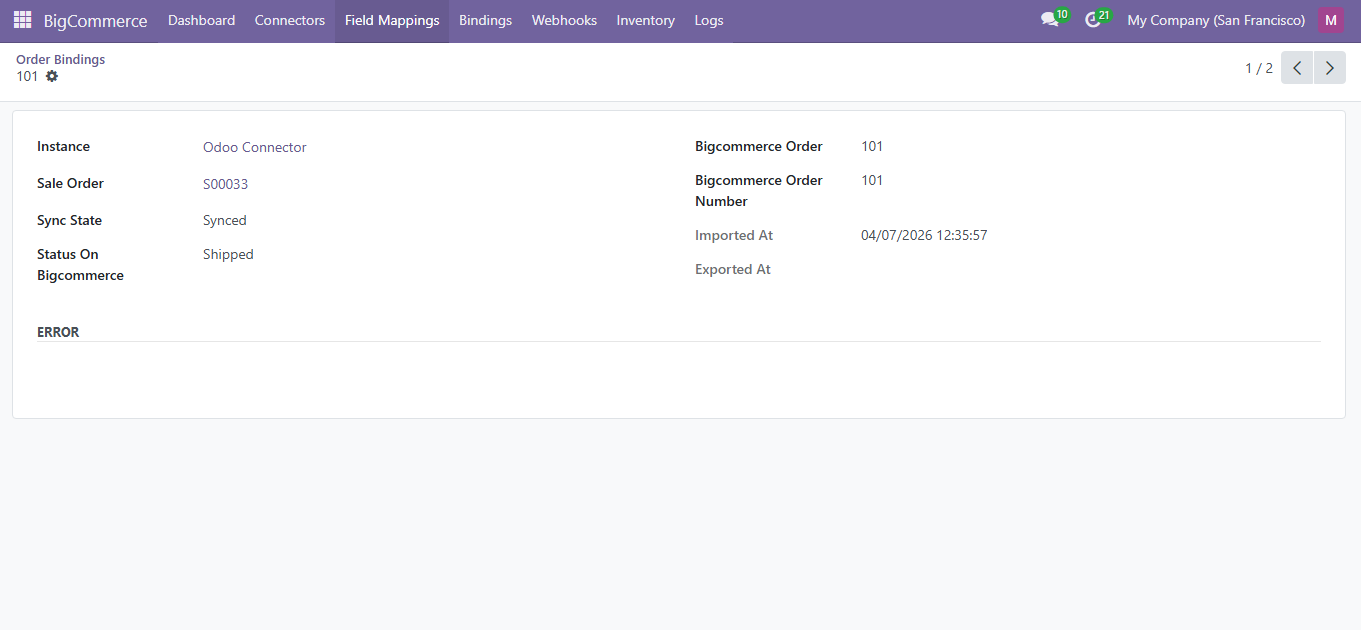
Order Status Mapping
| BigCommerce Status | Odoo Status | Description |
|---|---|---|
| Incomplete | Draft | Order started but not completed |
| Pending | Draft | Awaiting payment |
| Awaiting Fulfillment | Confirmed | Payment received, ready to ship |
| Shipped | Shipped | Carrier has the package |
| Completed | Delivered | Order fully fulfilled |
| Cancelled | Cancelled | Order cancelled |
Customer Bindings
Navigate to BigCommerce > Bindings > Customer Bindings.
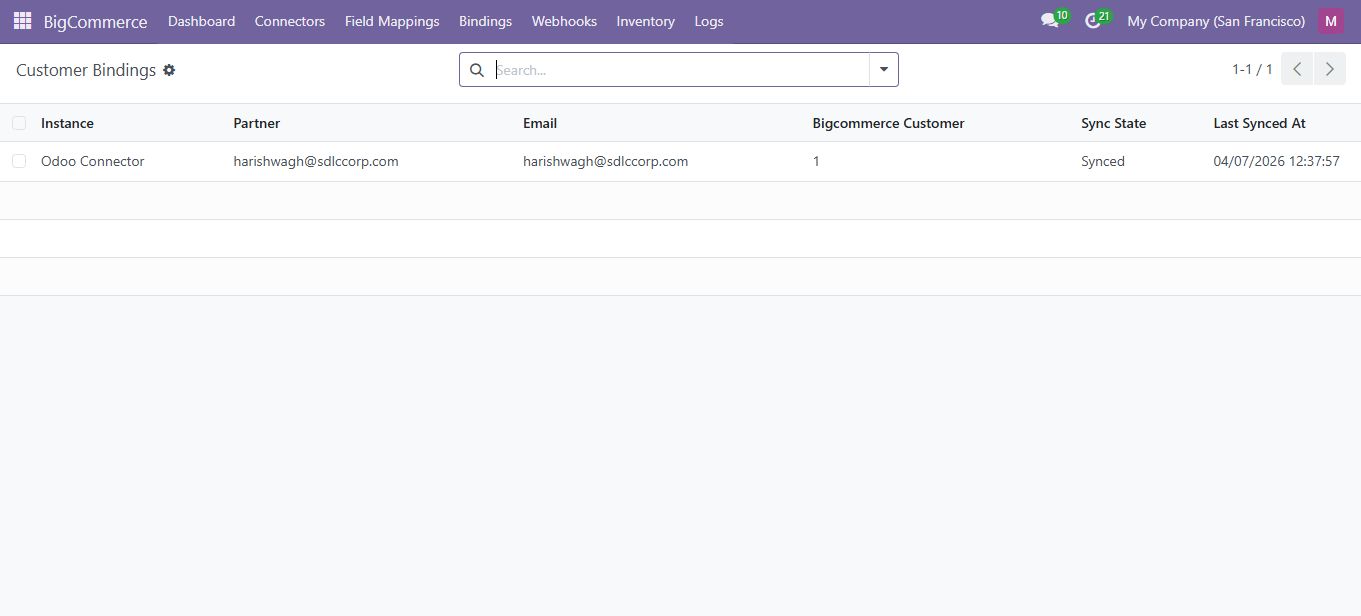
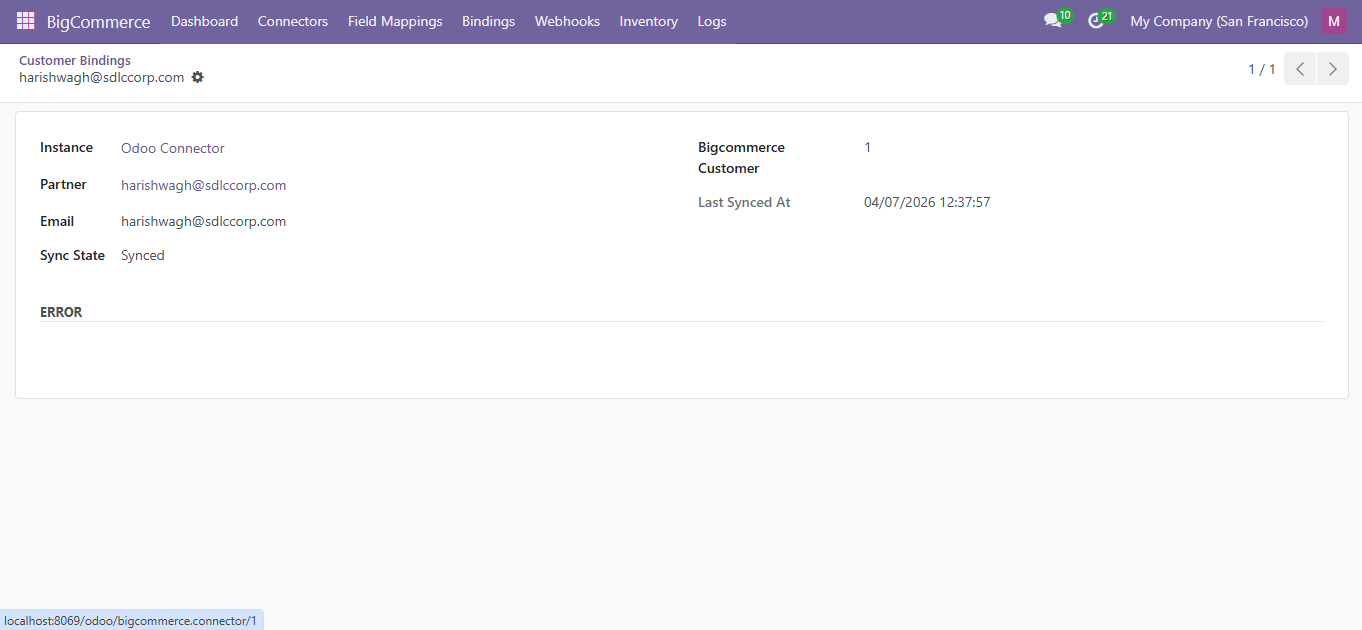
- Customers synced with name, email, phone, company, and addresses
- Billing and shipping addresses imported as child contacts
- Bidirectional: create in Odoo and push to BigCommerce
Category Bindings
Navigate to BigCommerce > Bindings > Category Bindings.
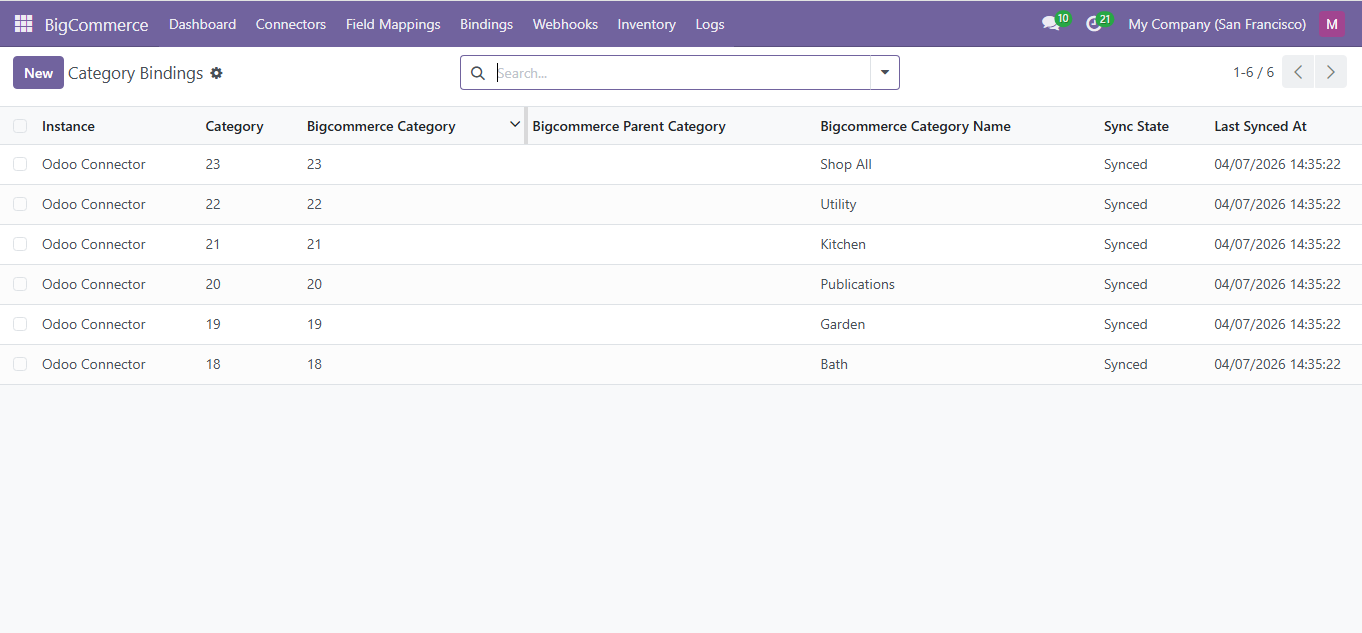
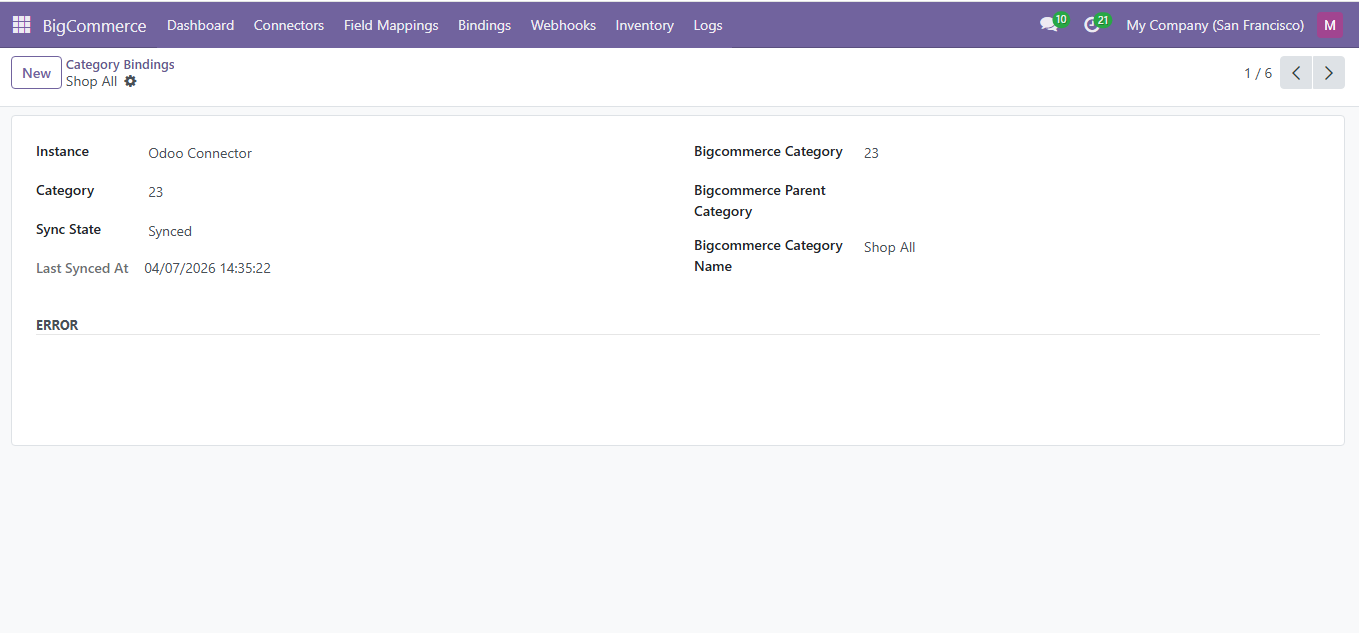
- Parent-child relationships maintained during sync
- Bidirectional: create categories in Odoo and push to BigCommerce
Inventory
Navigate to BigCommerce > Inventory.
| Status | Color | Description |
|---|---|---|
| In Stock | Green | Above low stock threshold |
| Low Stock | Yellow | At or below threshold, above 0 |
| Out of Stock | Red | Quantity is 0 |
Webhooks
Navigate to BigCommerce > Webhooks > Subscriptions.
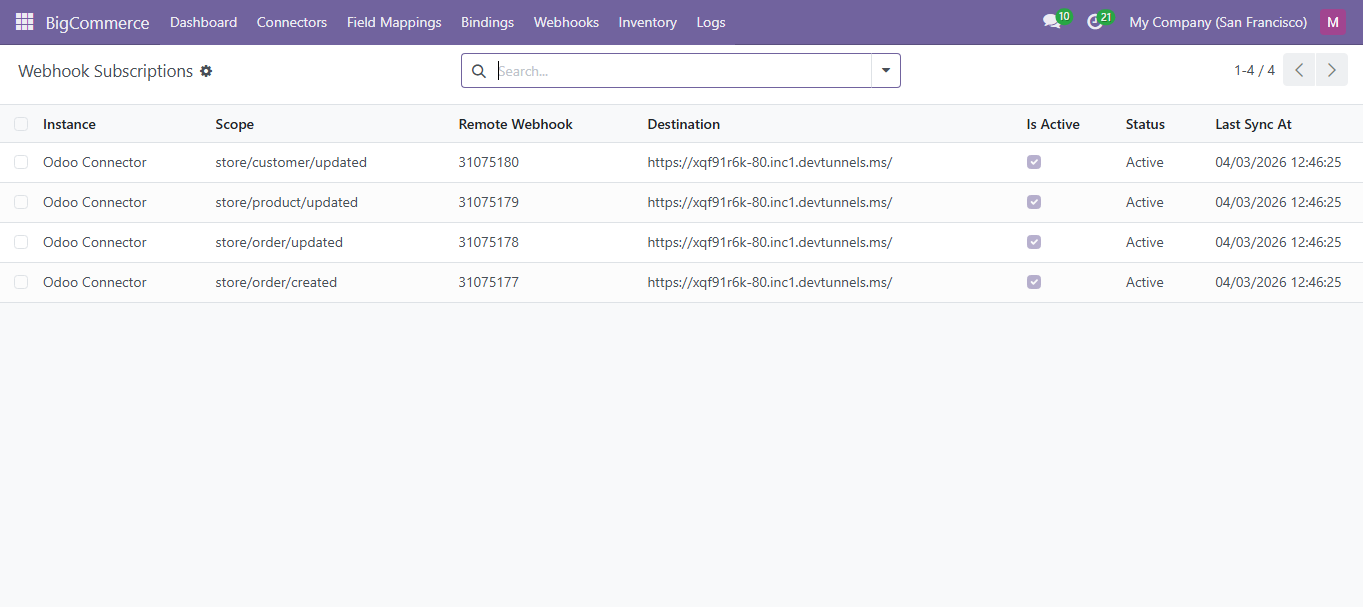
Subscribe to: orders/created, orders/updated, products/updated, shipments/created
Need Help?
Contact SDLC Corp at sdlccorp.com/contact-us or email sales@sdlccorp.com