Trial Balance
A summary of all account balances showing initial balance, total debits, total credits, and ending balance for each account, with optional comparison period analysis.
Purpose
The Trial Balance provides a concise overview of all account balances at a glance. It is used to verify that total debits equal total credits and to quickly review account activity for a given period. The optional comparison feature makes it valuable for period-over-period analysis.
Generating the Report
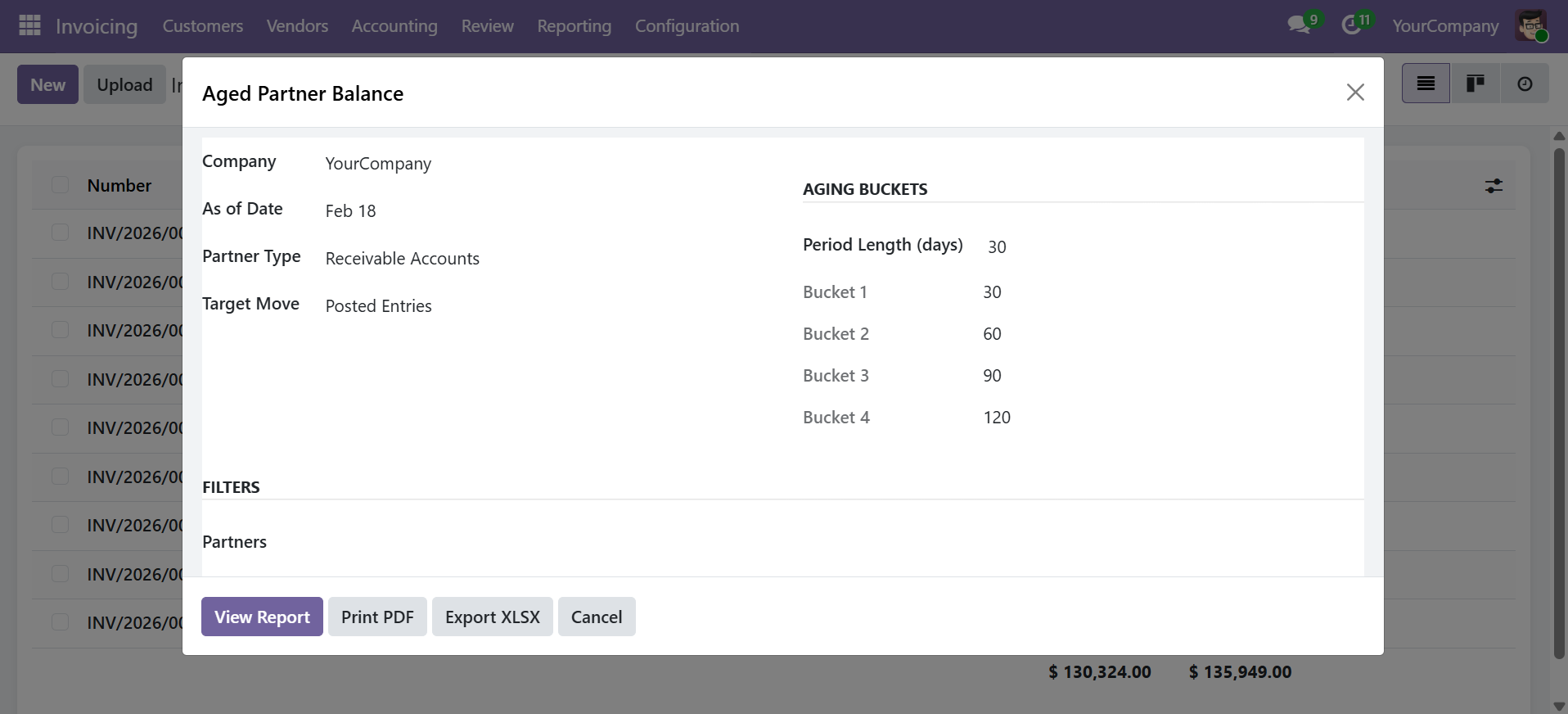
Navigate to Accounting > Reporting > Financial Reports > Trial Balance to open the wizard.
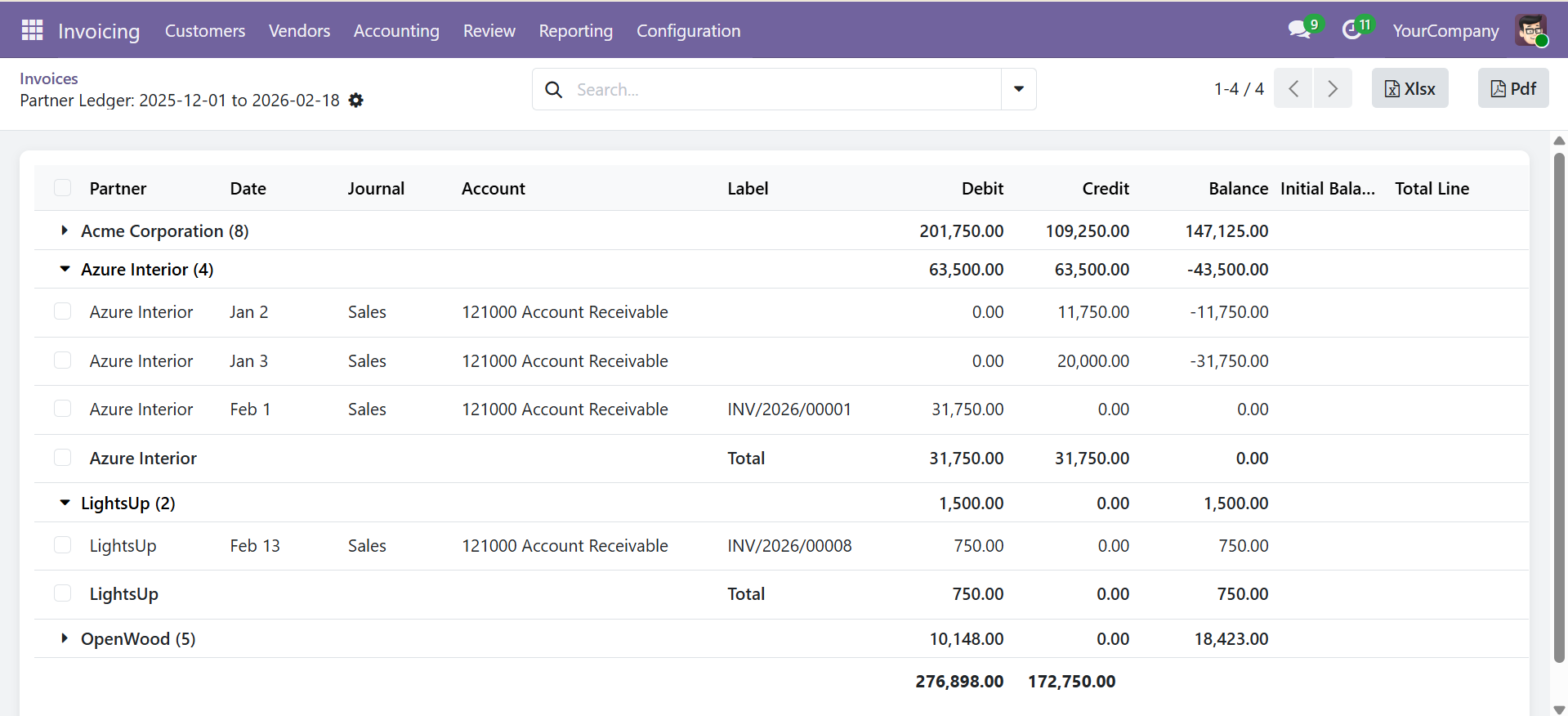
Wizard Parameters
| Parameter | Description |
|---|---|
| Company | Company to report on (required) |
| Date From / Date To | Reporting period (required) |
| Target Moves | Posted Entries or All Entries |
| Display Accounts | All, With Movements, or Non-Zero Only |
| Show Hierarchy | Display account hierarchy in tree view |
| Enable Comparison | Enable comparison with a second period |
| Comparison Date From / To | Second period dates (when comparison is enabled) |
| Journals | Filter by specific journals (optional) |
| Accounts | Filter by specific accounts (optional) |
| Report Lines | Custom report line configurations (optional) |
Click View Report to display the interactive view, Print PDF for a formatted document, or Export XLSX for a spreadsheet.
Report Output
| Column | Description |
|---|---|
| Code | Account code |
| Account Name | Account name |
| Initial Balance | Opening balance before the date range |
| Debit | Total debits during the period |
| Credit | Total credits during the period |
| Balance | Ending balance (Initial + Debit - Credit) |
The bottom row displays grand totals for all columns. When the books are balanced, total Debit equals total Credit.
Comparison Period
Enable the Enable Comparison checkbox to add a second set of columns for a comparison period.
Enable the comparison checkbox to add a second set of columns for a comparison period. This is useful for month-over-month or year-over-year analysis.
When comparison is enabled, the report includes additional columns showing the same metrics for the comparison period, allowing side-by-side review.
Display Options
| Option | Description |
|---|---|
| All | Show all accounts regardless of activity or balance |
| With Movements | Show only accounts that had transactions in the period |
| Non-Zero Balance Only | Show only accounts with a non-zero ending balance |
Export Options
- View Report -- Opens an interactive list view with sorting and searching
- Print PDF -- Generates a professional landscape A4 PDF with company branding
- Export XLSX -- Downloads a formatted Excel file with frozen headers and number formatting
Contact SDLC Corp at sdlccorp.com/contact-us or email sales@sdlccorp.com