Properties & Rooms
Multi-property support with full room configuration including floors, types, amenities, and pricing.
Properties
Navigate to Properties > All Properties to see all your hotels.
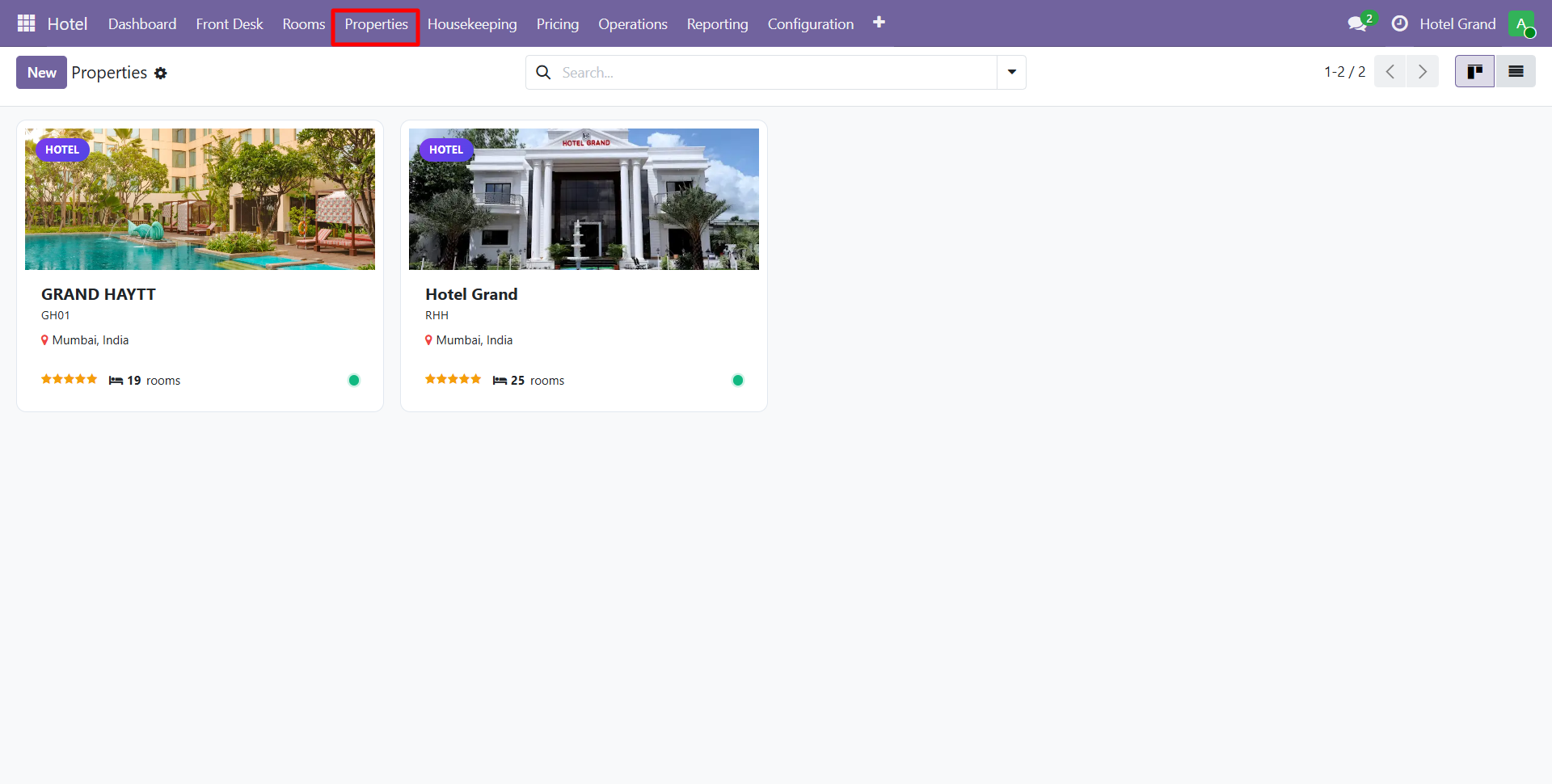
Property Form
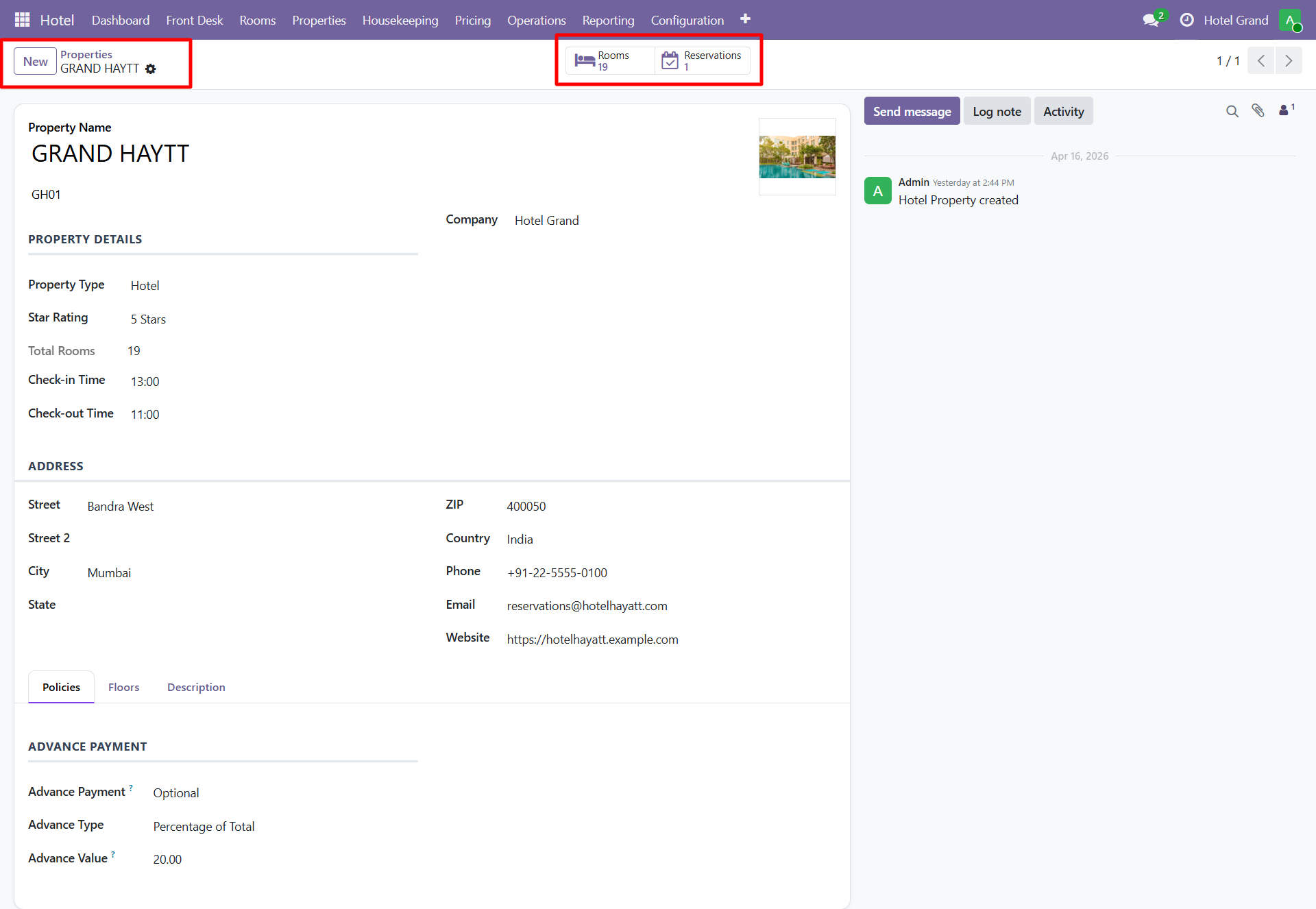
Core Fields
| Field | Description |
|---|---|
| Name | Property name (shown in dashboards and reports) |
| Code | Short code (e.g., "NYC-PLAZA") |
| Address | Full property address |
| Phone / Email | Contact info |
| Website | Property website URL |
| Check-in Time | Default check-in hour |
| Check-out Time | Default check-out hour |
| Currency | Property base currency |
| Timezone | Local timezone for scheduling |
| Tax Settings | Default tax rules for this property |
Multi-Property Operations
- Each property has independent rooms, staff, rates
- Users can be restricted to specific properties via security groups
- Consolidated dashboards show data across all properties
- Switch between properties using the property picker
Room Types
Define room categories with standard features and base rates.
Examples of Room Types
| Type | Typical Features |
|---|---|
| Standard | 1 bed, city view, basic amenities |
| Deluxe | 1 king bed, premium view, enhanced amenities |
| Junior Suite | Separate sitting area, king bed |
| Executive Suite | Full suite with kitchenette |
| Presidential Suite | Luxury suite with multiple rooms |
| Family Room | Multiple beds for families |
| Connecting Rooms | Linked for group stays |
Configuration Fields
- Name, code, sequence
- Default capacity (adults + children)
- Default rate per night
- Default amenities
- Image gallery
Amenities
Track room features and facilities:
- WiFi
- Air Conditioning
- Mini Bar
- Room Service
- Balcony
- Ocean View
- Kitchenette
- Jacuzzi
- Smoking / Non-smoking
- Pet-friendly
- Accessible (ADA-compliant)
Assign amenities to rooms individually or to room types as defaults.
Rooms
Each physical room in the property is configured individually.
Room Fields
| Field | Description |
|---|---|
| Room Number | Unique room number (101, 202, etc.) |
| Property | Which property this room belongs to |
| Floor | Floor number (integrated with hotel.floor model) |
| Room Type | Standard / Deluxe / Suite / etc. |
| Amenities | Specific amenities for this room |
| Status | Available / Occupied / Cleaning / Maintenance |
| Housekeeping Status | Clean / Dirty / Inspected |
Room States
Rooms go through multiple state changes:
Available → Reserved → Occupied → Dirty → Cleaning → Inspected → Available
Floors
For multi-floor properties, configure floors separately:
- Floor name / number
- Floor plan image (optional)
- Associated rooms
- Housekeeping zones
Useful for:
- Grouping rooms by floor for housekeeping
- Floor-specific reports
- Staff zone assignments
Rate Plans
Define dynamic pricing strategies.
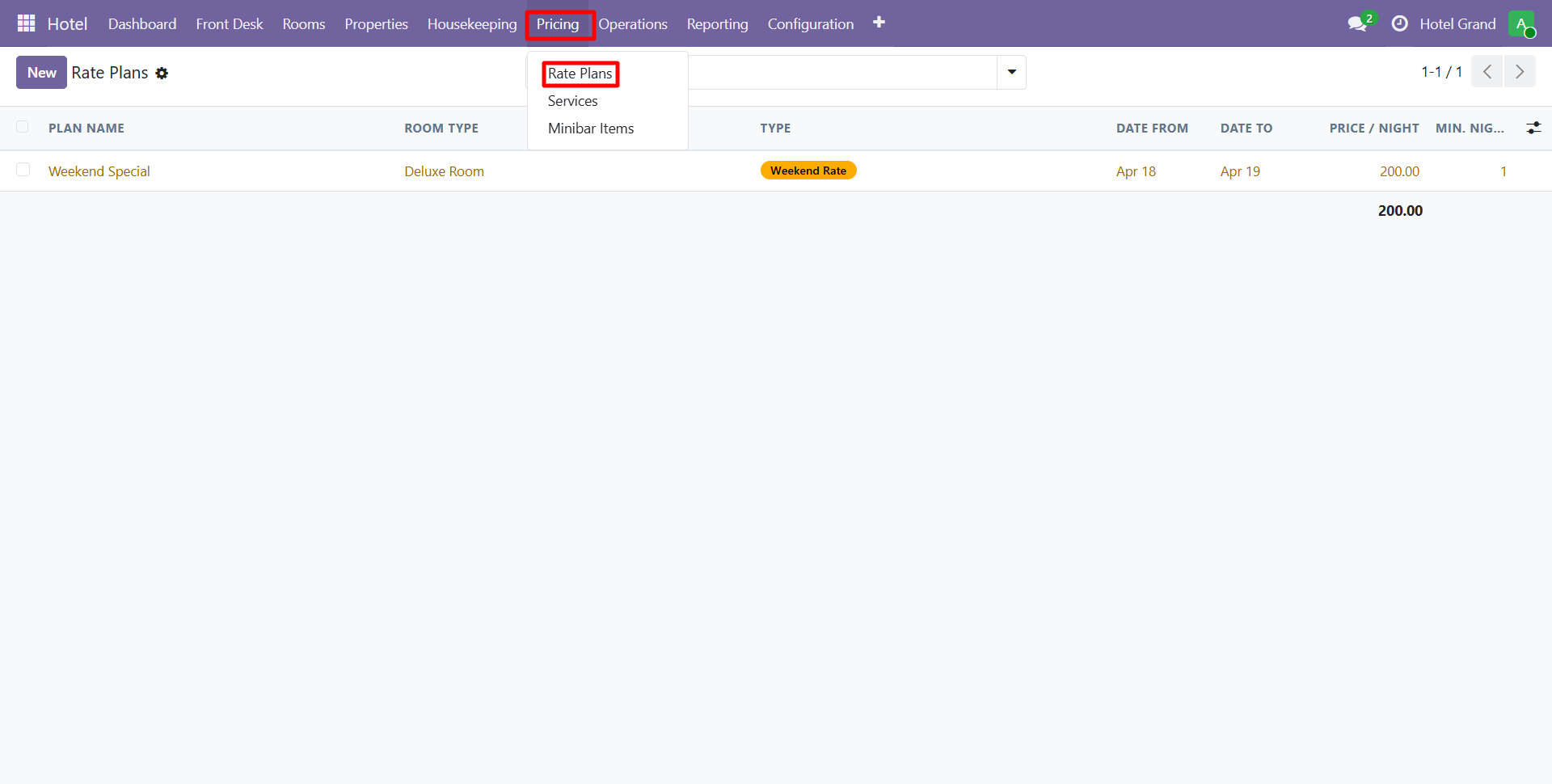
Rate Plan Types
| Type | Use Case |
|---|---|
| Rack Rate | Standard published price |
| Corporate Rate | Negotiated rates for companies |
| OTA Rate | Rates for online travel agencies |
| Promotional | Time-limited discounts |
| Group Rate | Discounted rates for groups |
| Member Rate | Loyalty program rates |
Configuration
- Start/end dates
- Applicable room types
- Discount percentage or fixed amount
- Minimum stay requirements
- Cancellation policy
- Meal inclusions (breakfast, half-board, full-board)
Minibar Items
Configure consumable minibar items with per-unit pricing.
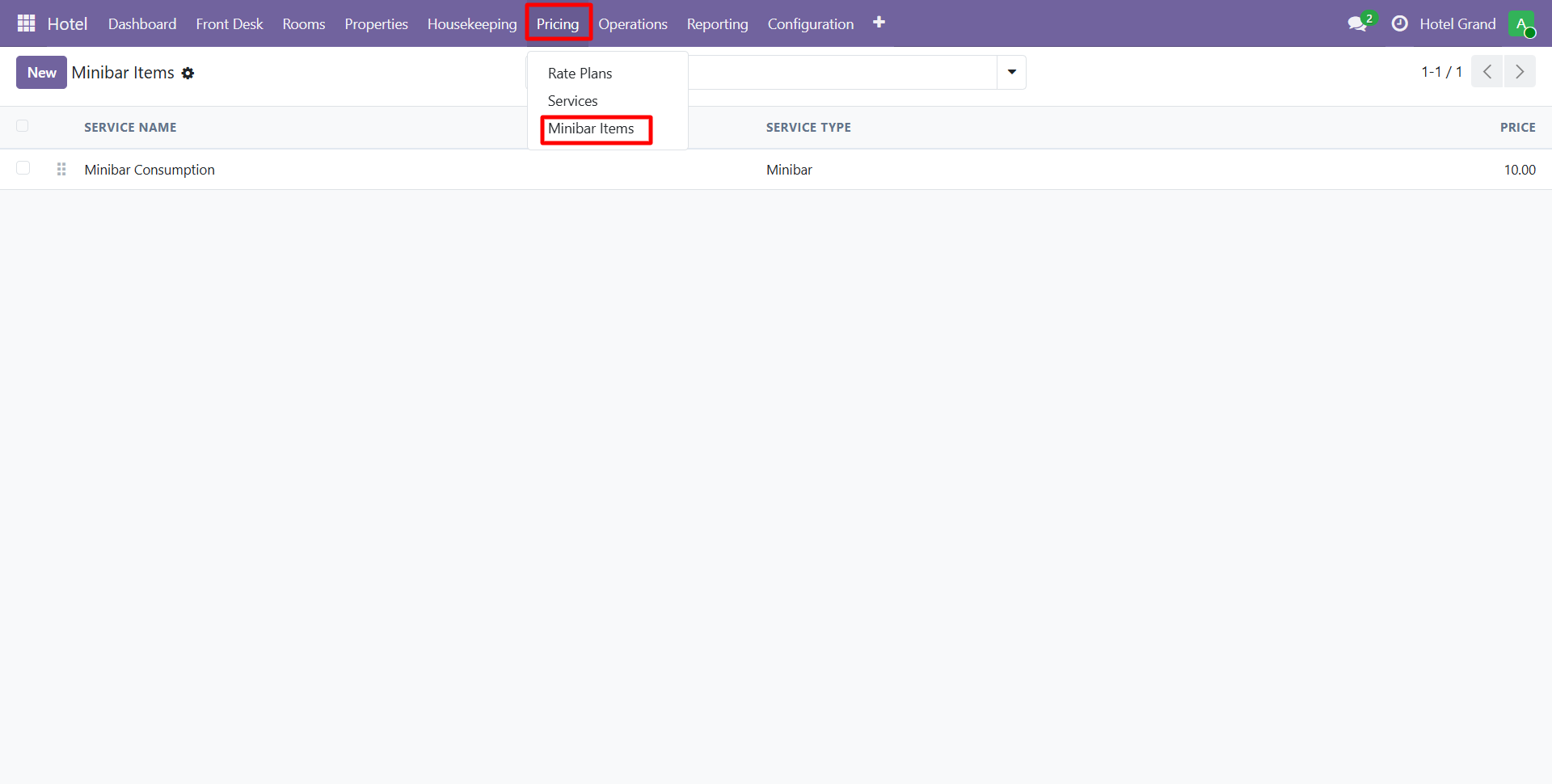
- Item name and description
- Unit price
- Cost price (for margin reports)
- Category (beverages, snacks, premium)
- Stock tracking (optional)
At checkout, mark consumed items to auto-post charges to the guest folio.
Need Help?
Contact SDLC Corp at sdlccorp.com/contact-us or email sales@sdlccorp.com