Odoo AI Assistant — Documentation
Who this is for
The Odoo AI Assistant is the right fit for teams who already have Odoo data they trust and want a faster way to ask questions of it — sales teams checking on a quote, support reading customer history, ops asking about inventory. It is not a substitute for a properly-designed report; it's a way to skip writing one when the question is one-off.
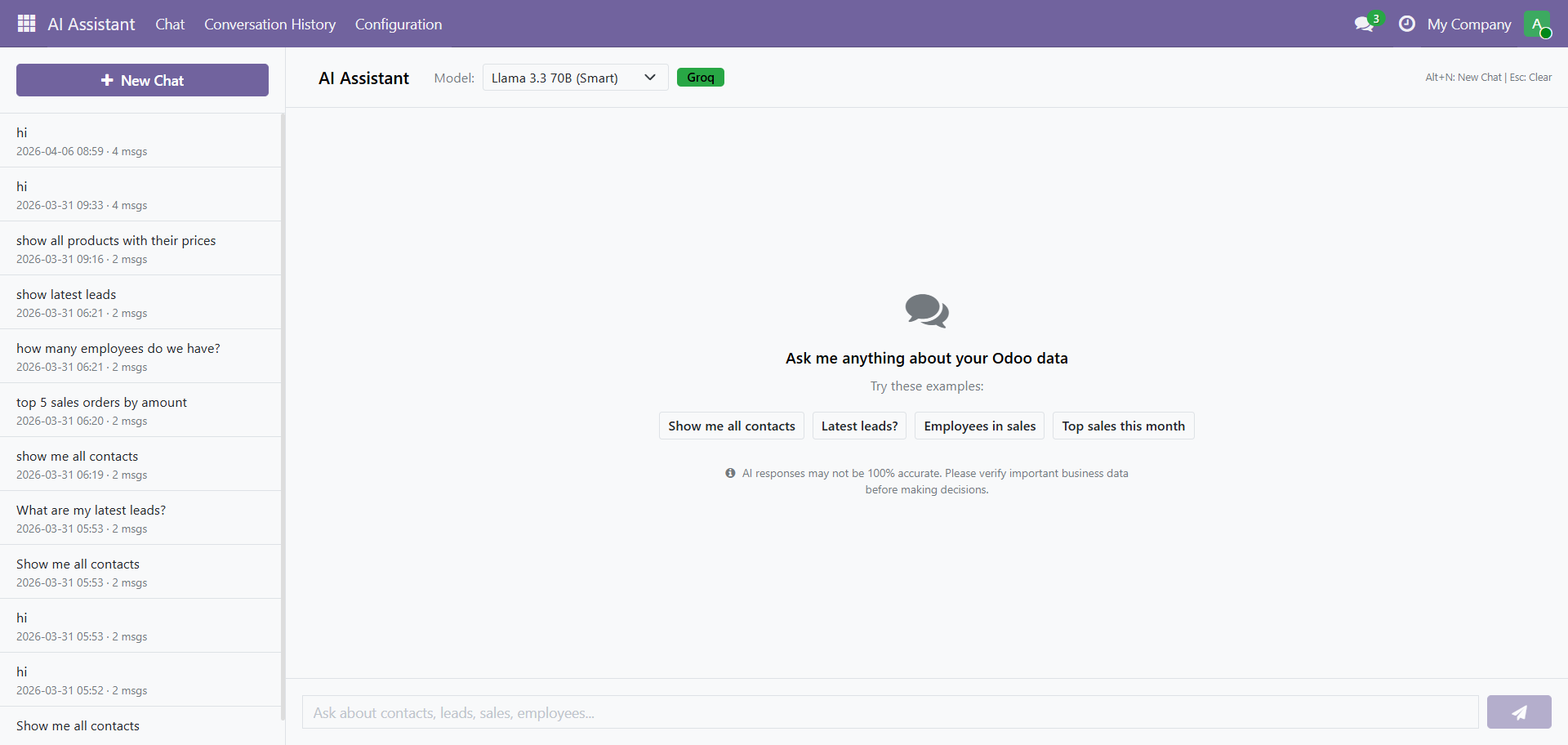
Ask questions about your Odoo data in plain English. The AI Assistant queries 18 business areas and returns formatted answers with tables, charts, and export options.
Key Features
| Feature | Description |
|---|---|
| Natural Language Chat | Ask in plain English: no SQL or technical skills needed |
| 18 Data Areas | Contacts, CRM, Sales, Invoices, HR, Products, Inventory, and more |
| 6 AI Models | Switch models on the fly with auto-fallback on rate limits |
| Export Anywhere | Download as CSV, JSON, or copy tables to clipboard |
| Conversation History | Full chat history with search and new chat creation |
| Access Control | 3 roles: No Access, User (Chat Only), Admin (Full Access) |
| Mobile Responsive | Works on desktop, tablet, and mobile |
How It Works (3-Step Pipeline)
1. You Ask  →  Type your question in plain English
                ↓ Prompt Refiner cleans & optimizes
2. AI Processes  →  Query Generator builds the database query
                     ↓ Data fetched securely via Odoo ORM
3. Get Answer  →  Response Formatter creates a clean answer
                   with real data from your Odoo
Quick Start
Supported Version
- Odoo: 18.0 (Community Edition)
- AI Provider: Groq Cloud
- License: LGPL-3
Need Help?
Contact SDLC Corp at sdlccorp.com/contact-us or email sales@sdlccorp.com