Navigation & Search
Power-user features for fast navigation: global search command palette, app drawer, bookmarks, and focus mode.
Global Search (Command Palette)
Press Ctrl+K or / to open the spotlight-style command palette:
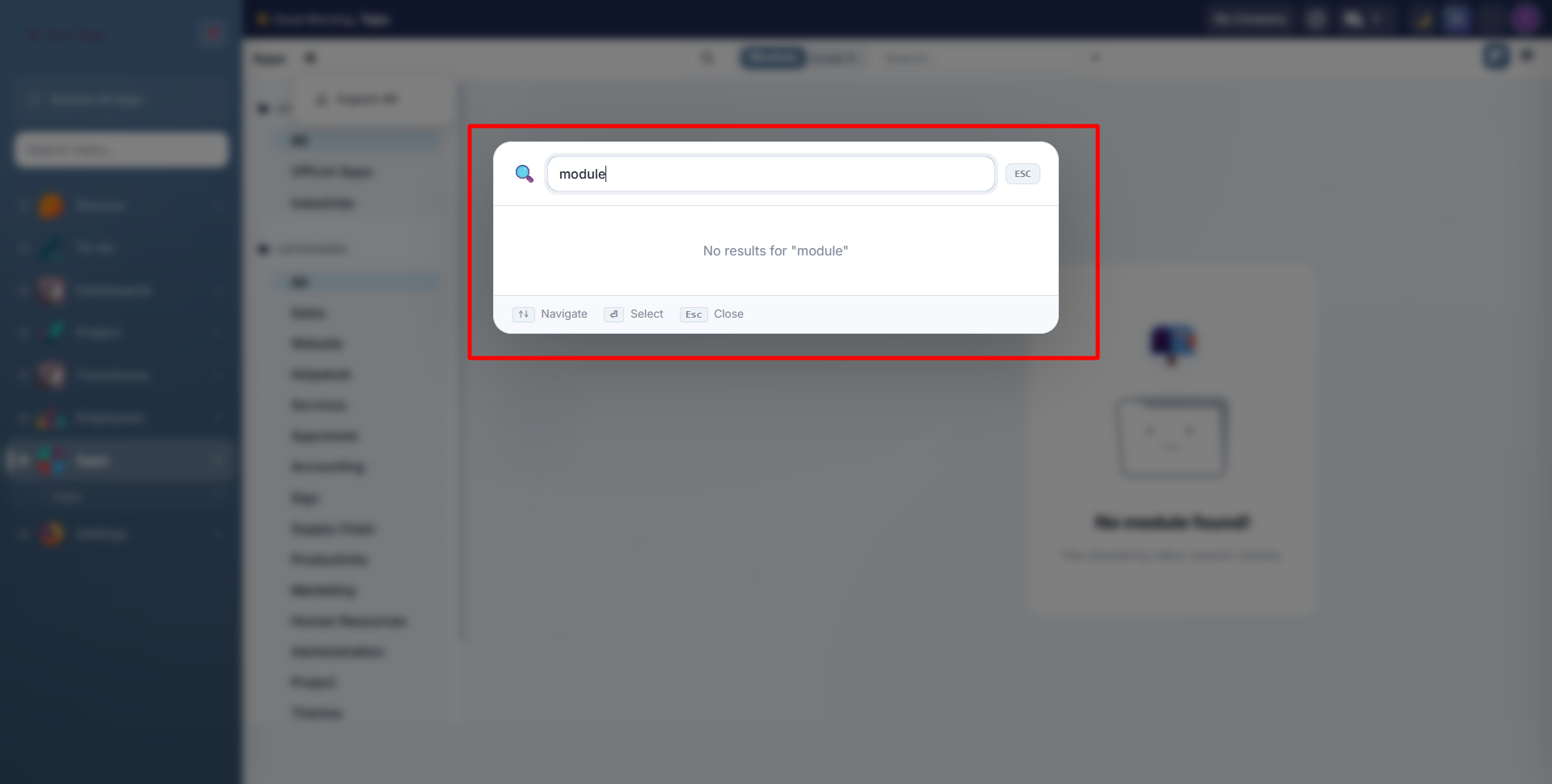
Type to search across all Odoo menus, apps, and quick actions:
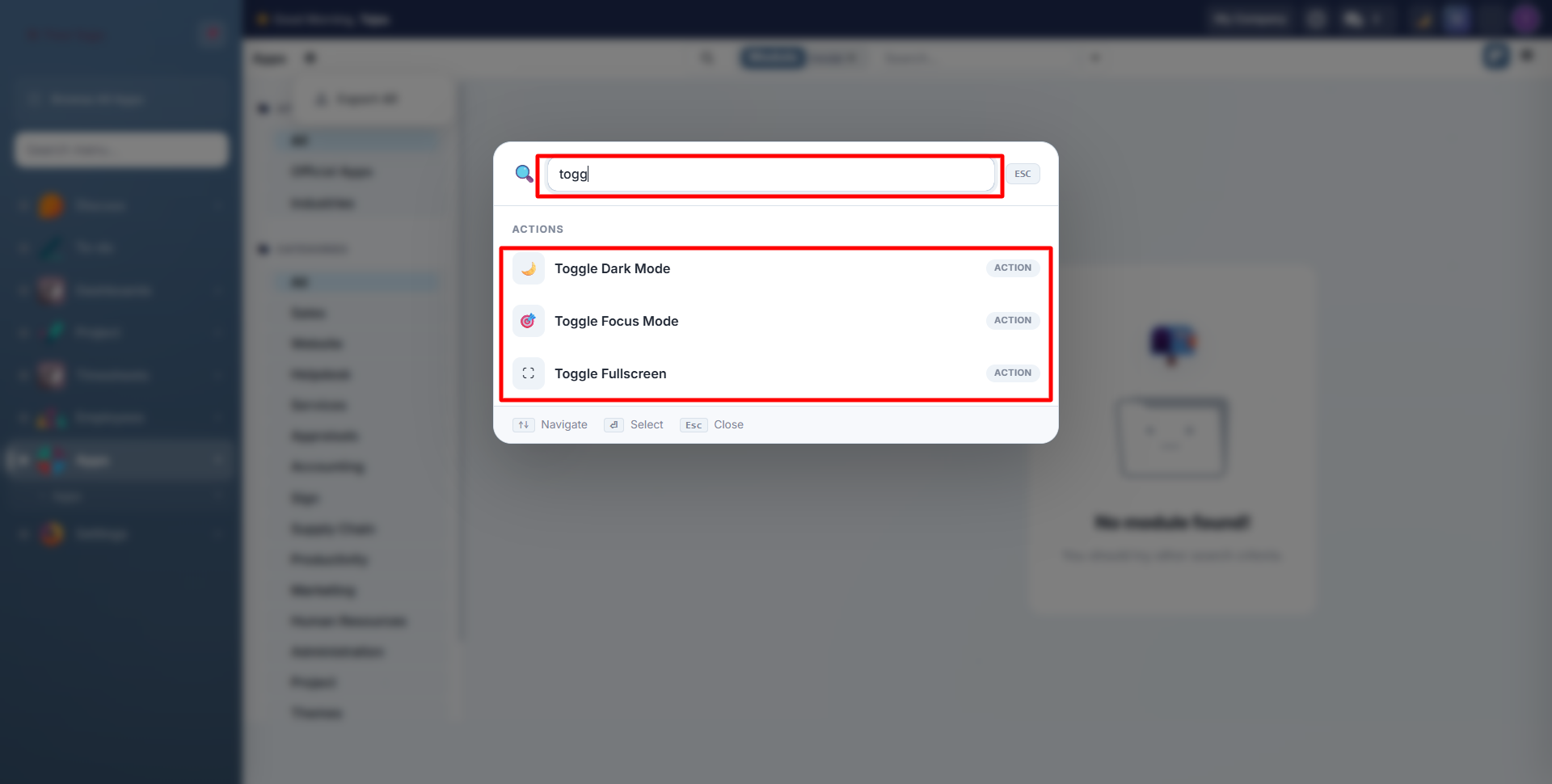
What You Can Search
| Category | Examples |
|---|---|
| Menus | "Sales Orders", "Invoicing", "Employees" |
| Quick Actions | "Toggle Dark Mode", "Toggle Focus Mode", "Toggle Fullscreen" |
| Recent Pages | Your last 5 visited pages (stored locally) |
Keyboard Navigation
| Key | Action |
|---|---|
| Arrow Up/Down | Move between results |
| Enter | Open selected result |
| Escape | Close the search |
Results are ranked by frequency: pages you visit often appear first.
App Drawer
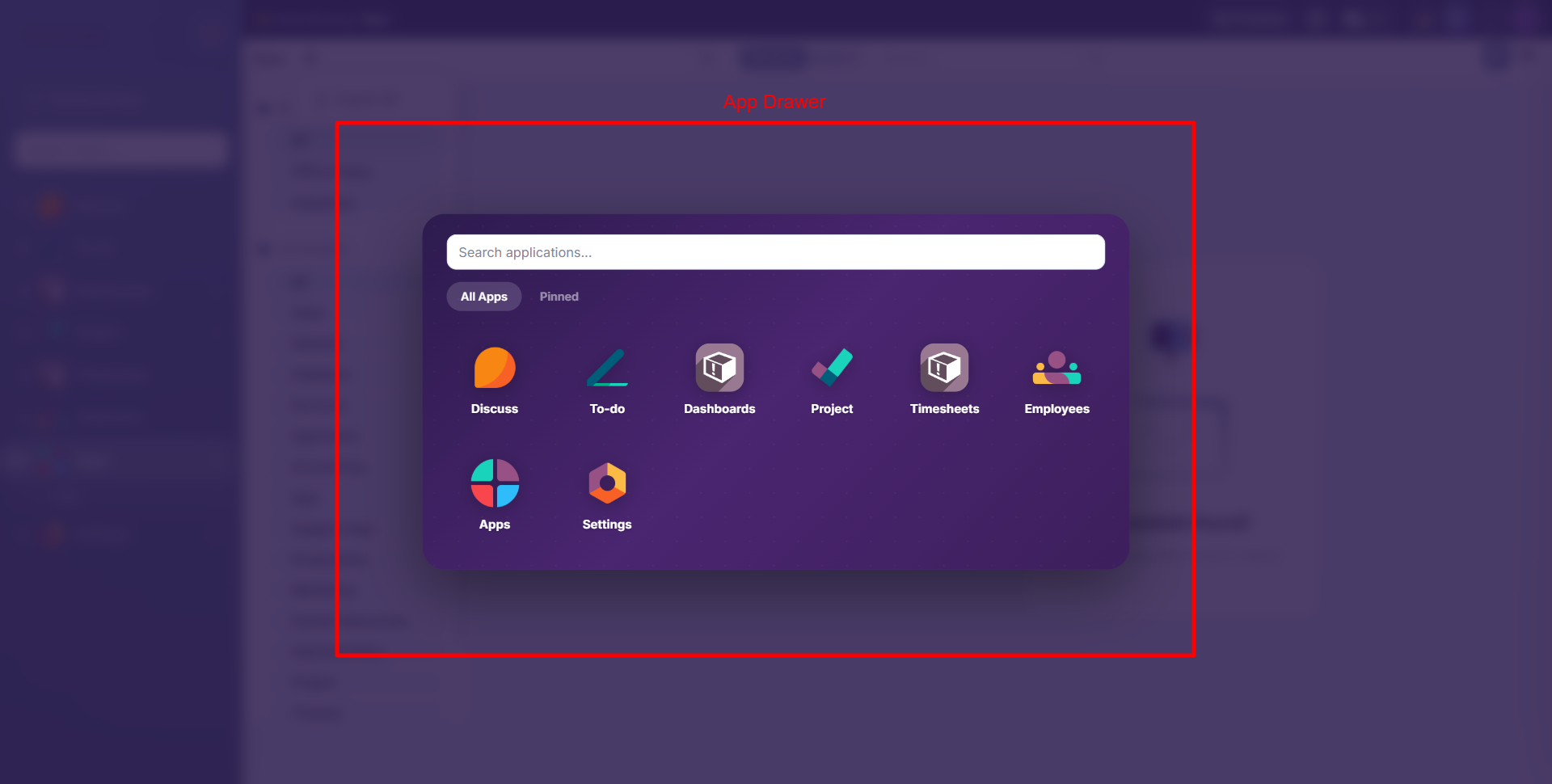
Press Alt+A to open the app drawer, a full-screen overlay showing all your installed Odoo applications:
Pinning Apps
Click the star icon on any app to pin it as a favorite:
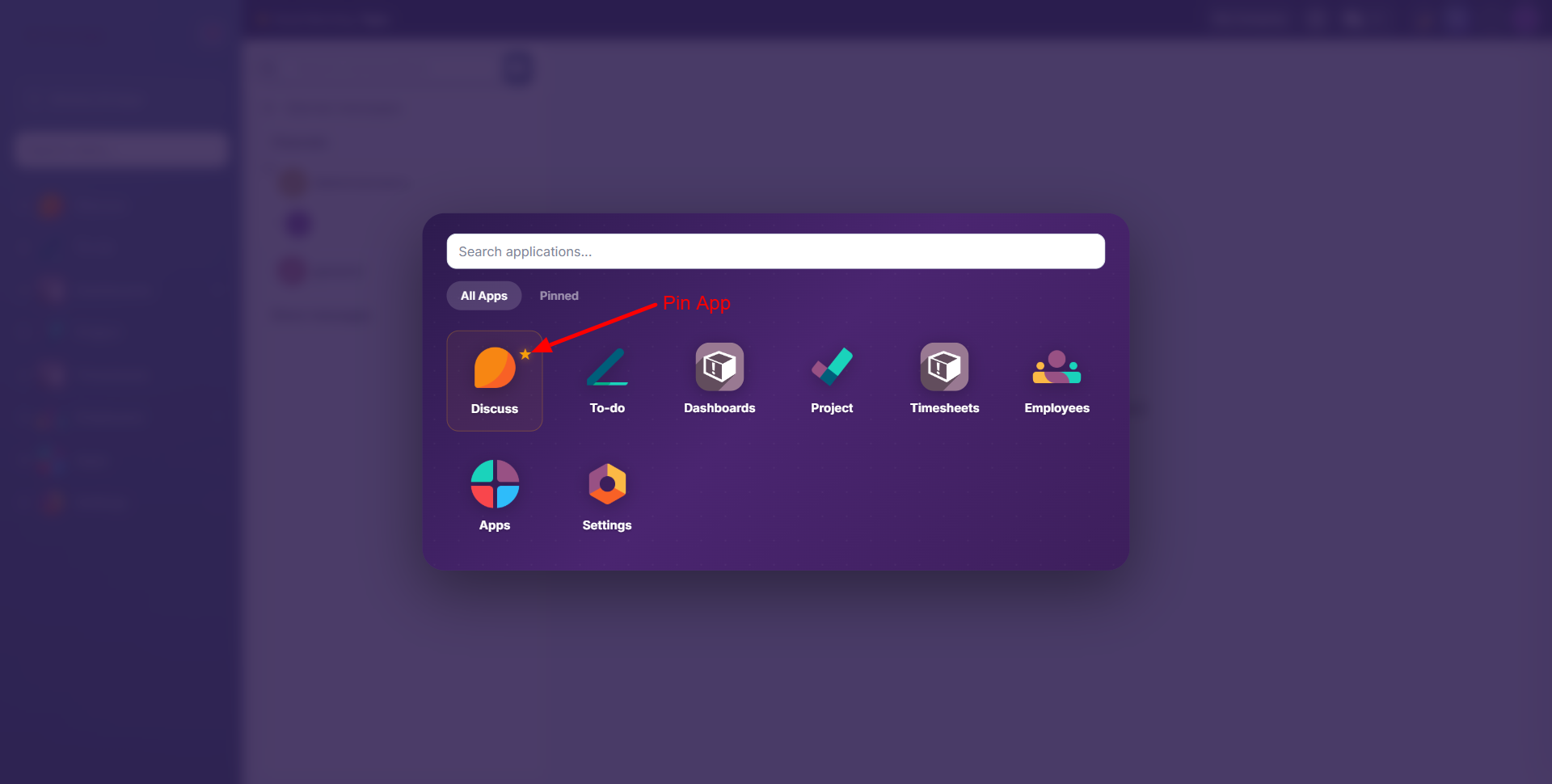
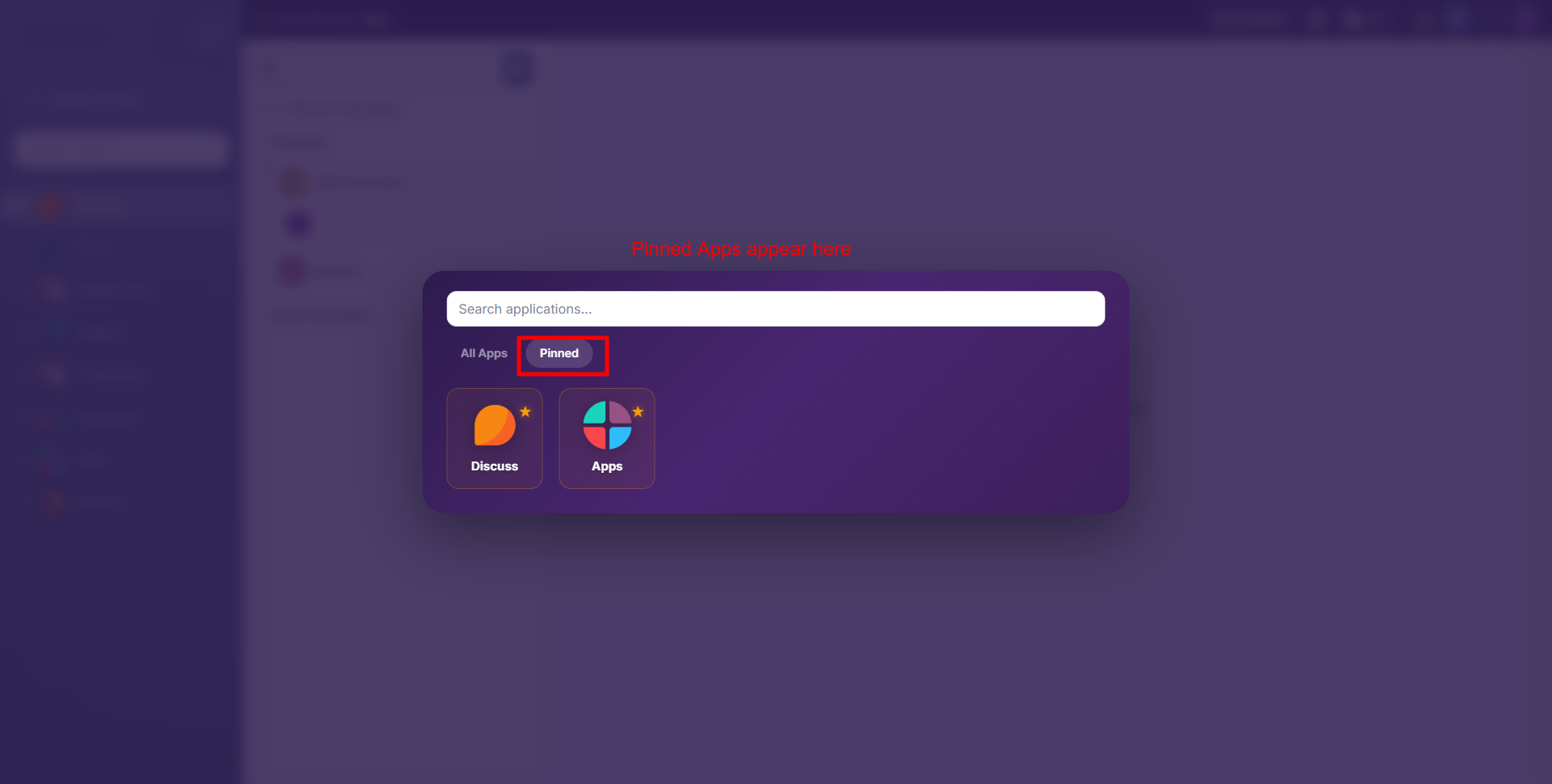
Switch to the Pinned tab to see only your favorite apps:
App Drawer Features
- Search bar at the top to filter apps by name
- All Apps tab shows every installed application
- Pinned tab shows only your starred favorites
- Click any app icon to navigate directly to it
- Pinned apps are stored per-user in the database
Bookmarks
Press Alt+B on any page to bookmark it for quick access later.
- Bookmarks are stored per-user in the database (not browser-dependent)
- Access bookmarks from the sidebar bookmark panel
- Click any bookmark to navigate directly to that page
- Click the X button to remove a bookmark
- Duplicate bookmarks are automatically prevented
Focus Mode
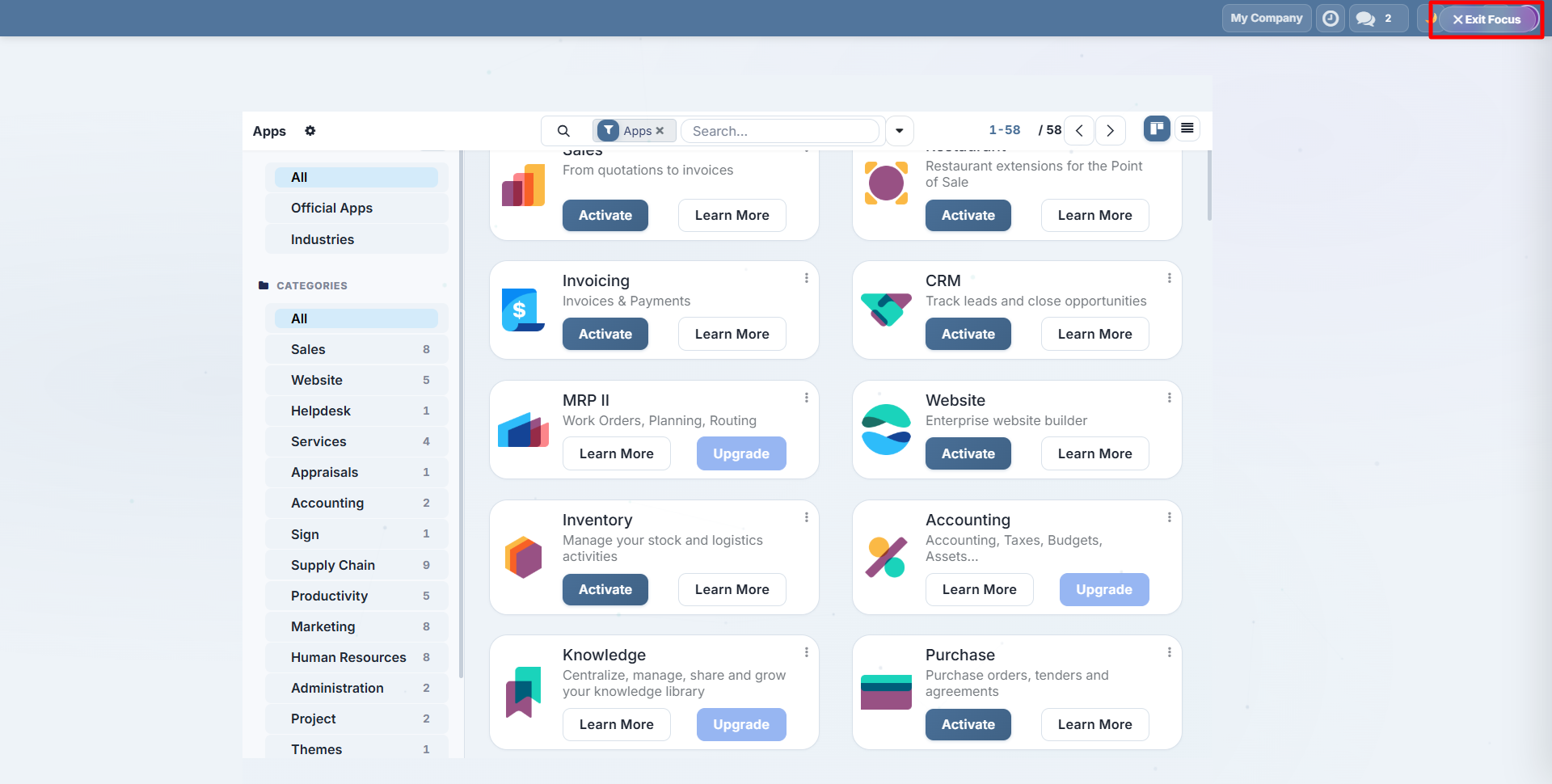
Press Shift+F to enter Focus Mode: a distraction-free view that hides the sidebar and non-essential UI elements:
In Focus Mode:
- The sidebar and top bar chrome are hidden
- An "Exit Focus" button appears in the corner
- Press Escape or click the exit button to return to normal view
- Focus Mode is temporary and not persisted between sessions
Focus Mode is great for data entry, reading long forms, or presenting your screen without UI distractions.
Contact SDLC Corp at sdlccorp.com/contact-us or email sales@sdlccorp.com