Visual Effects & Animations
Enable premium visual effects including particles, ripples, loading animations, and dialog transitions.
Loading Styles
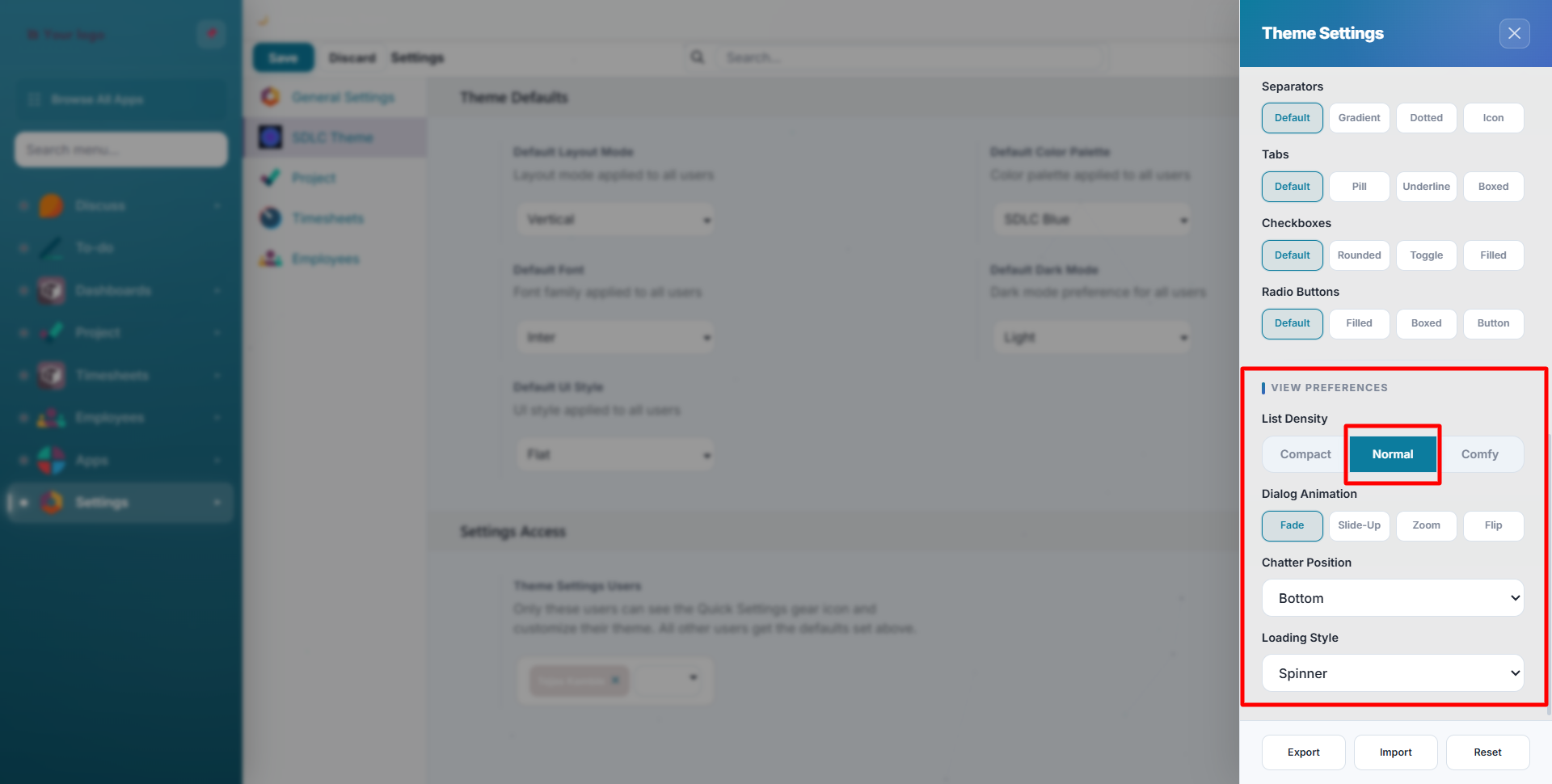
Choose from 10 loading animations displayed while pages load. Configure in Quick Settings under View Preferences:
| Style | Animation |
|---|---|
| Spinner | Classic rotating circle (default) |
| Dots | Three bouncing dots |
| Pulse | Pulsating circle |
| Bar | Horizontal progress bar |
| Skeleton | Content-shaped placeholder blocks |
| Ripple | Expanding circle rings |
| Orbit | Orbiting dots |
| Wave | Oscillating wave bars |
| Bounce | Bouncing ball |
| Hourglass | Rotating hourglass |
Dialog Animations
When modals and dialogs open, choose the entrance animation:
| Animation | Effect |
|---|---|
| Fade | Simple opacity transition (default) |
| Slide Up | Slides in from below |
| Zoom | Scales in from small to full size |
| Flip | 3D flip rotation |
Visual Effect Toggles
Each effect can be individually enabled or disabled in your theme settings:
| Effect | Description | Default |
|---|---|---|
| Particles | Lightweight floating particles in the background with mouse interaction | On |
| Tilt | 3D card tilt effect on kanban cards when hovering | On |
| Magnetic | Buttons gently attract toward the cursor on hover | On |
| Scroll Reveal | Content fades in as you scroll down the page | On |
| Ripple | Click ripple animation on primary, success, and danger buttons | On |
tip
Disable visual effects for better performance on older hardware, remote desktop connections, or when you prefer a simpler experience.
Login Page
The login page features its own set of premium visual effects:
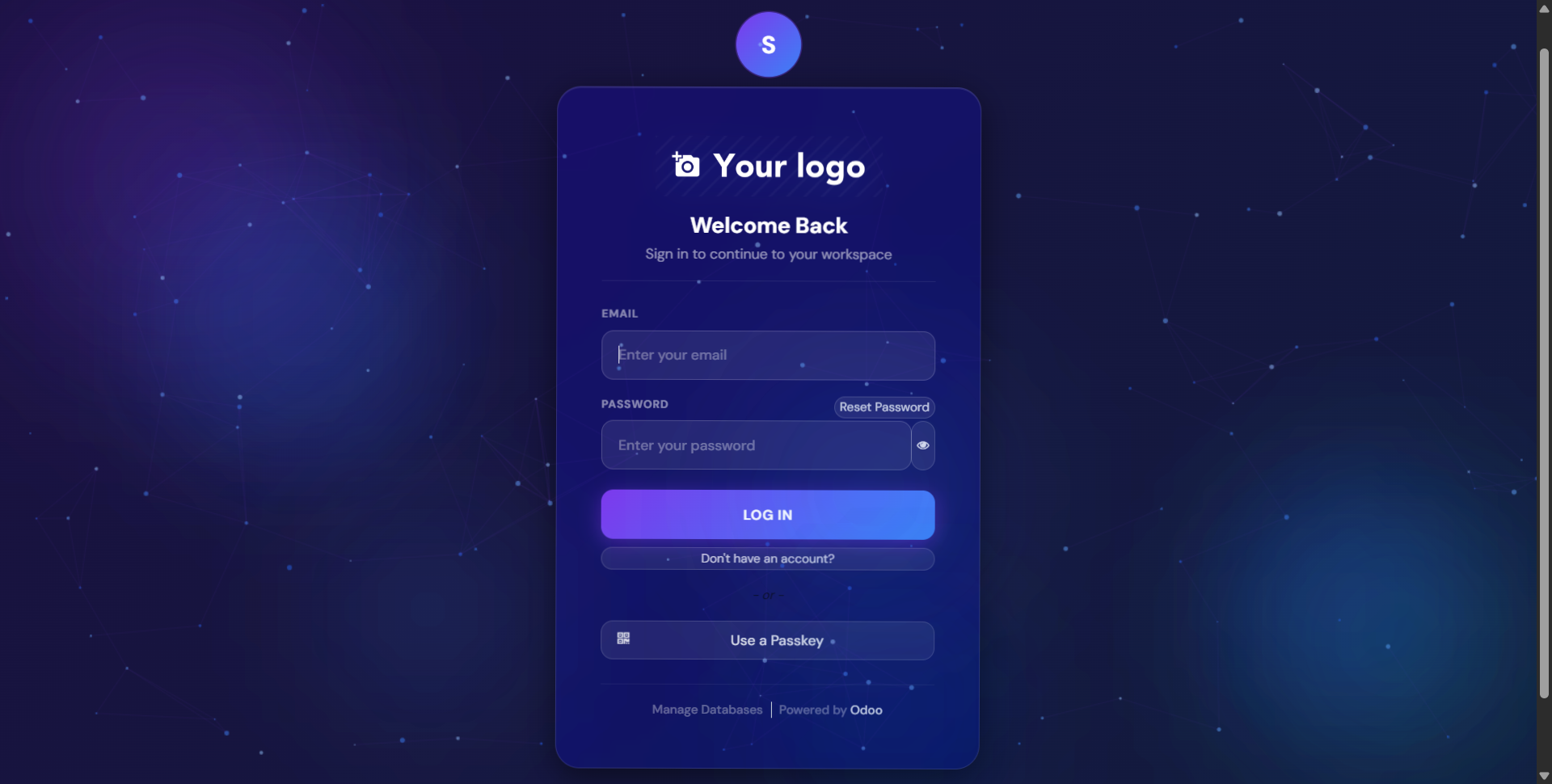
- Animated particles with connections on canvas background
- Floating orbs with parallax effect and blur
- 3D card tilt: the login card rotates in perspective when you move your mouse
- Company logo automatically displayed from your Odoo company settings
- "Welcome Back" greeting with sign-in form
Login Page Layouts
Four layout options are available (configurable per user):
| Layout | Description |
|---|---|
| Centered | Login card centered on screen (default) |
| Split Left | Form on left, background on right |
| Split Right | Form on right, background on left |
| Fullscreen | Form fills entire screen |
Need Help?
Contact SDLC Corp at sdlccorp.com/contact-us or email sales@sdlccorp.com