SDLC Premium Backend Theme
Welcome to the official documentation for the SDLC Corp Premium Backend Theme: an all-in-one premium theme for Odoo 19 with 80+ customization options, dark mode, glassmorphism, animated login, and keyboard shortcuts.
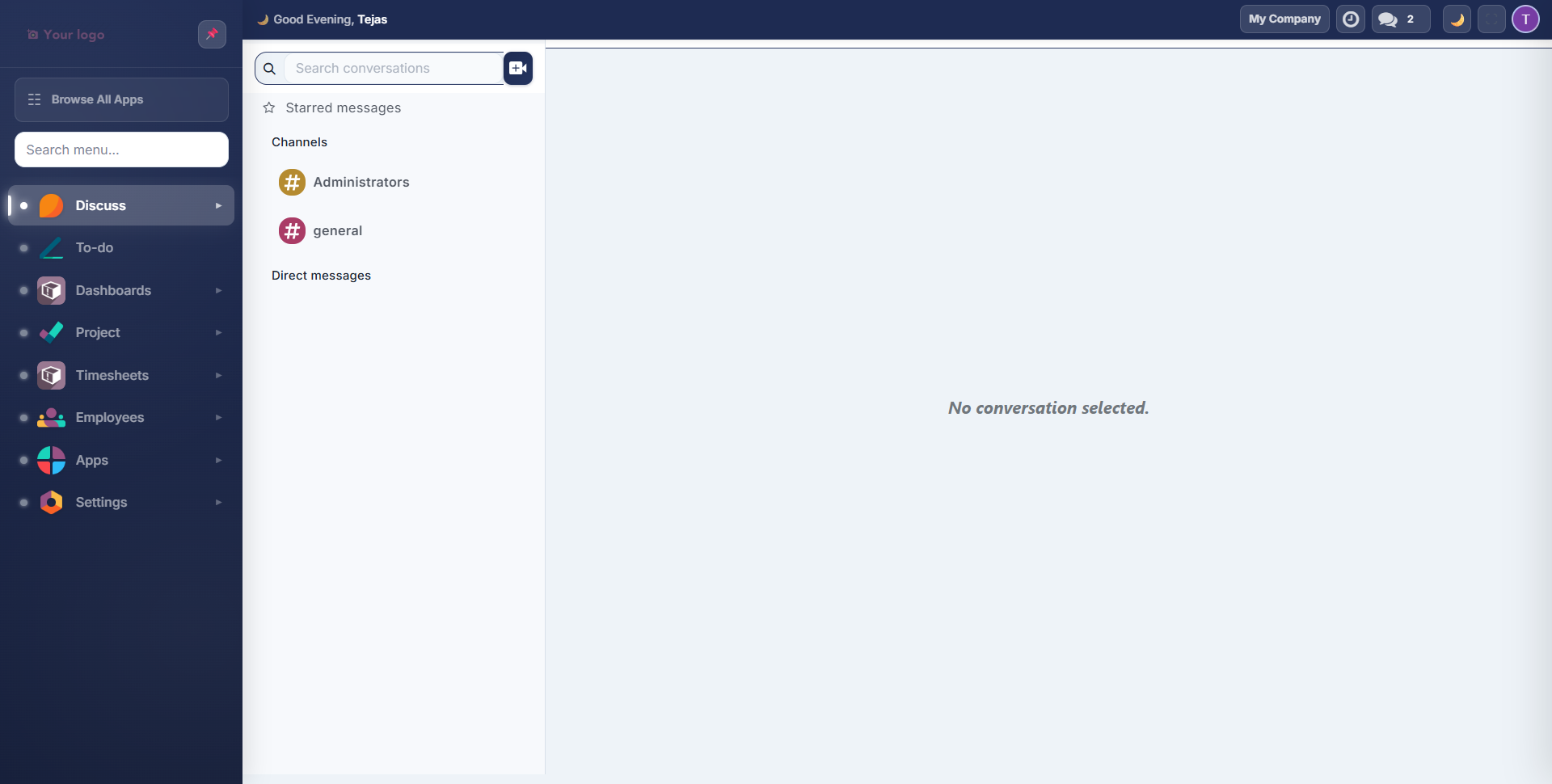
Key Capabilities
| Category | What's Included |
|---|---|
| Layout | Vertical sidebar, mini sidebar, collapsible/pinnable navigation |
| Theming | 12 color palettes, custom colors, 3 UI styles (Flat, Glass, Neumorphism) |
| Dark Mode | Light, Dark, and Auto (system preference + smart ambient mode) |
| Typography | 13 Google Fonts, 3 font sizes |
| Components | 4 separator styles, 4 tab styles, 4 checkbox styles, 4 radio styles |
| Visual Effects | Particle system, ripple clicks, tilt effects, 10 loading animations |
| Navigation | Global search (Ctrl+K), app drawer, bookmarks, 12+ keyboard shortcuts |
| Login Page | Animated backgrounds with particles, orbs, and 3D card tilt |
| Personalization | Per-user settings, theme export/import, admin-controlled defaults |
Supported Versions
- Odoo: v19 (Community & Enterprise)
Quick Start
- Install the theme
- Configure admin defaults
- Customize colors & dark mode
- Explore layout & typography
- Learn keyboard shortcuts & navigation
- Discover visual effects
Need Help?
Where to go next
- Installation — install the theme and run first-time admin configuration.
- Admin Settings — control access and set theme defaults for the whole instance.
- Colors & Dark Mode — palettes, custom colours and gradient backgrounds.
- Layout & Typography — vertical / mini layouts, fonts, component styles.
- Navigation — app drawer, bookmarks, focus mode, command palette.
- Visual Effects — login page, loading styles, dialog animations.
- Keyboard Shortcuts — full reference, OS-aware mappings.
- FAQ — multi-user themes, dark mode and performance answers.