Field Mapping (Bidirectional)
The Field Mapping system allows you to map any Odoo field to any PrestaShop API field with full control over sync direction.
Accessing Field Mappings
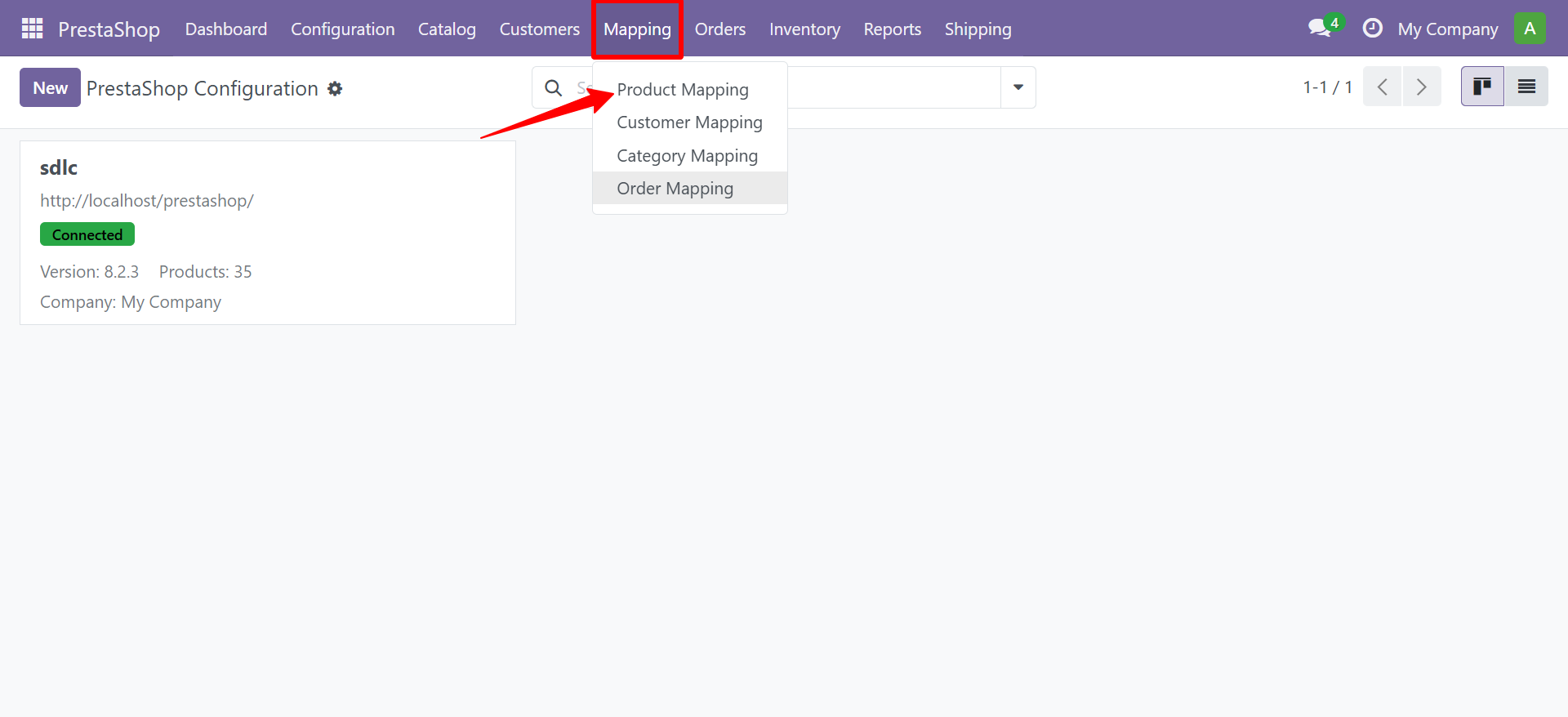
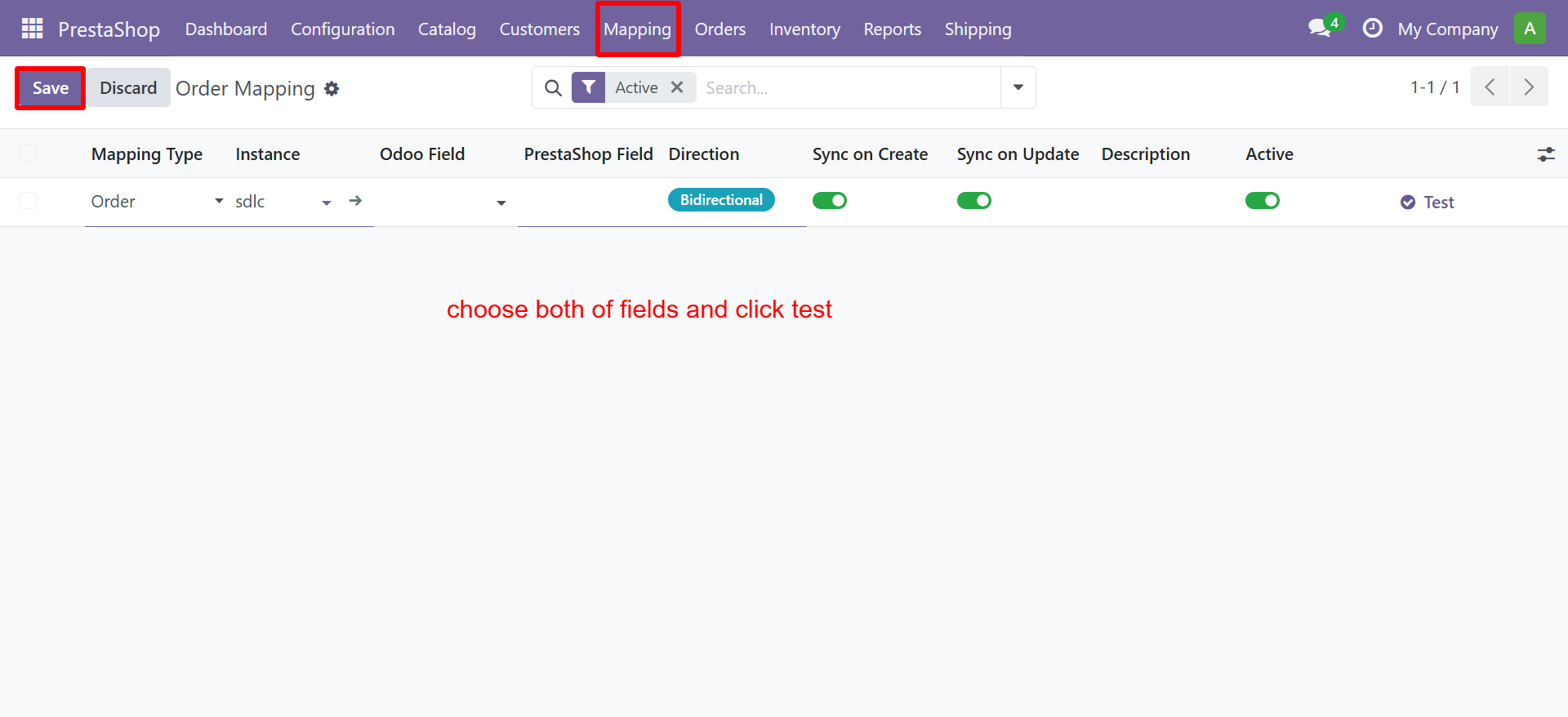
Navigate to PrestaShop > Mapping and select:
- Product Mapping - Map
product.templatefields to PS product fields - Customer Mapping - Map
ps.customerfields to PS customer fields - Category Mapping - Map
product.categoryfields to PS category fields - Order Mapping - Map
ps.orderfields to PS order fields
Creating Field Mappings
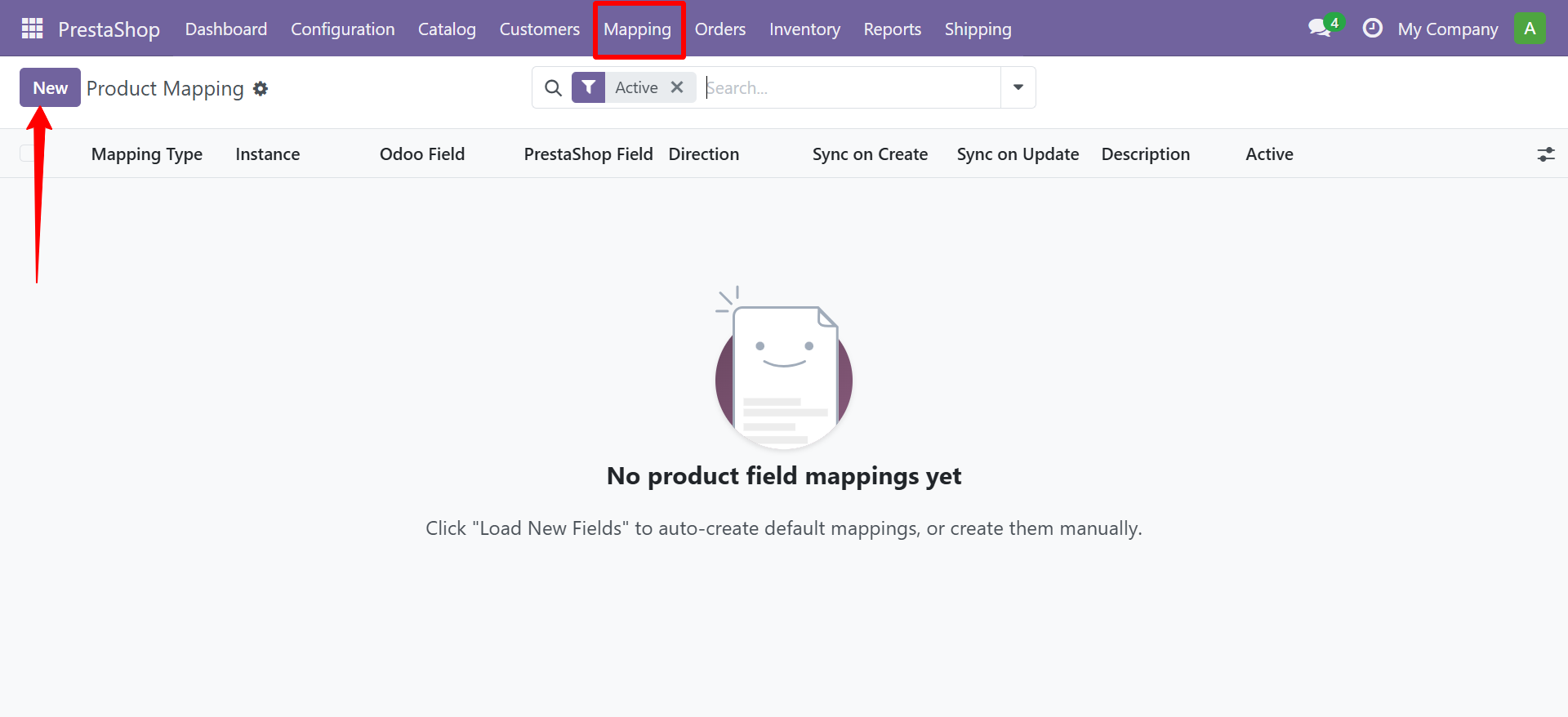
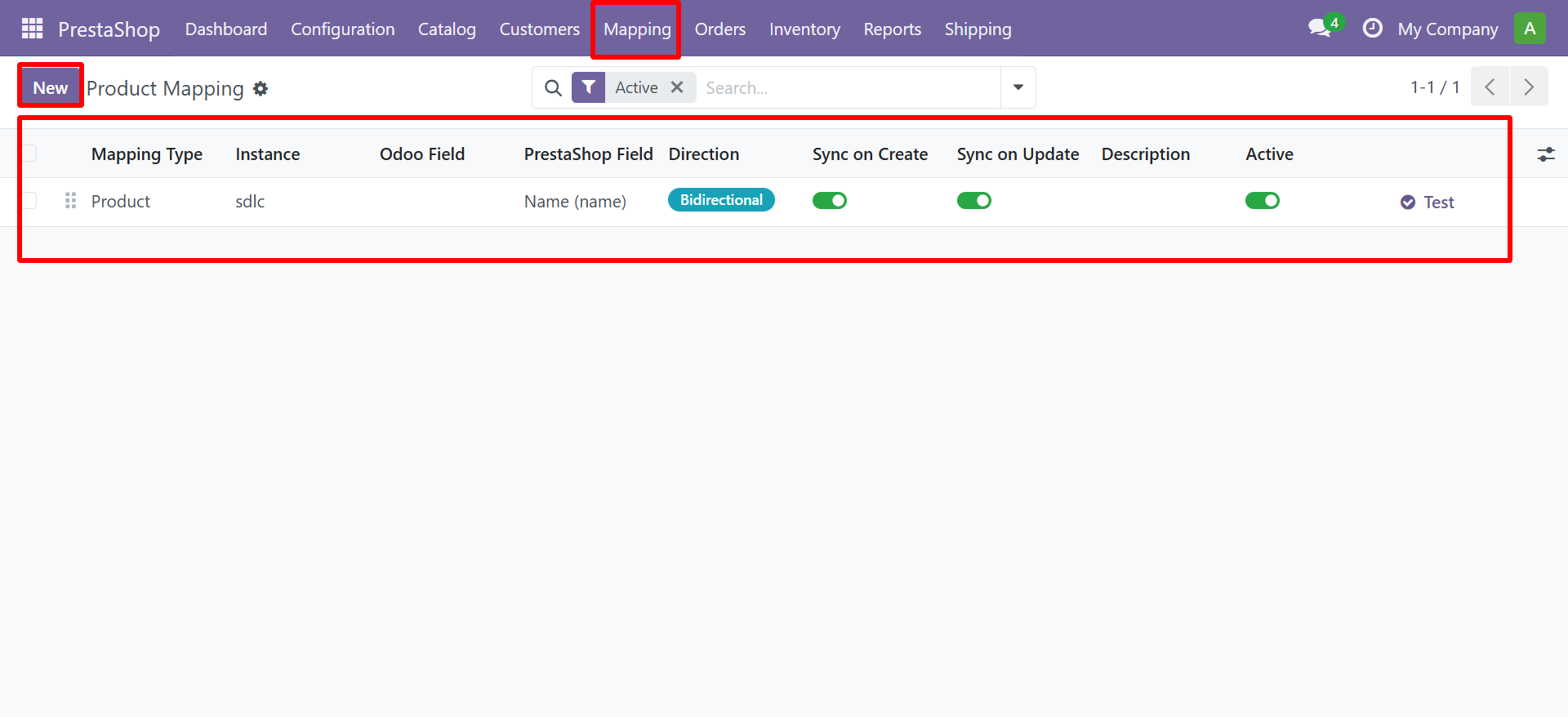
Each mapping row defines a connection between one Odoo field and one PrestaShop field:
| Column | Description |
|---|---|
| Mapping Type | Product / Customer / Category / Order |
| Instance | Which PrestaShop store this mapping applies to |
| Odoo Field | Dropdown of all stored fields on the Odoo model |
| PrestaShop Field | Dropdown of all known PS API fields (47 product, 16 customer, 13 category, 26 order fields) |
| Custom PS Field | Enter a custom API field name if not in the dropdown |
| Direction | Bidirectional / Odoo to PS / PS to Odoo |
| Sync on Create | Apply this mapping when creating new records |
| Sync on Update | Apply this mapping when updating existing records |
| Active | Enable or disable this individual mapping |
| Test | Validate the mapping configuration |
Loading Default Mappings
To quickly set up standard mappings:
- Go to any mapping view (e.g. Product Mapping)
- Click the Action dropdown menu (gear icon)
- Select "Load New Fields"
- Default mappings will be created for the selected type
Default Mappings Created
| Type | Count | Fields Included |
|---|---|---|
| Product | 20 mappings | name, price, reference, weight, description, barcode, SEO fields, etc. |
| Customer | 7 mappings | first_name, last_name, email, birthday, active, group, opt-in |
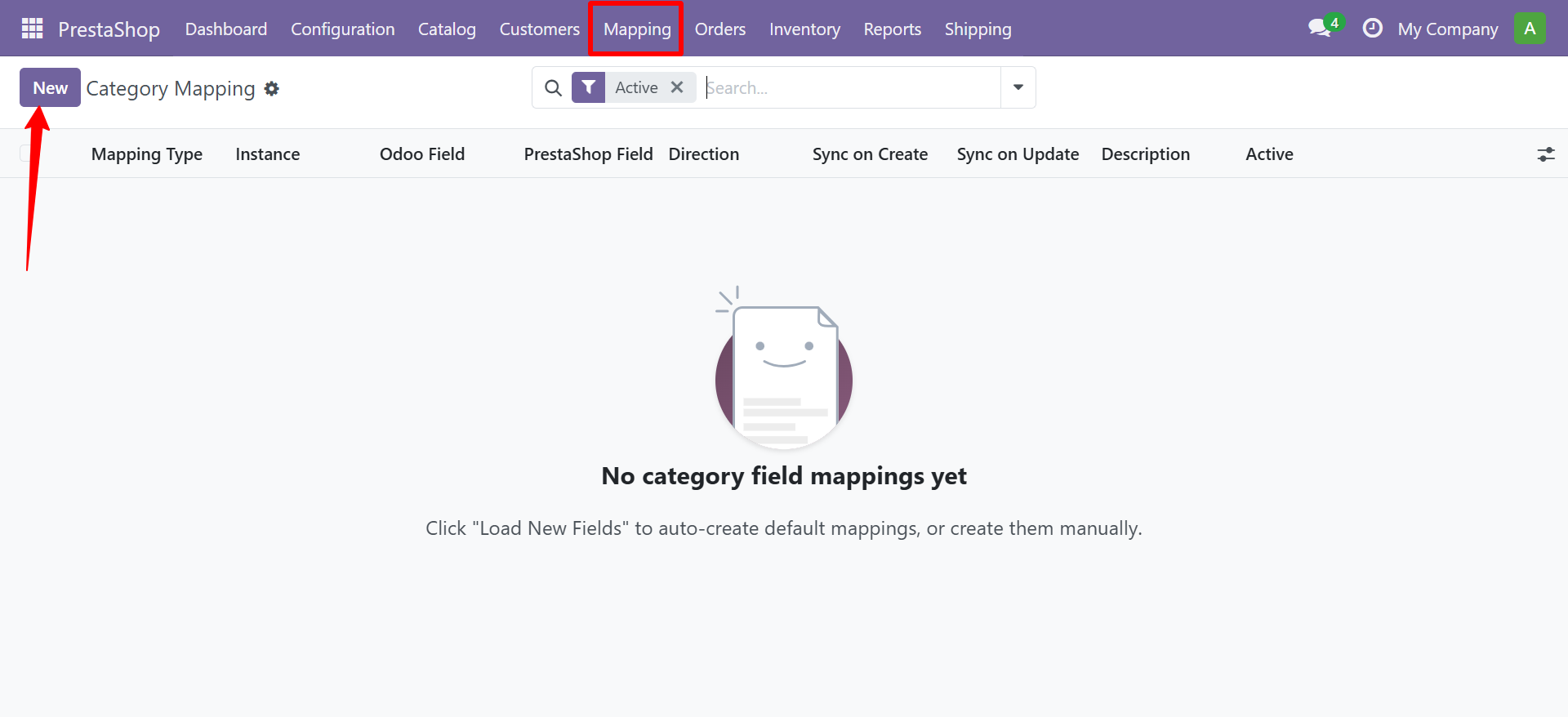
| Category | 8 mappings | name, description, active, parent, meta fields, URL |
| Order | 7 mappings | reference, date, total, status, customer, note, currency |
Category Mapping
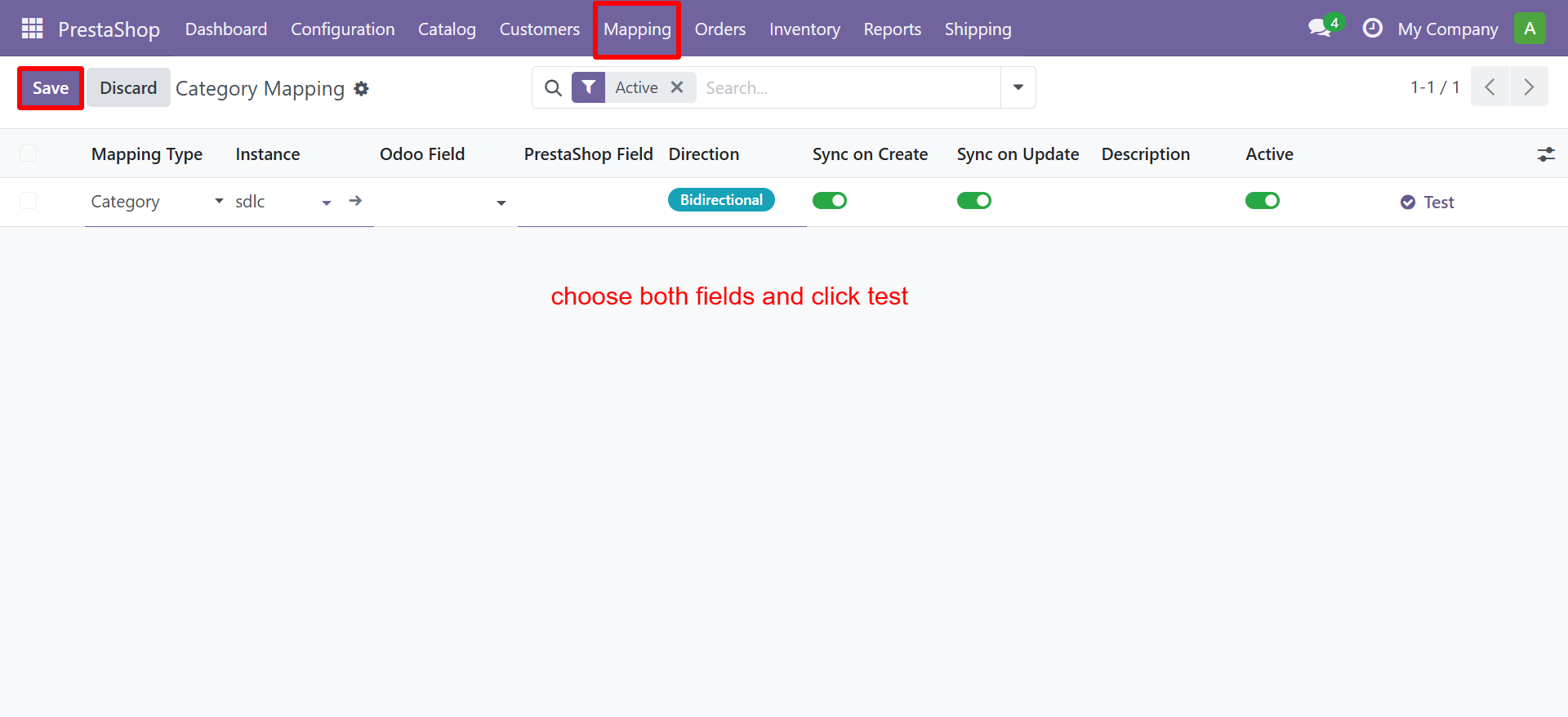
Customer Mapping
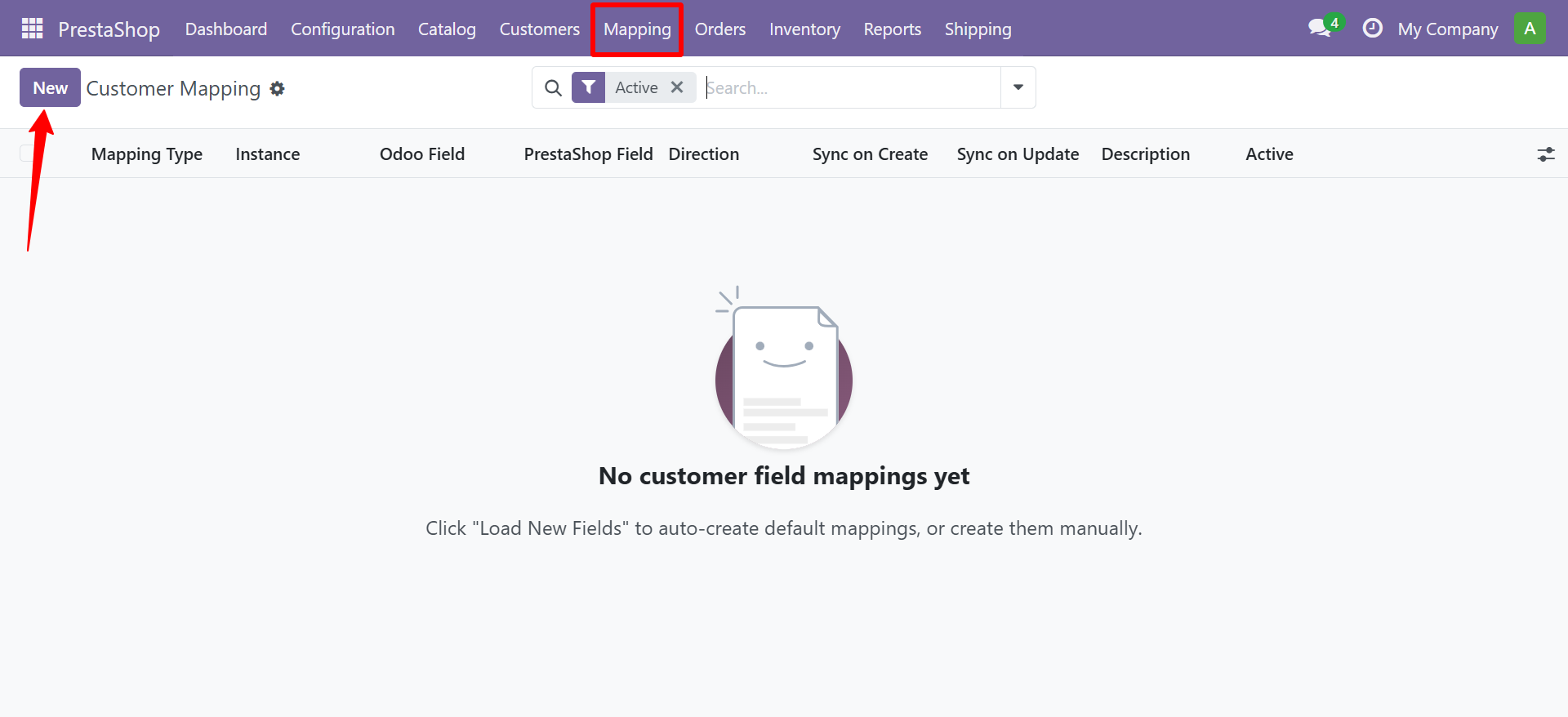
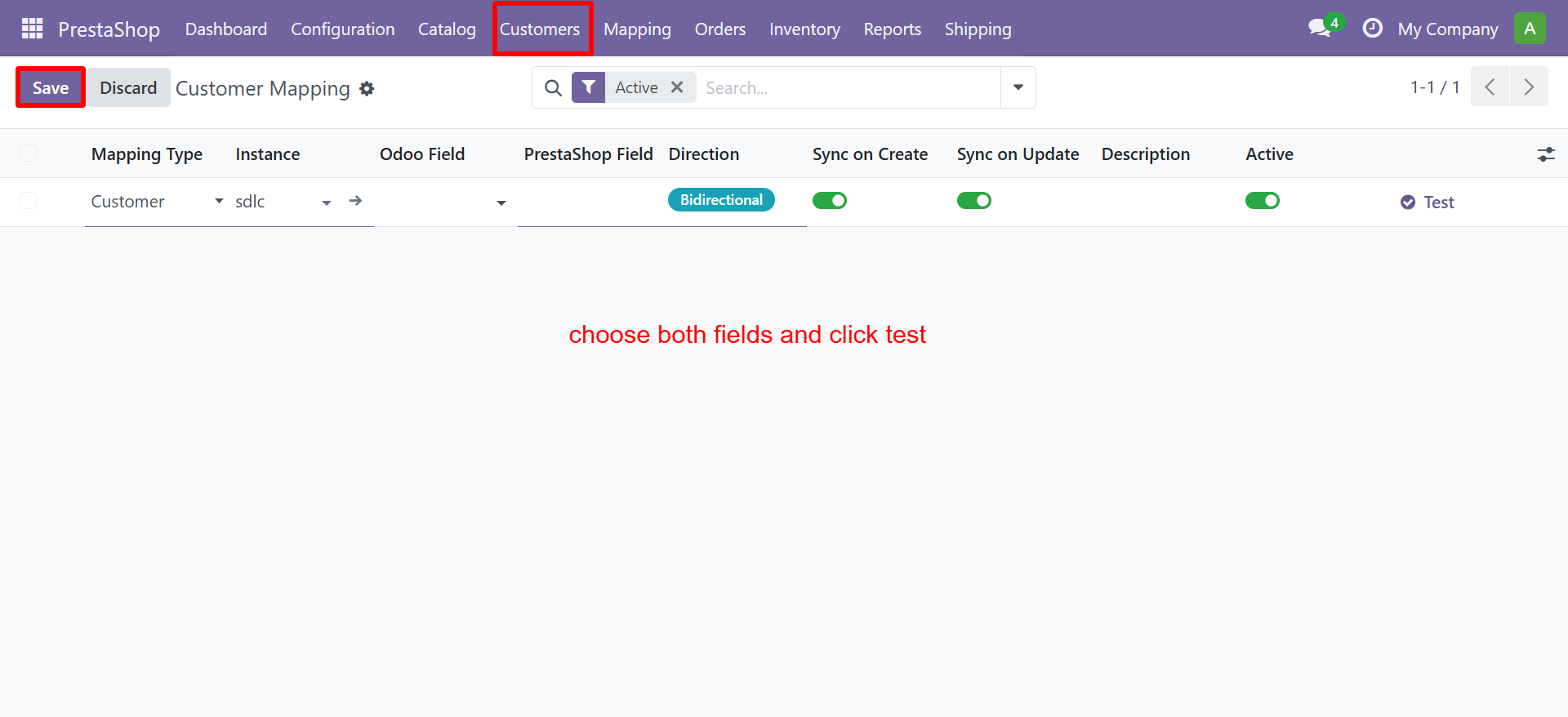
Order Mapping
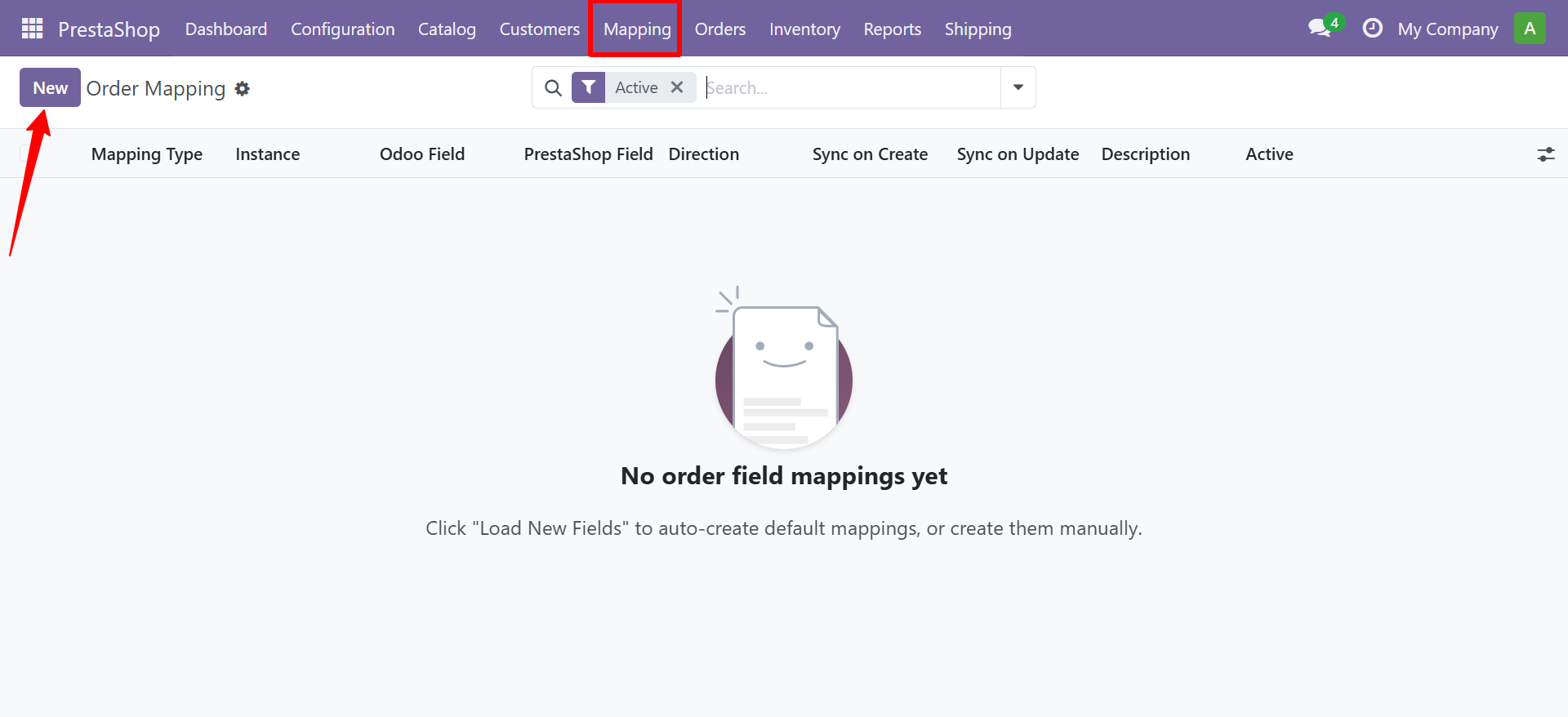
Sync Direction Explained
| Direction | Behavior |
|---|---|
| Bidirectional | Field syncs in both directions. PS value saved to Odoo when pulling; Odoo value sent to PS when pushing. |
| Odoo to PrestaShop | Field only syncs when pushing data from Odoo to PrestaShop. PS values are NOT pulled into this Odoo field. |
| PrestaShop to Odoo | Field only syncs when pulling data from PrestaShop. Odoo values are NOT pushed to this PS field. |
tip
Use "PrestaShop to Odoo" direction for read-only fields that should only be imported. Use "Odoo to PrestaShop" for fields you manage in Odoo and want to push to your store.
Need Help?
Contact SDLC Corp at sdlccorp.com/contact-us