Catalog Management
Navigate to PrestaShop > Catalog for all catalog-related data.
Products
Synced products appear in Catalog > Products. Each product has a PrestaShop tab in the form view.
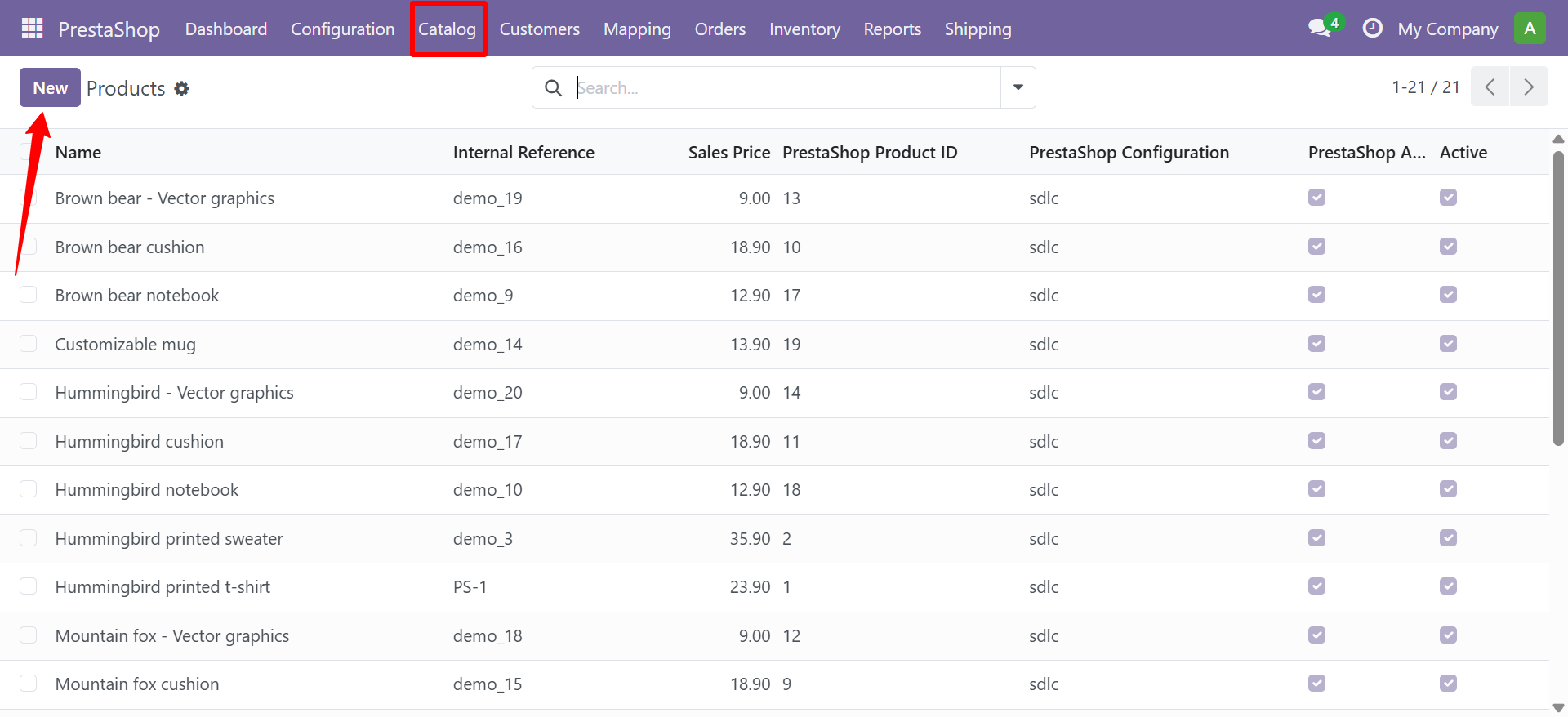
Product Form Fields
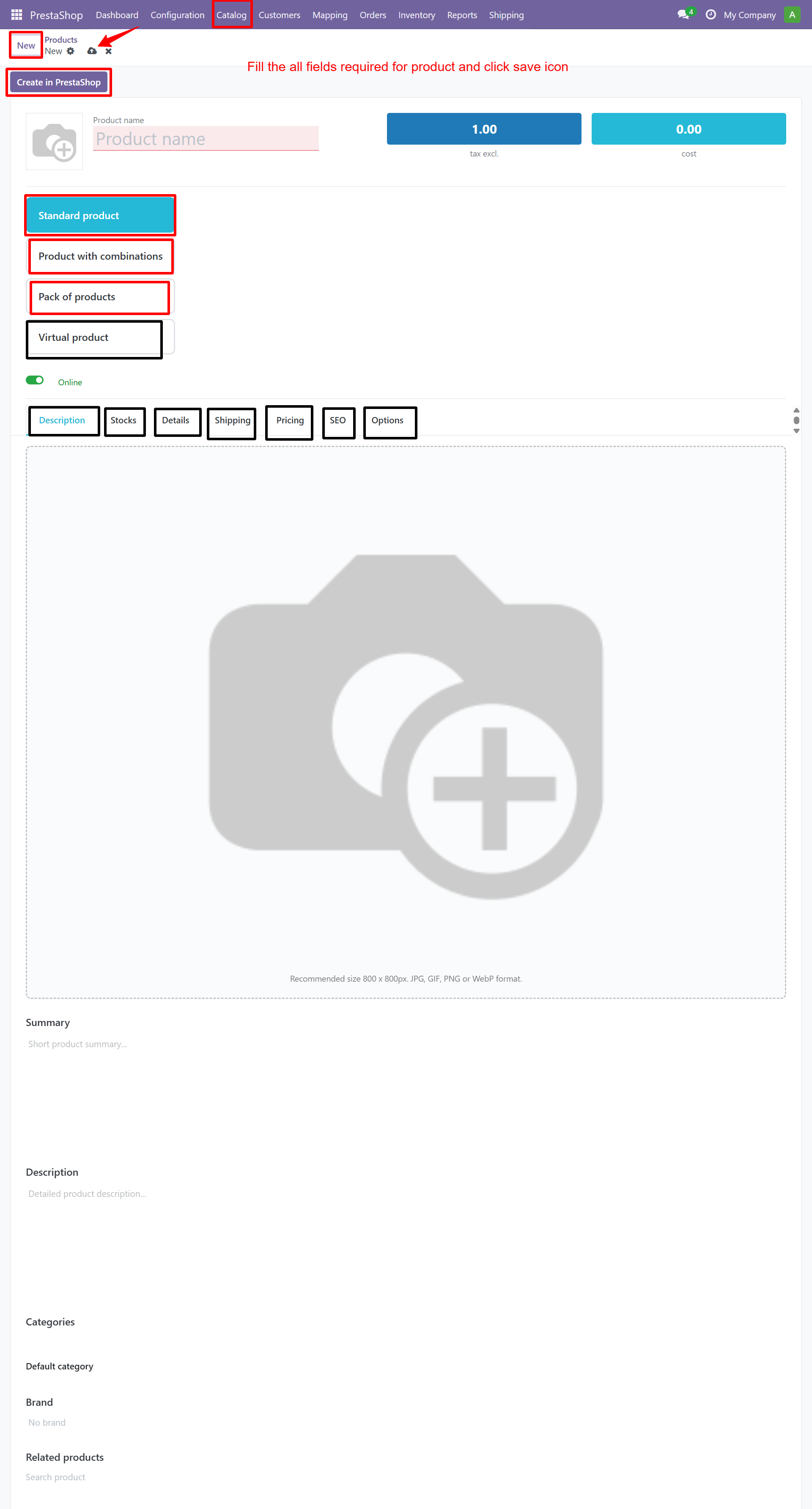
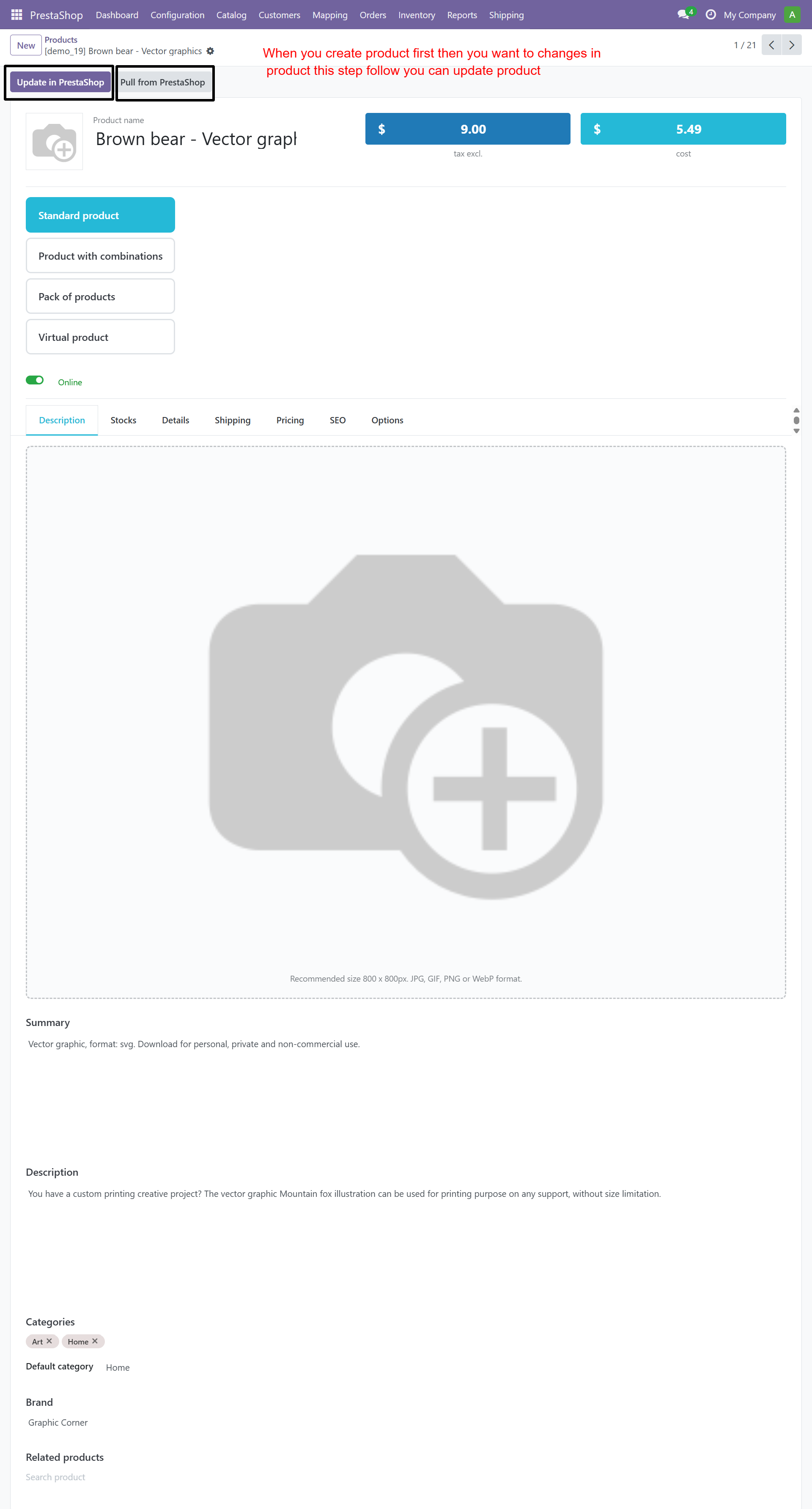
Each product contains the following PrestaShop-specific data:
- PrestaShop Product ID, Instance, Active status
- Type: Standard / Combinations / Pack / Virtual
- Brand, Categories, Related Products
- Short Description, Full Description (HTML)
- SEO fields: Meta Title, Meta Description, Friendly URL
- Barcodes: EAN13, ISBN, UPC, MPN
- Stock: Quantity, Low Stock Threshold, Stock Location
- Pricing: Wholesale Price, Tax Rules, Unit Price
- Options: Visibility, Condition, Available for Order, Show Price
- Shipping: Weight, Dimensions, Delivery Times
- Features, Customization Fields, Attachments
Categories
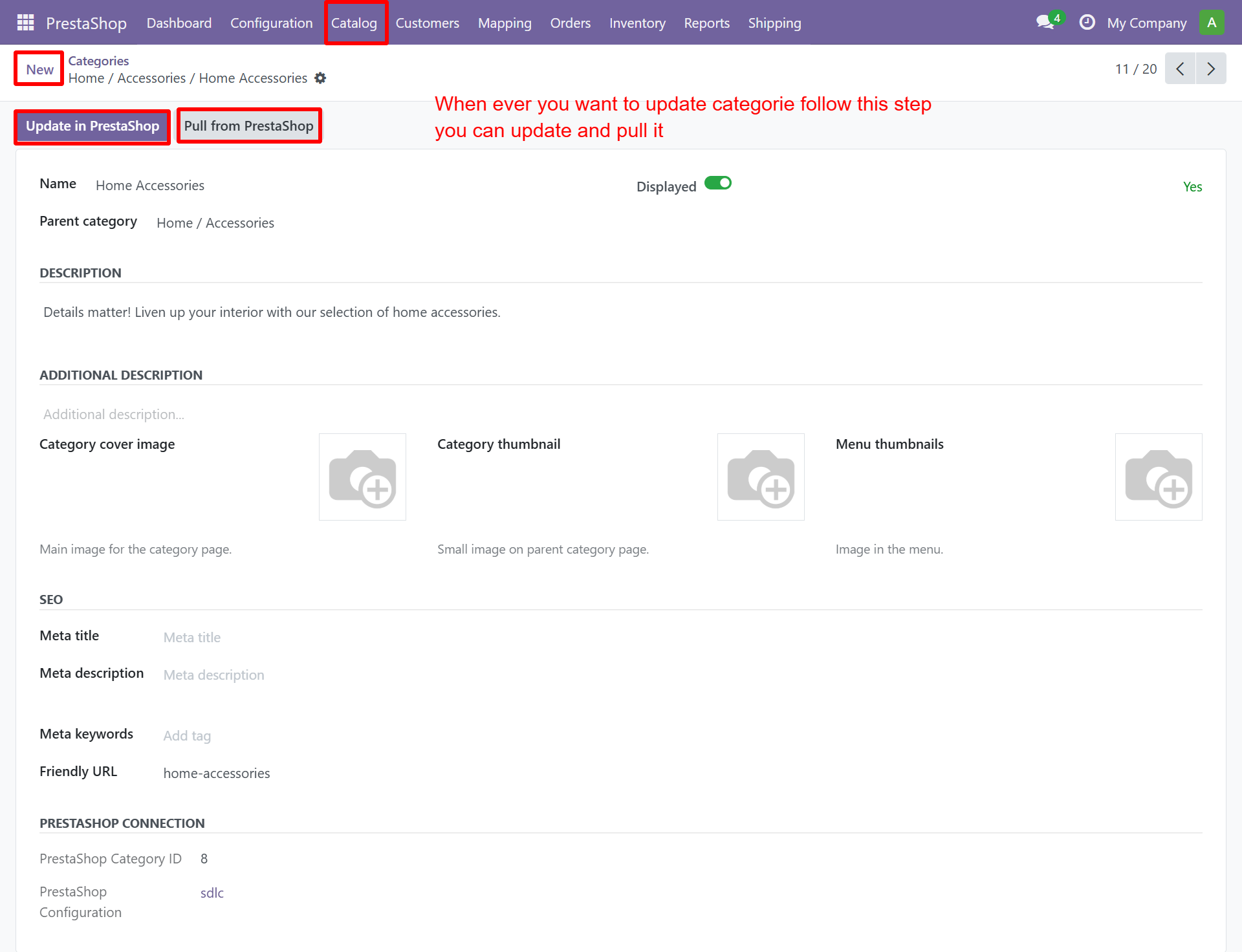
Synced categories retain their parent-child hierarchy.
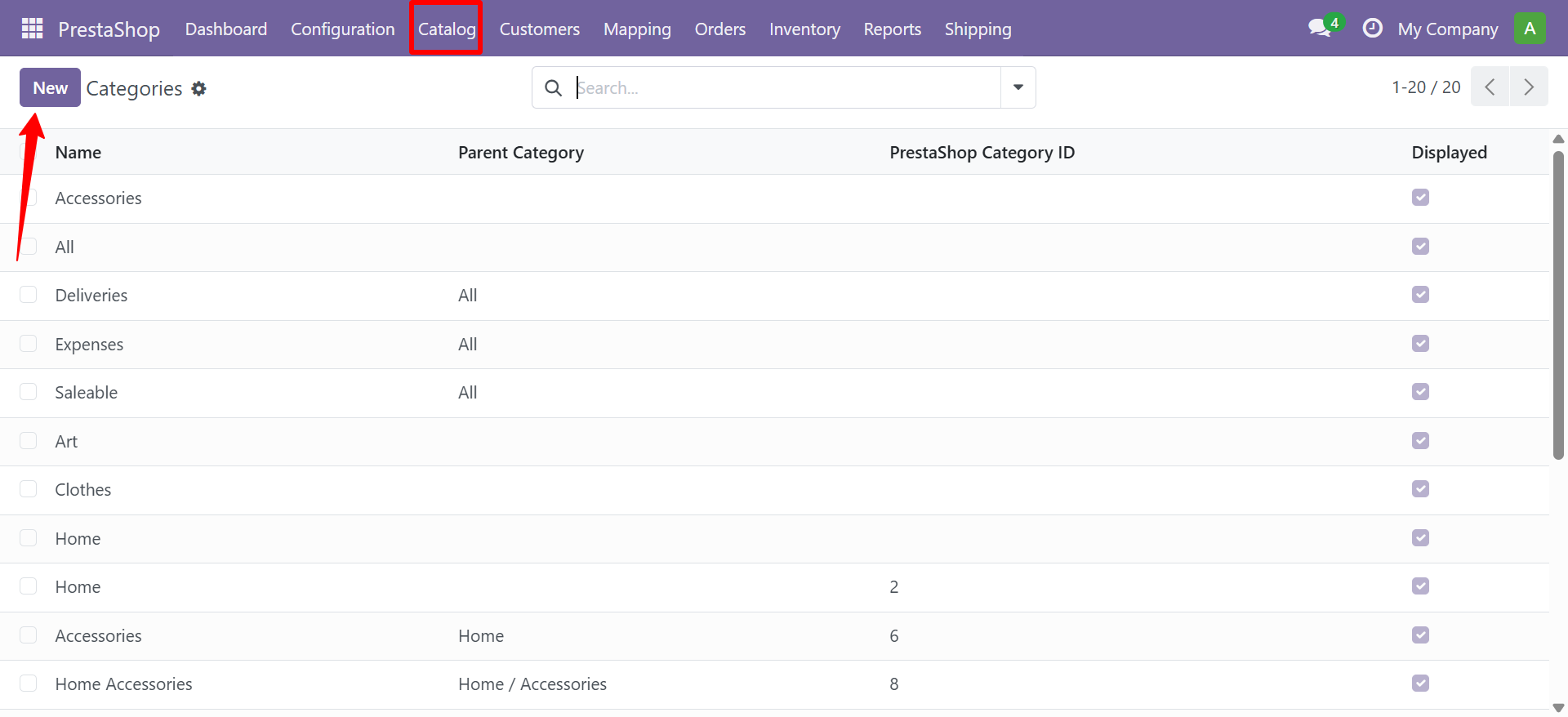
Category Form
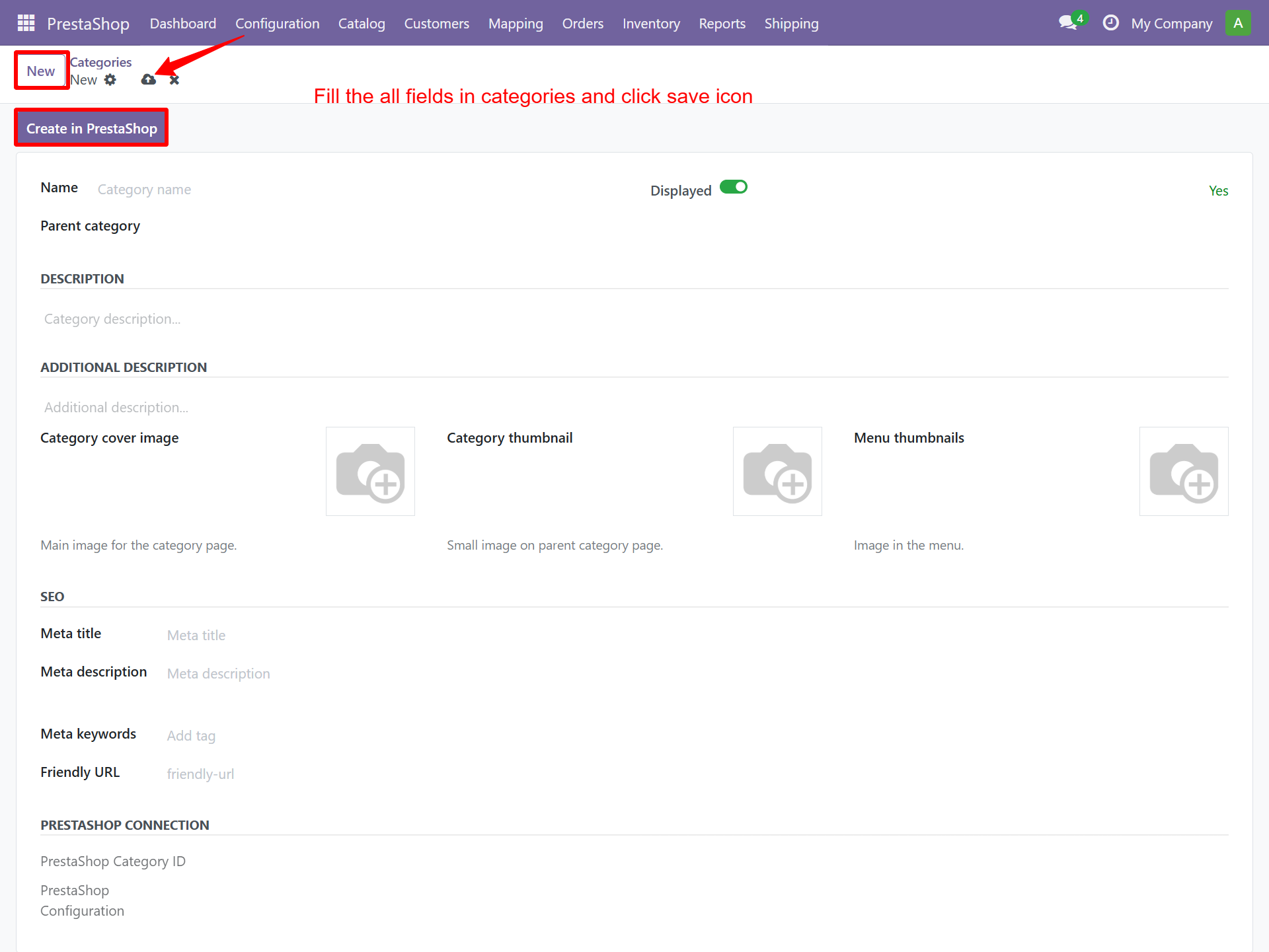
Each category includes:
| Field | Description |
|---|---|
| Name | Category display name |
| Displayed | Whether visible in PrestaShop |
| Description | Category description |
| Additional Description | Extended description |
| Cover Image | Main category banner |
| Thumbnail | Category thumbnail and menu icon |
| SEO | Meta title, description, keywords, friendly URL |
| PrestaShop Connection | Category ID mapping |
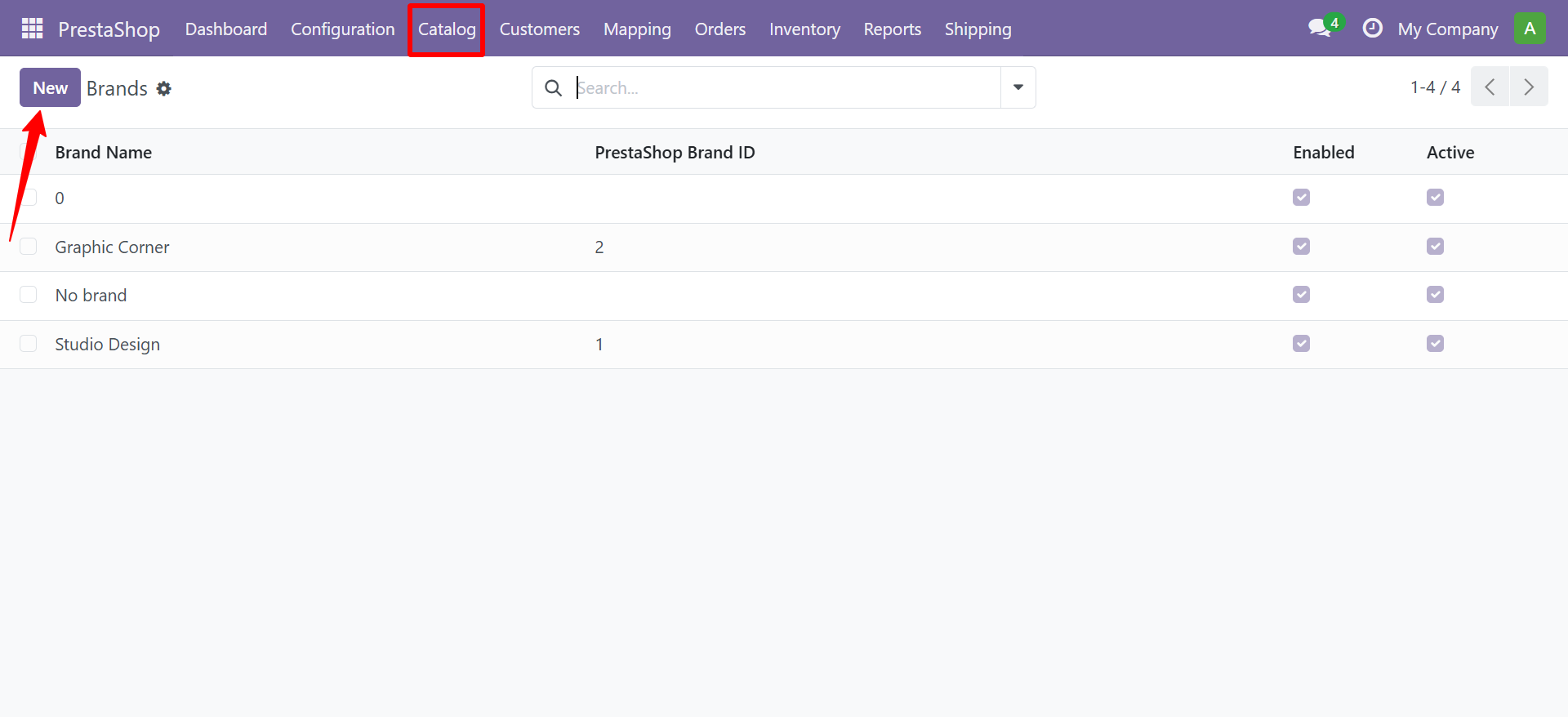
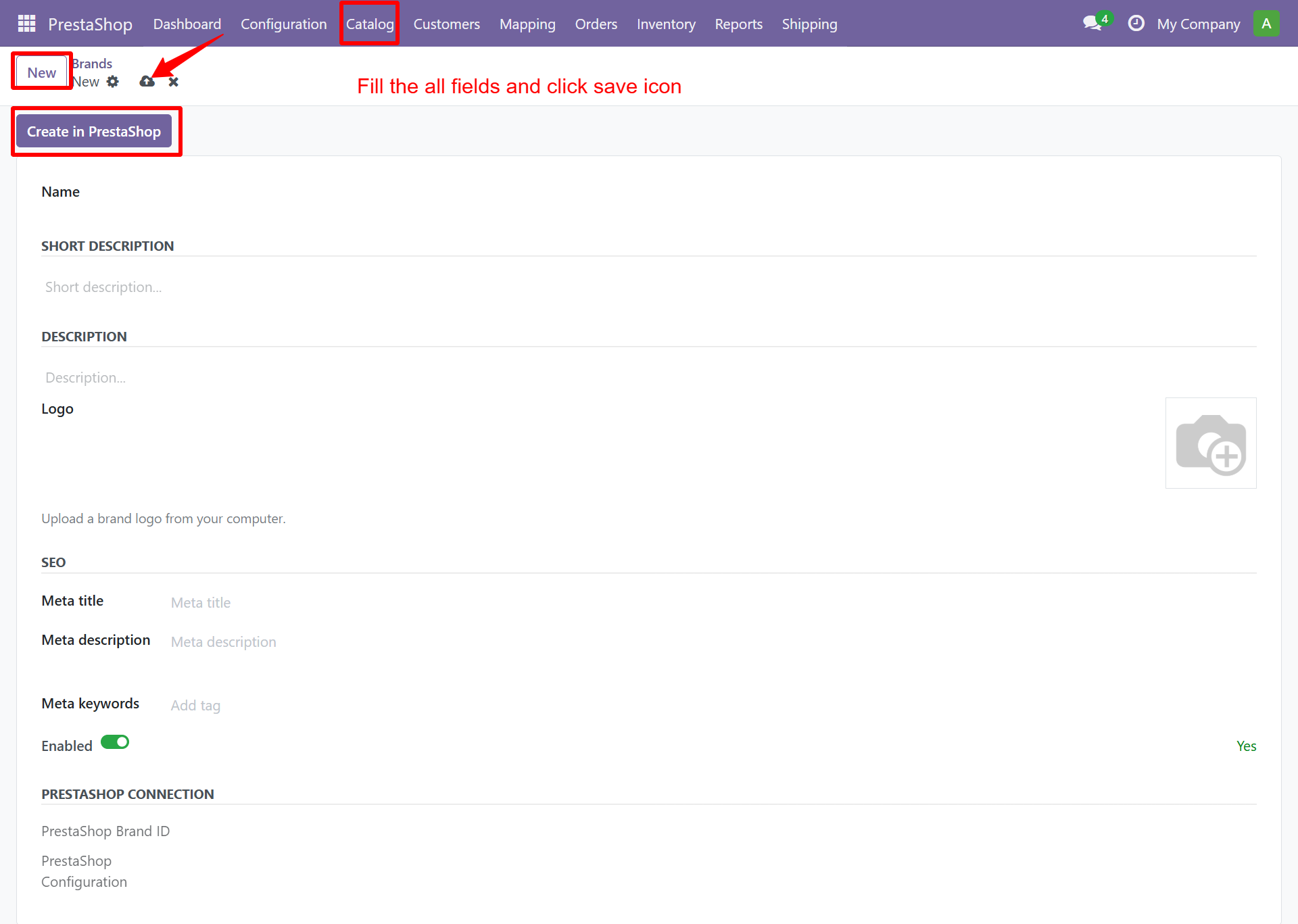
Brands
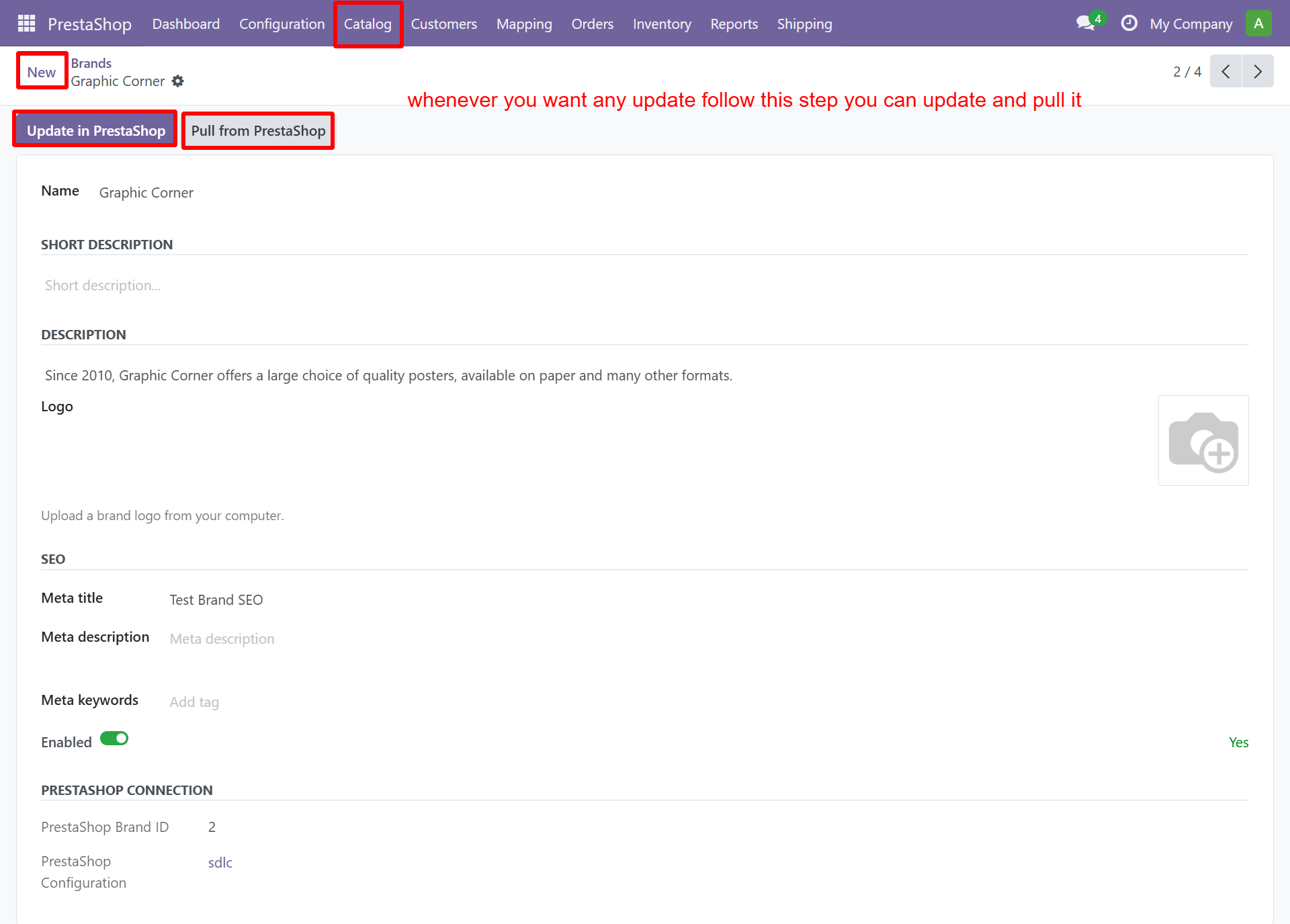
Manage product brands and manufacturers. Brands can be created in PrestaShop directly from Odoo using the "Create in PrestaShop" button.
Suppliers
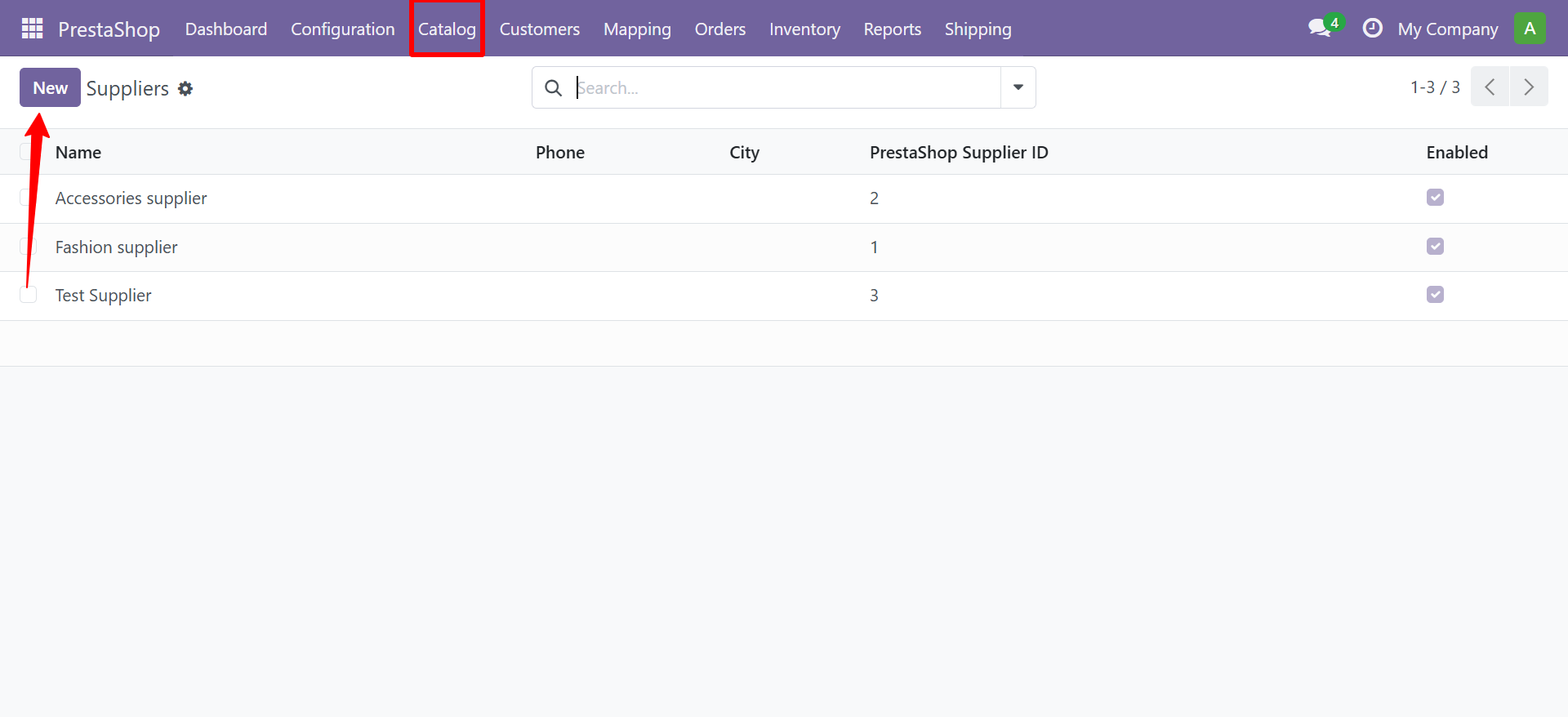
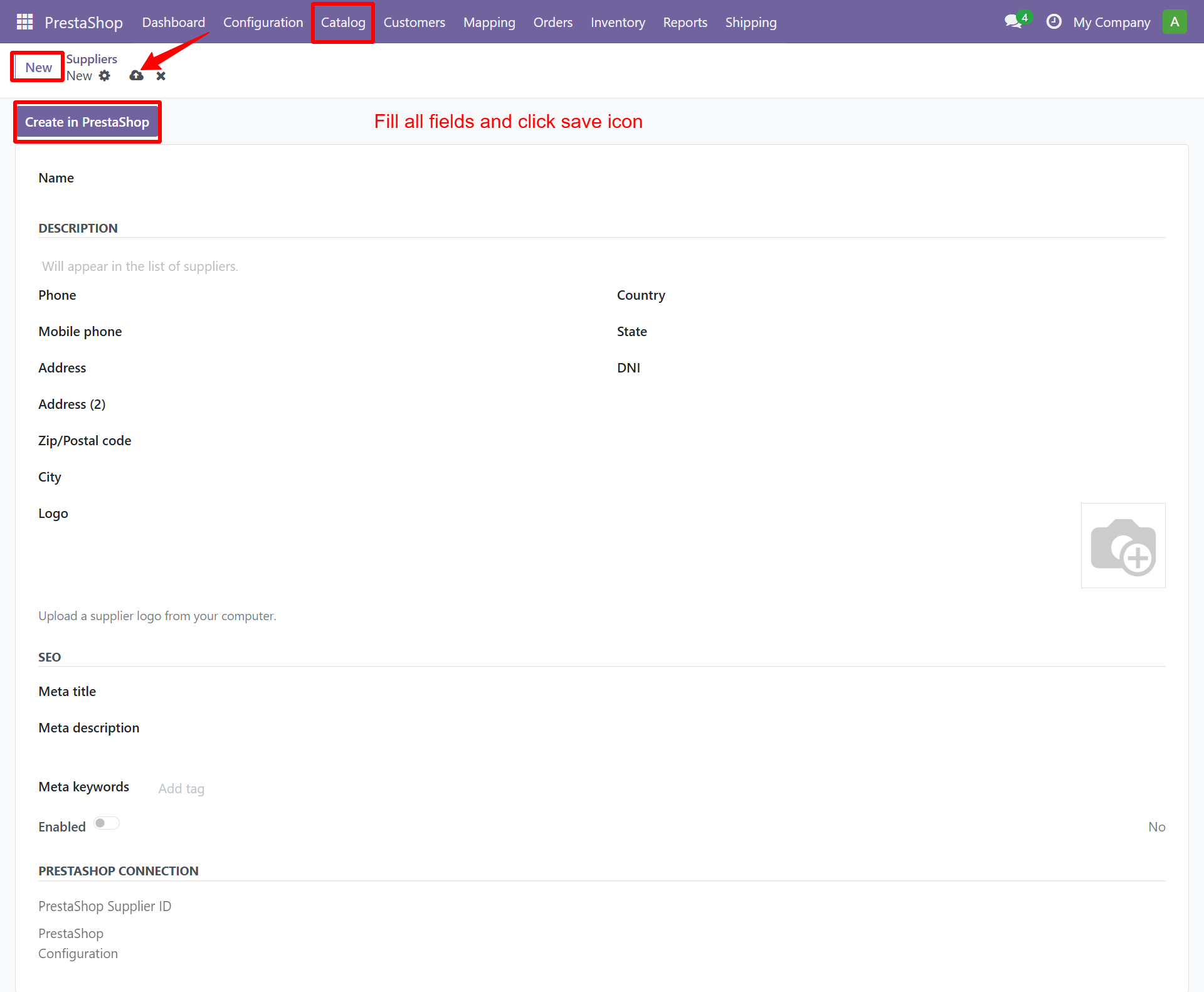
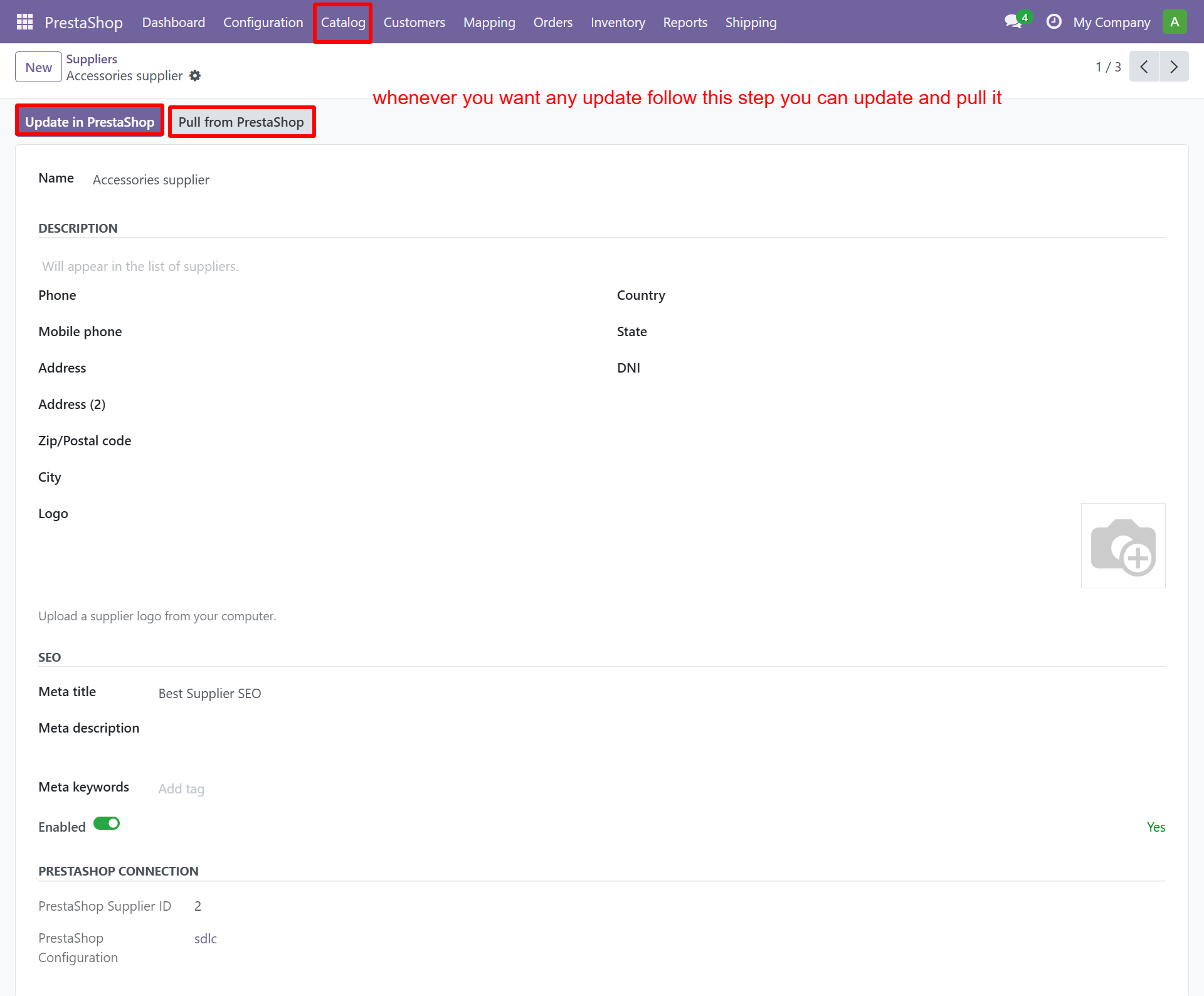
Suppliers can also be created in PrestaShop directly from Odoo:
Attributes & Features
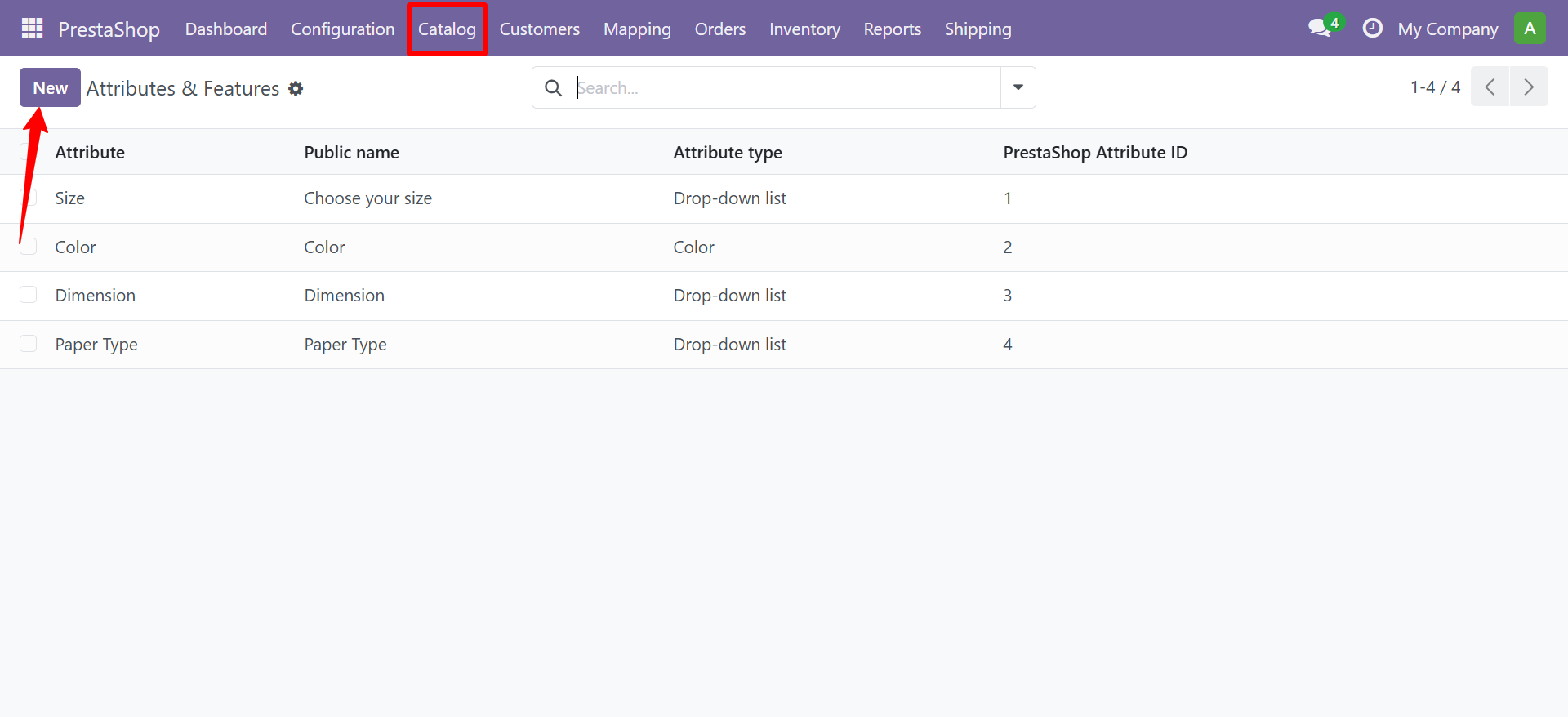
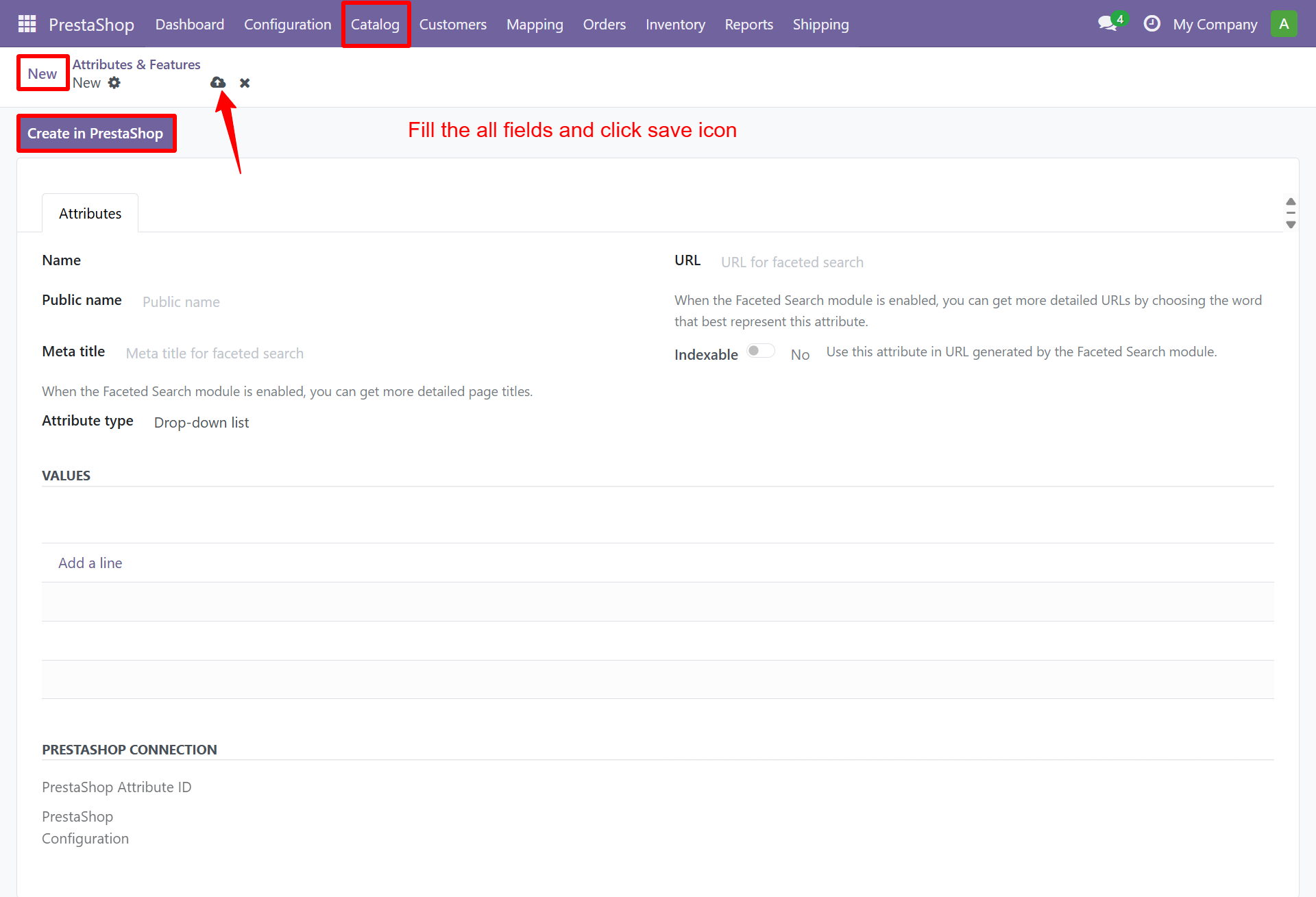
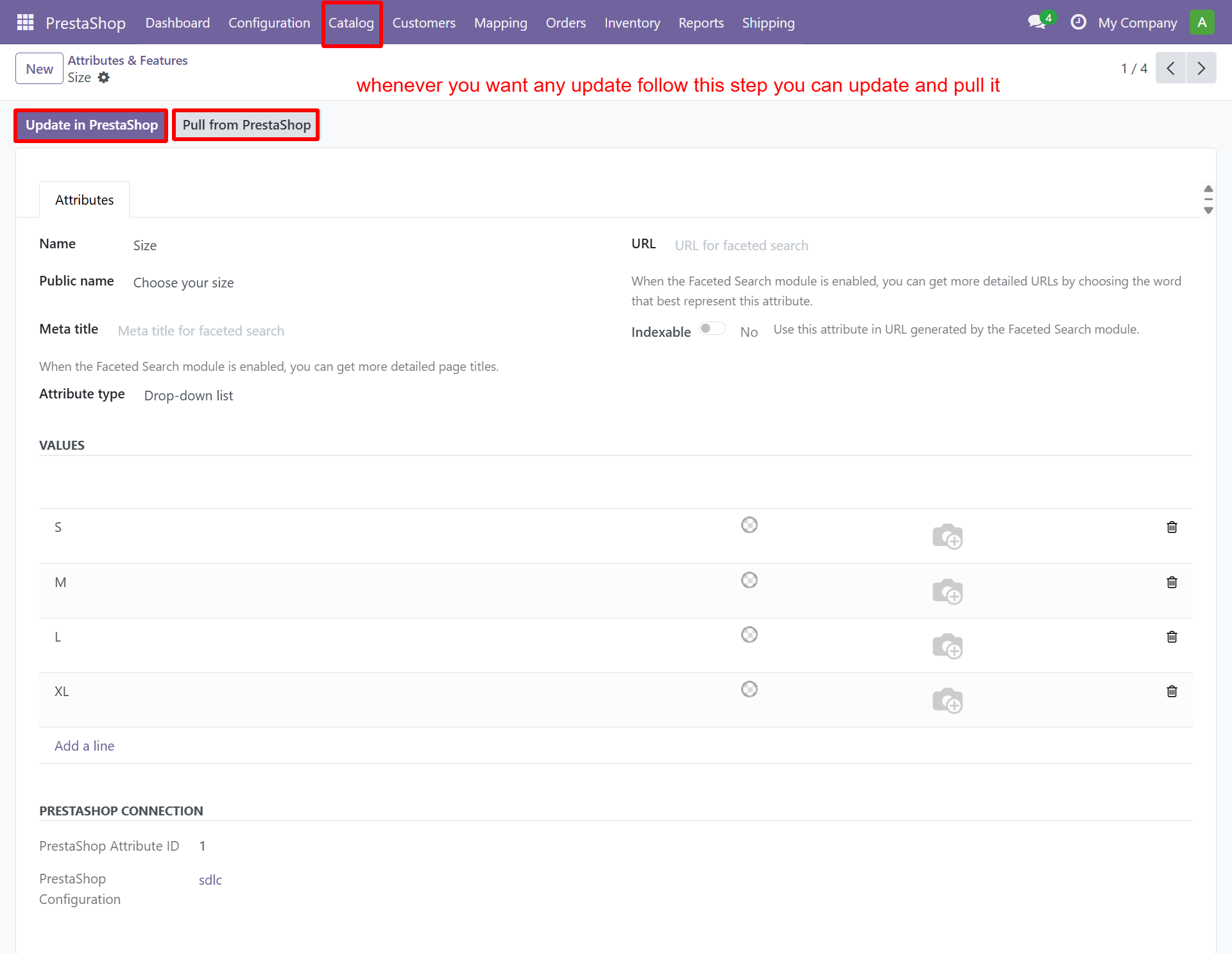
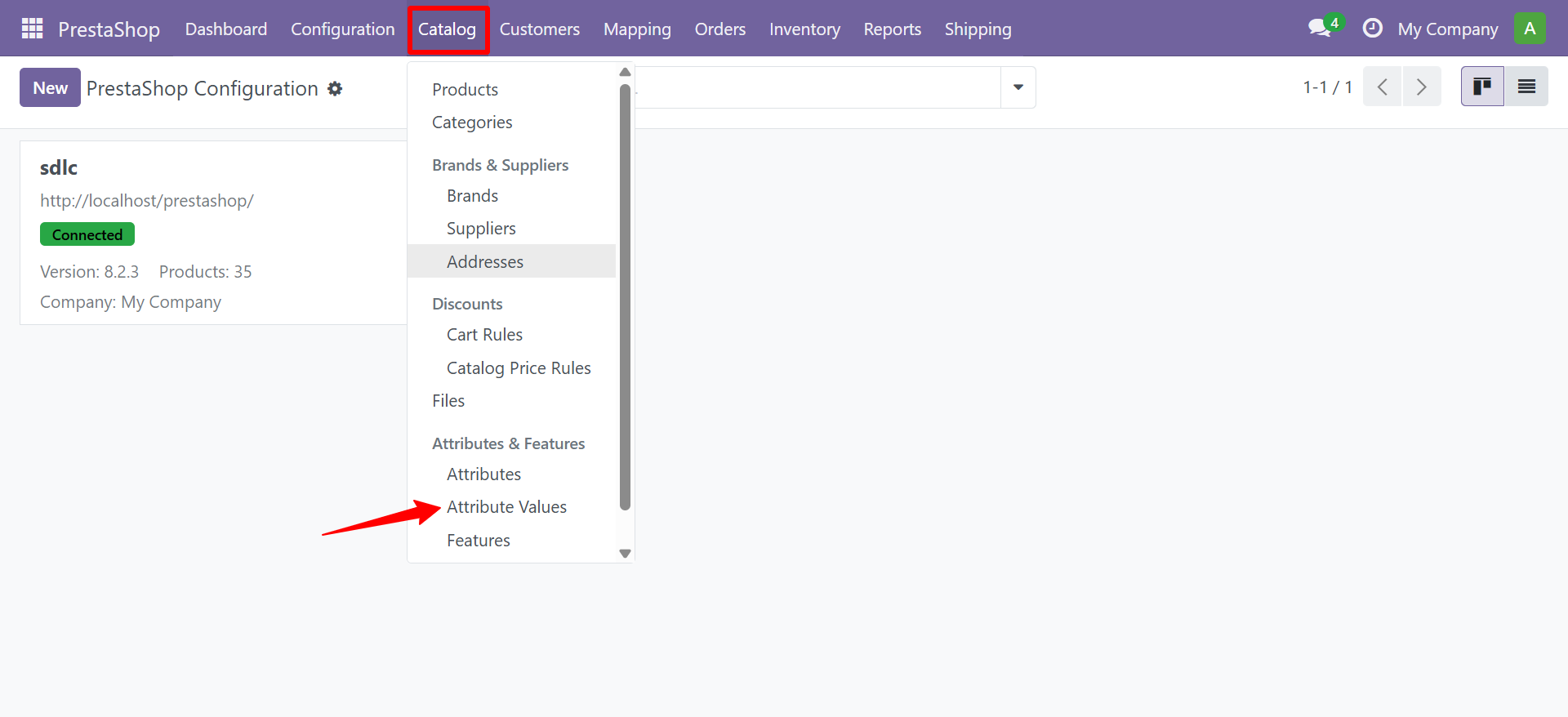
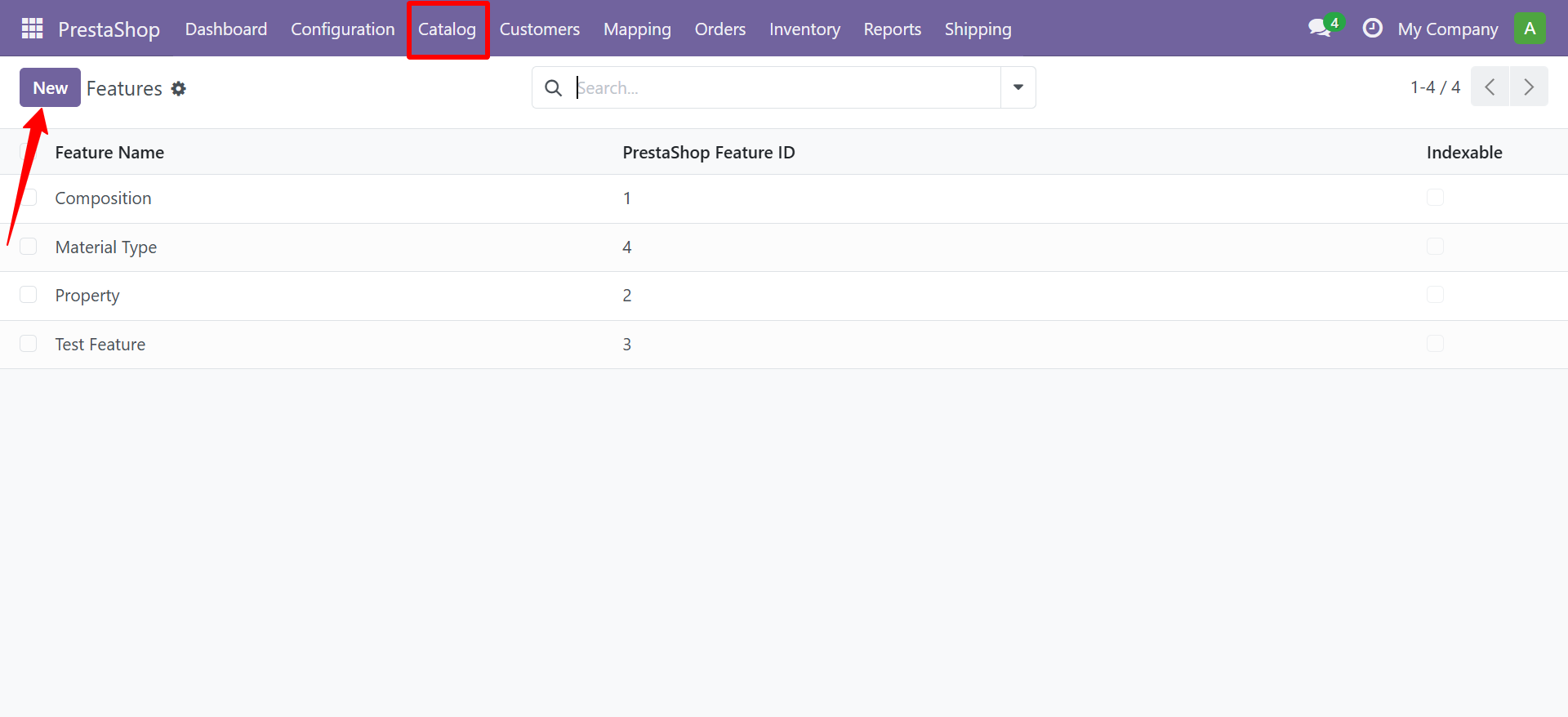
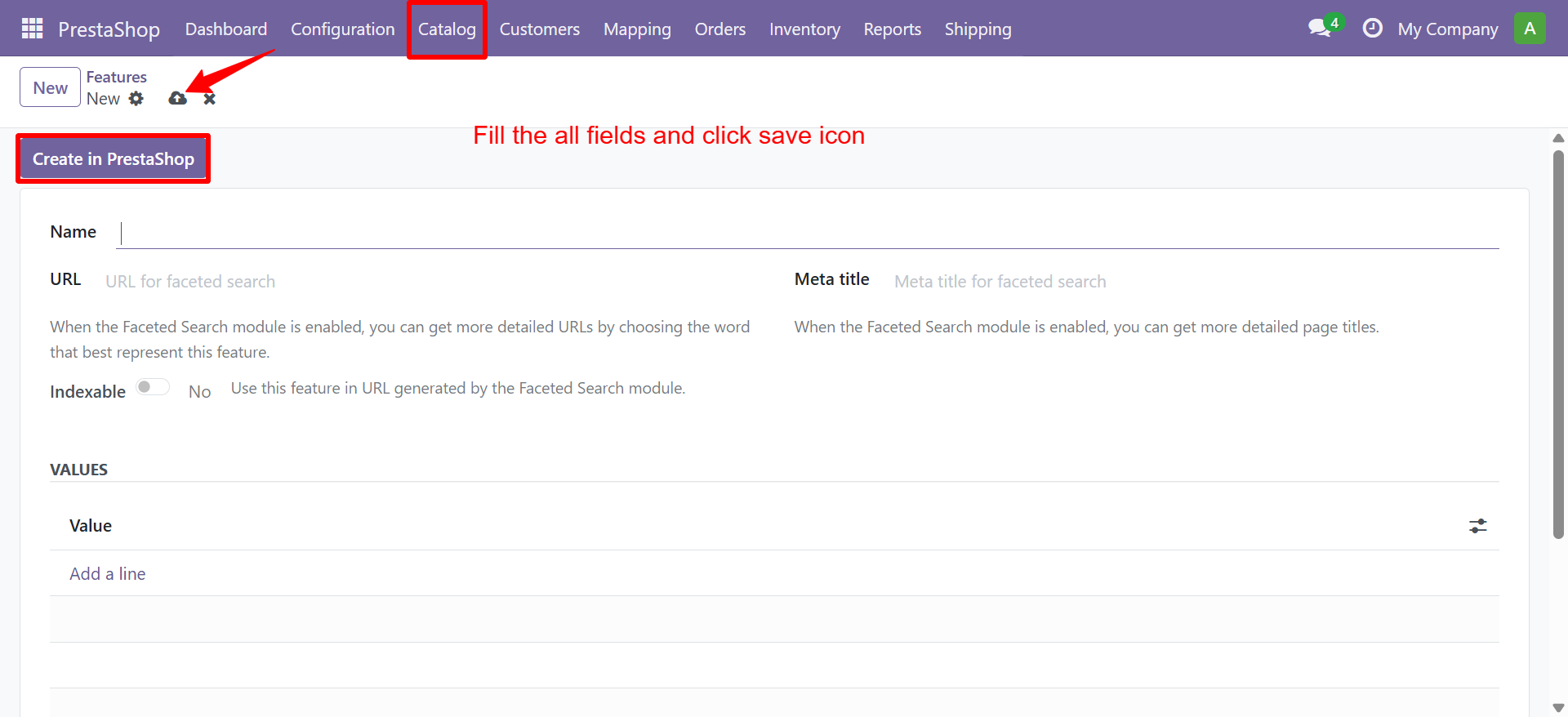
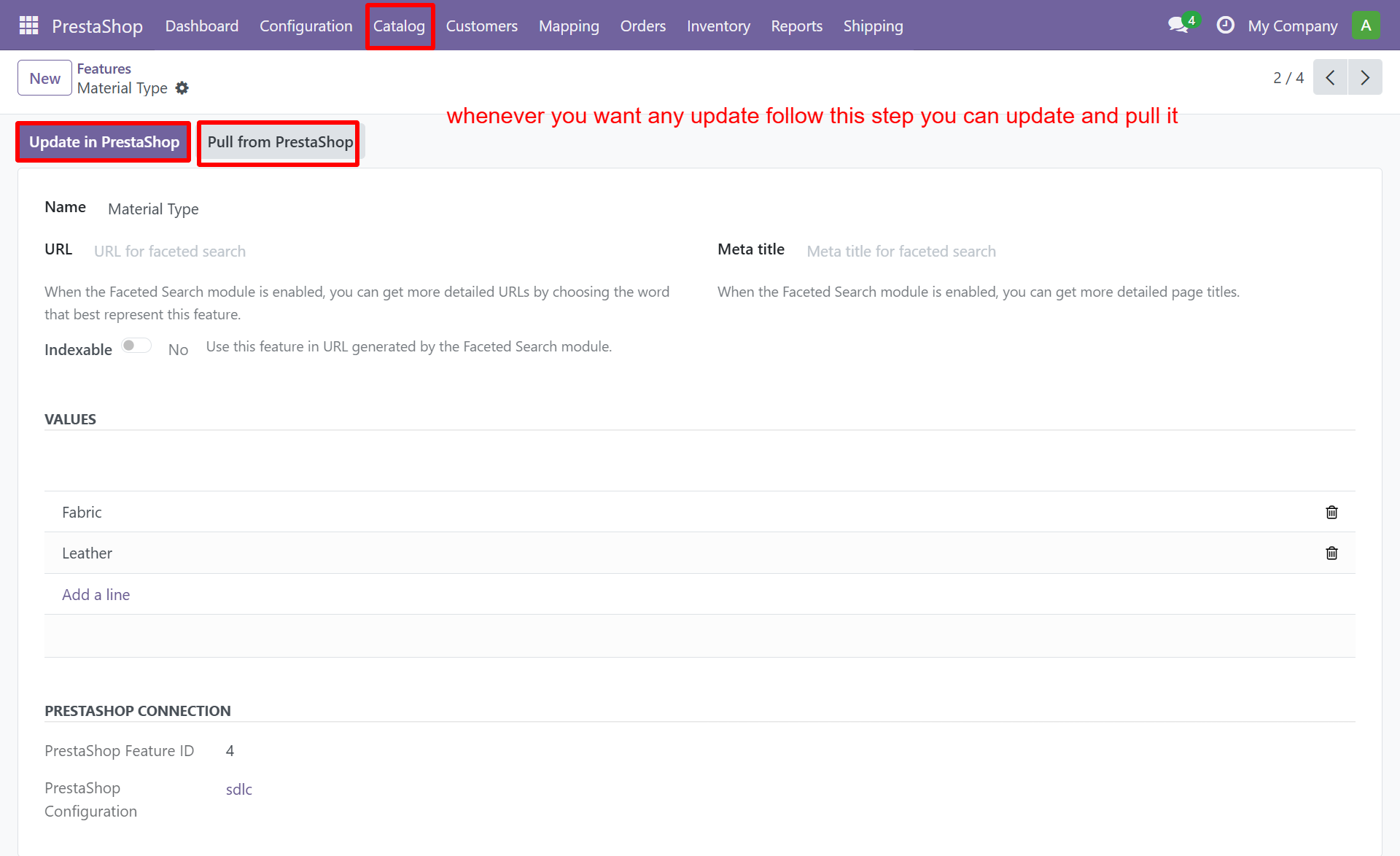
Product attributes (size, color) and features (material, origin) are synced with their values.
Attributes
Attribute Values
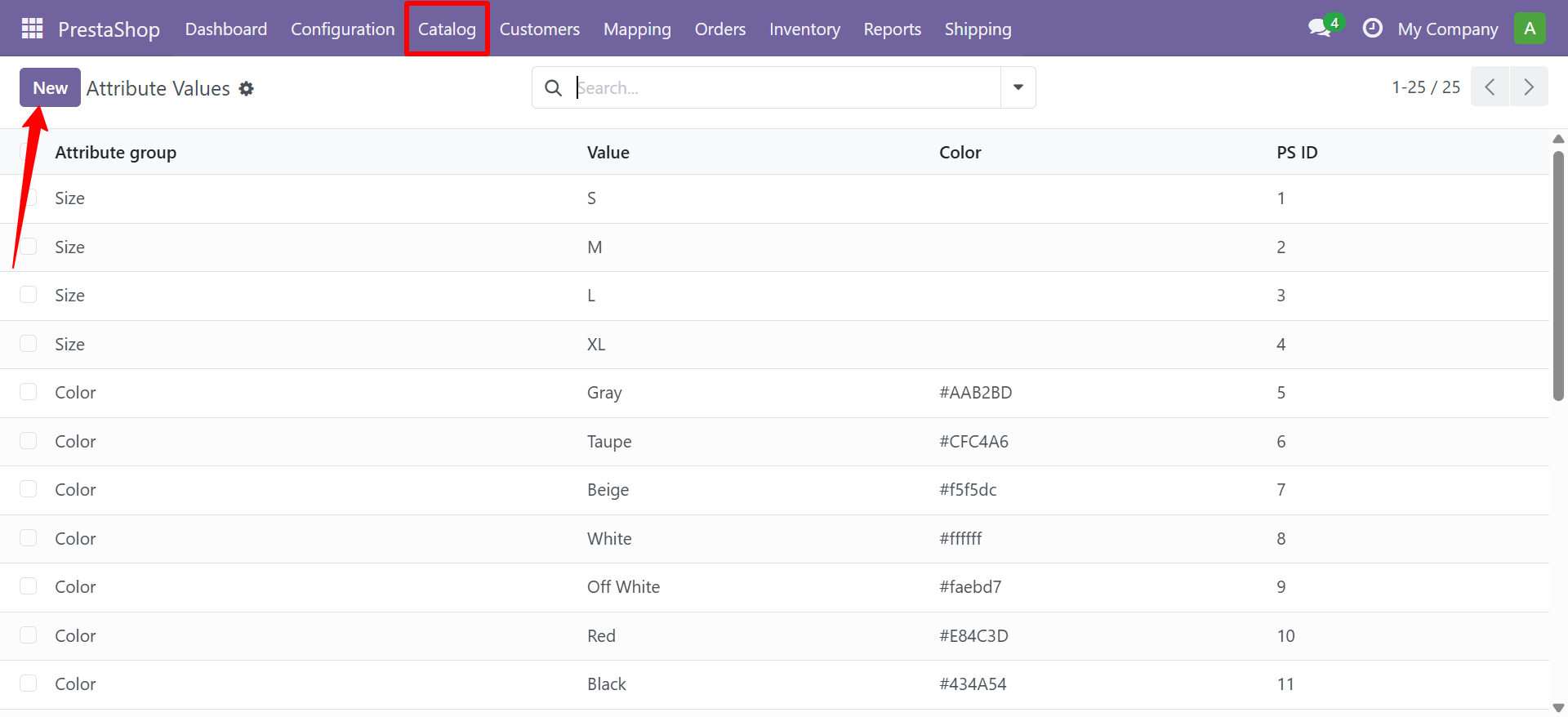
Use the Generate Combinations wizard to create product variants from synced attributes.
Features
Discounts
Cart Rules (Promotions)
Cart rules are promotional codes and automatic discounts applied at checkout.
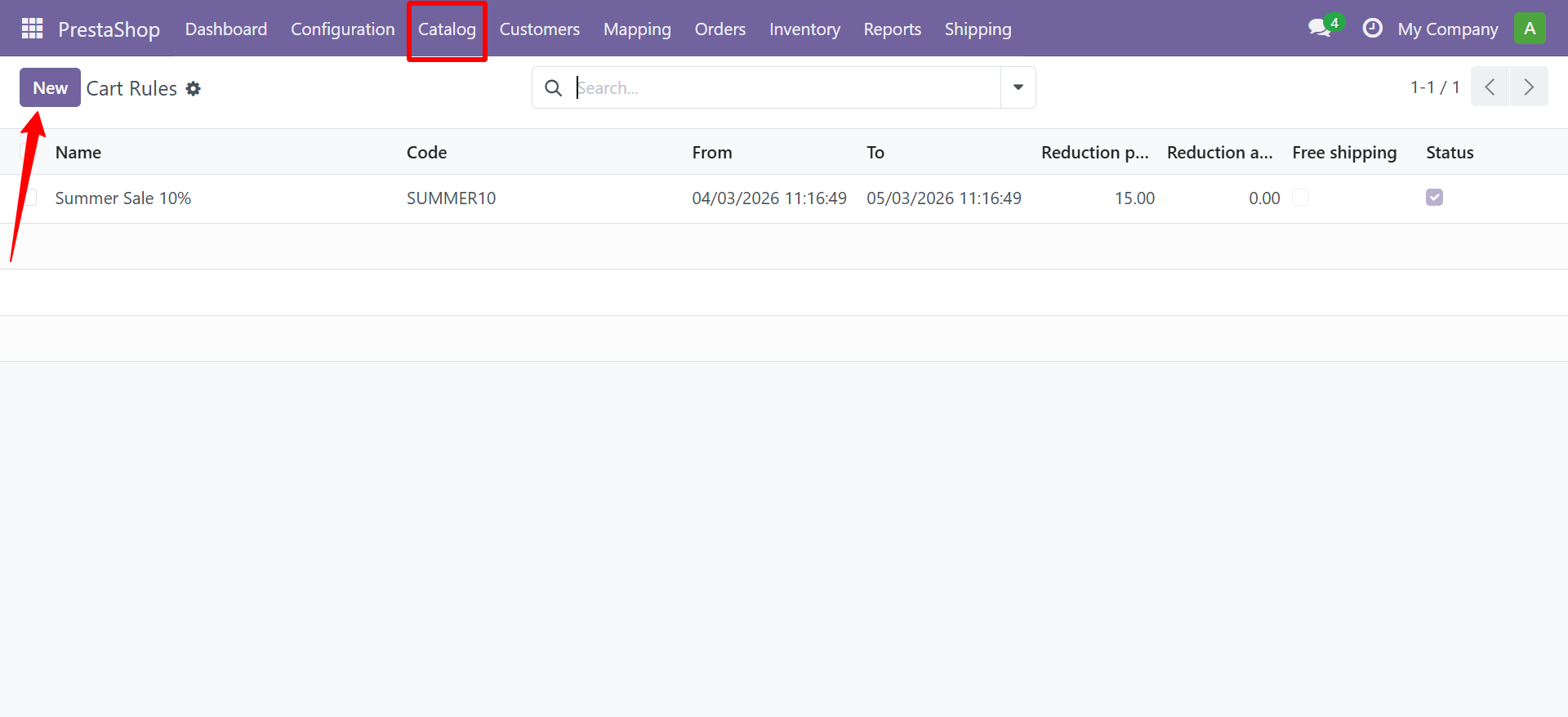
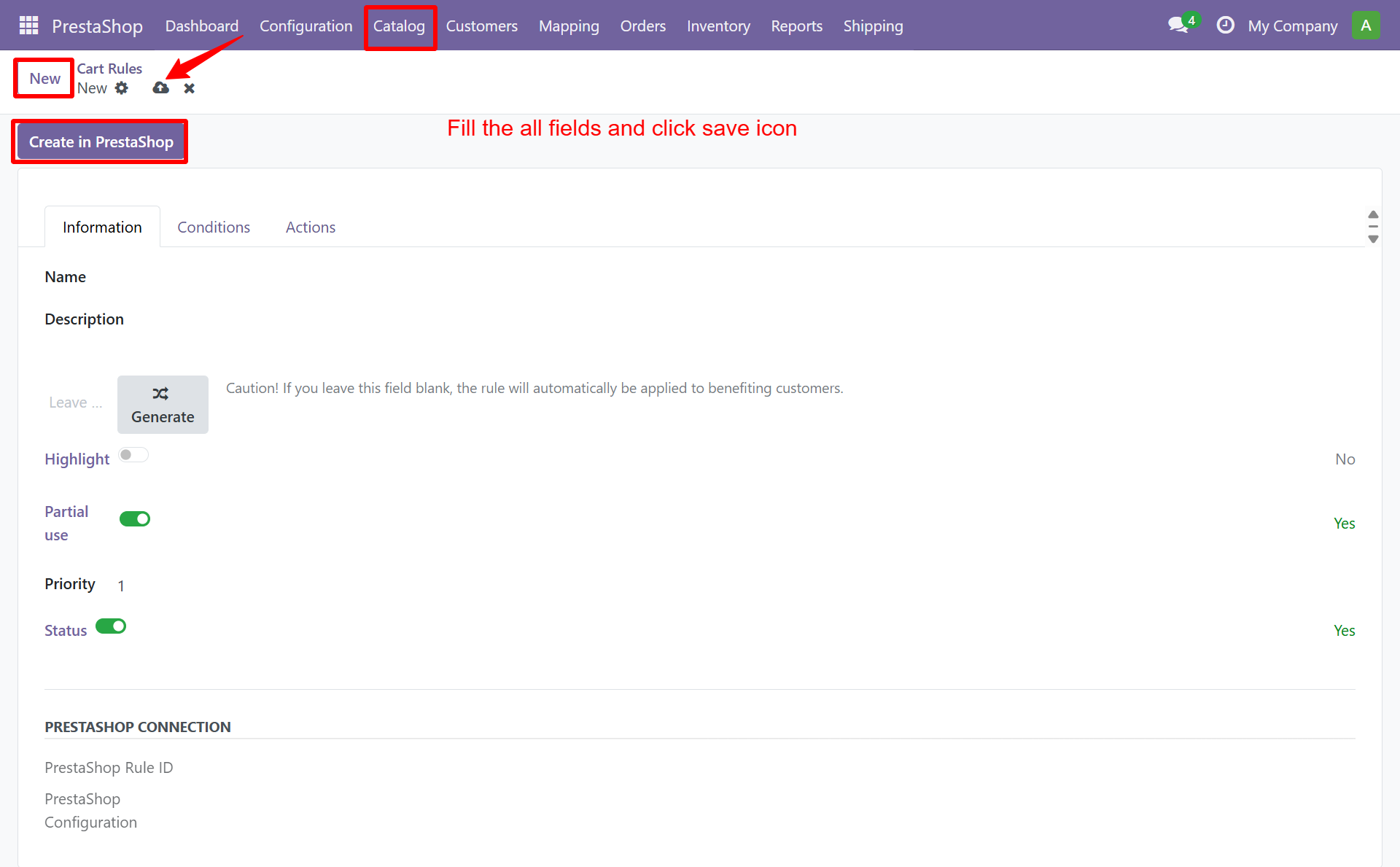
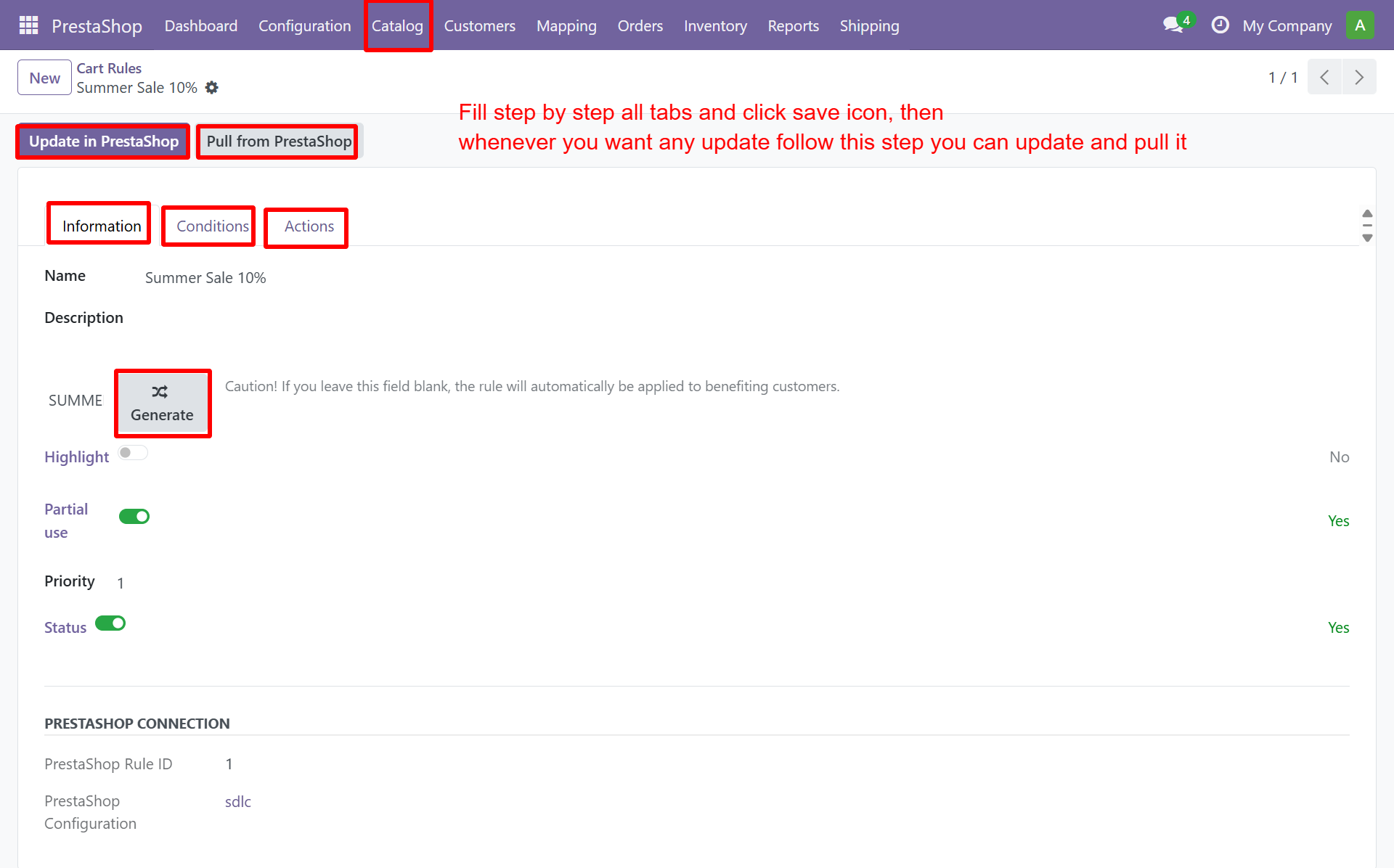
The form has three tabs: Information, Conditions, and Actions.
Catalog Price Rules (Bulk Discounts)
Catalog price rules apply automatic discounts based on quantity, customer group, or date range.
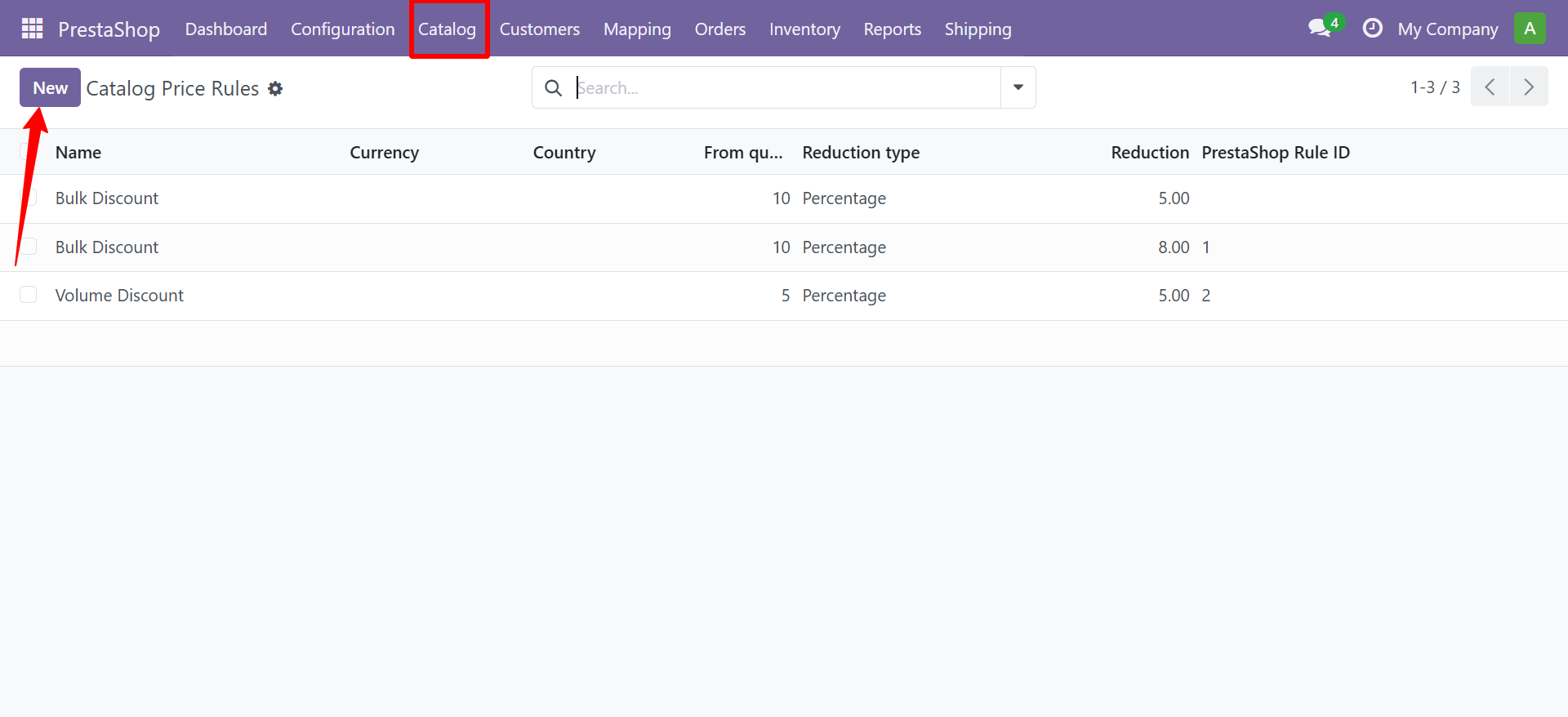
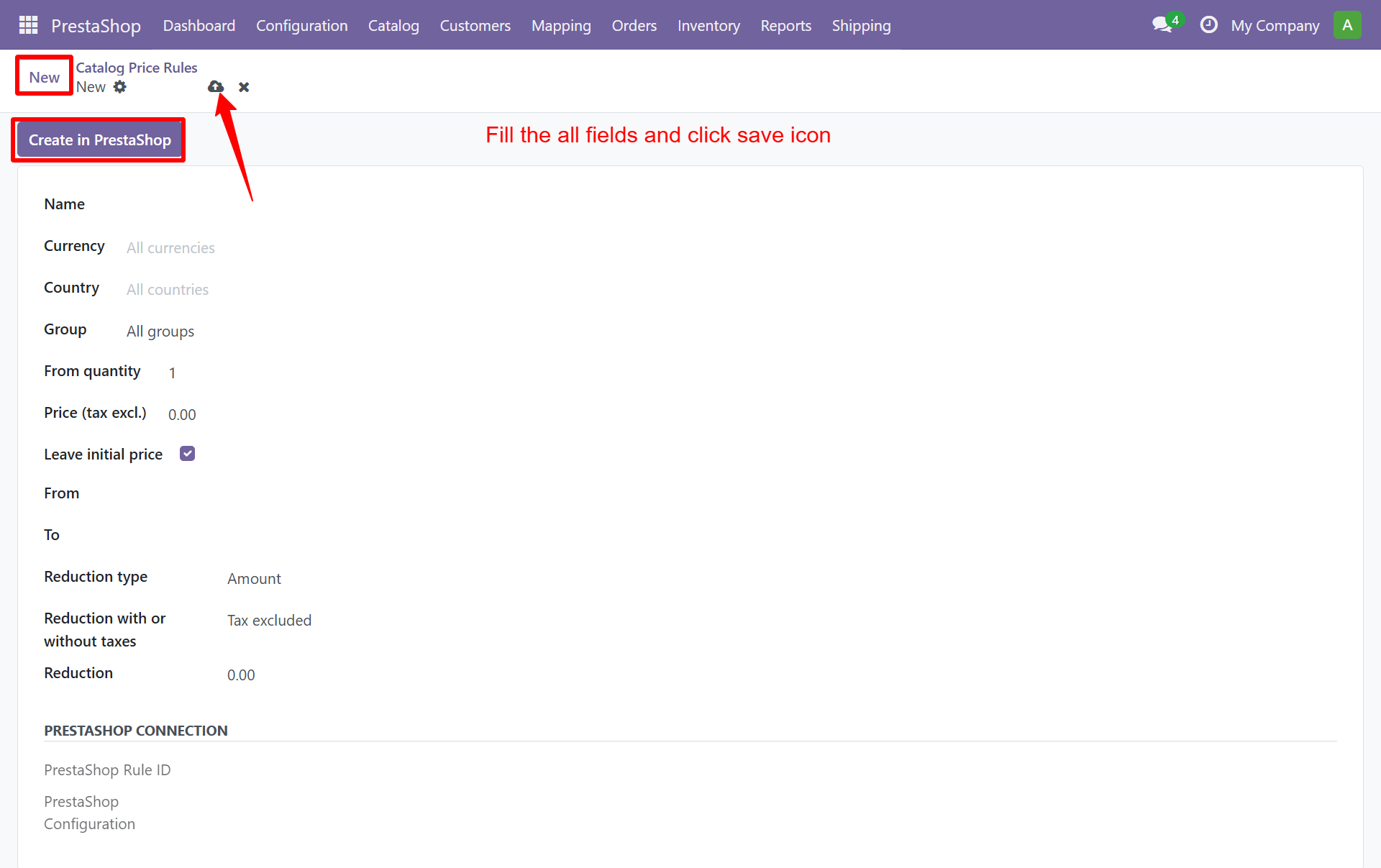
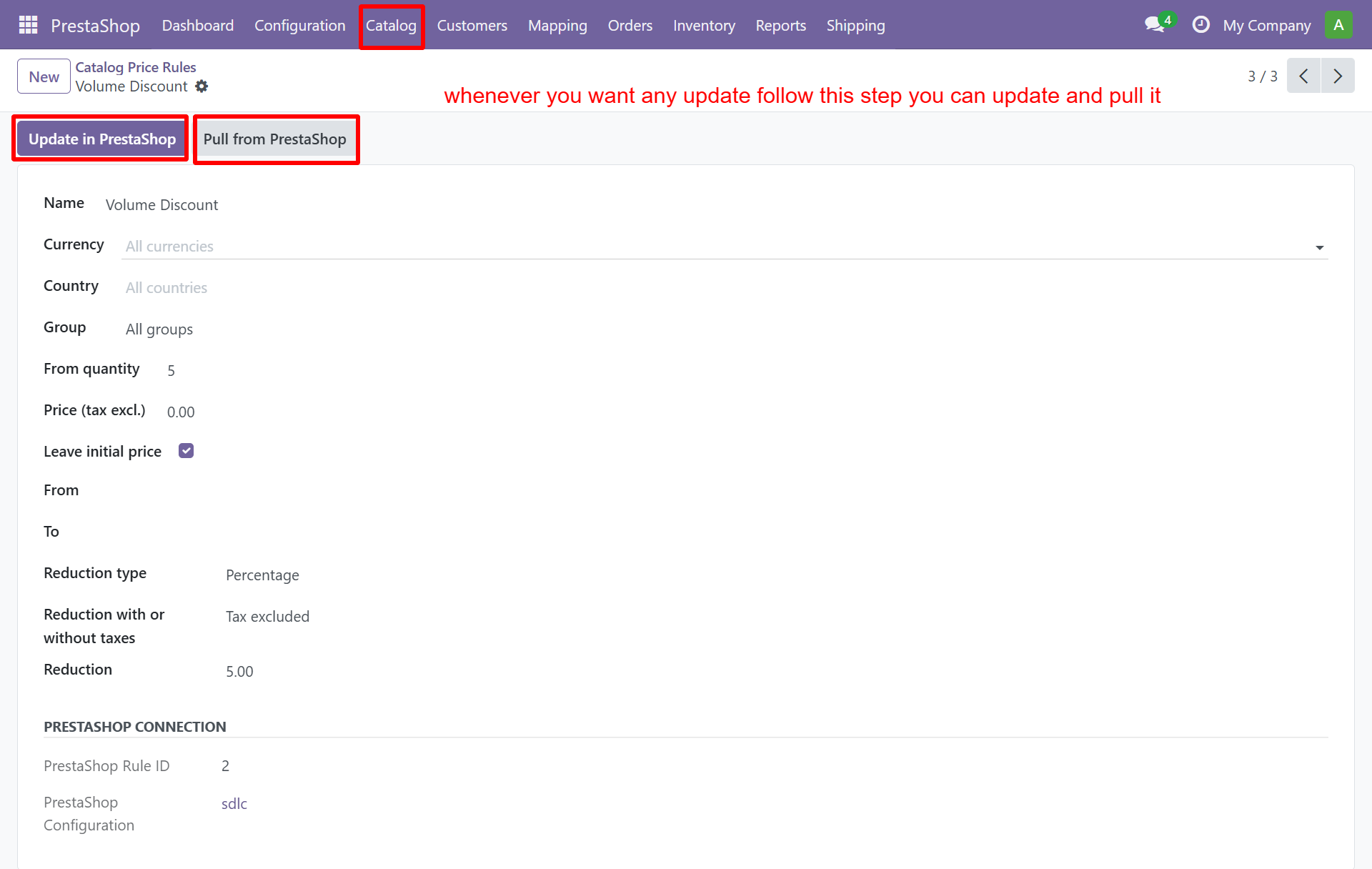
Use cart rules for promotional codes (e.g. "SUMMER10"). Use catalog price rules for volume discounts (e.g. buy 10+ for 15% off).
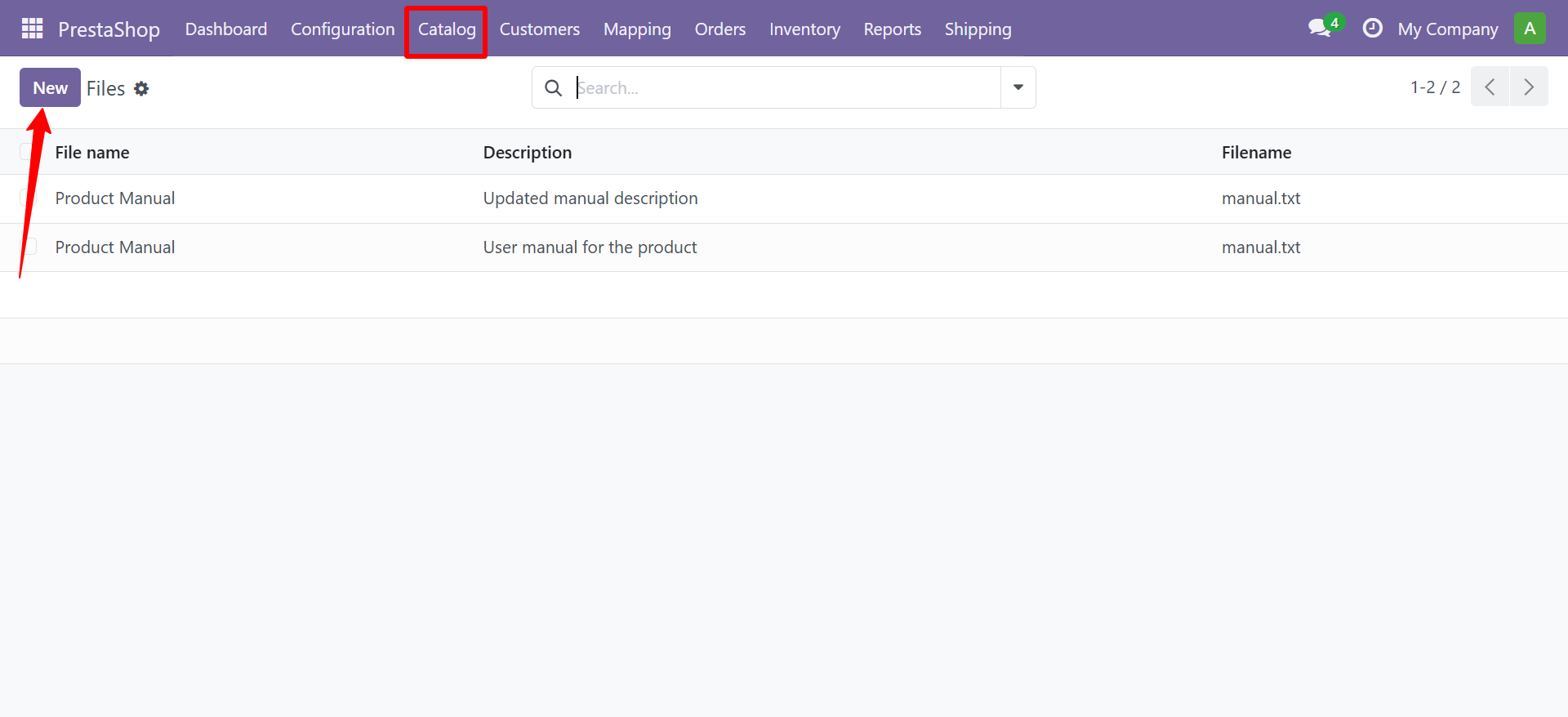
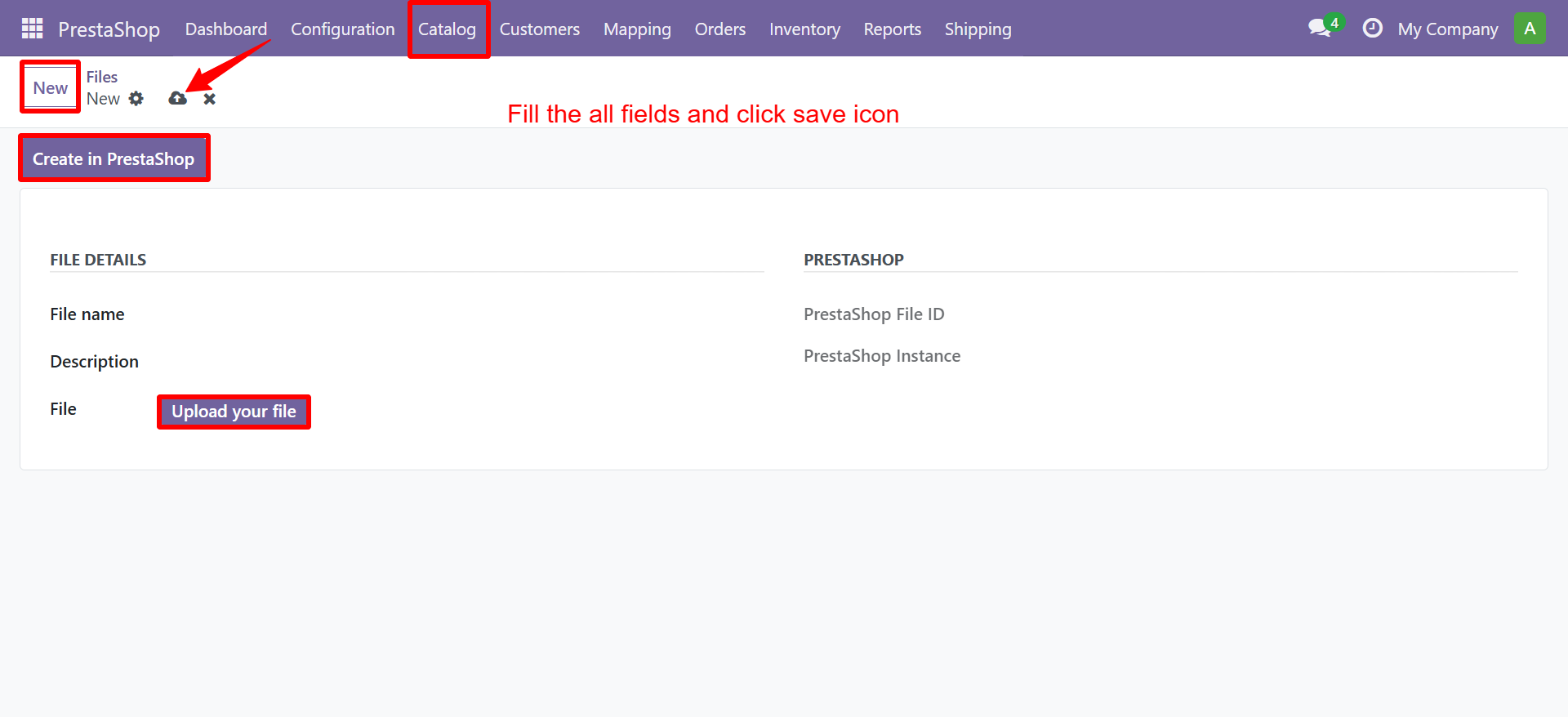
Files
Manage downloadable files attached to products (manuals, guides, etc.):
Need Help?
Contact SDLC Corp at sdlccorp.com/contact-us