Order Configuration
Pre-flight checklist
Before running a full order import, set the following under order configuration:
- Import window — how far back the initial import should reach (start with 30 days for a quick sanity check, then extend).
- Status filter — paid only? unpaid too? cancelled?
- Customer creation behaviour — create new contacts in Odoo, or match by email against existing contacts?
- Quote vs confirmed — should imported Shopify orders land as quotes (manual confirmation) or confirmed (auto-progress through fulfilment)?
Getting these right before the first import saves a lot of "delete + reimport" later.
Overview
Order configuration is the umbrella for every setting that controls how a Shopify order becomes an Odoo sale order. Sub-sections cover the import settings (date range, status filter), the order mapping (which Shopify status maps to which Odoo state), and links into Auto Workflow for post-import automation.
Configure how Shopify orders are imported and processed in Odoo.
Order Import Settings
| Setting | Description |
|---|---|
| Order Prefix | Prefix added to Shopify order numbers in Odoo |
| Sales Journal | Accounting journal for Shopify sales |
| Auto Confirm | Auto-confirm sales orders on import |
| Auto Invoice | Auto-create invoice after order confirm |
| Auto Validate | Auto-validate invoice |
| Auto Ship | Auto-create delivery order |
Auto Workflow
Enable in Shopify → Configuration → Auto Workflow per order status.
Order Mapping
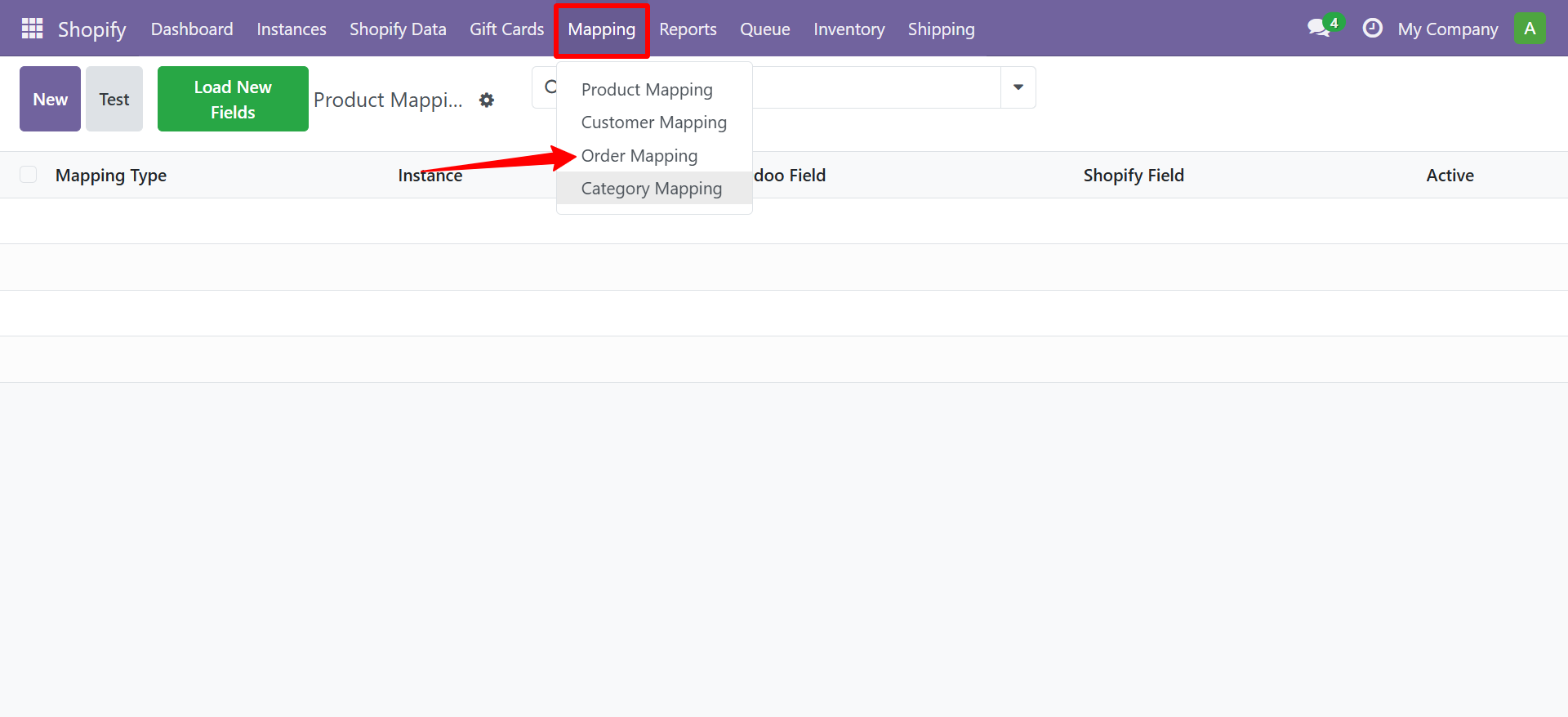
You can configure custom field mapping for orders by navigating to Shopify → Mapping → Order Mapping.
Contact SDLC Corp at sdlccorp.com/contact-us or email sales@sdlccorp.com