Cancel Order in Shopify
When to cancel from Odoo
Cancel from Odoo (instead of switching to the Shopify admin) when:
- Your team works primarily inside Odoo and doesn't have permissioned Shopify access.
- You need a single audit trail of cancellations — Odoo's chatter records why.
- The cancellation is triggered by an Odoo workflow (out-of-stock, fraud check, customer-facing edit).
In the other direction — when the customer cancels from the Shopify admin — see Import Cancelled Orders.
Overview
Sometimes an order needs to be cancelled before fulfilment — fraud, customer change of mind, out of stock. Cancelling from Odoo (instead of switching to the Shopify admin) keeps both systems consistent and triggers the standard customer-facing cancellation email from Shopify.
Cancel a Shopify order from within Odoo.
Steps
- Open the Sales Order in Odoo
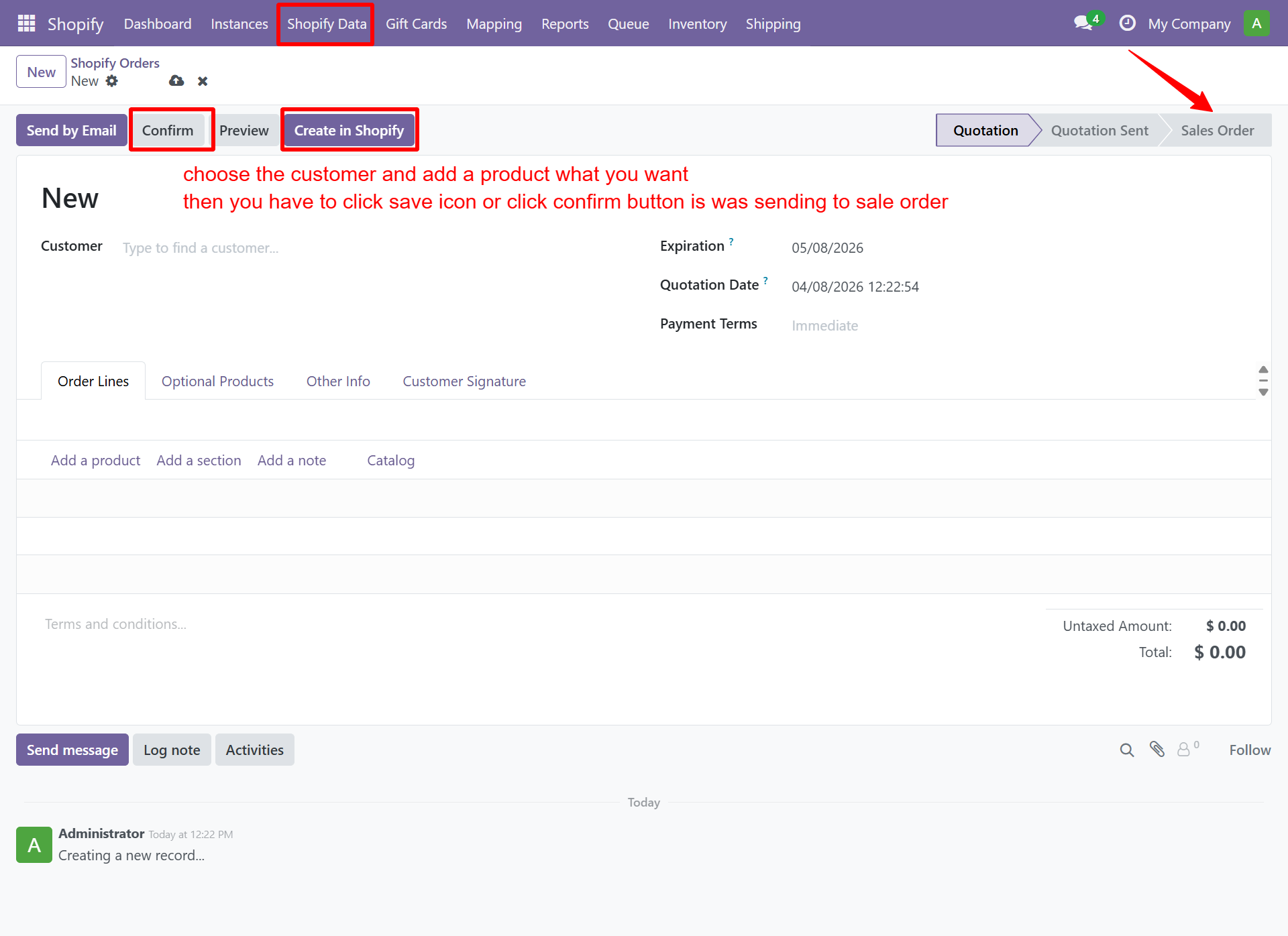
- Once the order is confirmed, you can use the Cancel button to cancel it.
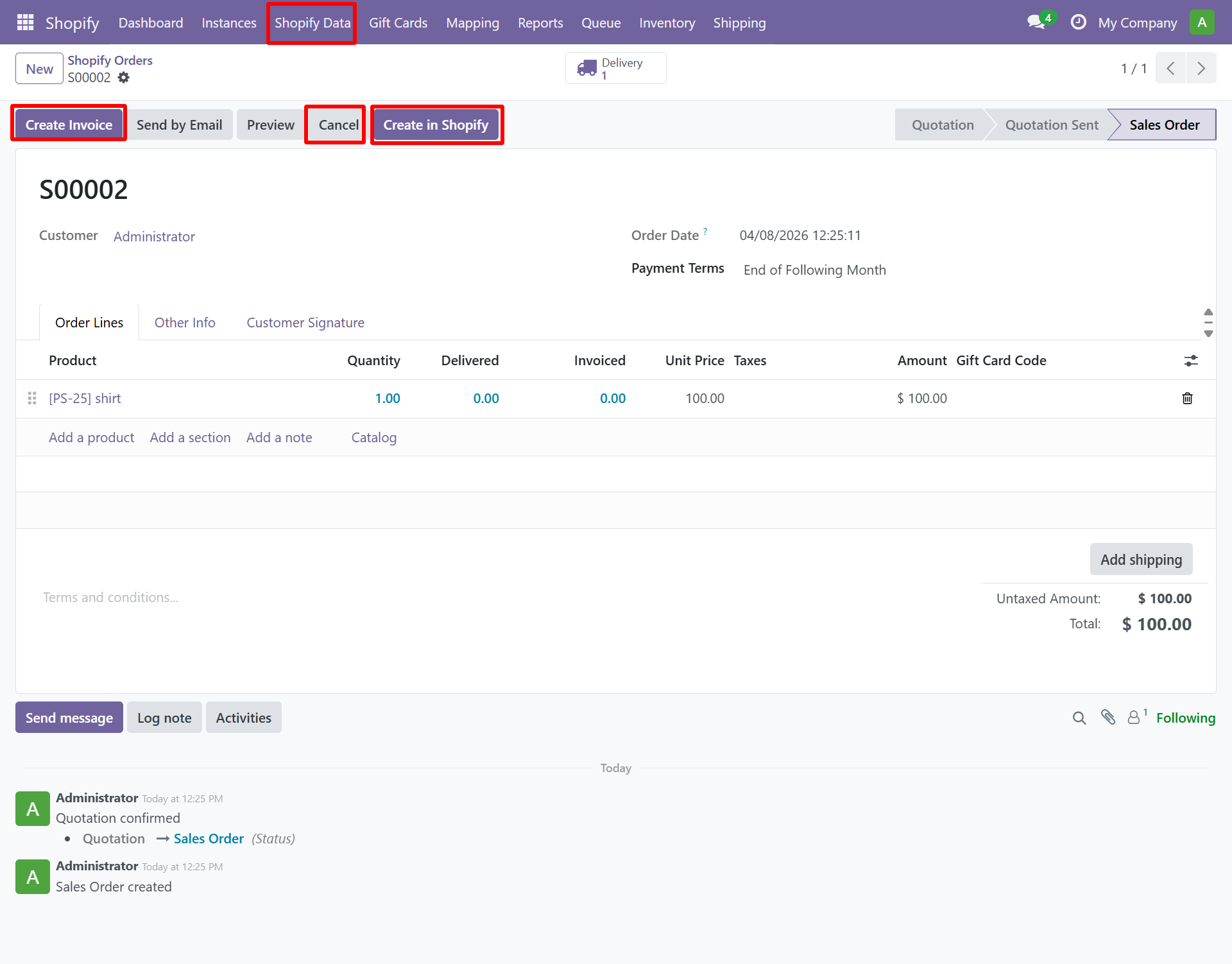
- Click Shopify → Cancel in Shopify
- Select the Cancellation Reason
- Choose whether to Restock Items
- Click Confirm
Need Help?
Contact SDLC Corp at sdlccorp.com/contact-us or email sales@sdlccorp.com