Export Shipment Tracking
Why this matters
When you fulfil a Shopify order from Odoo, the customer is waiting for the "your order has shipped" email from Shopify with the tracking link. Without exporting the shipment, that email never gets sent — and the order looks "still being processed" in the customer's Shopify account.
Configure the export to run automatically as part of the auto-scheduler so warehouse staff don't have to remember it per order.
Overview
When you ship a Shopify order from Odoo, you usually want Shopify to know about it so it can email the customer the standard "your order has shipped" notification with the tracking number. Export Shipment does exactly that: it takes the Odoo delivery's tracking info and posts it back to the Shopify order.
Push tracking numbers from Odoo delivery orders back to Shopify.
Steps
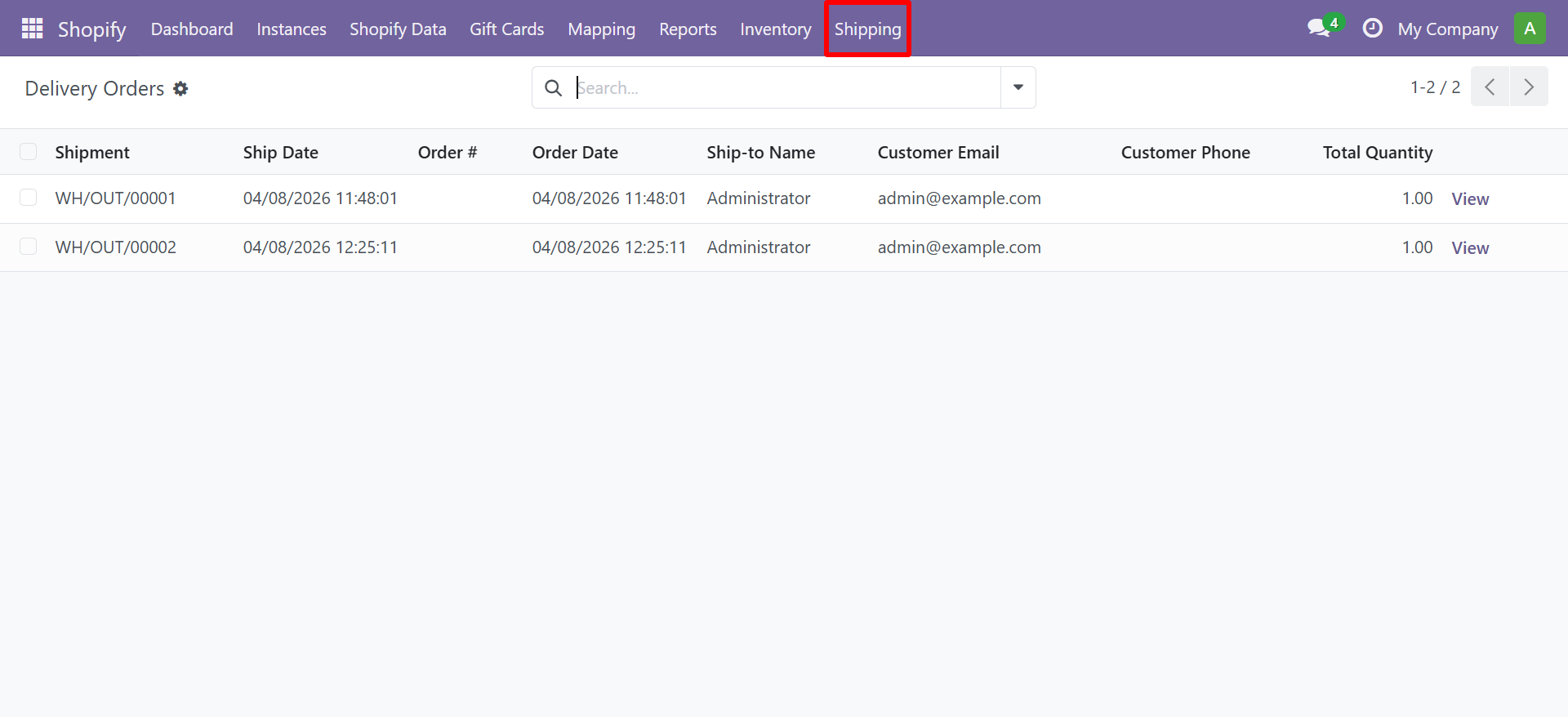
- Navigate to Shopify → Shipping → Delivery Orders to view all delivery orders.
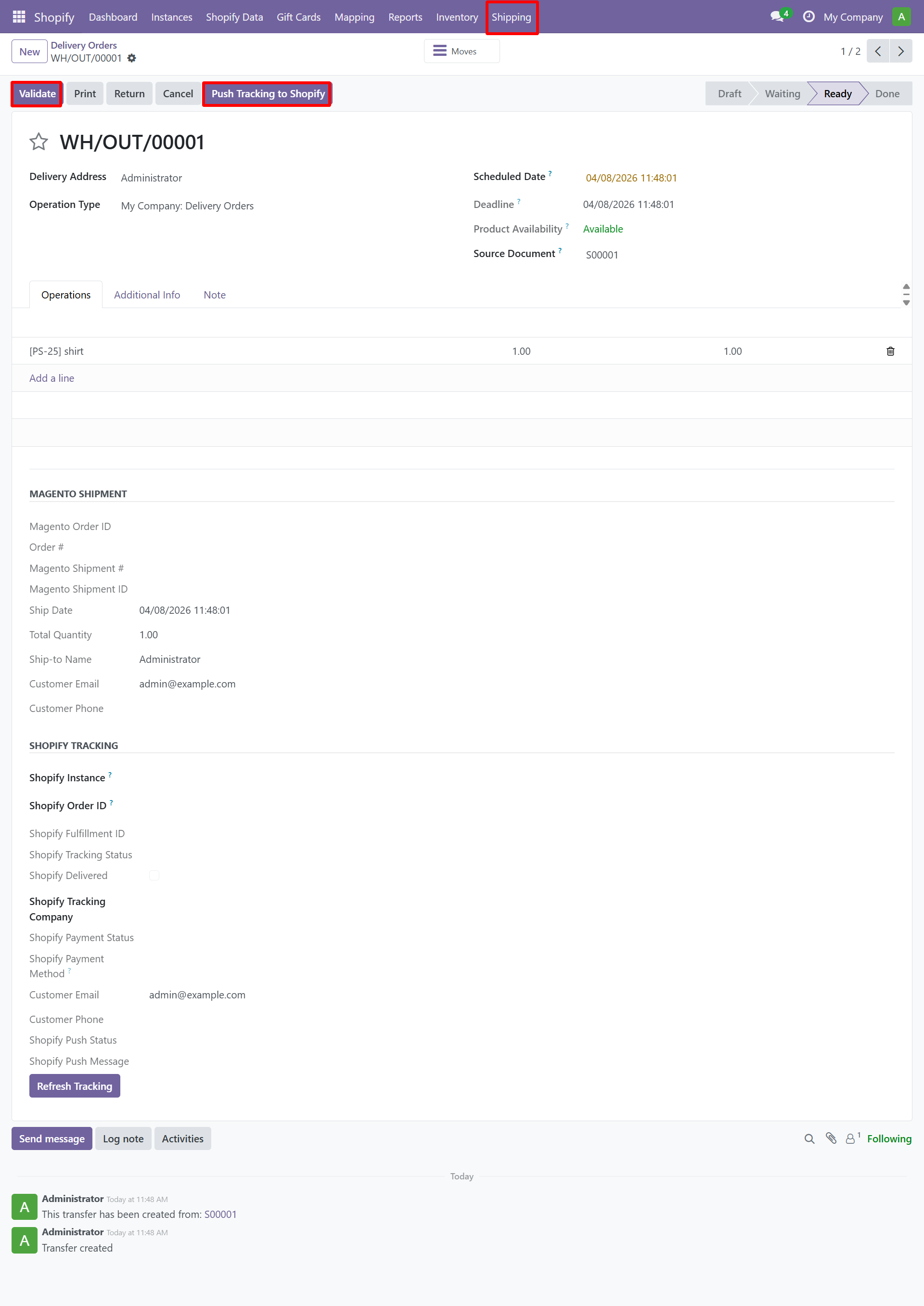
- Open a delivery order to validate it and add tracking information. Use the Push Tracking to Shopify button to export.
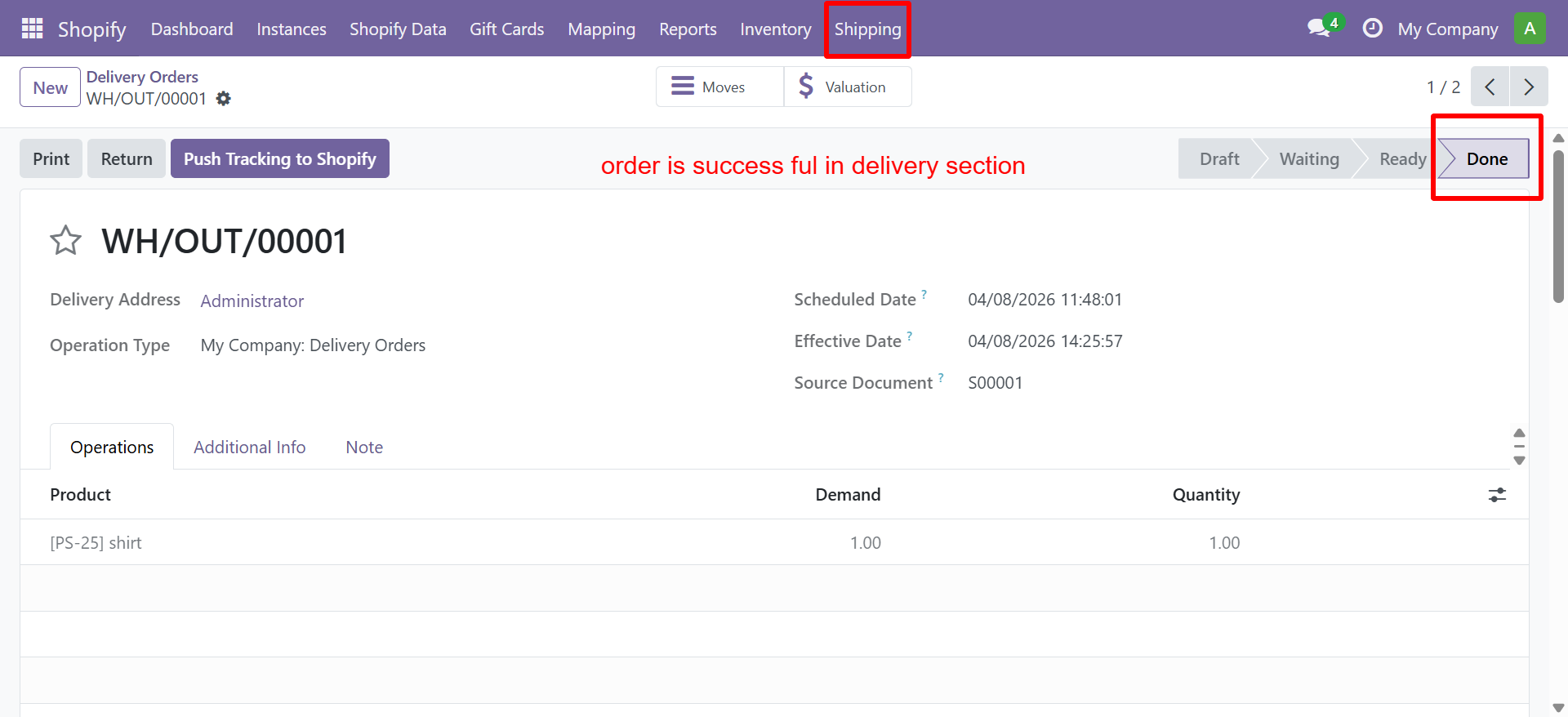
- Once the delivery is completed, the order status changes to Done.
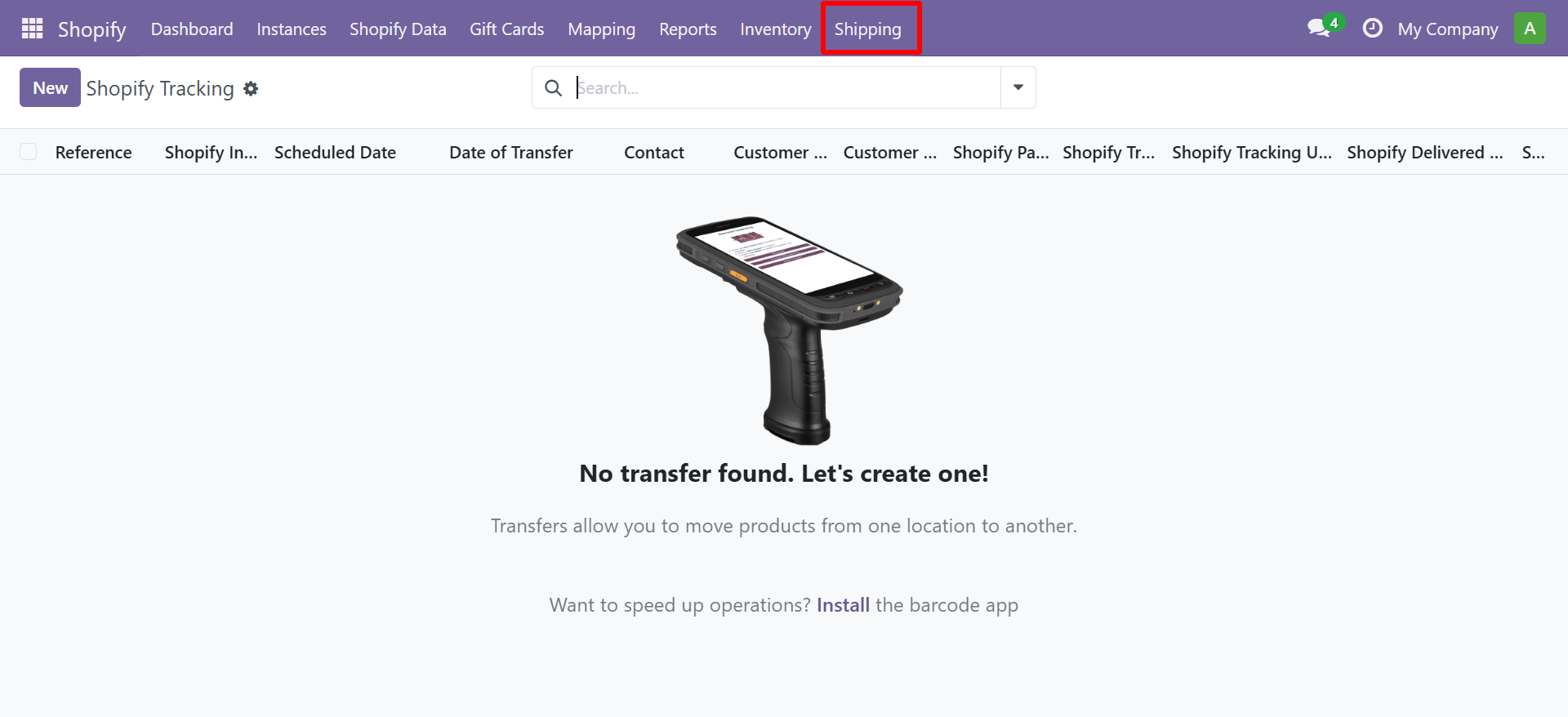
- You can also view the Shopify Tracking records under Shopify → Shipping → Shopify Tracking.
Contact SDLC Corp at sdlccorp.com/contact-us or email sales@sdlccorp.com