Import Products
Overview
A full product import pulls every product from your Shopify store into Odoo, creating Odoo product templates and variants that mirror what's in Shopify. Use it once during initial onboarding, and then again whenever you've made bulk changes in Shopify that you want to bring into Odoo in a single pass.
The import covers the product master plus its variants, attributes, prices, images and SKUs. Stock levels are imported separately — see Import Stock for that.
When to use a full import
- Initial setup, to bring your existing Shopify catalog into Odoo.
- After bulk catalog edits in Shopify that you want reflected in Odoo all at once.
- When you suspect drift between the two systems and want to reset the baseline.
For day-to-day, a few specific products at a time, use Import Specific Products instead.
Import all products from your Shopify store into Odoo.
Running a Full Import
- Navigate to Shopify → Shopify Data → Products
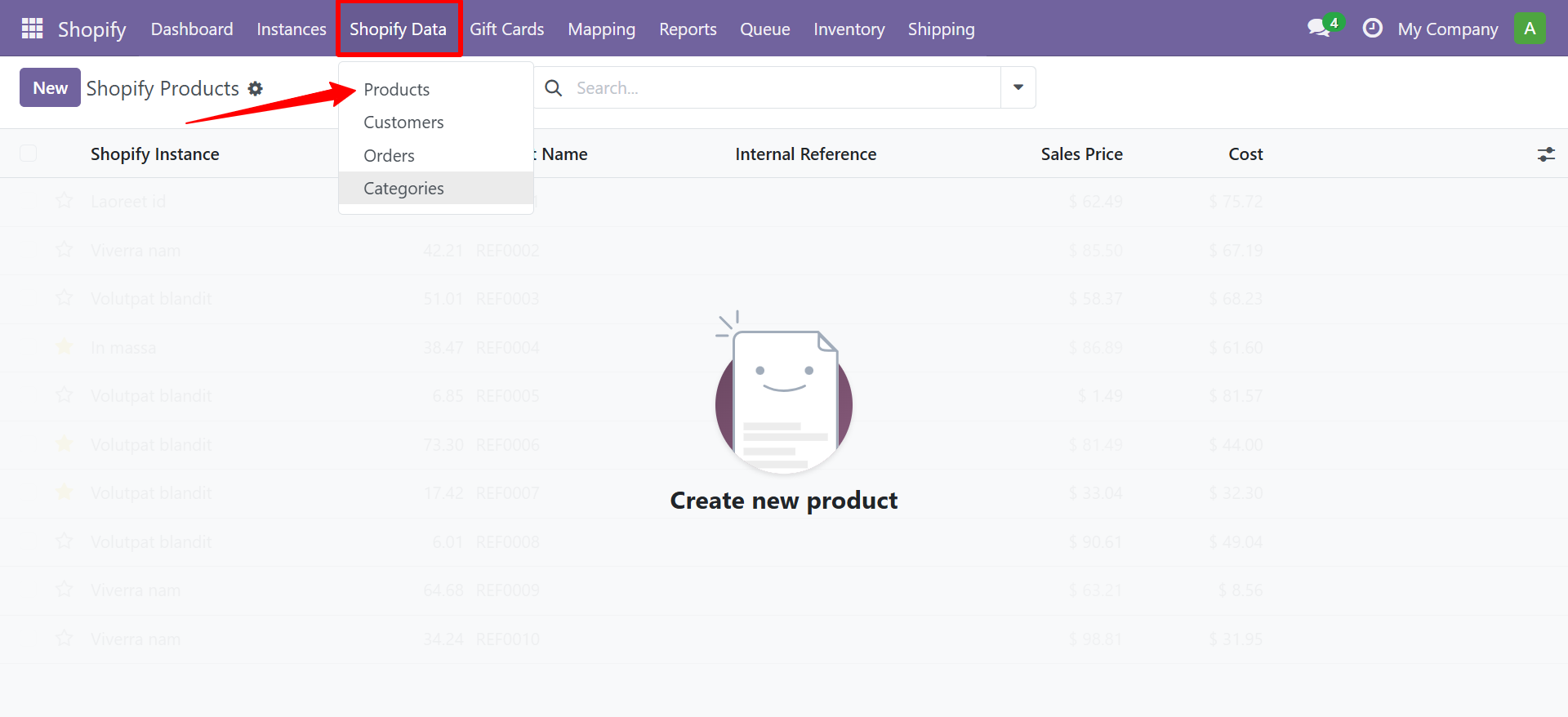
- The products list view shows all synced Shopify products.
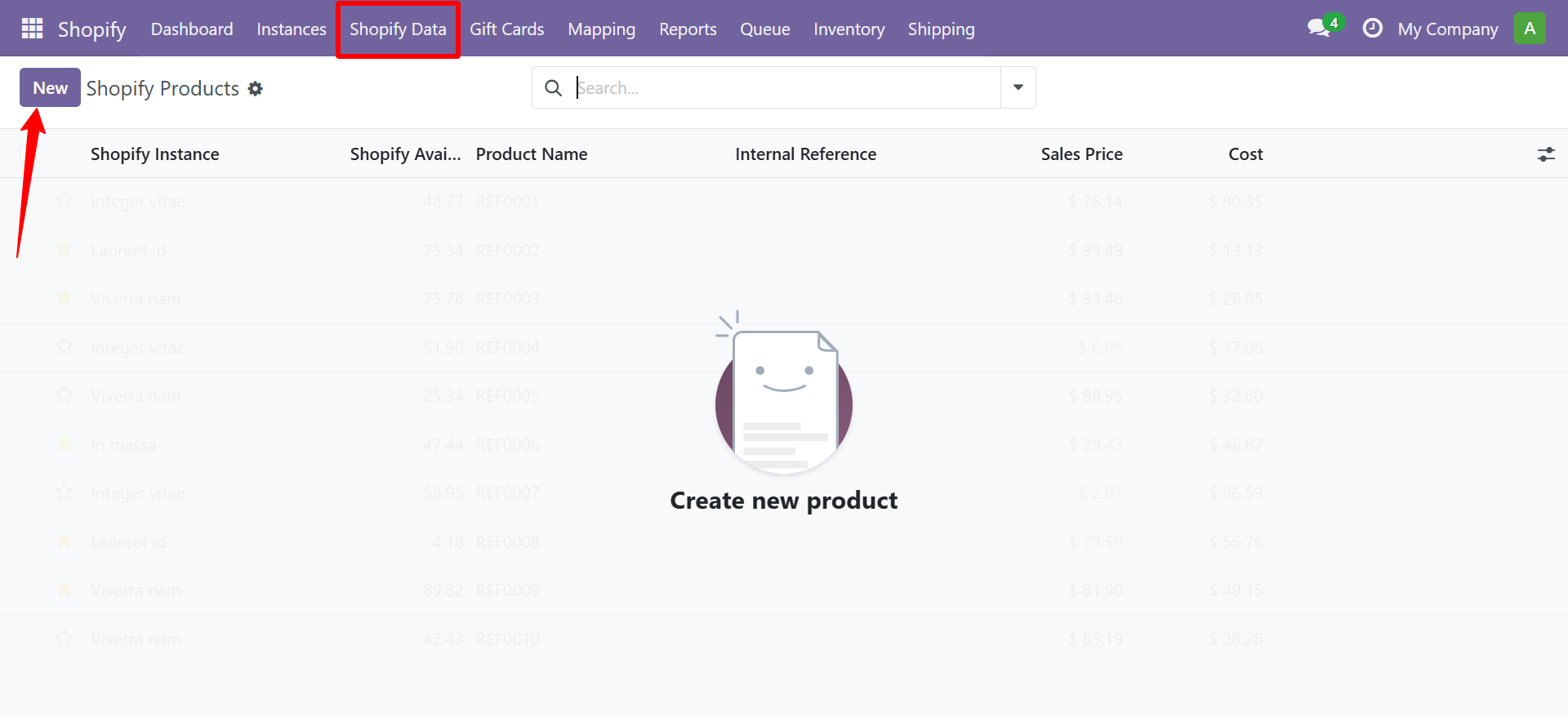
- Select your Shopify Instance
- Leave the date filter empty for a full import, or set a From Date for incremental sync
- Click Import
What Gets Created in Odoo
| Shopify | Odoo |
|---|---|
| Product | Product Template |
| Variant (Color/Size) | Product Variant |
| Product Image | Product Image |
| Price | Sales Price |
| Collection | Internal Category |
| Tags | Tags |
Need Help?
Contact SDLC Corp at sdlccorp.com/contact-us or email sales@sdlccorp.com