Import Stock from Shopify
When to use import (not export)
Use this action when Shopify is your source of truth for stock — for example, when you use a third-party fulfilment service that updates Shopify directly, and you want Odoo to mirror those counts.
If Odoo is your source of truth instead (you fulfil from Odoo warehouses), use Export Stock and skip this page.
Overview
Importing stock pulls Shopify's current inventory into Odoo. Use this when Shopify is your source of truth for stock — for example, when you're using a third-party fulfilment service that updates Shopify directly and you want Odoo to reflect their counts.
If Odoo is your source of truth instead, use Export Stock and skip this page.
Pull inventory levels from Shopify into Odoo.
Manual Import
- Navigate to Shopify → Inventory to view the Inventory Report.
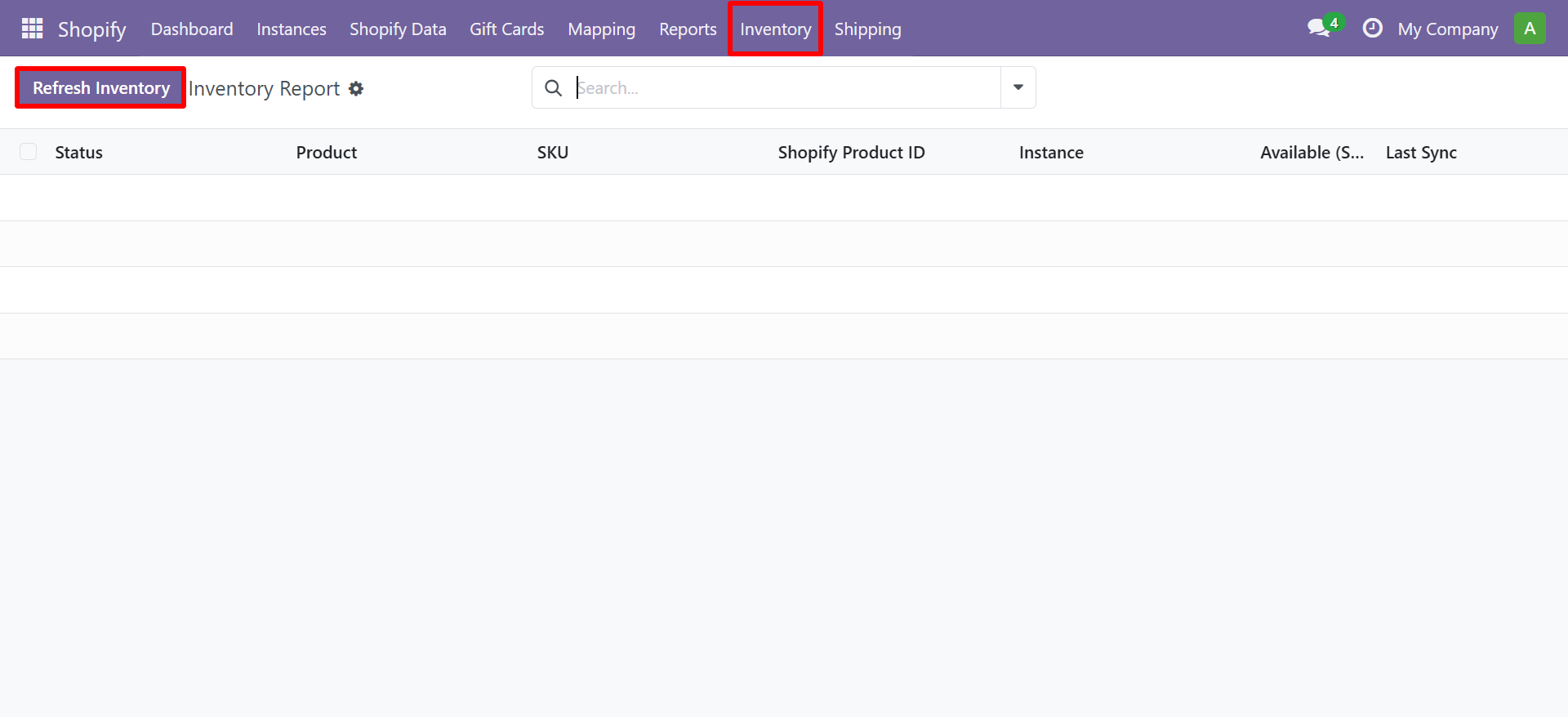
- Select your Shopify Instance
- Select the Location to import from
- Click Import
Importing stock from Shopify will create inventory adjustments in Odoo. Ensure you have the correct location mapping configured before running this operation.
Contact SDLC Corp at sdlccorp.com/contact-us or email sales@sdlccorp.com