WhatsApp Messenger for Odoo
Overview
The SDLC WhatsApp Messenger lets Odoo users send WhatsApp messages to customers directly from the Sale Order and Invoice forms — the same place they already work — instead of switching to a separate phone or messenger app. Messages, replies and delivery statuses are all logged in the Odoo document chatter.
Send WhatsApp messages directly from your Odoo Sale Orders and Invoices. Track delivery status, manage templates, and attach PDF documents: all without leaving Odoo.
Key Features
| Feature | Description |
|---|---|
| Send from Sale Orders | One-click "Send WhatsApp" button on quotations and orders |
| Send from Invoices | Send invoice notifications with PDF attachments |
| Template Messages | Pre-approved templates for first contact: send anytime |
| Free Text Mode | Send custom messages within 24-hour conversation window |
| PDF Attachments | Auto-attach and preview PDF documents before sending |
| Message Tracking | View all sent messages with delivery status (Sent, Delivered, Read, Failed) |
| Retry Failed Messages | One-click retry for failed deliveries |
| Chatter Integration | All WhatsApp activity logged in document's activity feed |
| Template Management | Create and manage WhatsApp message templates |
| Role-Based Access | Separate User and Manager permissions |
Quick Start
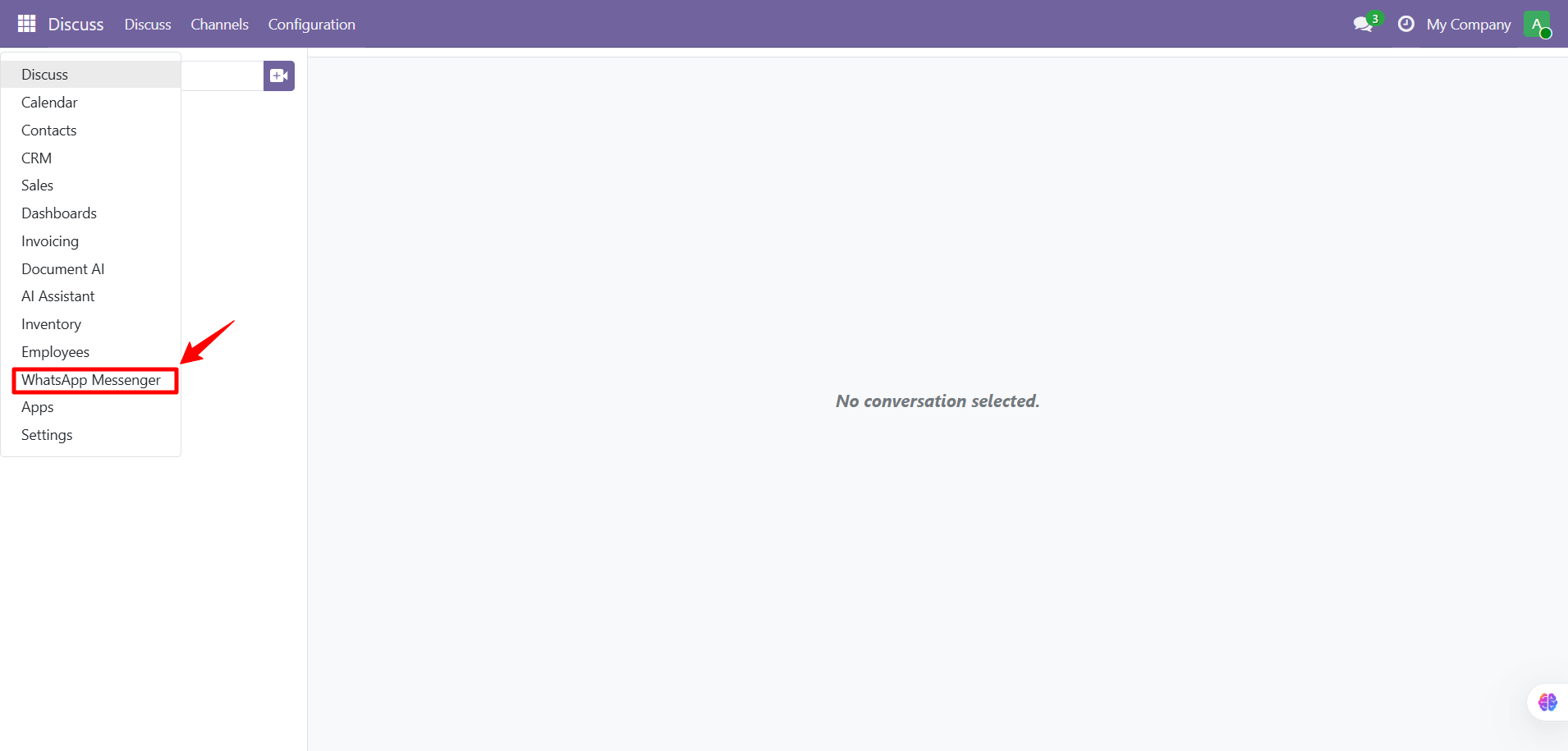
- Install & access the module
- Send your first WhatsApp from a Sale Order
- Track message delivery
- Configure accounts & templates
Need Help?
Contact SDLC Corp at sdlccorp.com/contact-us or email sales@sdlccorp.com