WooCommerce Connector — Data Synchronization
Product Sync
Navigate to WooCommerce > WooCommerce Data > Products.
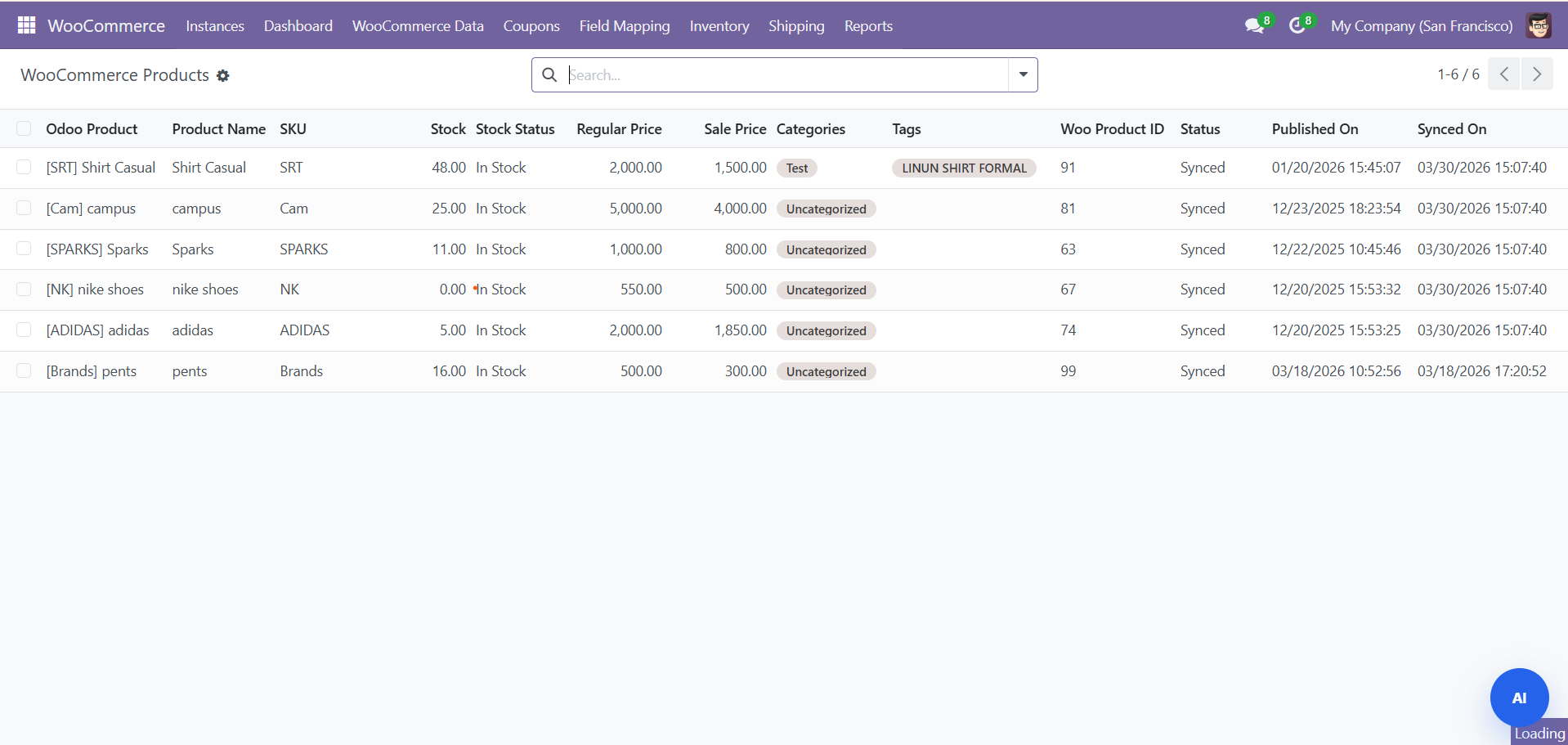
- Products sync with name, SKU, price, description, images, weight, and dimensions
- Product variants and attributes are synced
- Matched to existing Odoo products by SKU/reference
- Click Create in WooCommerce or Update in WooCommerce to push products
AI Content Generation
Use the AI Content Wizard to automatically generate:
- Product descriptions (long and short)
- SEO-optimized meta titles and descriptions
- Marketing copy based on product attributes
Order Sync
Navigate to WooCommerce Data > Orders.
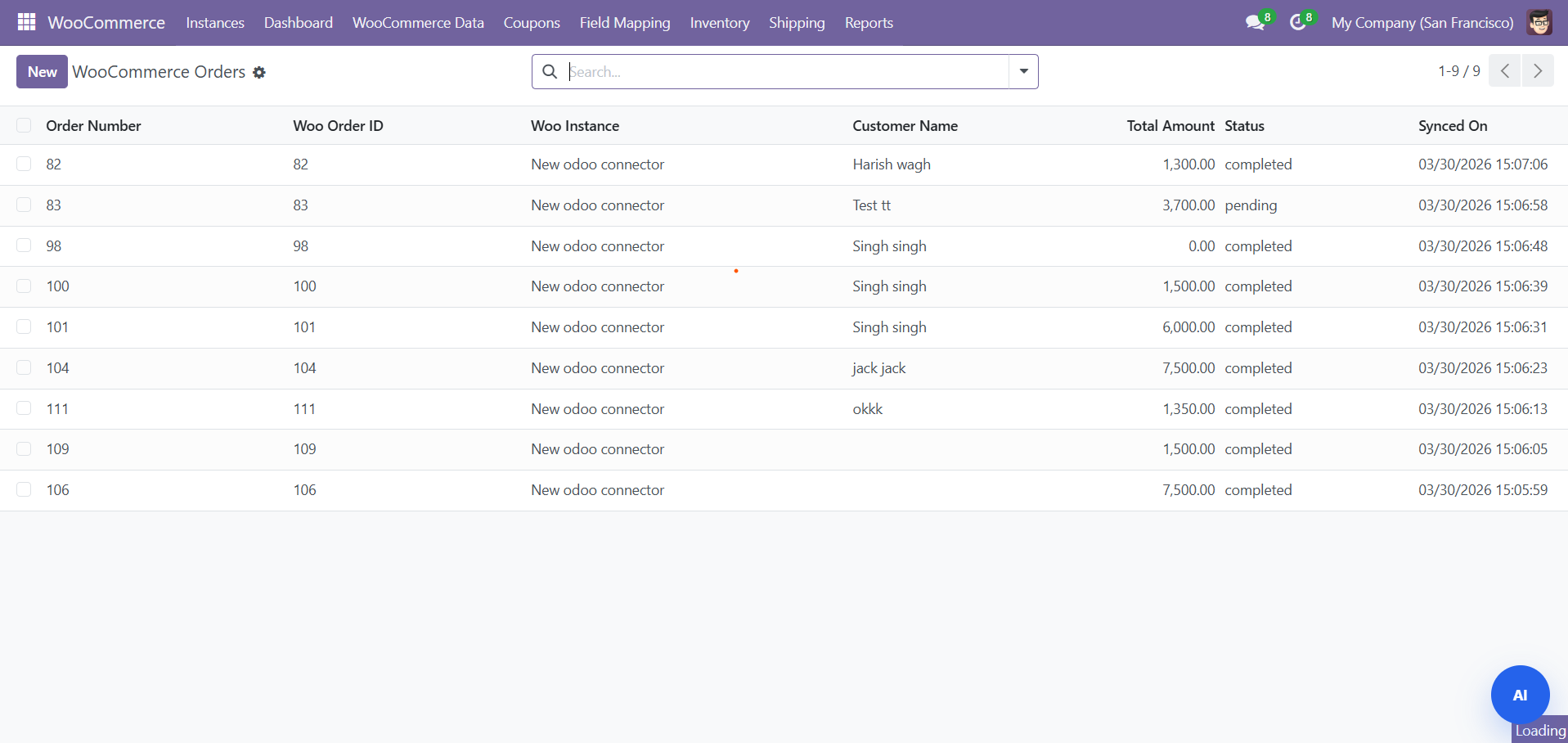
Order Status Mapping
| WooCommerce Status | Odoo Status | Description |
|---|---|---|
| pending | Draft | Awaiting payment |
| processing | Confirmed | Payment received, being processed |
| on-hold | Draft | Awaiting action |
| completed | Delivered | Order fulfilled |
| cancelled | Cancelled | Order cancelled |
| refunded | Cancelled | Order fully refunded |
When you change an order status in Odoo, the status is automatically pushed back to WooCommerce.
Customer Sync
Navigate to WooCommerce Data > Customers.
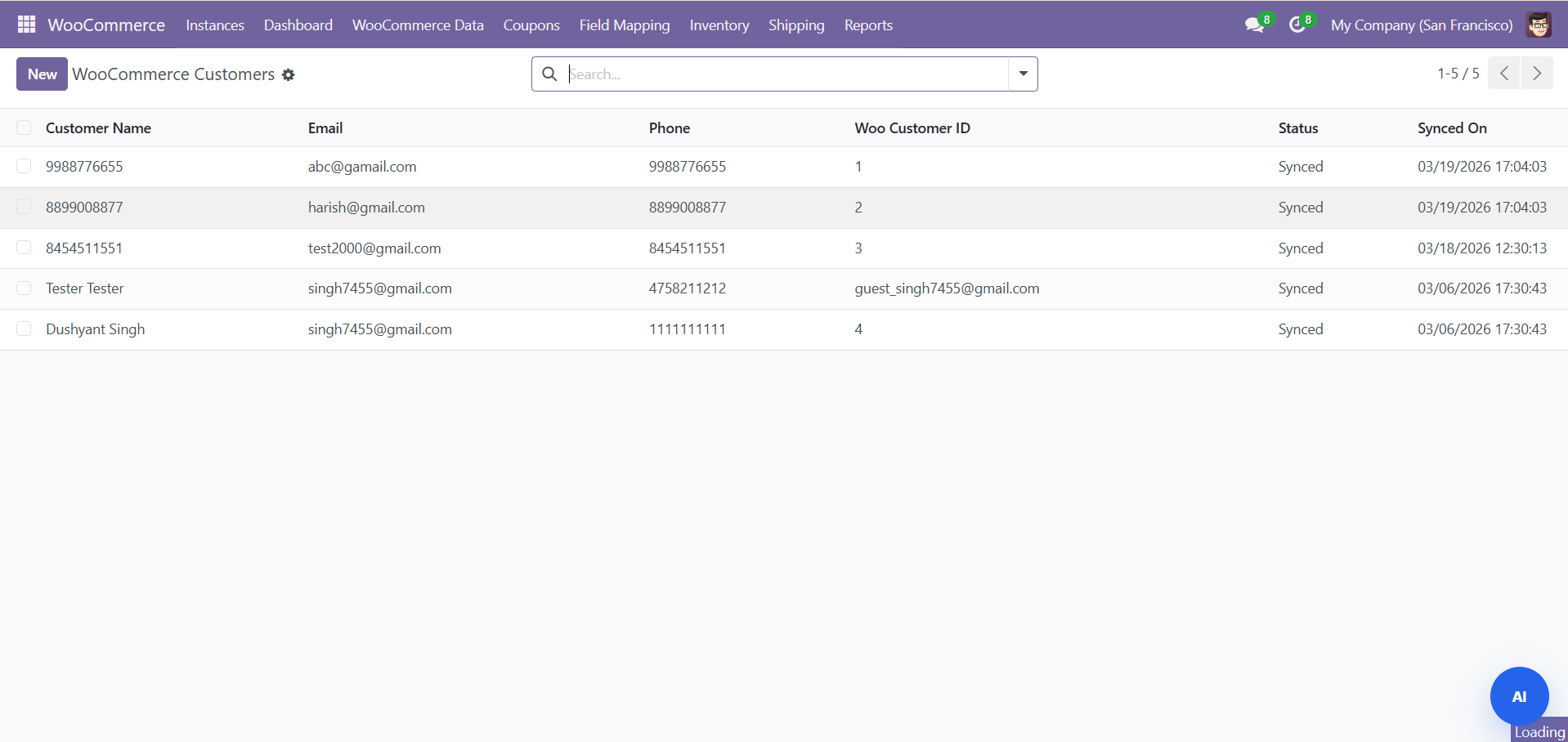
- Customers imported with name, email, phone, billing and shipping addresses
- Linked to Odoo contacts (res.partner)
- Guest customers handled gracefully
Category Sync
Navigate to WooCommerce Data > Categories.
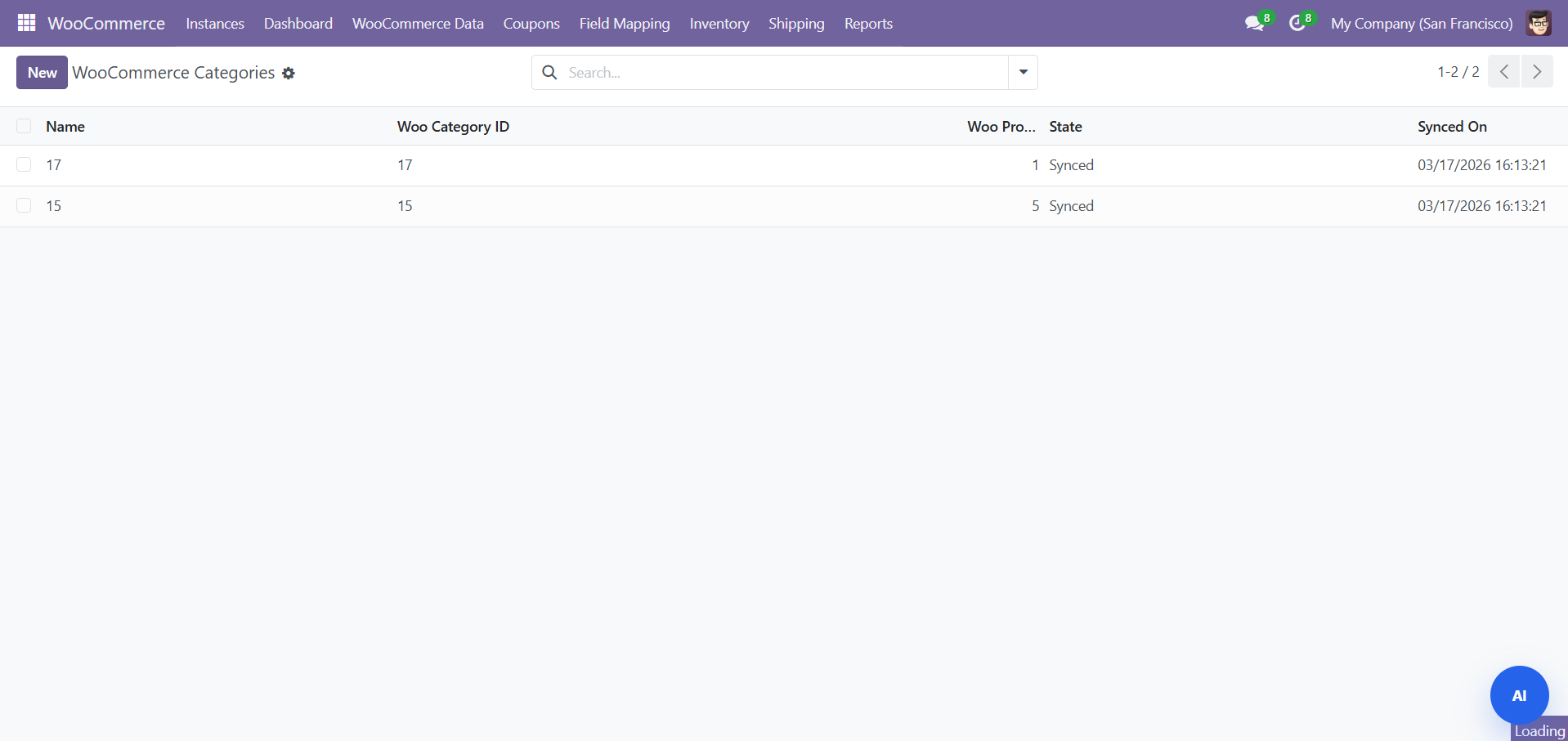
- Bidirectional: create categories in Odoo and push to WooCommerce
- Parent-child relationships maintained
Coupon Management
Navigate to WooCommerce > Coupons.
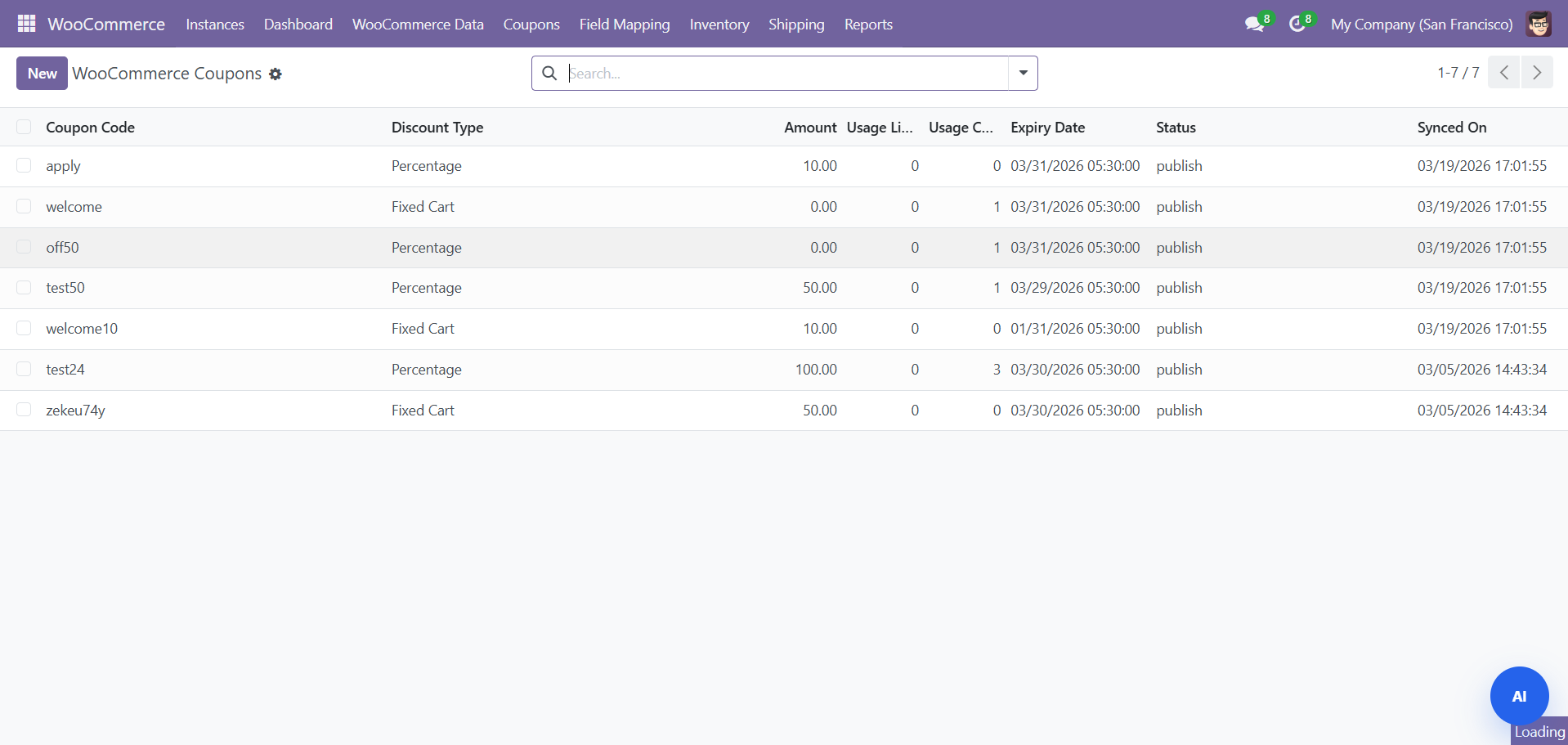
| Field | Description |
|---|---|
| Code | Unique discount code (e.g., SAVE20) |
| Discount Type | Percentage or Fixed amount |
| Amount | Discount value |
| Expiry Date | When the coupon expires |
| Minimum Spend | Minimum order total to apply |
| Usage Limit | How many times the coupon can be used |
| Free Shipping | Whether coupon grants free shipping |
Inventory Management
Navigate to WooCommerce > Inventory.
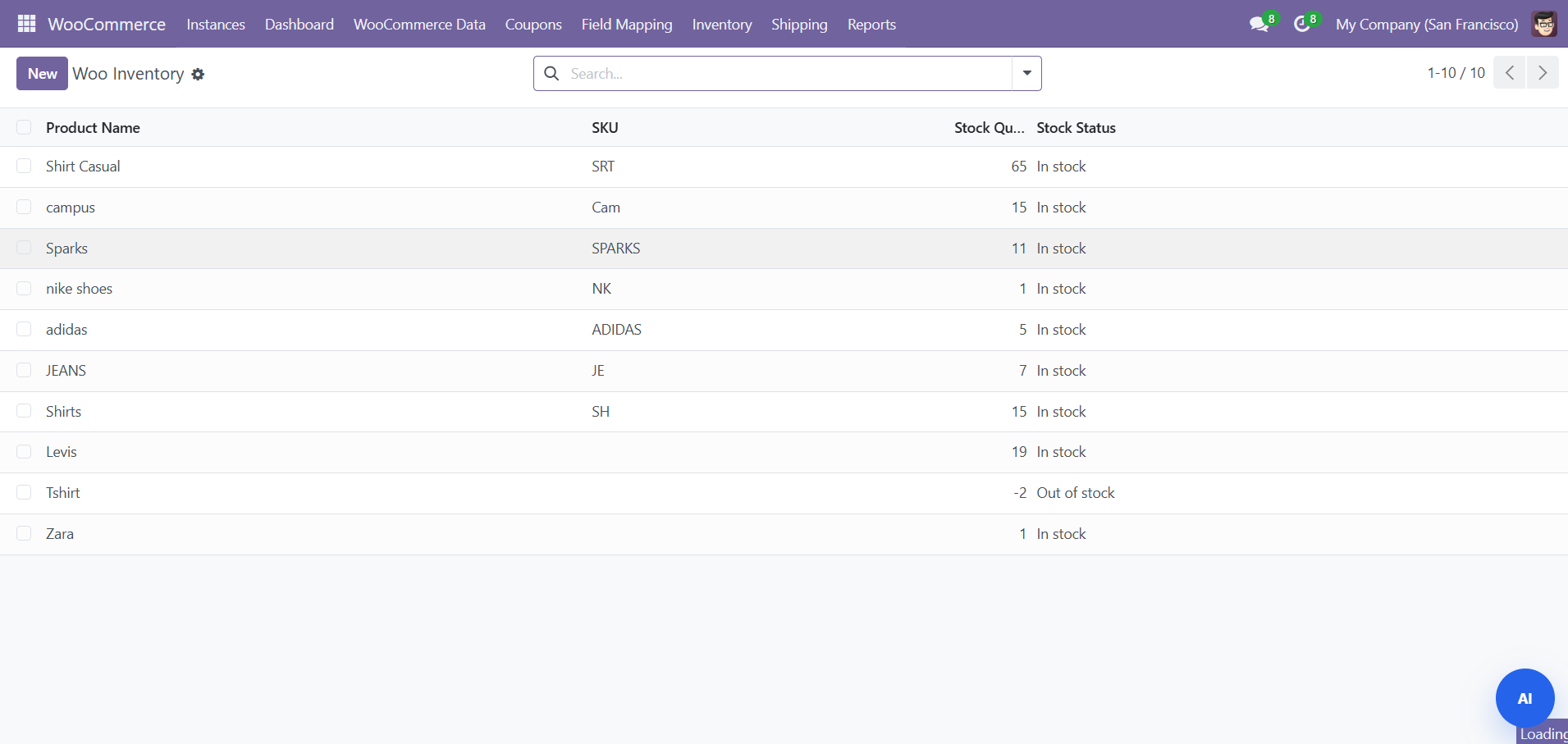
| Status | Color | Description |
|---|---|---|
| In Stock | Green | Above low stock threshold |
| Low Stock | Yellow | At or below threshold, above 0 |
| Out of Stock | Red | Quantity is 0 |
Shipping and Tracking
Navigate to WooCommerce > Shipping.
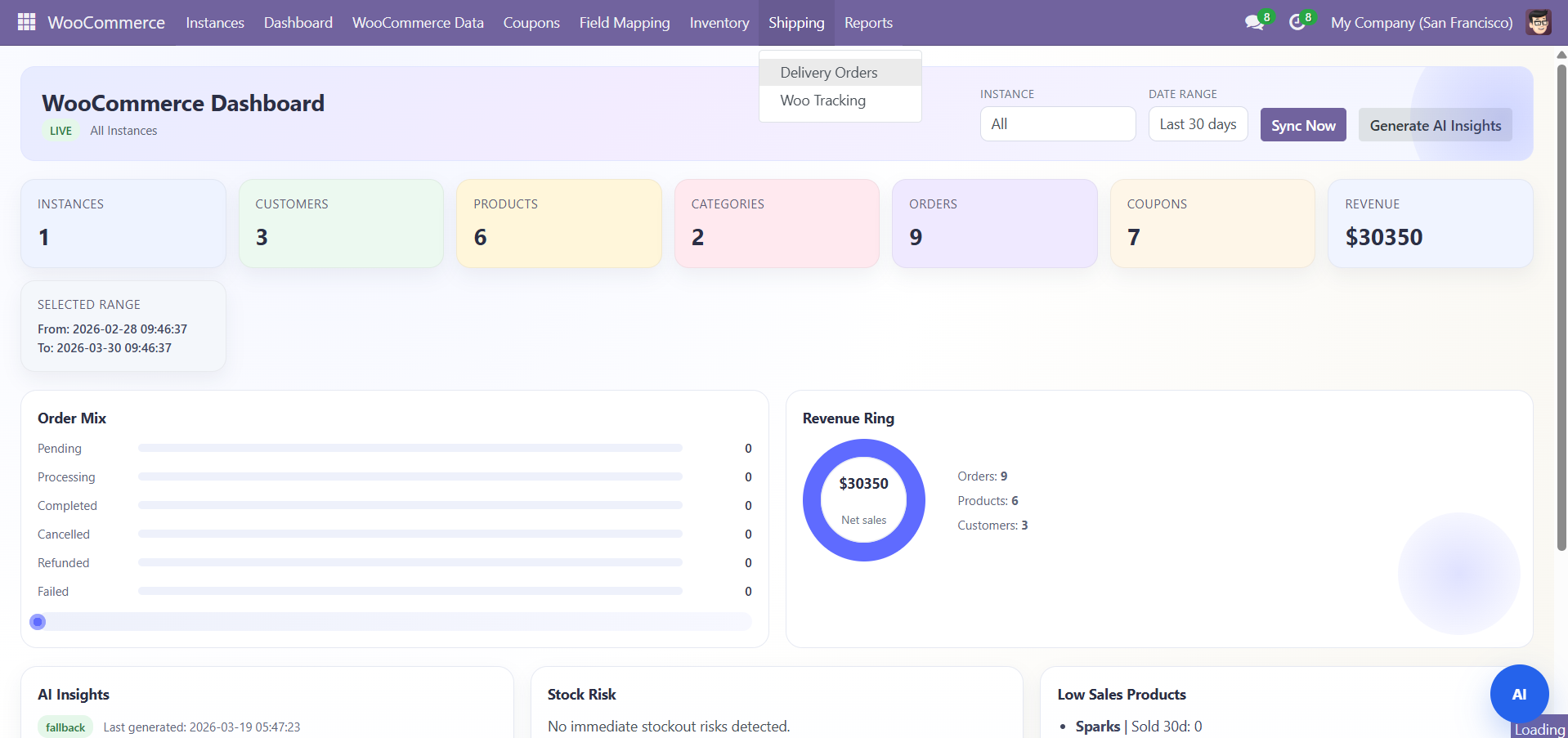
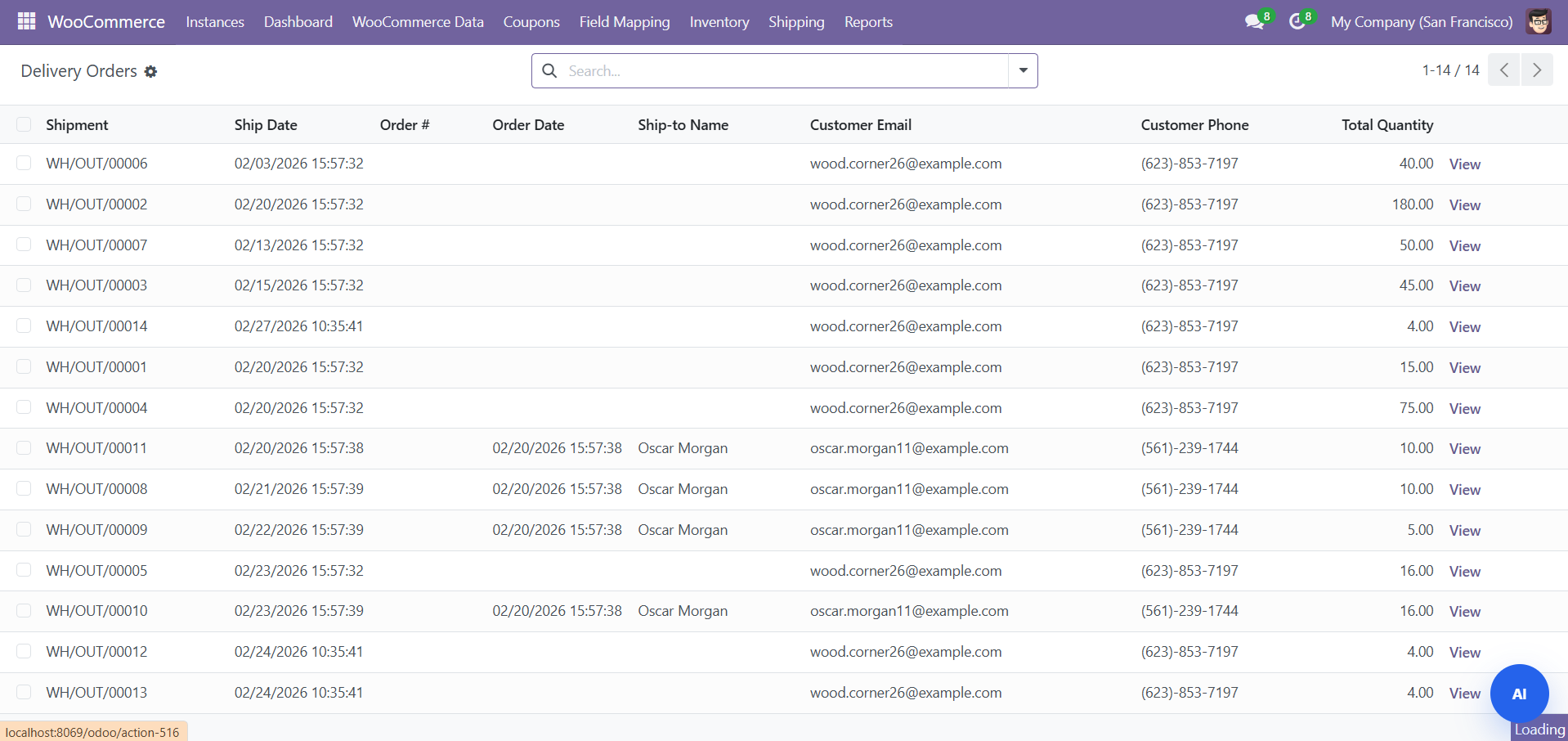
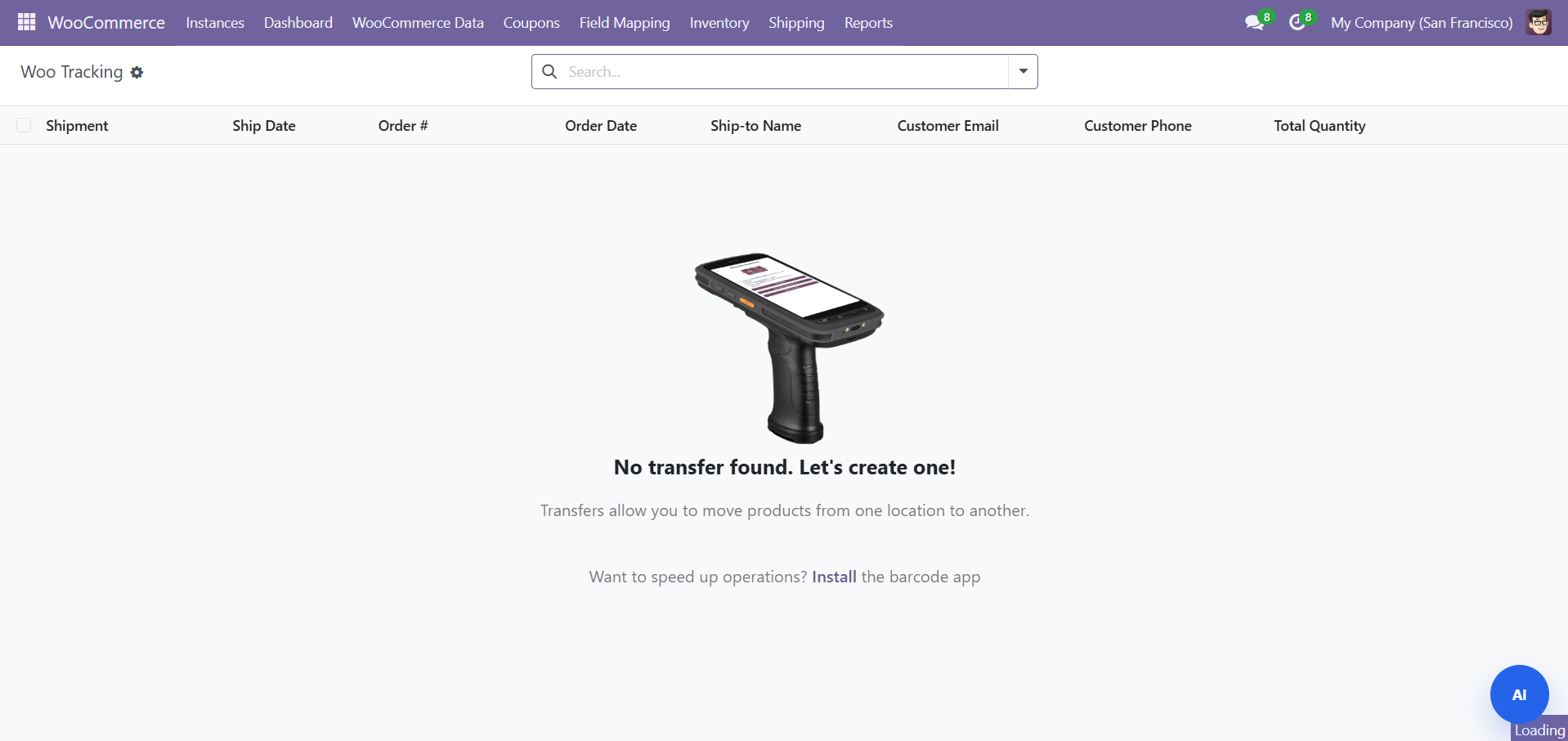
- Tracking numbers synced when shipments are created
- Tracking info pushed back to WooCommerce for customer visibility
Need Help?
Contact SDLC Corp at sdlccorp.com/contact-us or email sales@sdlccorp.com