PrestaShop Connector - Order Management
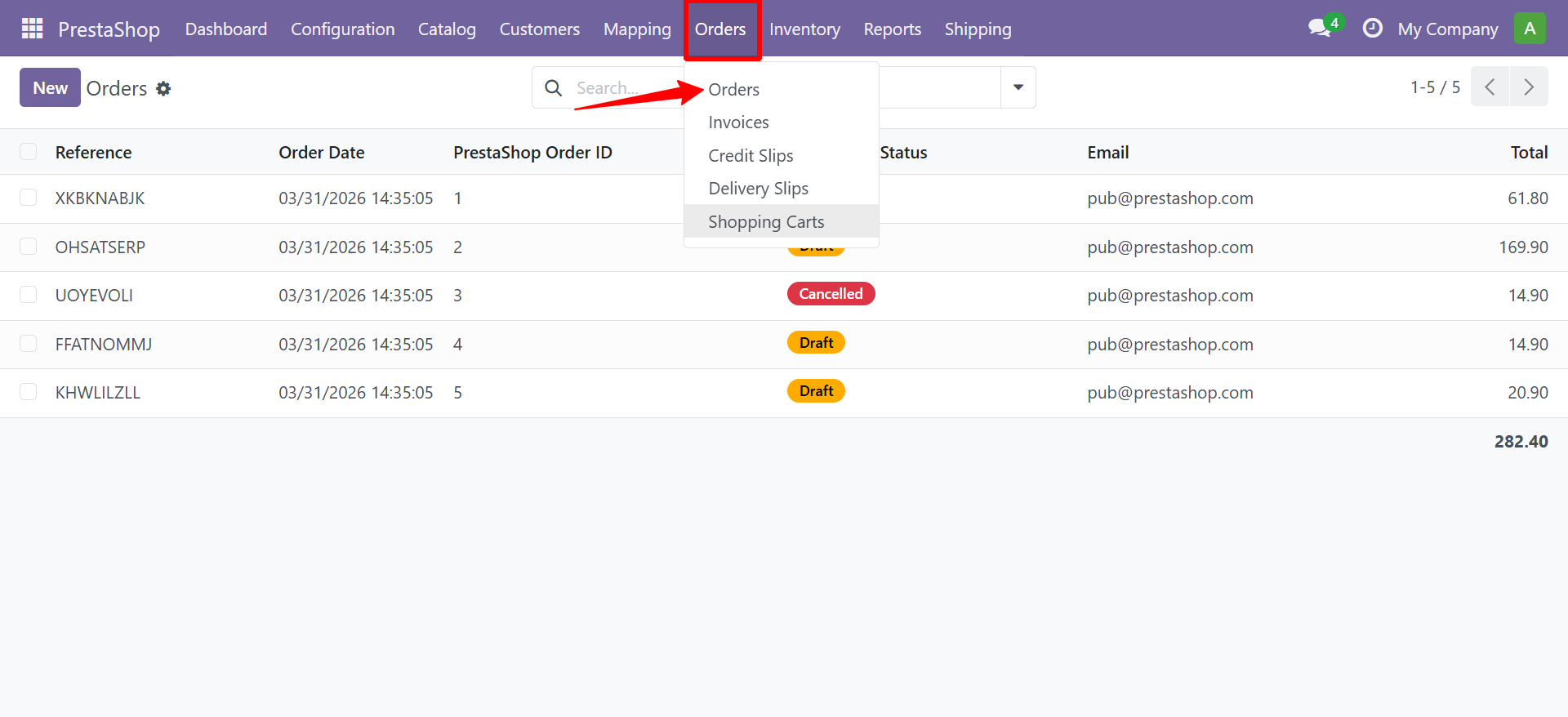
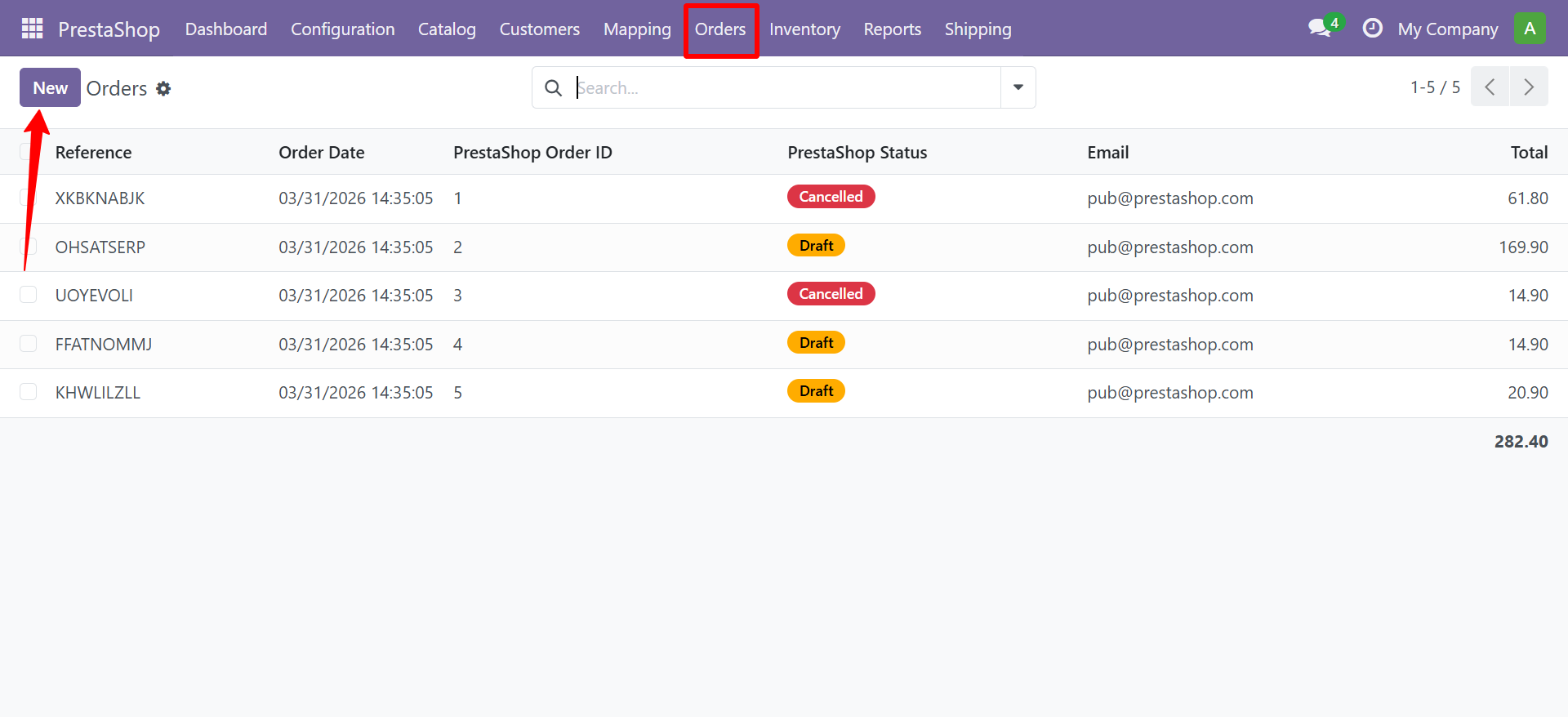
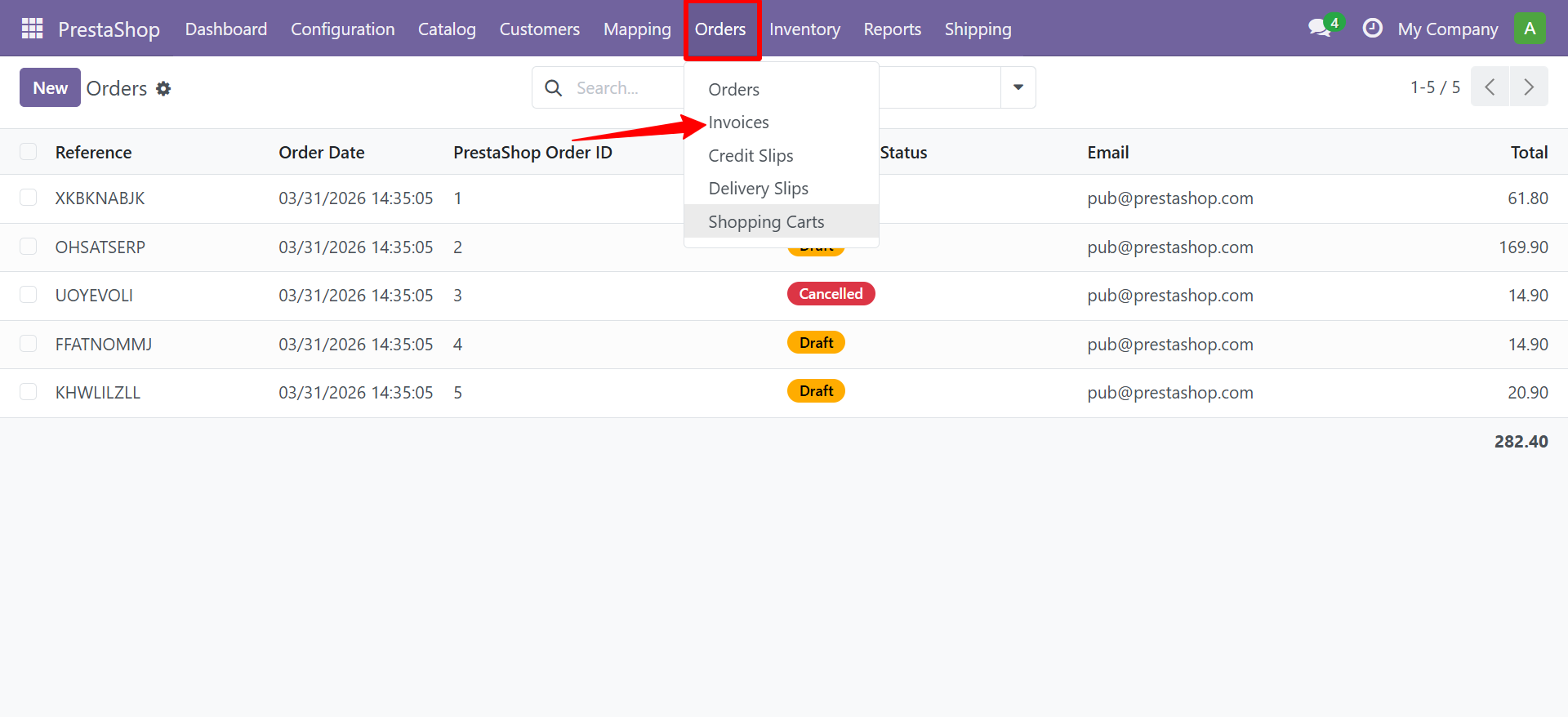
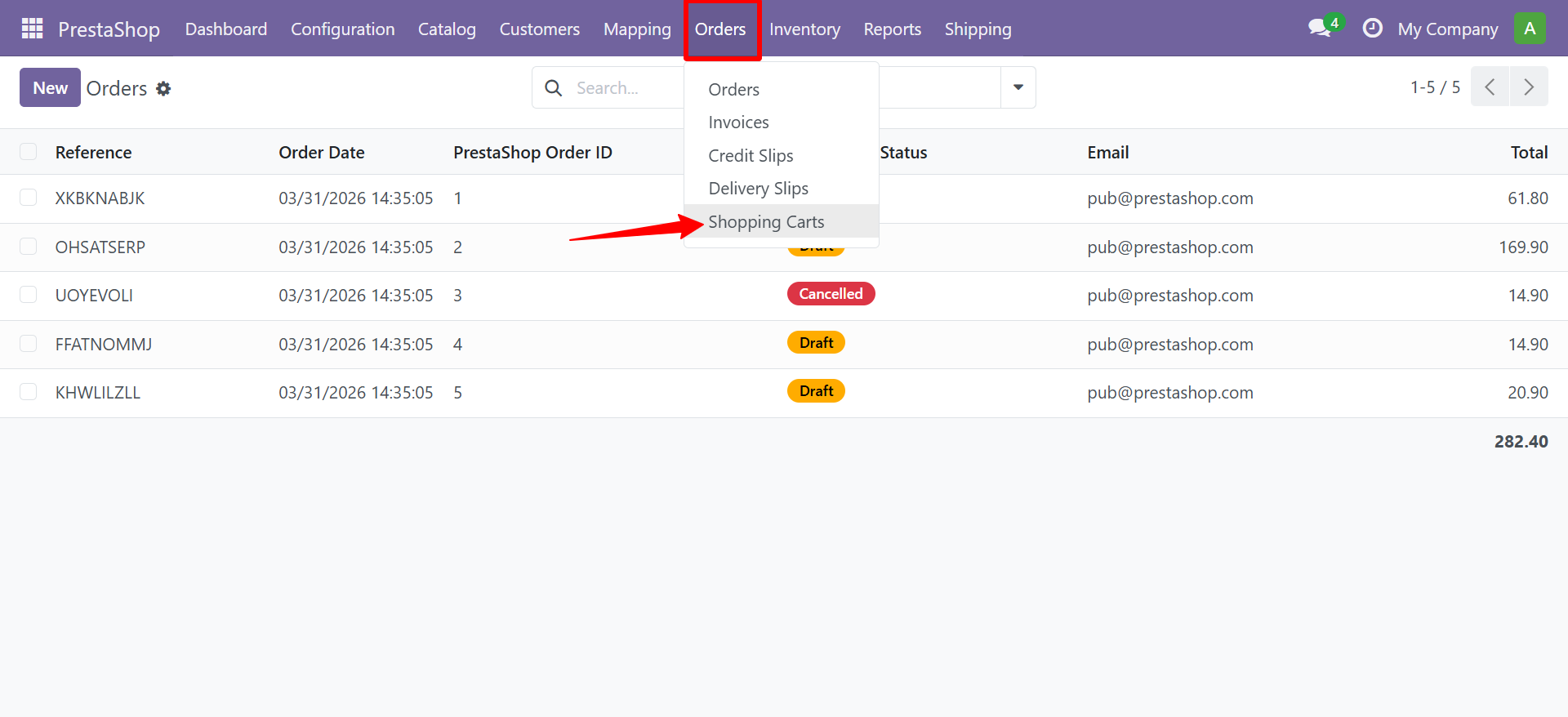
Navigate to PrestaShop > Orders > Orders.
Order Records
Order records include:
- PrestaShop Order ID and Reference
- Customer, Delivery Address, Invoice Address
- Order Lines with Product, Quantity, Unit Price, Subtotal
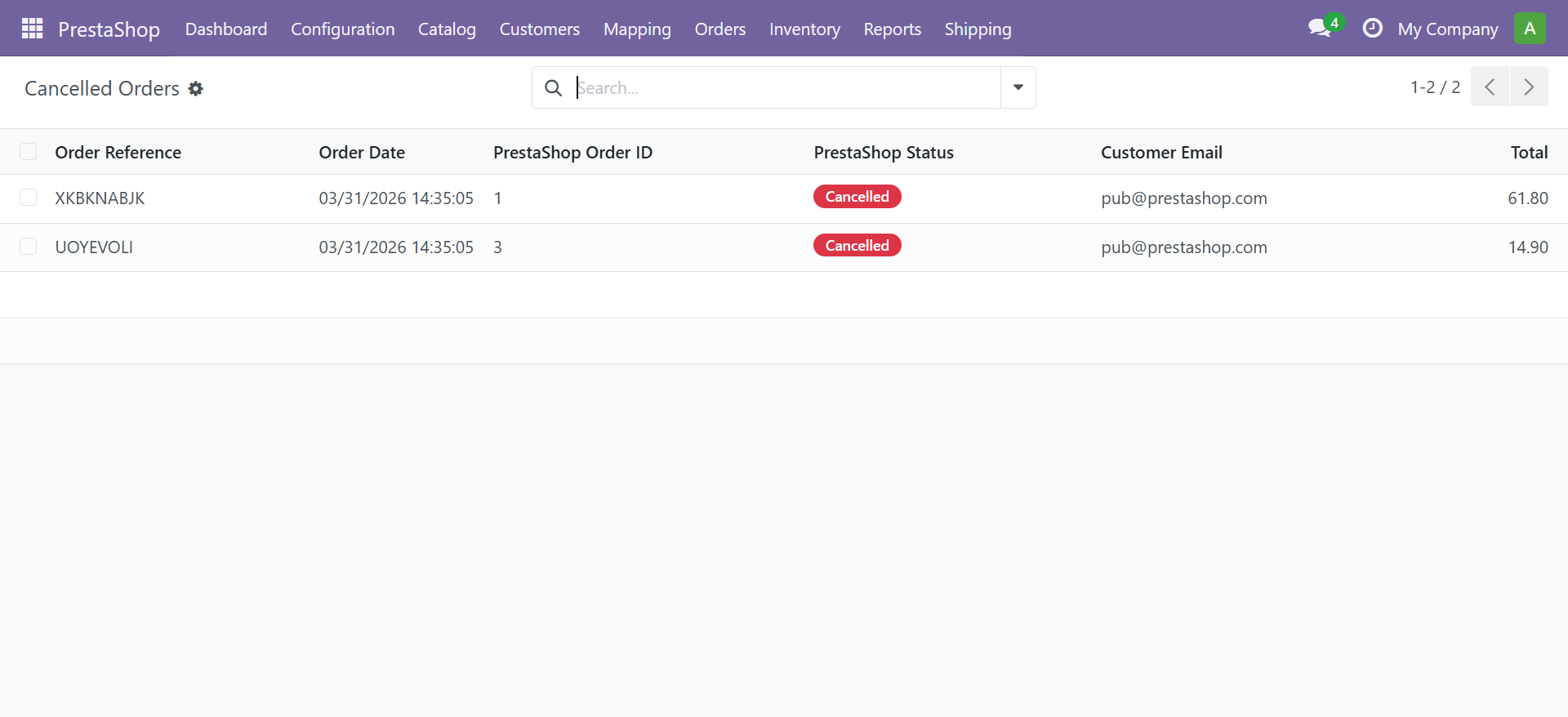
- Status: Draft / Confirmed / Shipped / Delivered / Cancelled
- Total Amount (auto-computed from lines)
- Currency, Notes
Creating an Order
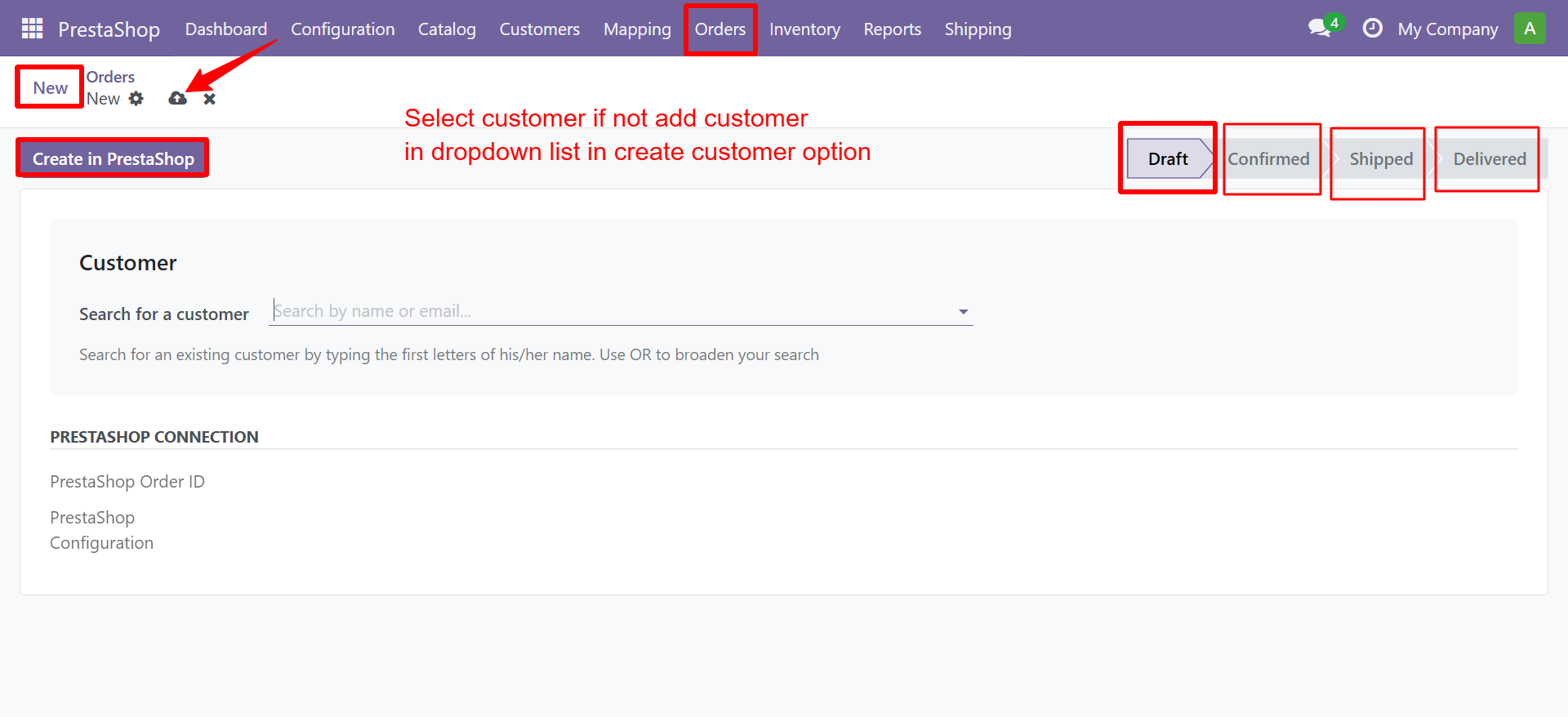
Step 1 - Select a Customer
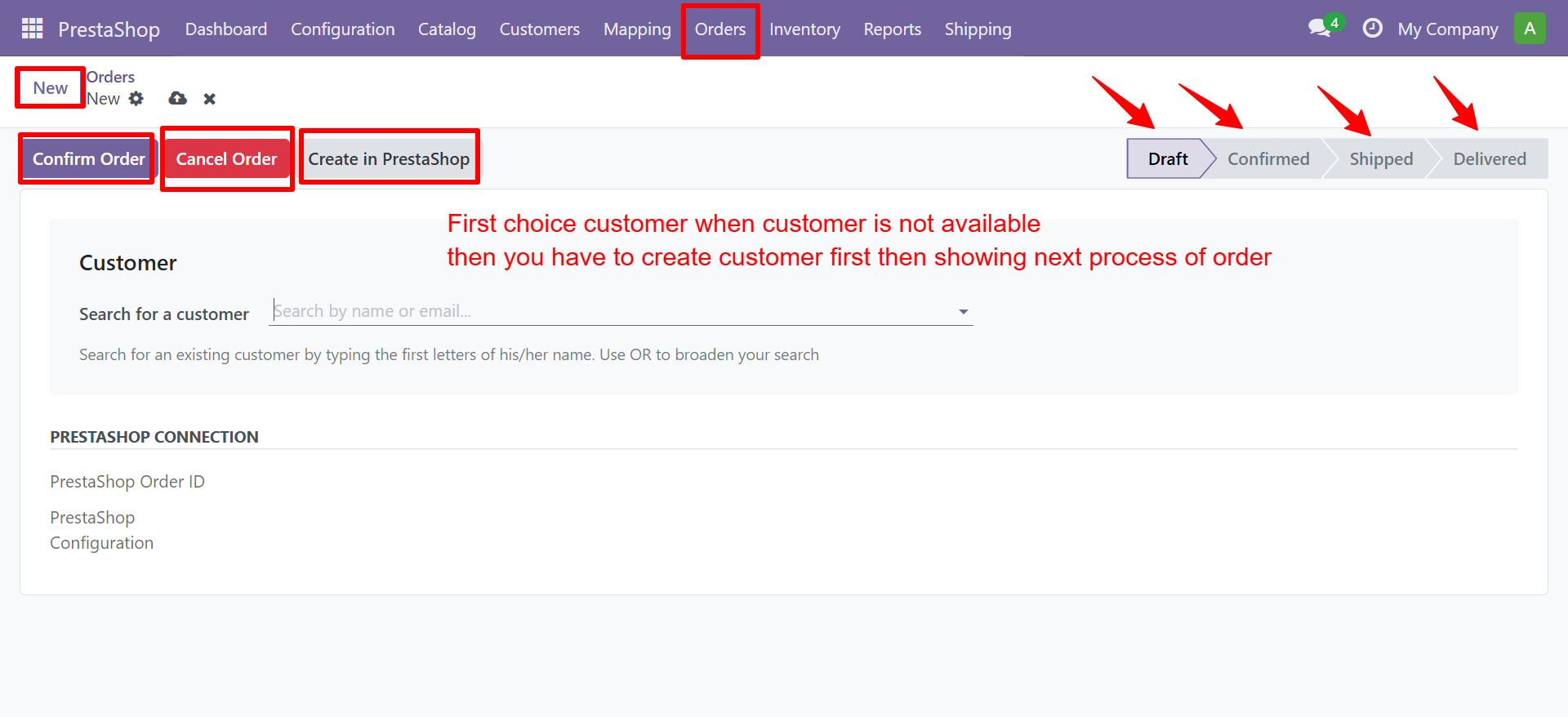
Click New to create an order. Select an existing customer or create a new one:
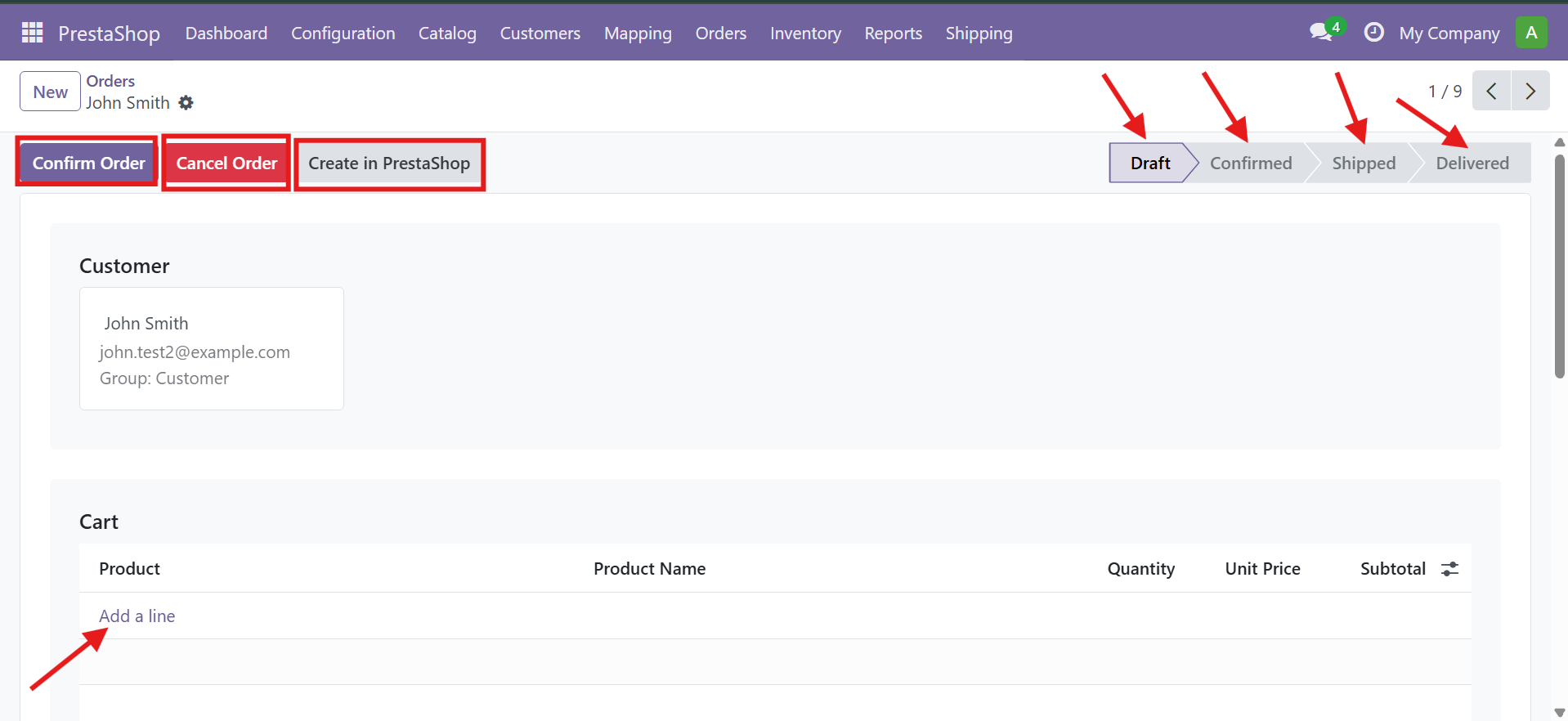
Step 2 - Add Products
Add product lines to the order cart:
Step 3 - Configure Payment and Shipping
Set the currency, payment method, and addresses:
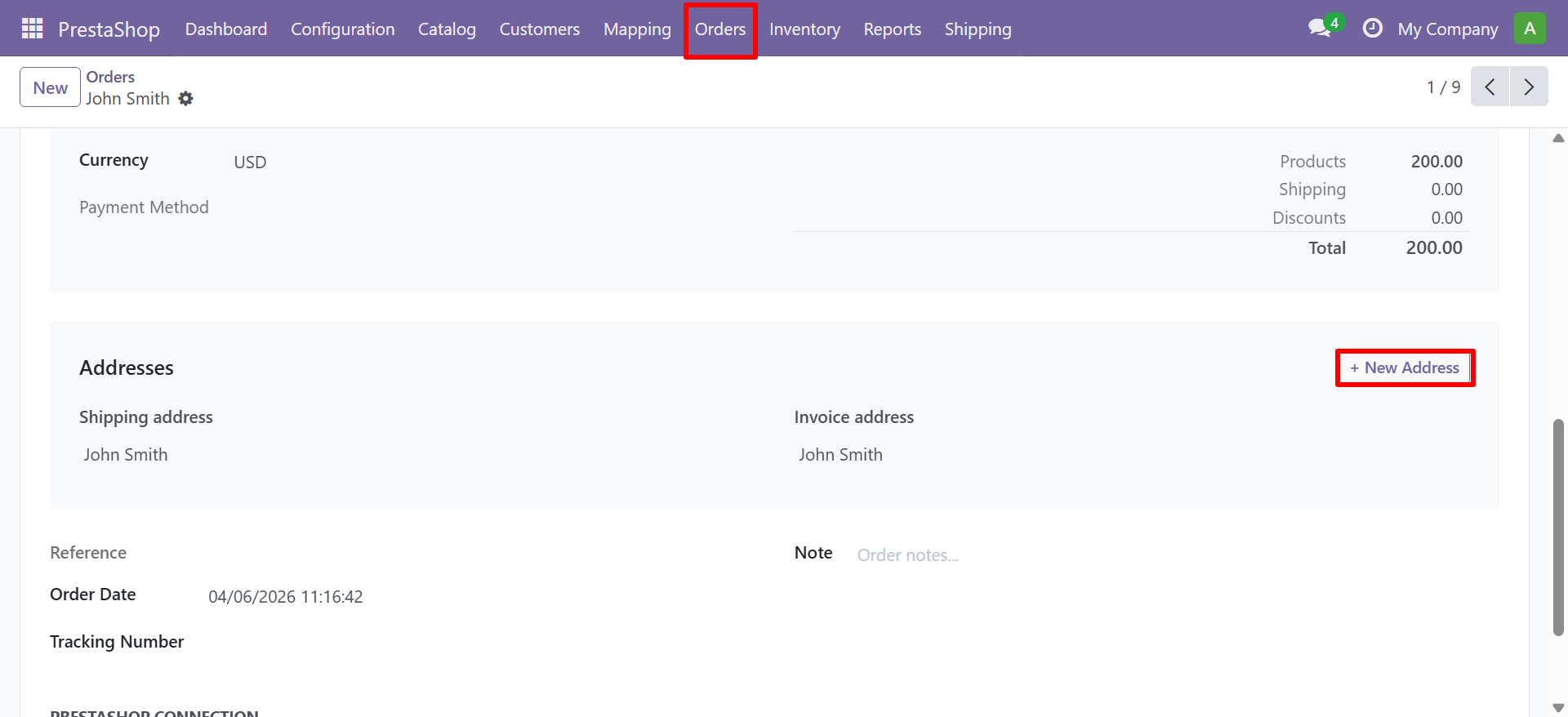
| Field | Description |
|---|---|
| Currency | Order currency |
| Payment Method | Payment gateway used |
| Shipping Address | Customer delivery address |
| Invoice Address | Billing address |
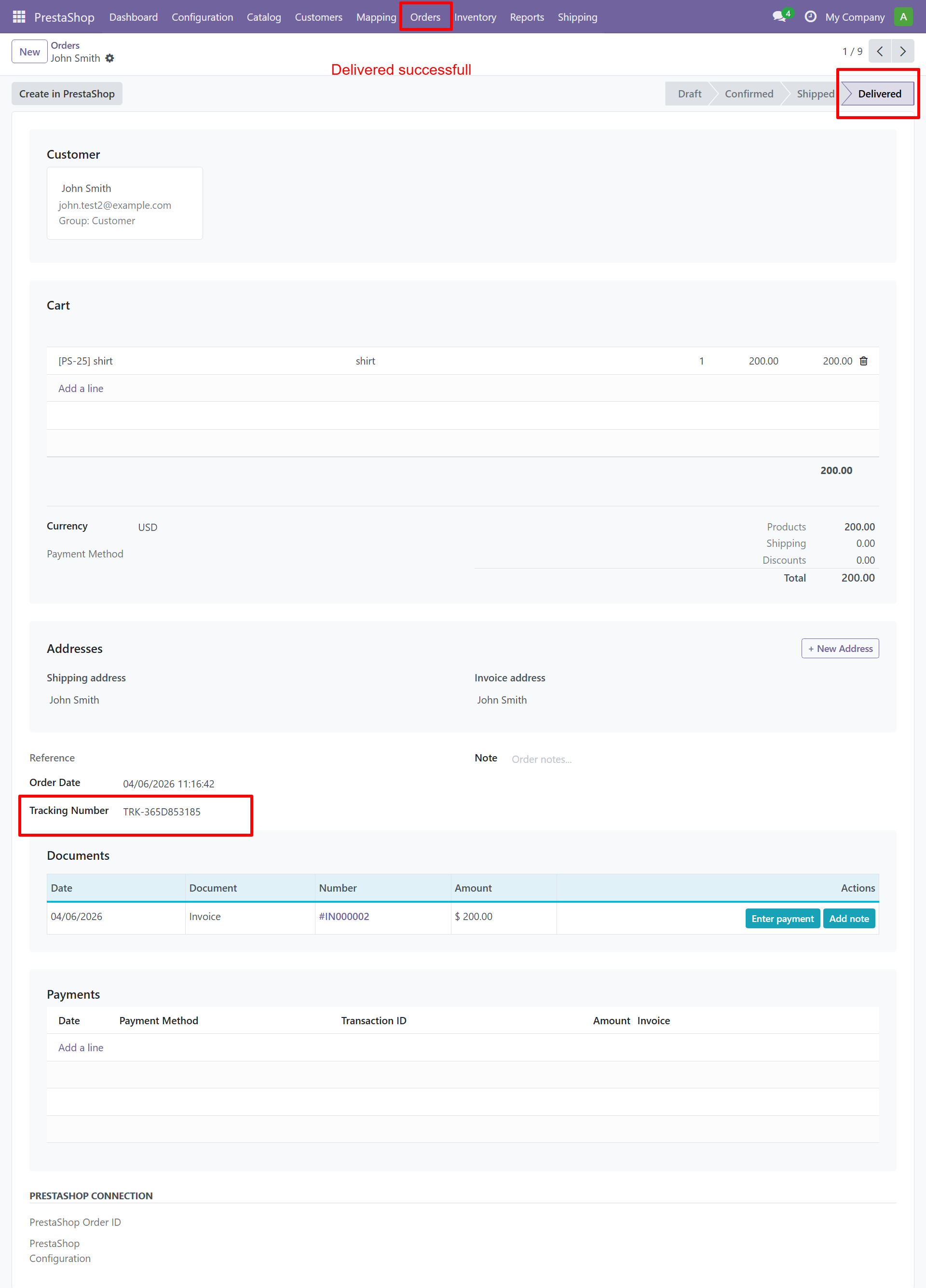
| Tracking Number | Shipment tracking code |
| Notes | Internal order notes |
Step 4 - Confirm and Sync
Use the action buttons to progress the order through its lifecycle:
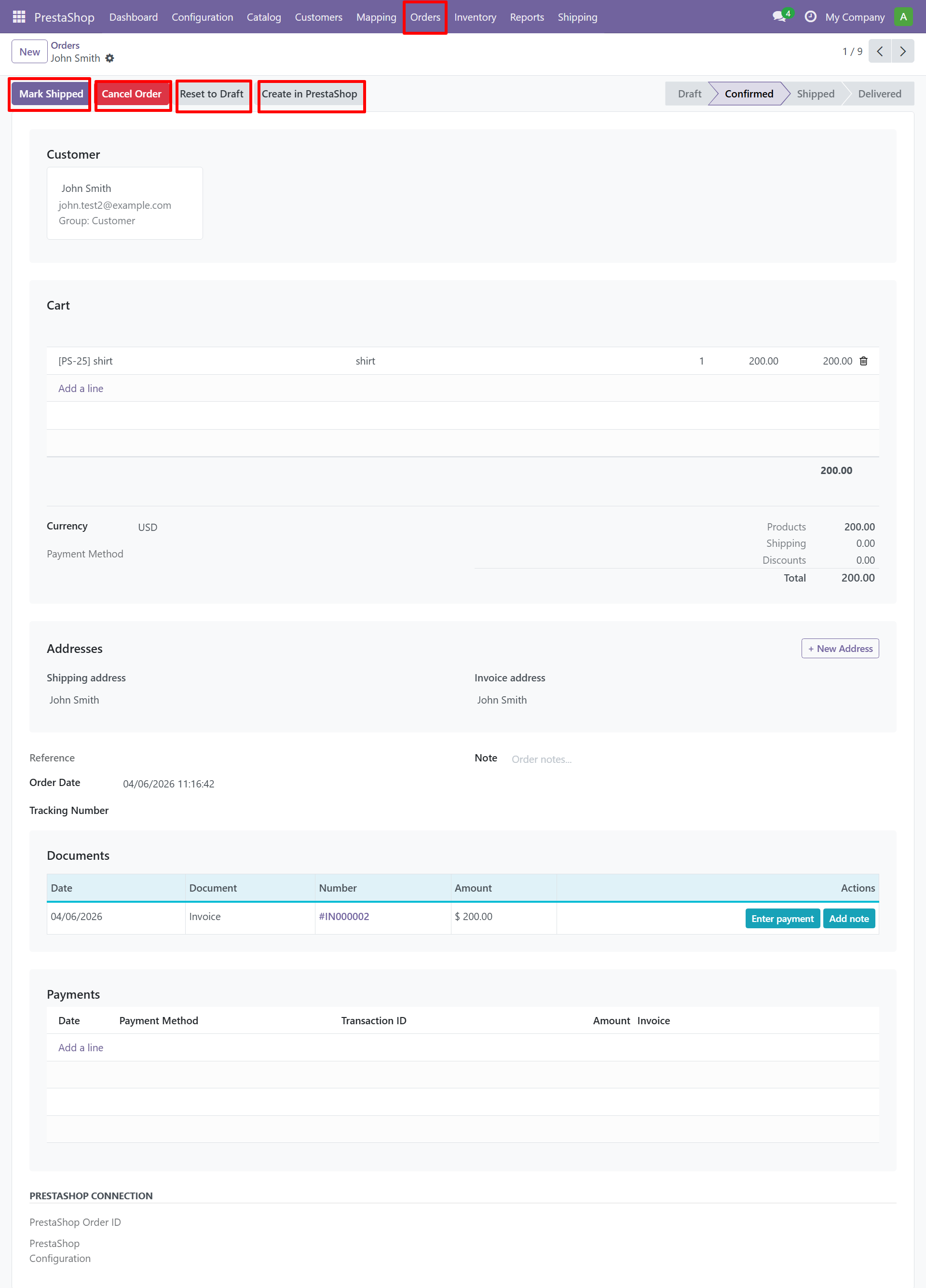
| Button | Action |
|---|---|
| Draft | Order is in draft state |
| Create in PrestaShop | Push the order to PrestaShop |
| Send Invoice | Generate and send invoice |
| Shipped | Mark as shipped with tracking number |
| Delivered | Mark as delivered |
Step 5 - Order Shipped
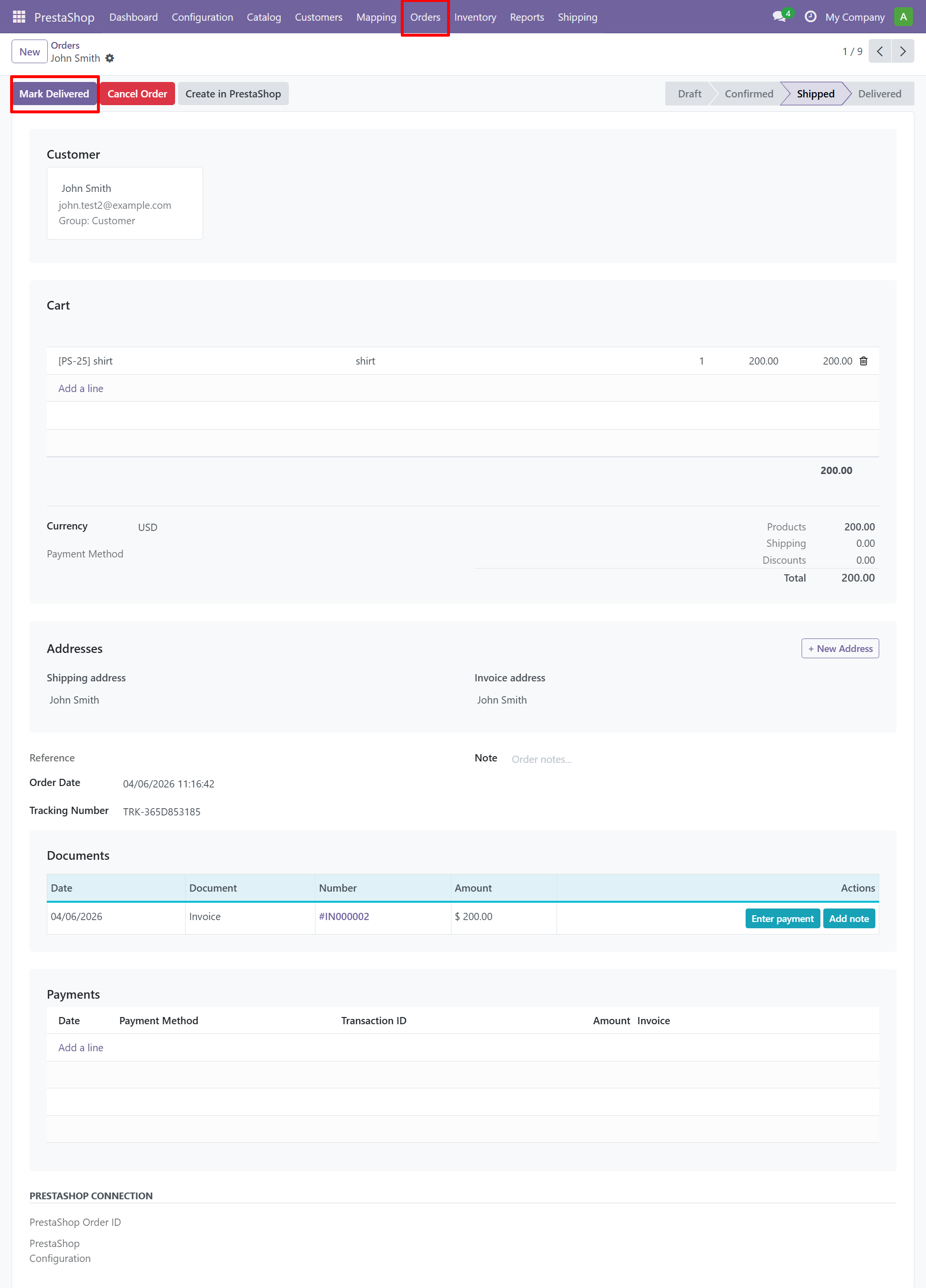
Step 6 - Order Delivered
Cancelled Orders
Related Documents
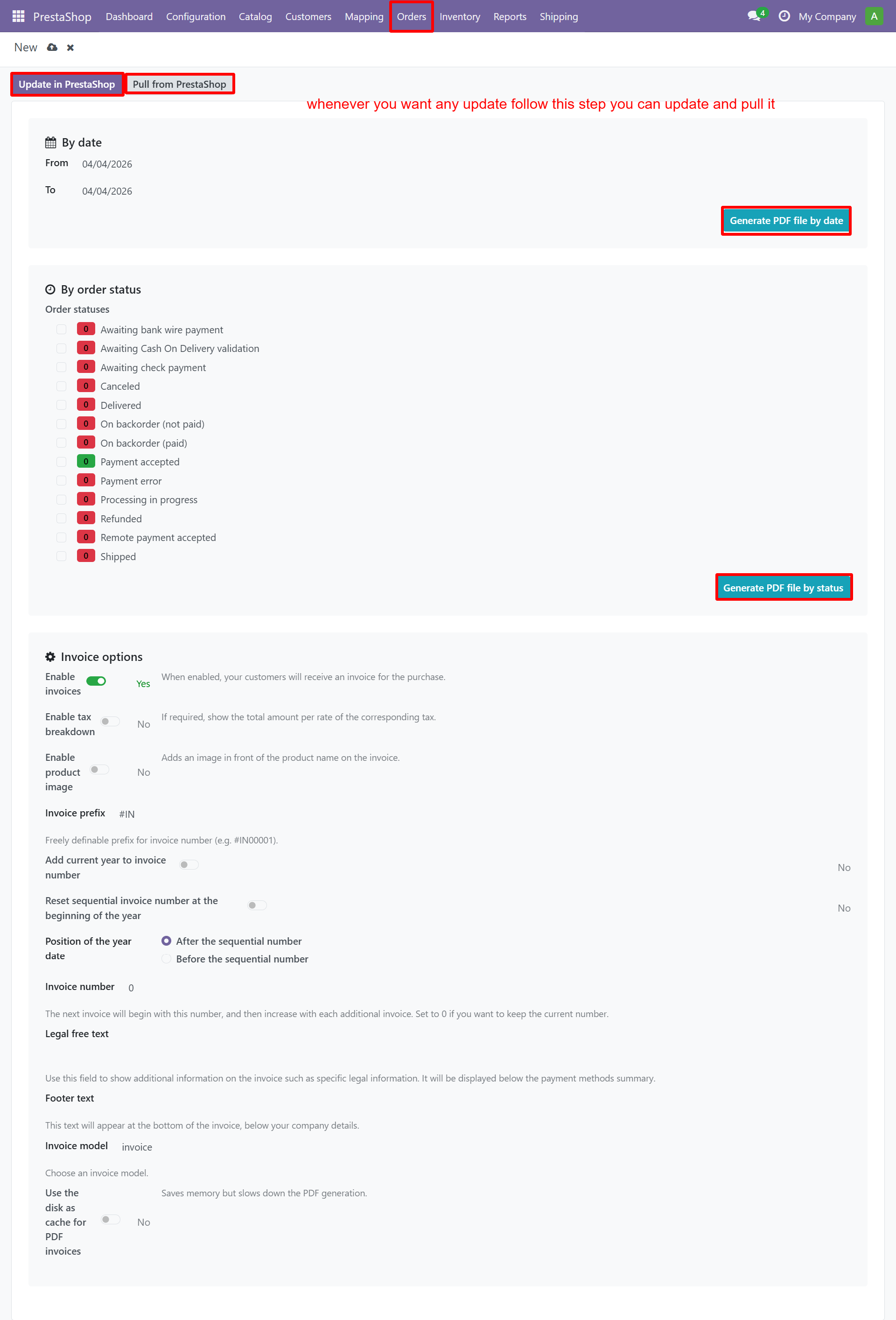
Invoices
Configure invoice settings, prefixes, and numbering:
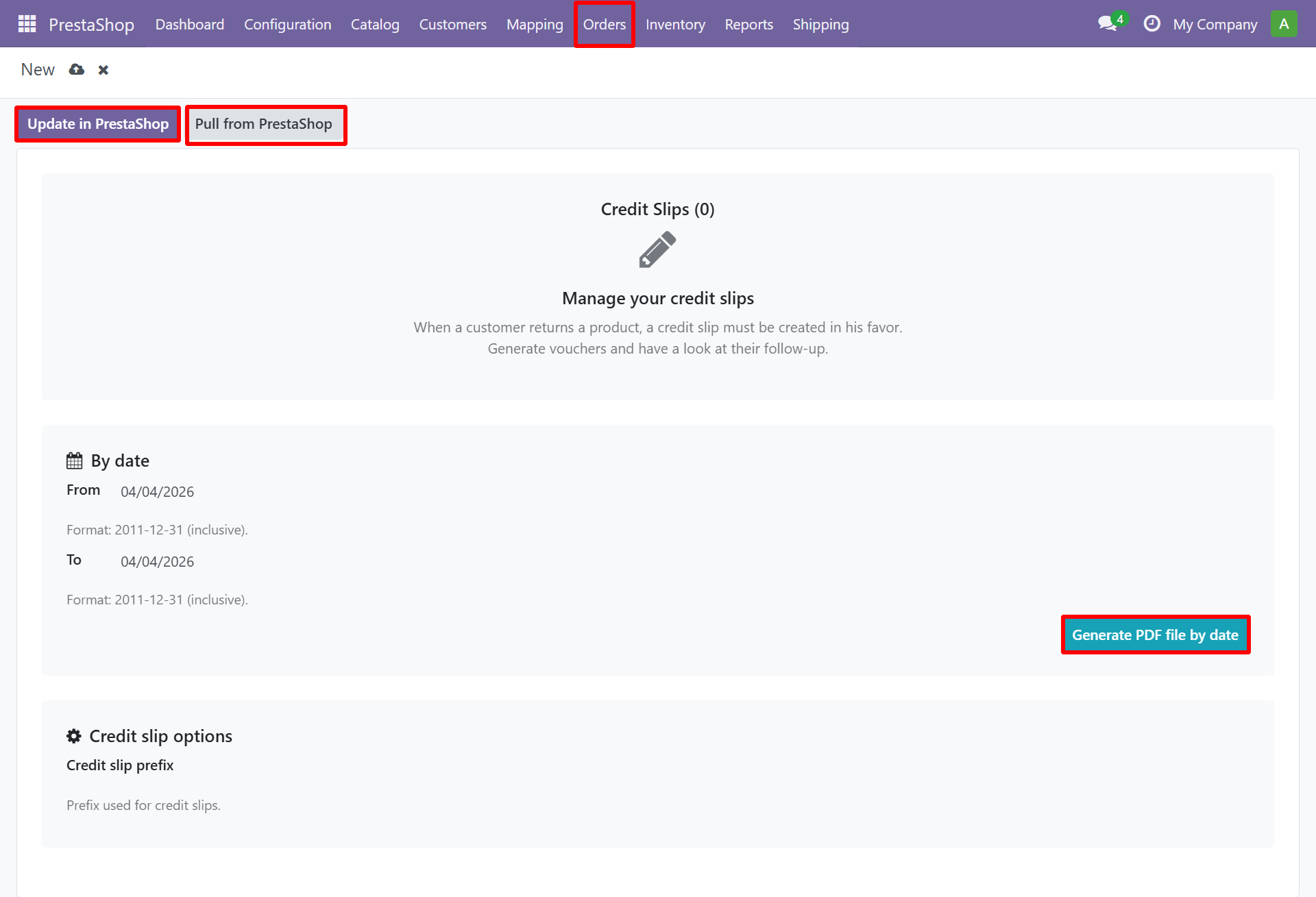
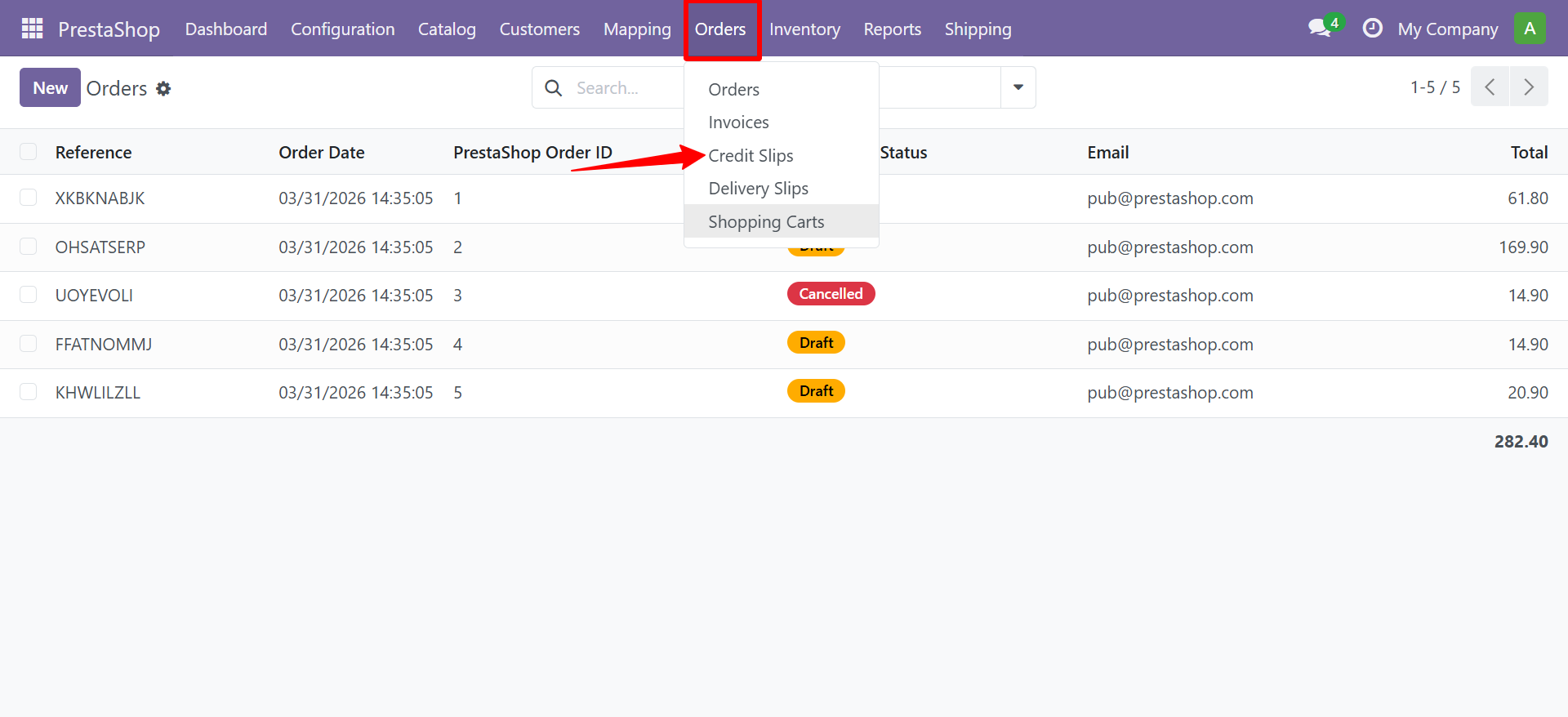
Credit Slips
Manage refund document settings:
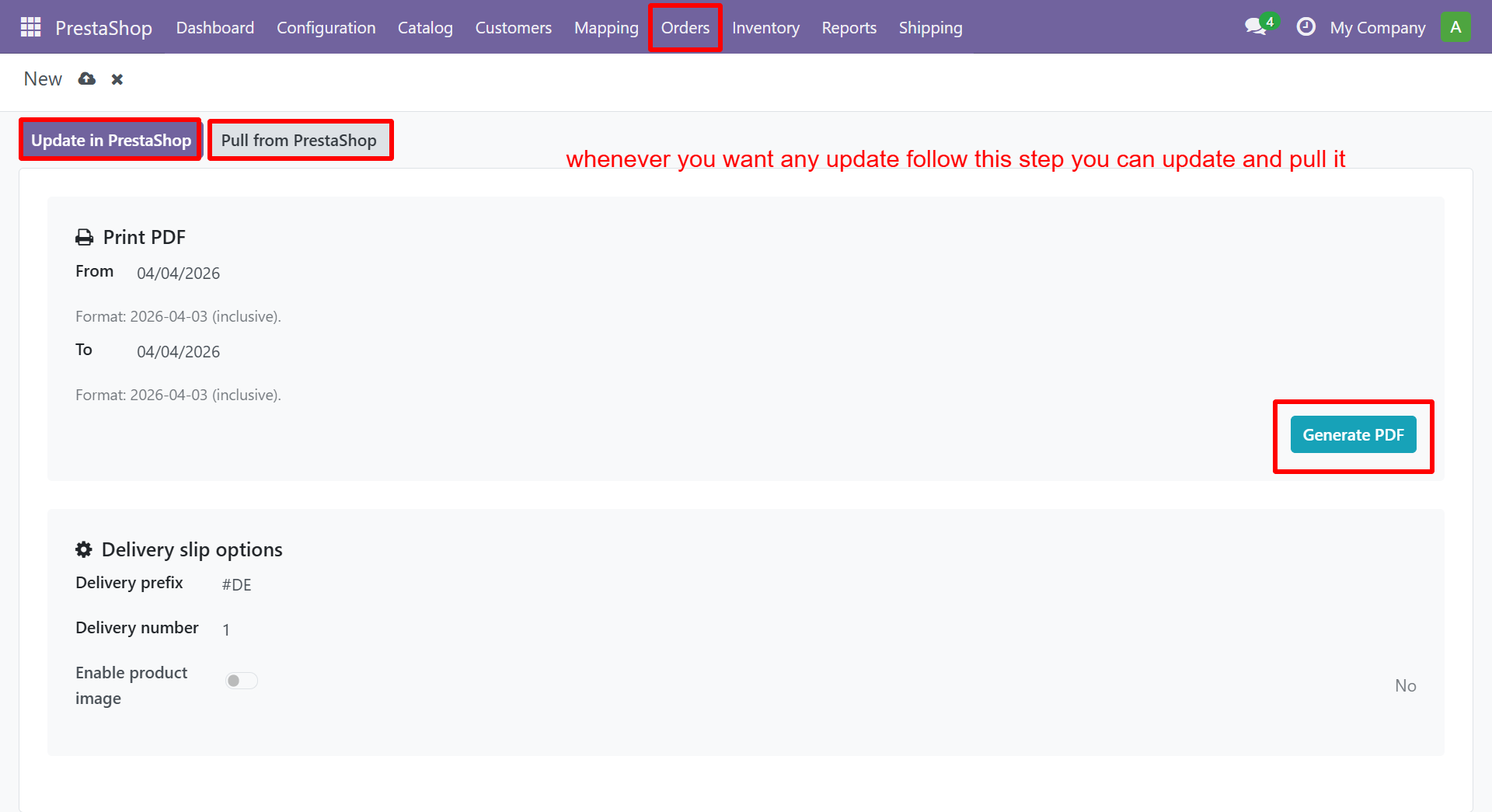
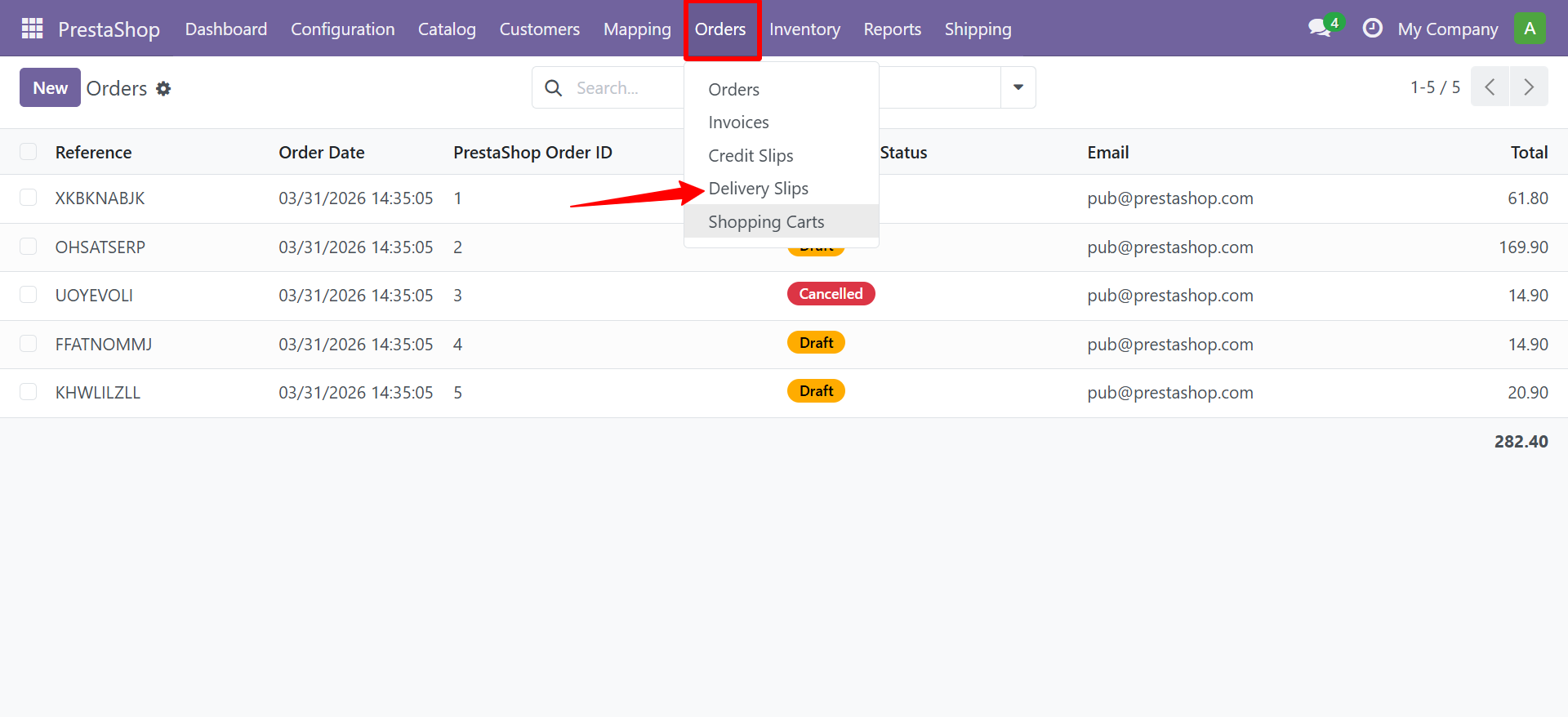
Delivery Slips
Configure delivery document settings and default carrier:
Shopping Carts
View abandoned and ordered carts:
Need Help?
Contact SDLC Corp at sdlccorp.com/contact-us