Product Configuration
Overview
Product configuration controls how the connector translates a Shopify product into an Odoo product (and vice-versa). Before you run a full product import, spend a few minutes here to make sure the mapping matches your Odoo data model.
You can configure attribute mapping (variants), category mapping (Shopify collections ↔ Odoo categories), and per-field sync behaviour for the product master.
Configure how products sync between Shopify and Odoo.
Product Sync Settings
Navigate to Shopify → Configuration → Product Settings:
| Setting | Description |
|---|---|
| Create Variants | Auto-create Odoo product variants from Shopify options |
| Sync Images | Import product images from Shopify |
| Price List | Odoo price list to use for Shopify prices |
| Product Template | Default template for new products |
| Published State | Only sync published products |
Categories
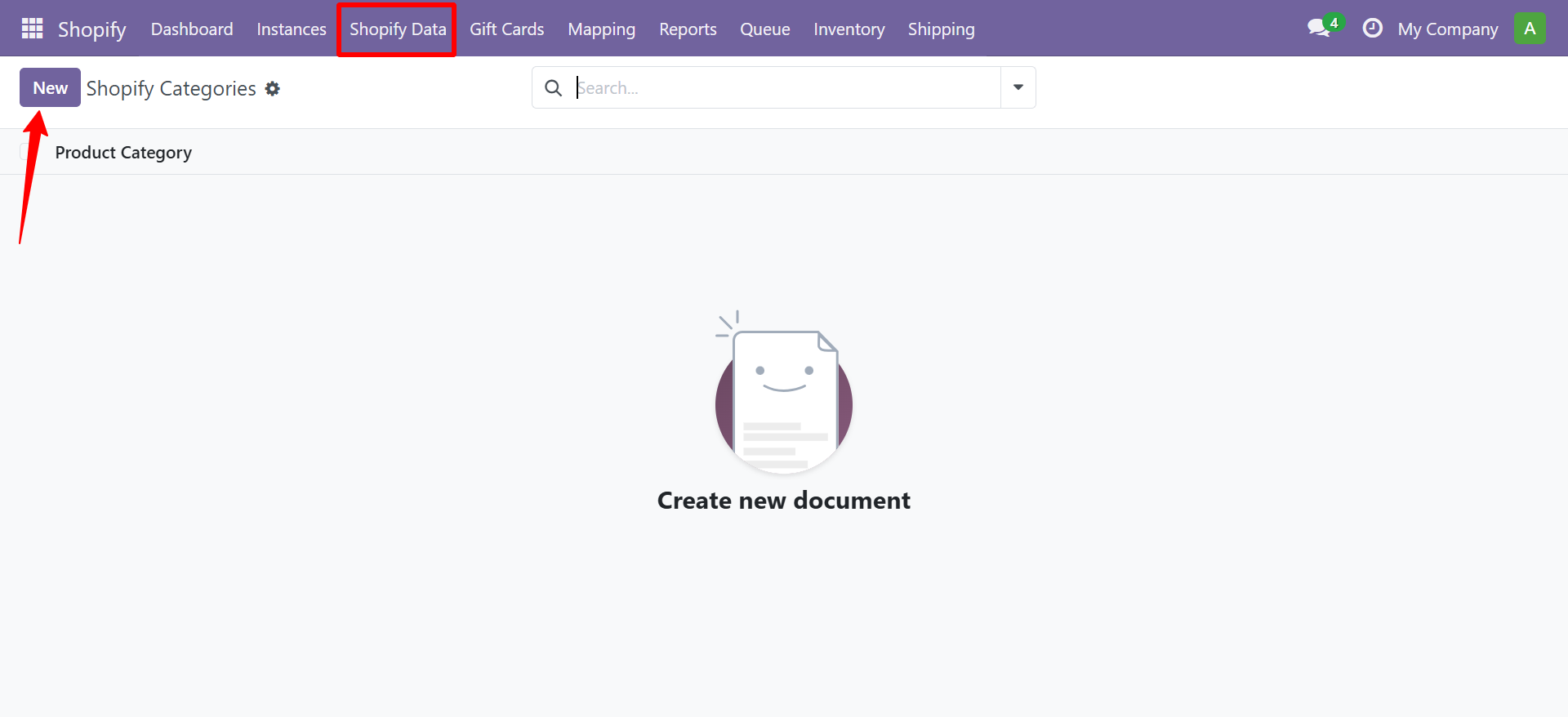
You can manage Shopify product categories from Shopify → Shopify Data → Categories.
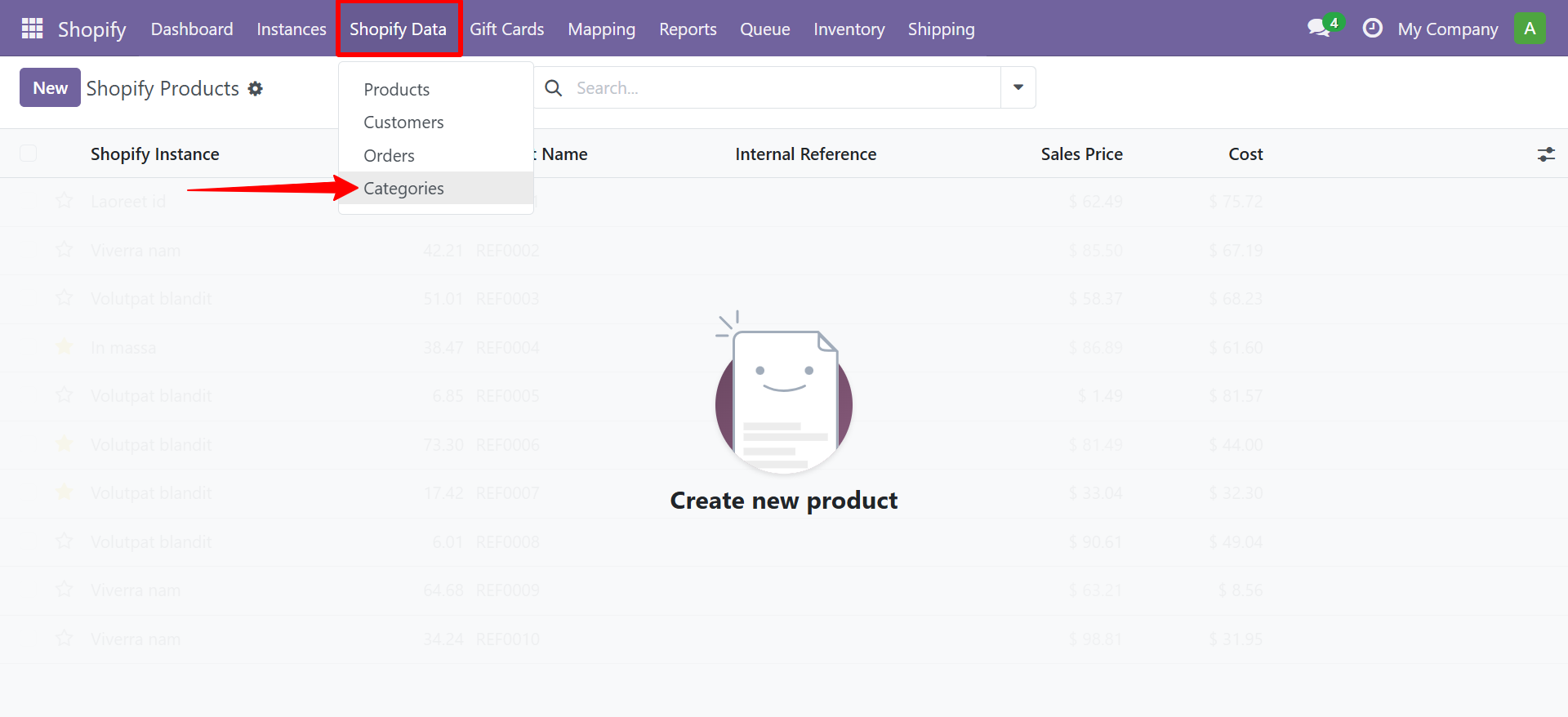
The categories list view shows all synced product categories.
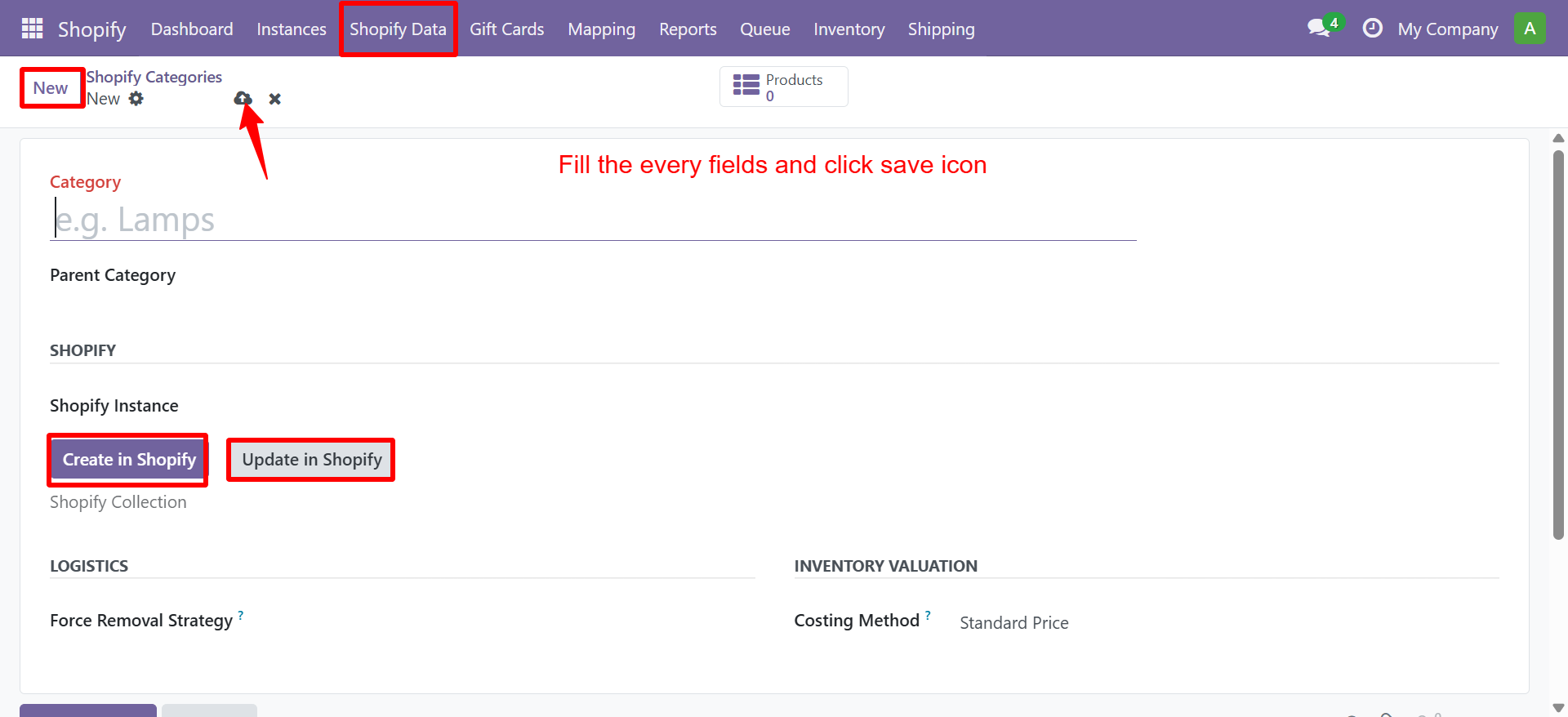
To create or update a category, open the category form and use the Create in Shopify or Update in Shopify buttons.
Category Mapping
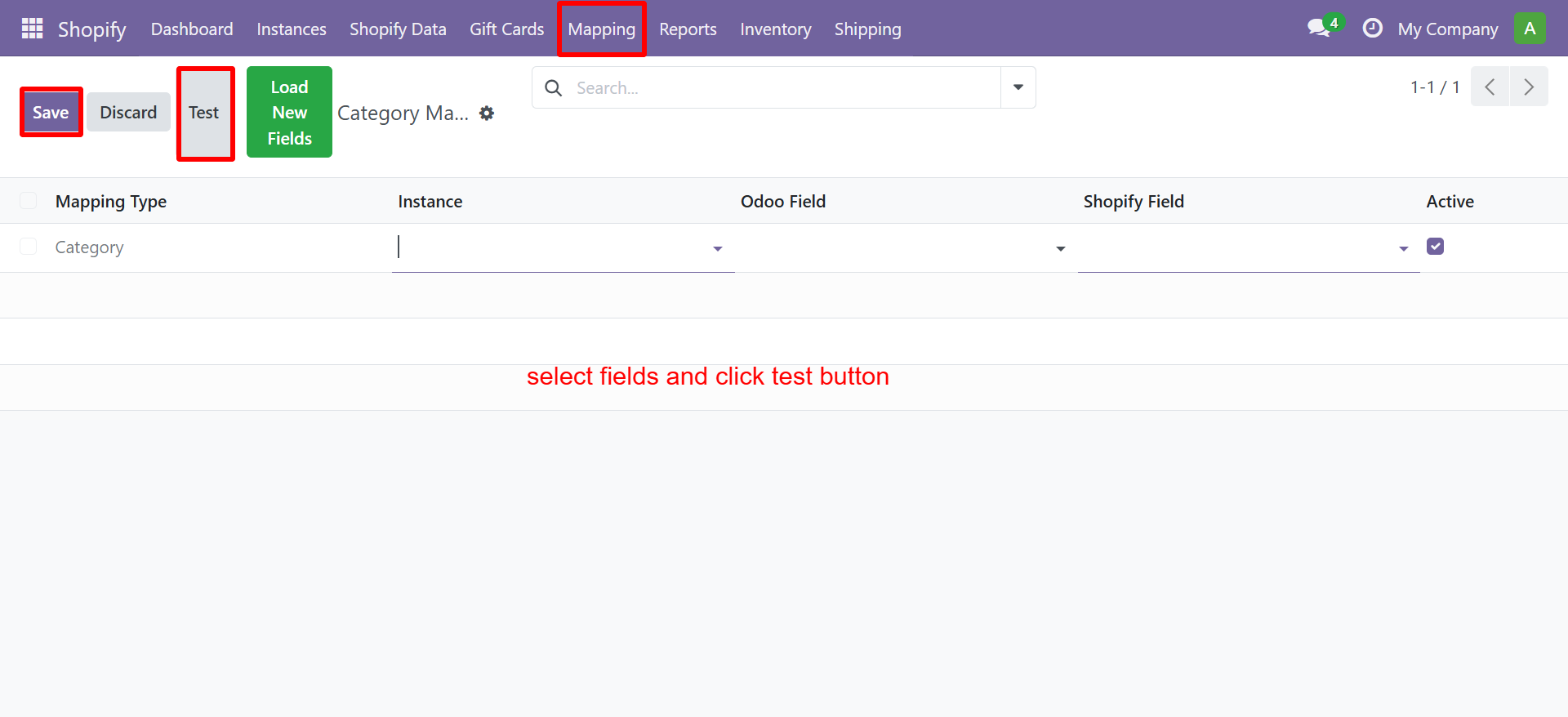
Navigate to Shopify → Mapping → Category Mapping to map category fields between Odoo and Shopify.
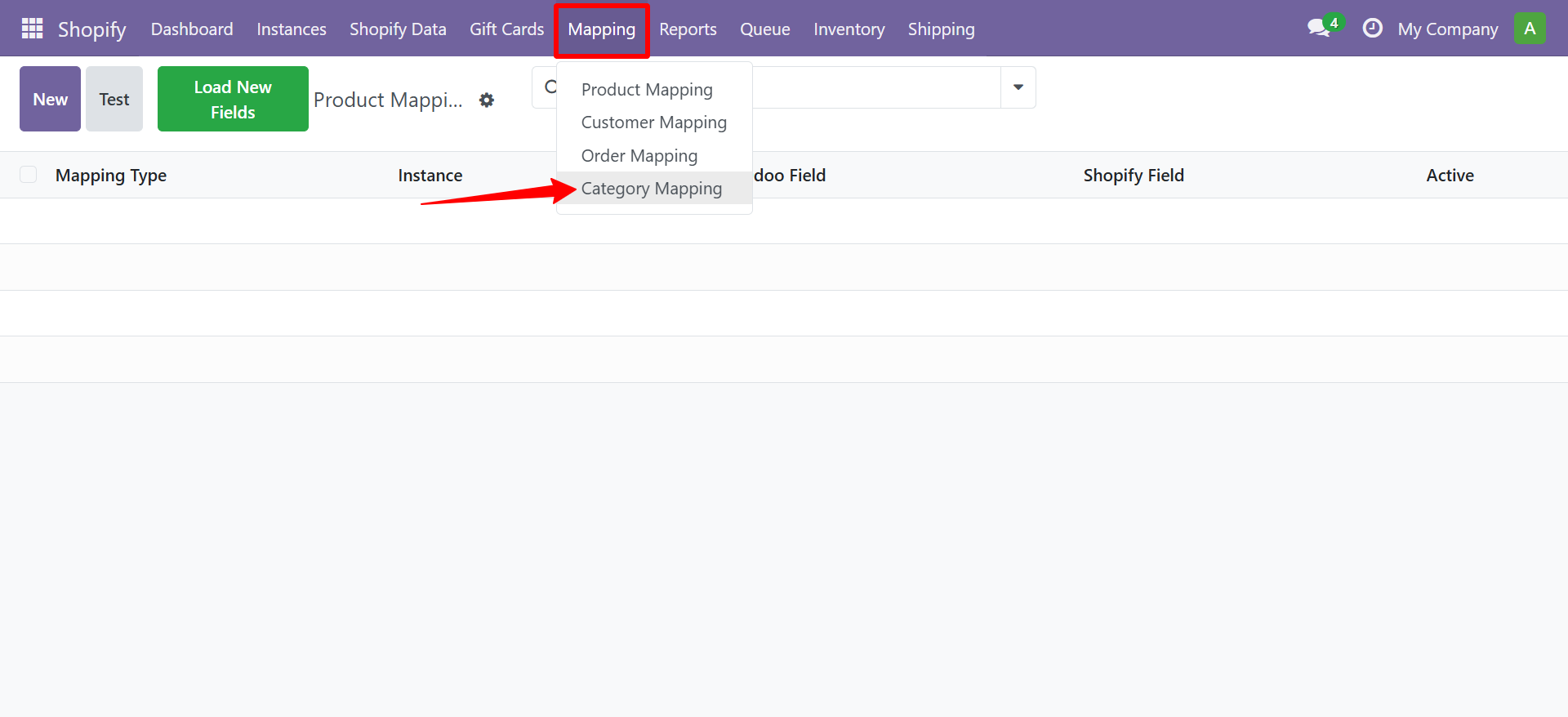
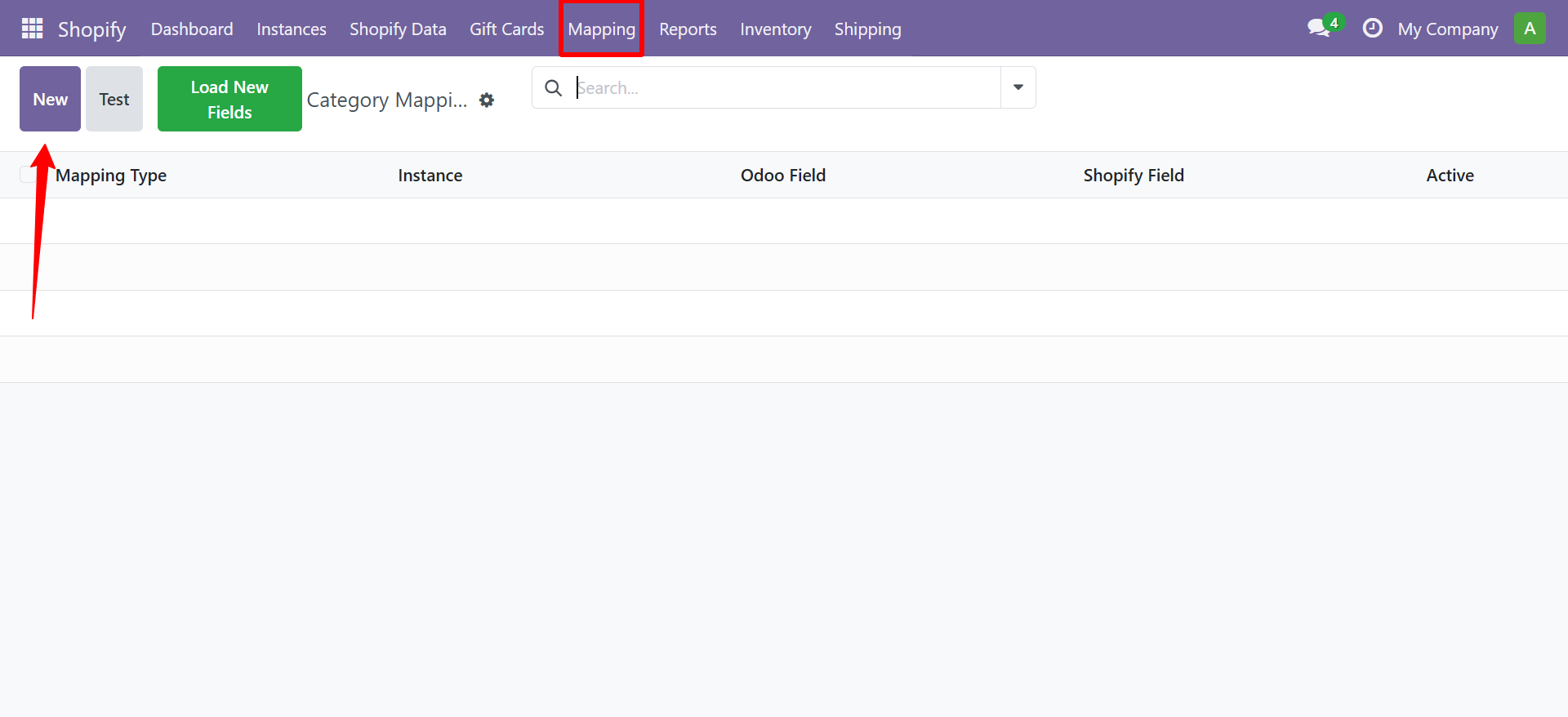
To create a new mapping, click New, fill in the fields, and click Test to verify.
Attribute Mapping
Map Shopify product options (Color, Size, etc.) to Odoo product attributes:
- Go to Shopify → Configuration → Attribute Mapping
- Click New
- Set the Shopify Attribute Name and matching Odoo Attribute
- Save
Contact SDLC Corp at sdlccorp.com/contact-us or email sales@sdlccorp.com