Import Unshipped Orders
Bulk catch-up only
Scheduled order import handles new unshipped orders automatically every few minutes. This manual action is for bulk catch-up - onboarding your existing open backlog the first time you connect Shopify, or recovering after a sync outage that lasted longer than your usual schedule.
Overview
This action pulls every Shopify order that hasn't yet been fully fulfilled - paid-but-not-shipped, unpaid, on-hold, partially shipped - into Odoo as confirmed sale orders. Use it to onboard your existing open backlog the first time you connect Shopify, or to recover after a sync outage.
For day-to-day, scheduled order import handles new orders automatically. This manual action is for bulk catch-up.
Import all open, unpaid or unshipped orders from Shopify.
Steps
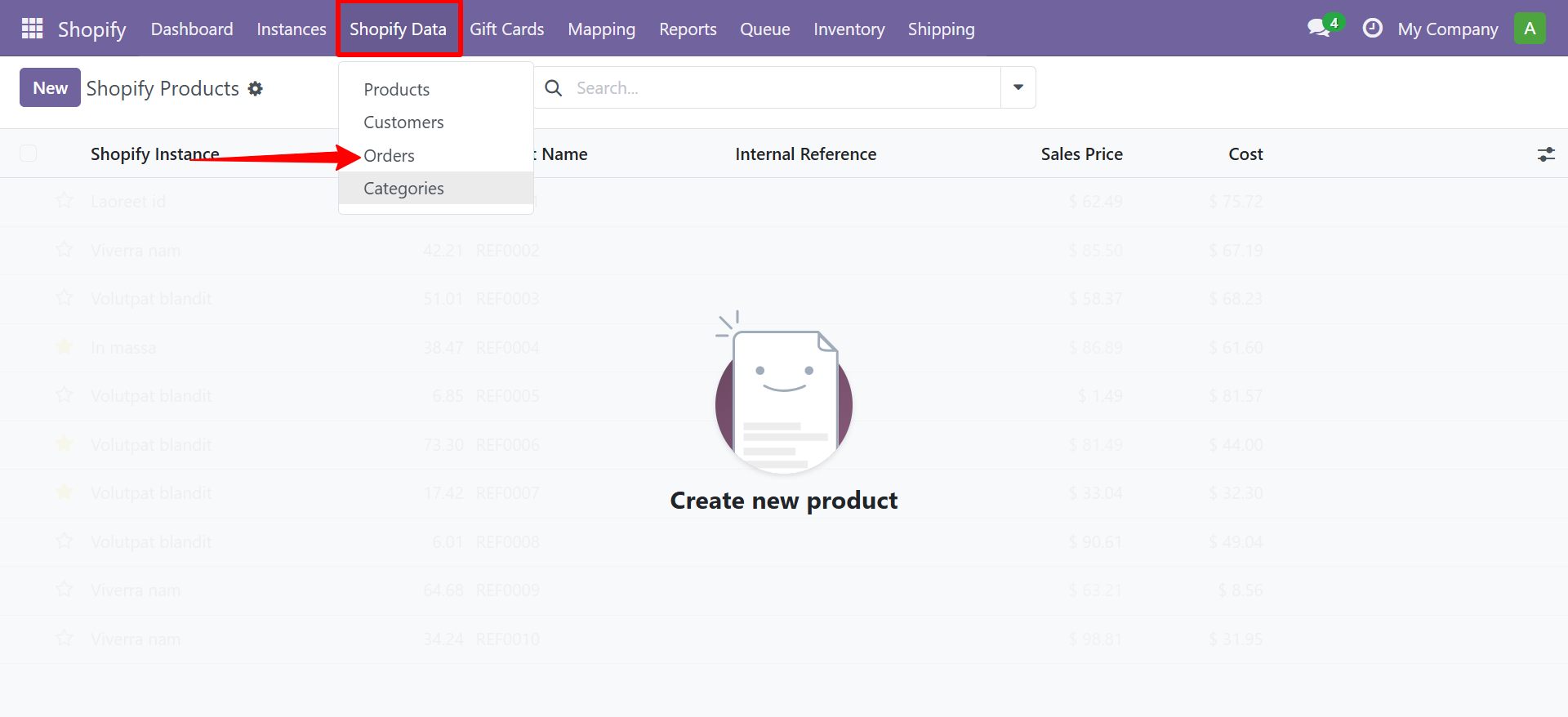
- Navigate to Shopify → Shopify Data → Orders
- The orders list view displays all synced Shopify orders.
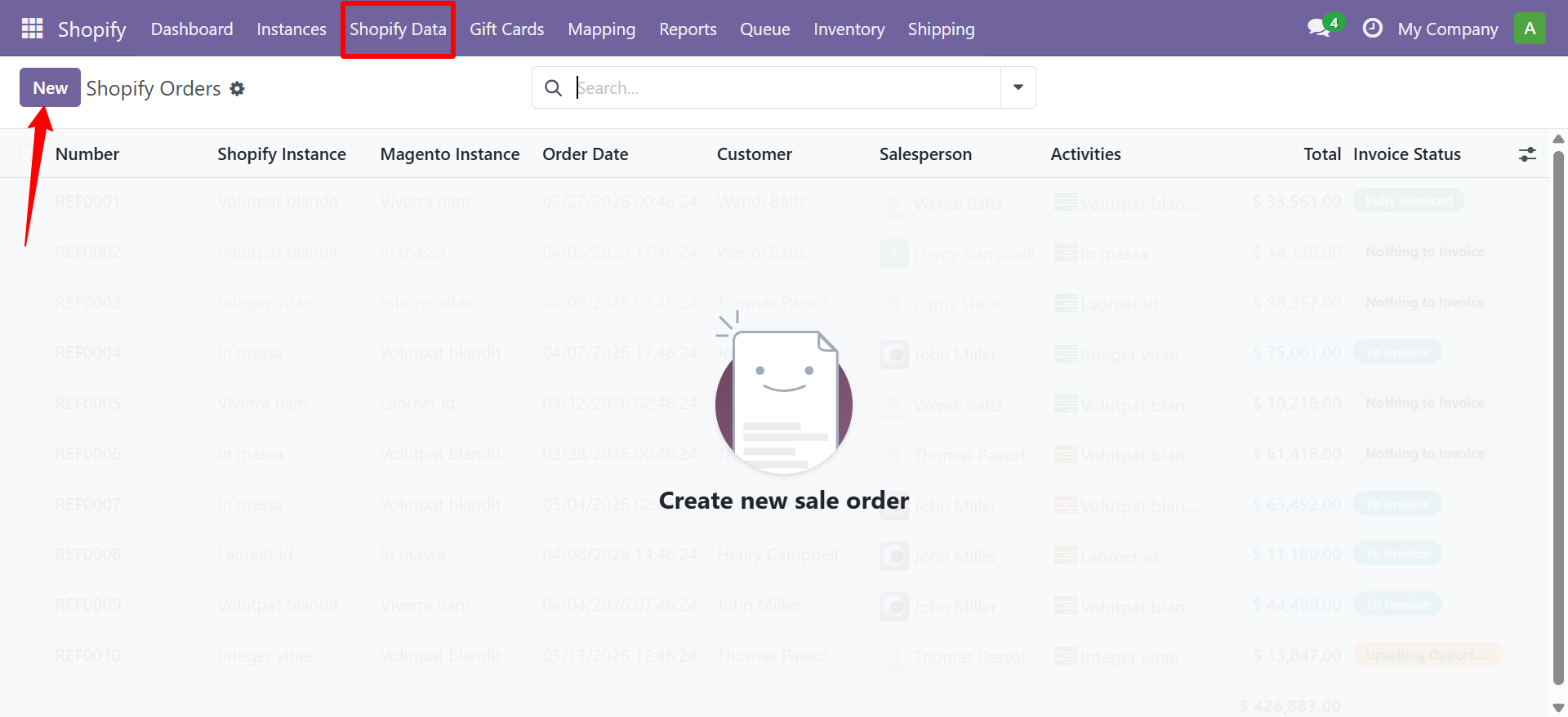
- Select your Shopify Instance
- Set the From Date (or leave empty for all)
- Click Import
Contact SDLC Corp at sdlccorp.com/contact-us or email sales@sdlccorp.com
Related
- Auto-Scheduler - scheduled order import handles new orders going forward.
- Order Configuration - set filters, status mapping and customer behaviour.
- Auto-Workflow - automate post-import processing (confirm, invoice, validate).