Export Stock to Shopify
Manual vs automatic export
- Manual - one click from the connector menu, pushes immediately. Use for bulk catch-up after restocks or after a sync outage.
- Automatic - runs on a configurable cron. Use for steady-state production. Configure the cadence under Auto-Scheduler.
Overview
Exporting stock pushes Odoo's current inventory back to Shopify so customers see the right "in stock" numbers. Use this when Odoo is your source of truth for stock and Shopify needs to follow.
Manual vs. automatic
- Manual - one click from the connector menu, pushes immediately. Use for bulk catch-up.
- Automatic - runs on a cron schedule (configurable). Use for steady-state production.
Push current Odoo inventory levels to Shopify.
Manual Export
You can view inventory status from the Shopify → Inventory menu.
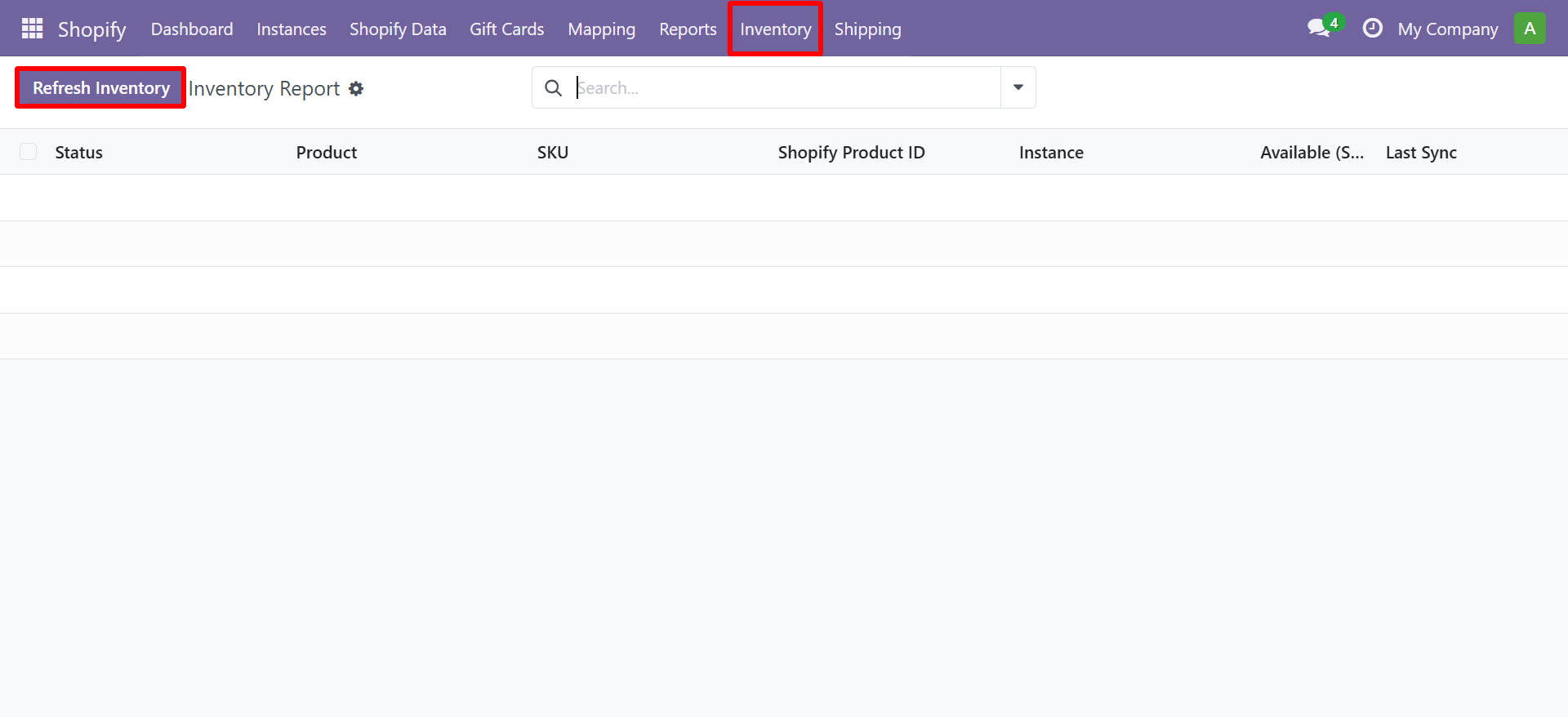
- Navigate to Shopify → Products → Export Stock
- Select your Shopify Instance
- Select the Warehouse or Location
- Click Export
Automatic Export
Enable the Export Stock Scheduler in your cron settings for automatic periodic export.
Need Help?
Contact SDLC Corp at sdlccorp.com/contact-us or email sales@sdlccorp.com
Related
- Import Stock - the opposite direction (Shopify → Odoo).
- Stock Information - pick which direction is the source of truth.
- Auto-Scheduler - set the cadence for automatic stock exports.