Shopify Net Profit Report
What the report computes
The Net Profit report joins Shopify revenue with cost data already in Odoo and subtracts Shopify-side costs (fees, refunds, adjustments):
net_profit = revenue
           − product_cost            (from Odoo's standard / average cost)
           − shopify_fees            (from imported payouts)
           − refunds_and_adjustments (from imported orders / payouts)
Sort the result by product, period or order to find your real margin contributors - not just the top sellers.
Overview
The Net Profit report joins Shopify order revenue with the cost data already in Odoo (product cost, Shopify fees, refunds, adjustments) so you can see real margin per order, per product or per period - without exporting to a spreadsheet.
It's the report most stores want once they've finished onboarding: not "how much did I sell" but "how much did I keep".
Analyze profitability of your Shopify sales directly in Odoo.
Accessing the Report
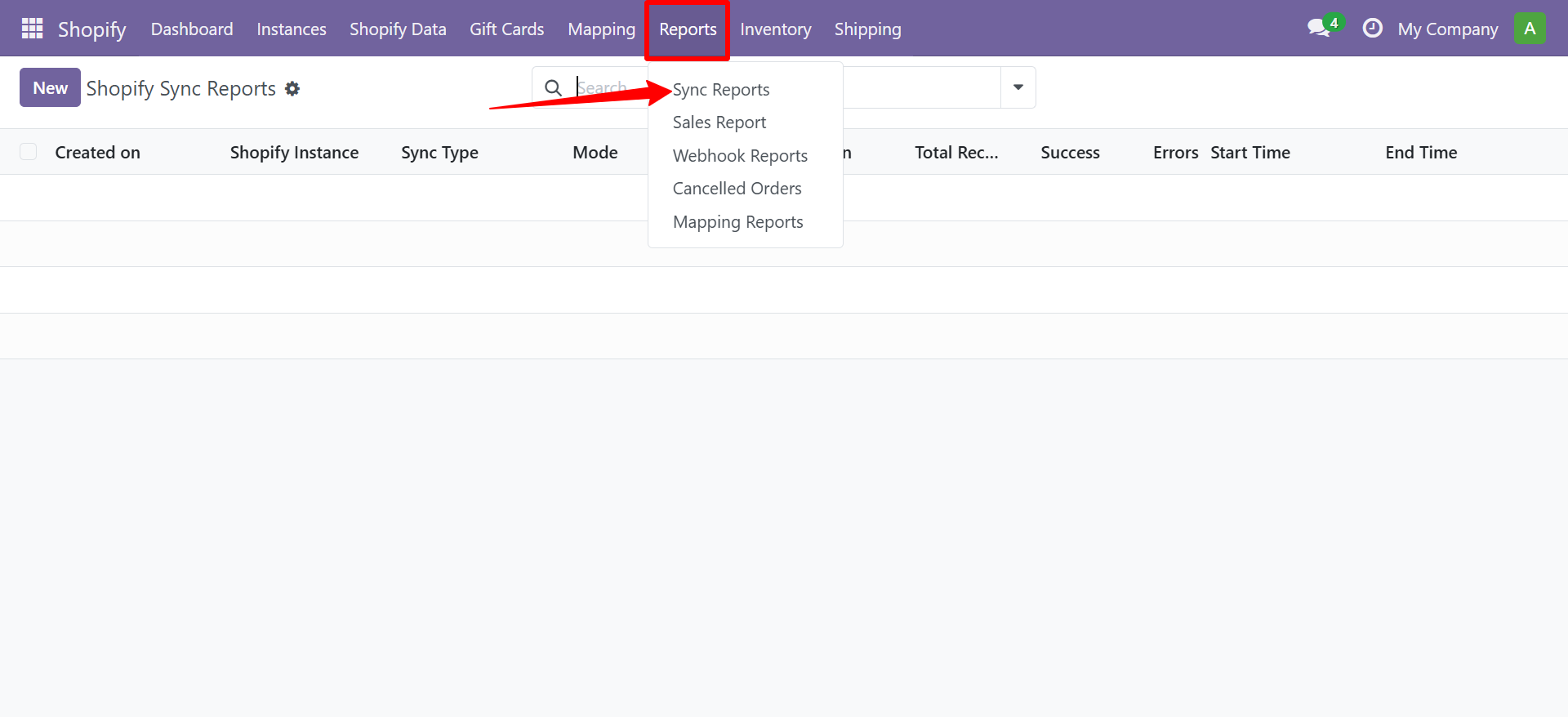
Navigate to Shopify → Reports → Sync Reports to view synchronization activity.
Report Breakdown
| Column | Description |
|---|---|
| Revenue | Total Shopify sales (ex. tax) |
| COGS | Cost of goods sold from Odoo products |
| Gross Profit | Revenue minus COGS |
| Shopify Fees | Transaction and processing fees |
| Net Profit | Final profit after all deductions |
Contact SDLC Corp at sdlccorp.com/contact-us or email sales@sdlccorp.com
Related
- Sales Report - top-line revenue without the cost side.
- Shopify Payouts - the source of Shopify-side fees that feed Net Profit.
- Order Configuration - make sure imported orders carry the costs Net Profit relies on.