Invoices, Shipments & Credit Memos
The Magento 2 Connector synchronizes invoices, shipments, and credit memos between Odoo and Magento, ensuring your financial and fulfillment data stays consistent across both platforms.
Invoices
Accessing Invoices
Navigate to Magento > Sales > Invoices to view all Magento-synced invoices.
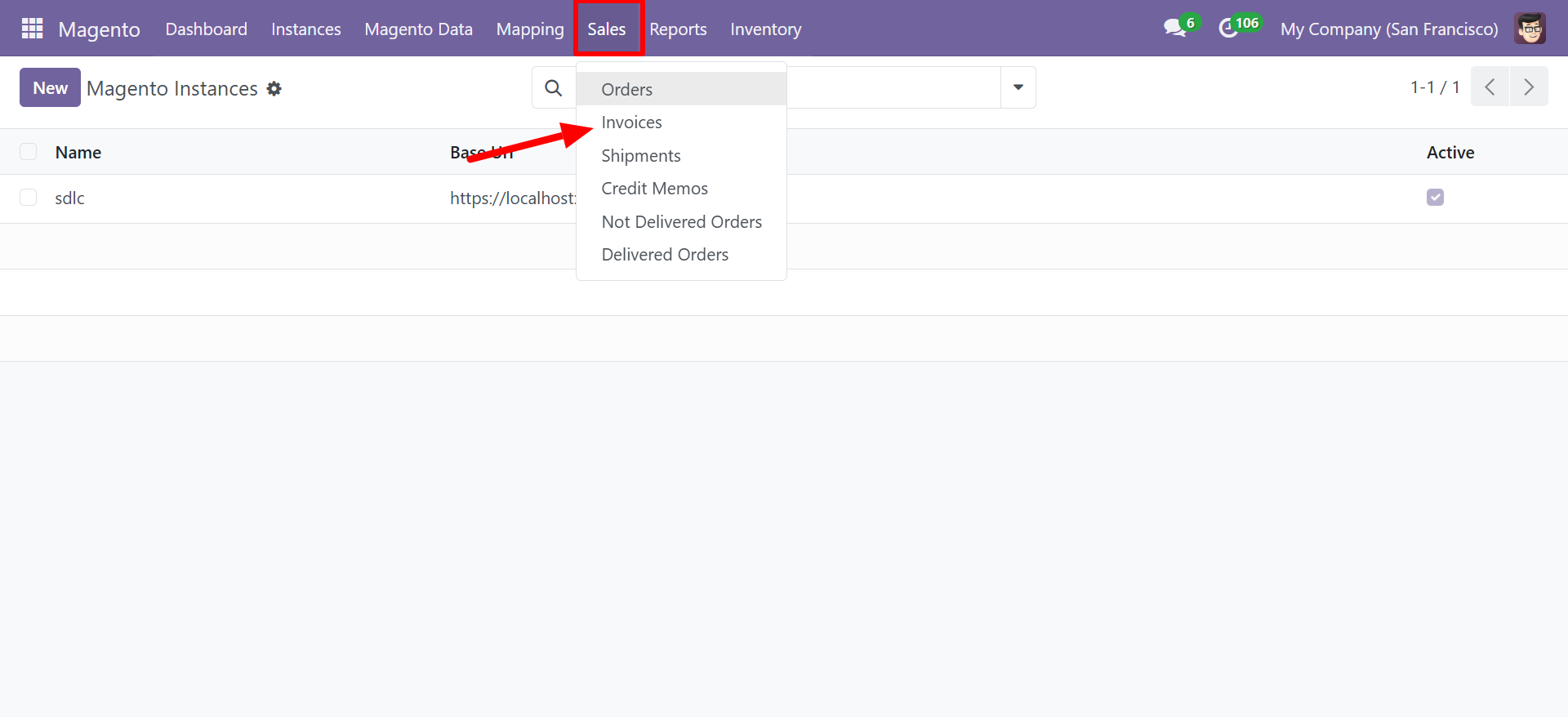
Invoice List View
The invoice list displays all synchronized invoices:
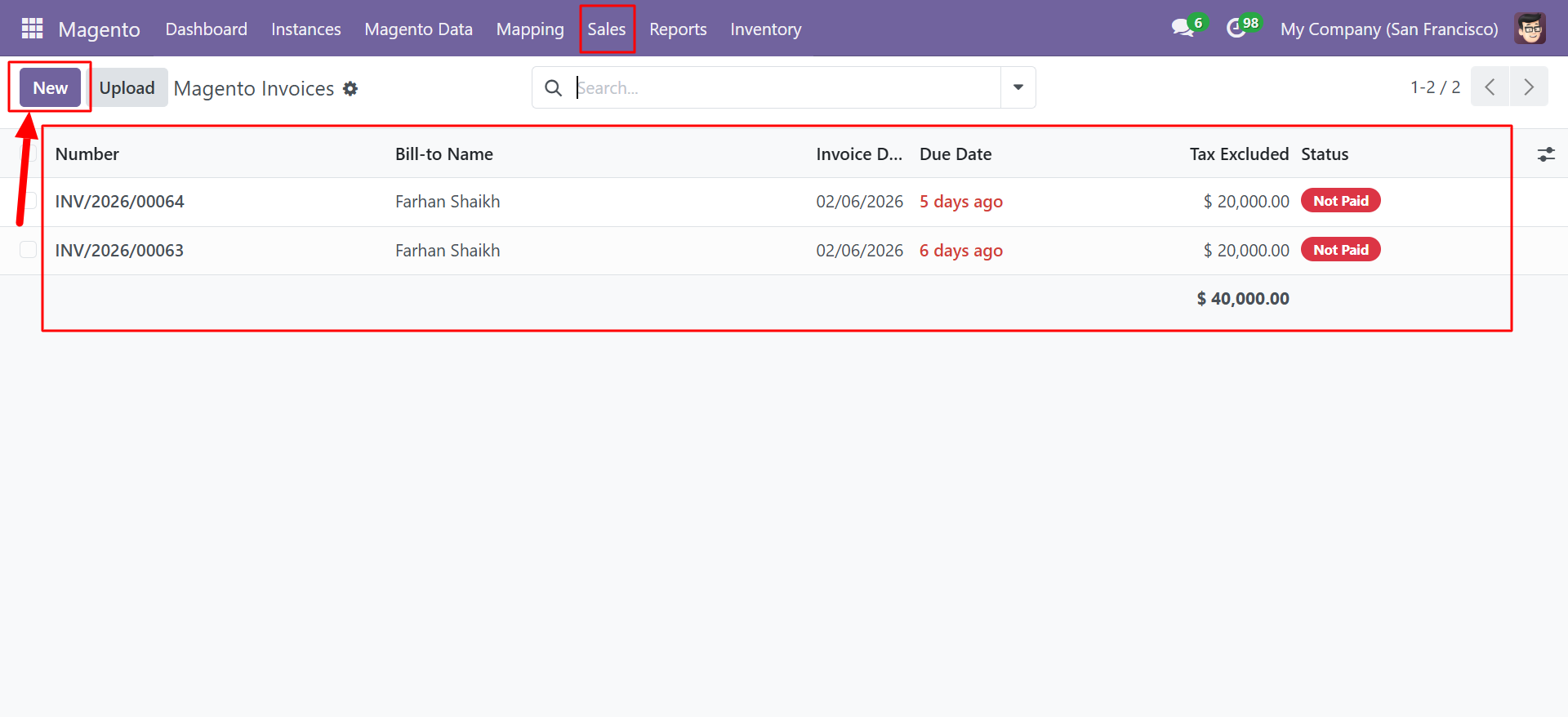
| Column | Description |
|---|---|
| Number | Odoo invoice reference (e.g., INV/2026/00064) |
| Bill-to Name | Customer name on the invoice |
| Invoice Date | Date the invoice was created |
| Due Date | Payment due date |
| Tax Excluded | Invoice total excluding tax |
| Status | Invoice status (Not Paid, Paid, etc.) |
Creating an Invoice
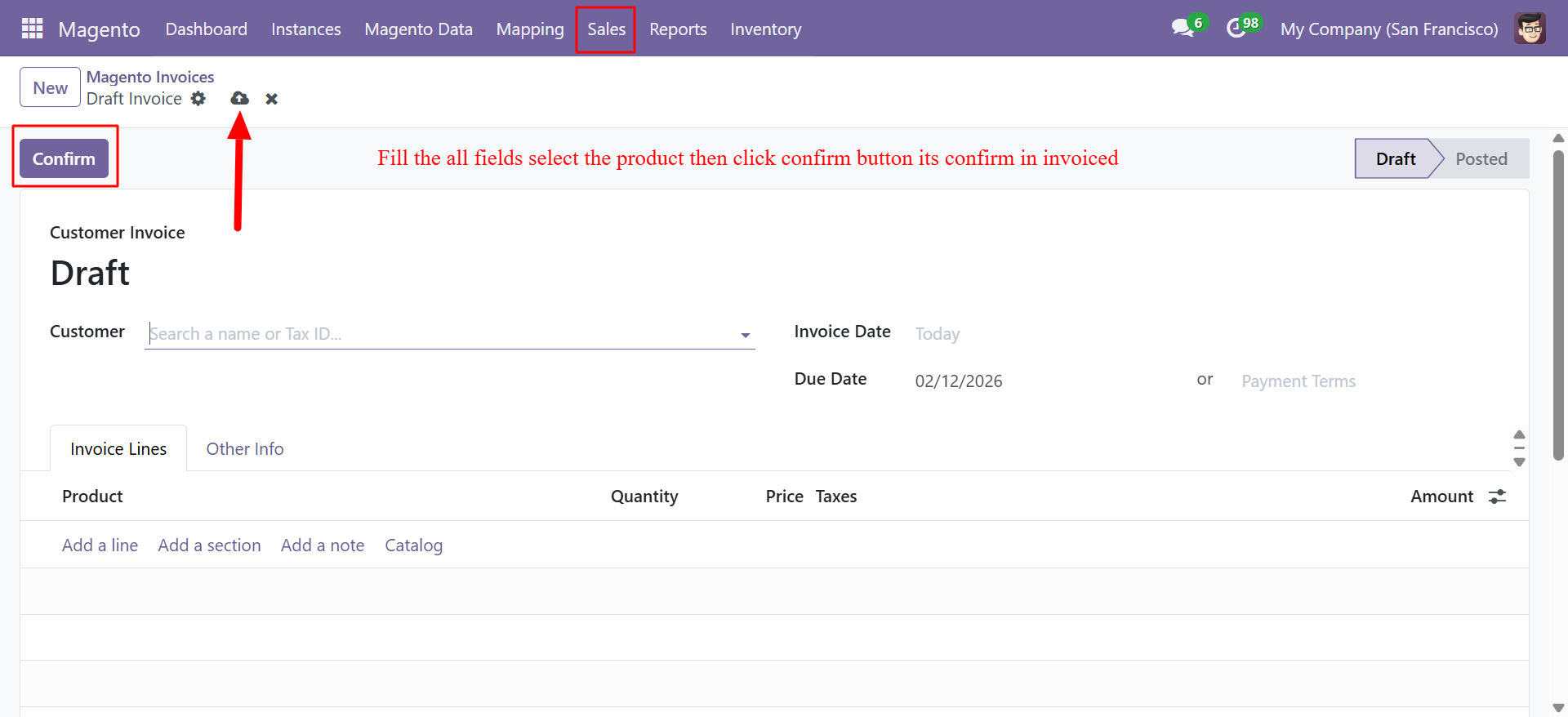
To create and sync an invoice:
- Navigate to Magento > Sales > Invoices.
- Click New to create a draft invoice.
- Select the Customer.
- Set the Invoice Date and Due Date.
- Add products to the Invoice Lines tab.
- Click Confirm to move the invoice from Draft to Posted status.
When an invoice is confirmed in Odoo and the instance is configured with Update Magento Status When Paid, the payment status is automatically pushed to Magento.
Invoice Sync Behavior
| Scenario | Behavior |
|---|---|
| Order pulled from Magento with invoice | Invoice is automatically created in Odoo |
| Invoice created in Odoo | Can be pushed to Magento via order update |
| Invoice paid in Odoo | Payment status synced to Magento (if enabled) |
| Invoice paid in Magento | Payment status synced to Odoo on next sync |
Shipments
Accessing Shipments
Navigate to Magento > Sales > Shipments to view all shipment records.
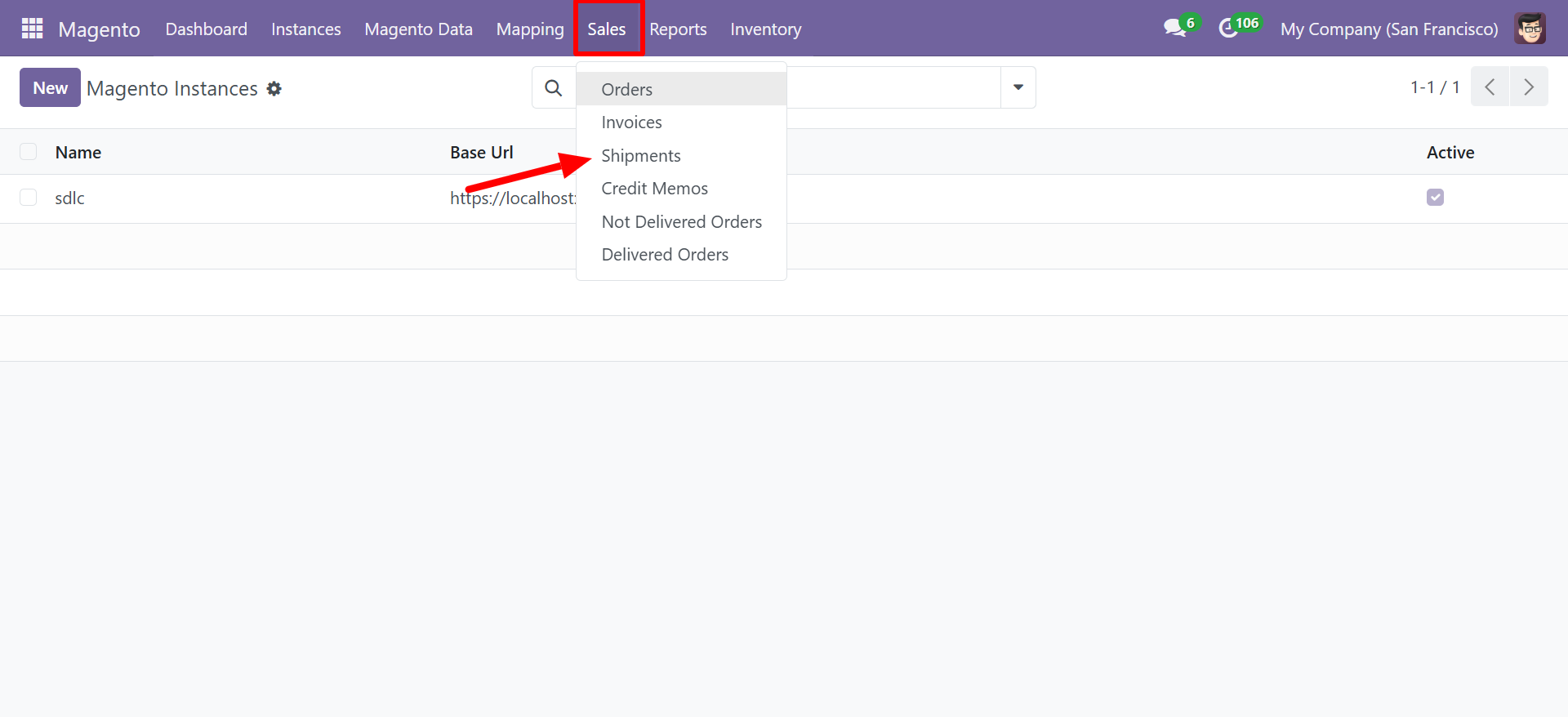
Shipment List View
The shipment list shows all synchronized shipment records:
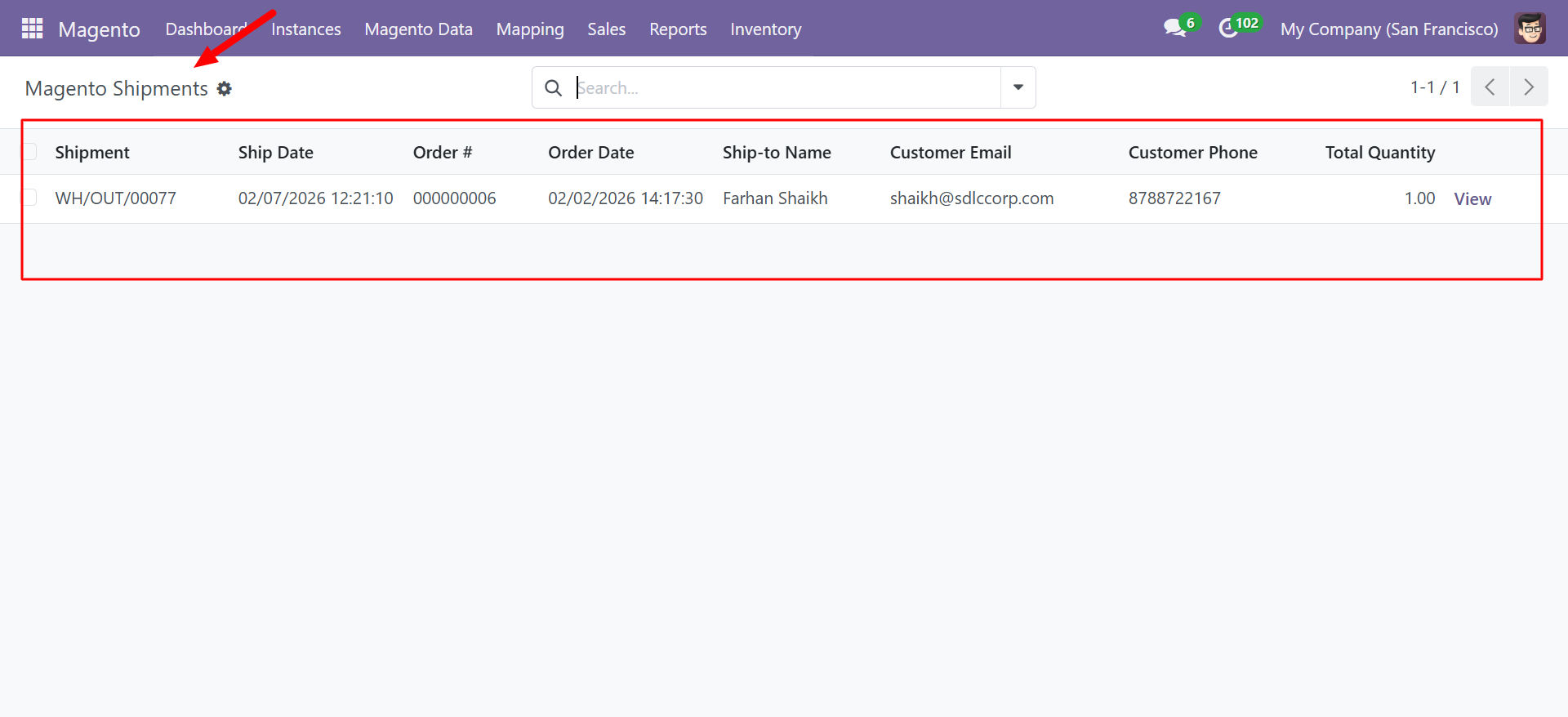
| Column | Description |
|---|---|
| Shipment | Odoo delivery reference (e.g., WH/OUT/00077) |
| Ship Date | Date and time of shipment |
| Order # | The associated Magento order ID |
| Order Date | Original order date |
| Ship-to Name | Recipient name |
| Customer Email | Customer email address |
| Customer Phone | Customer phone number |
| Total Quantity | Total number of items shipped |
| View | Link to view full shipment details |
Shipment Sync Behavior
- When an order is delivered in Odoo (delivery order validated), the shipment data is synced to Magento.
- When a shipment is created in Magento, the delivery information is pulled into Odoo on the next order sync.
- Tracking numbers and carrier information are included in the sync when available.
Ensure your Odoo warehouse is properly configured with delivery methods to enable accurate shipment tracking between systems.
Credit Memos
Accessing Credit Memos
Navigate to Magento > Sales > Credit Memos to view all credit memo records.
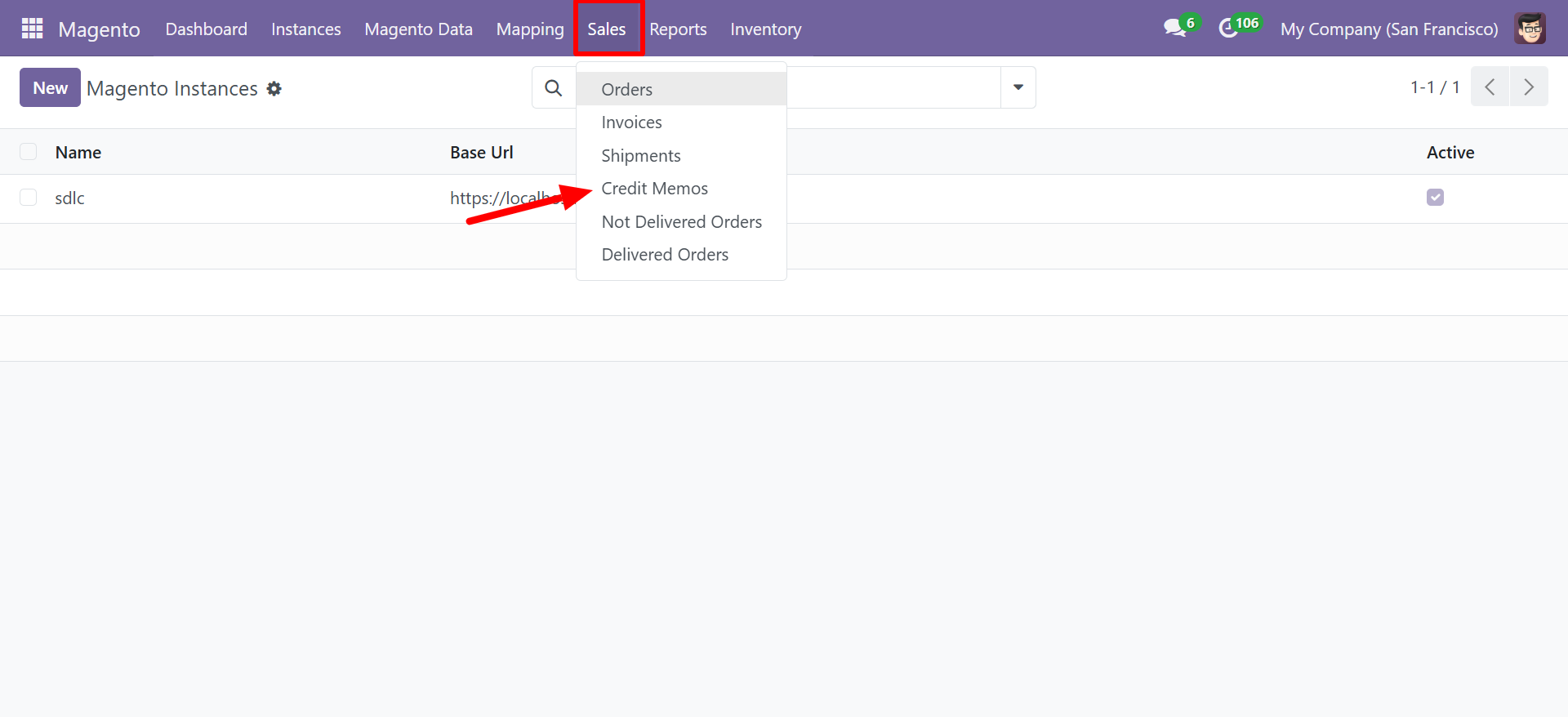
Credit Memo List View
The credit memo list displays all synchronized refund records:
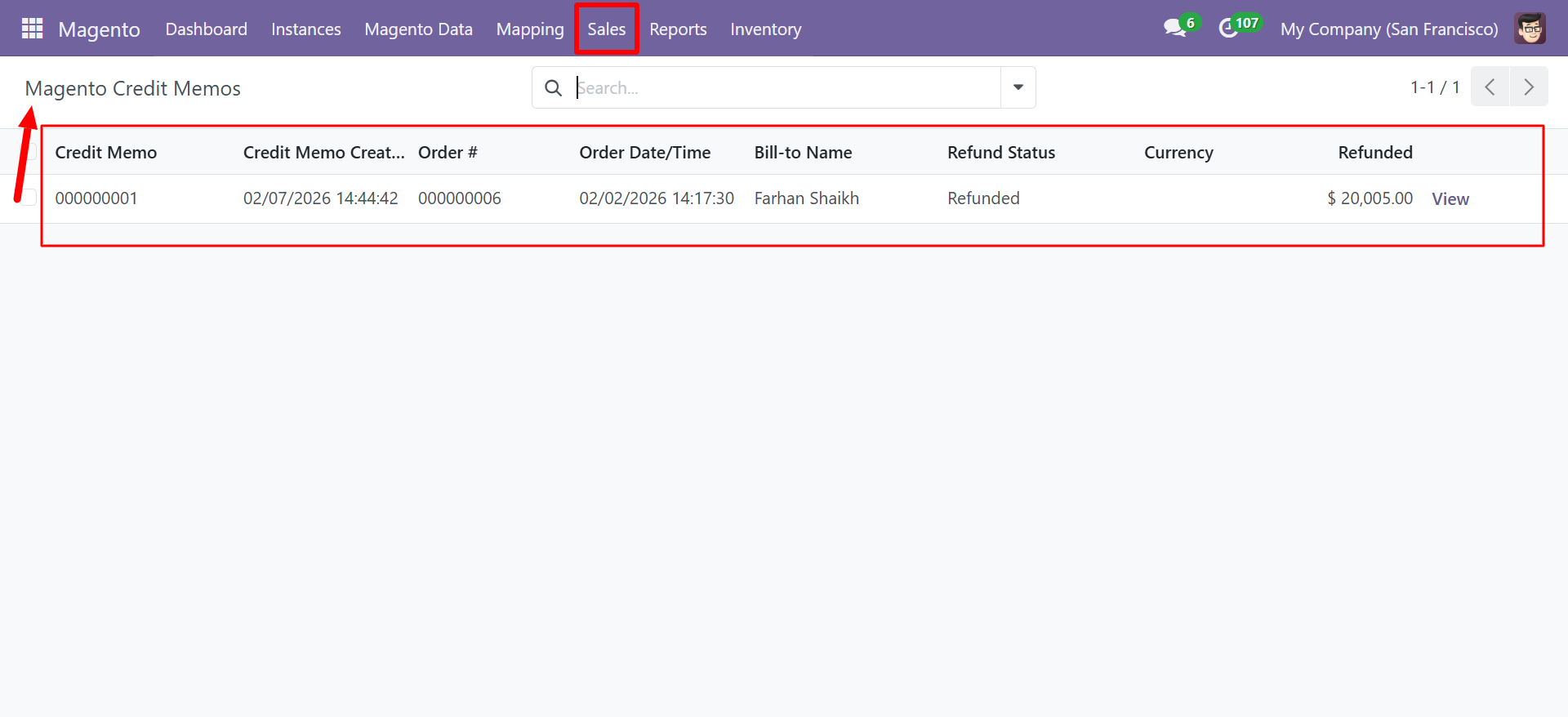
| Column | Description |
|---|---|
| Credit Memo | Magento credit memo ID (e.g., 000000001) |
| Credit Memo Created | Date and time the credit memo was created |
| Order # | The associated Magento order ID |
| Order Date/Time | Original order date and time |
| Bill-to Name | Customer name |
| Refund Status | Status of the refund (Refunded, Pending, etc.) |
| Currency | Currency of the refund |
| Refunded | Refund amount |
| View | Link to view full credit memo details |
Credit Memo Sync Behavior
- Credit memos created in Magento are automatically pulled into Odoo during order sync.
- The refund amount, associated order, and status are all synchronized.
- Corresponding credit notes can be created in Odoo's accounting module.
Credit memos affect inventory and accounting. Ensure your refund policies are consistent between Magento and Odoo to avoid discrepancies.